
This tutorial guides you through configuring analytics test execution settings in MuukTest
Go to portal.muuktest.com:5000
1. Introduction
You will learn how to navigate schedules, select dates, and adjust test result filters to customize your analytics view.
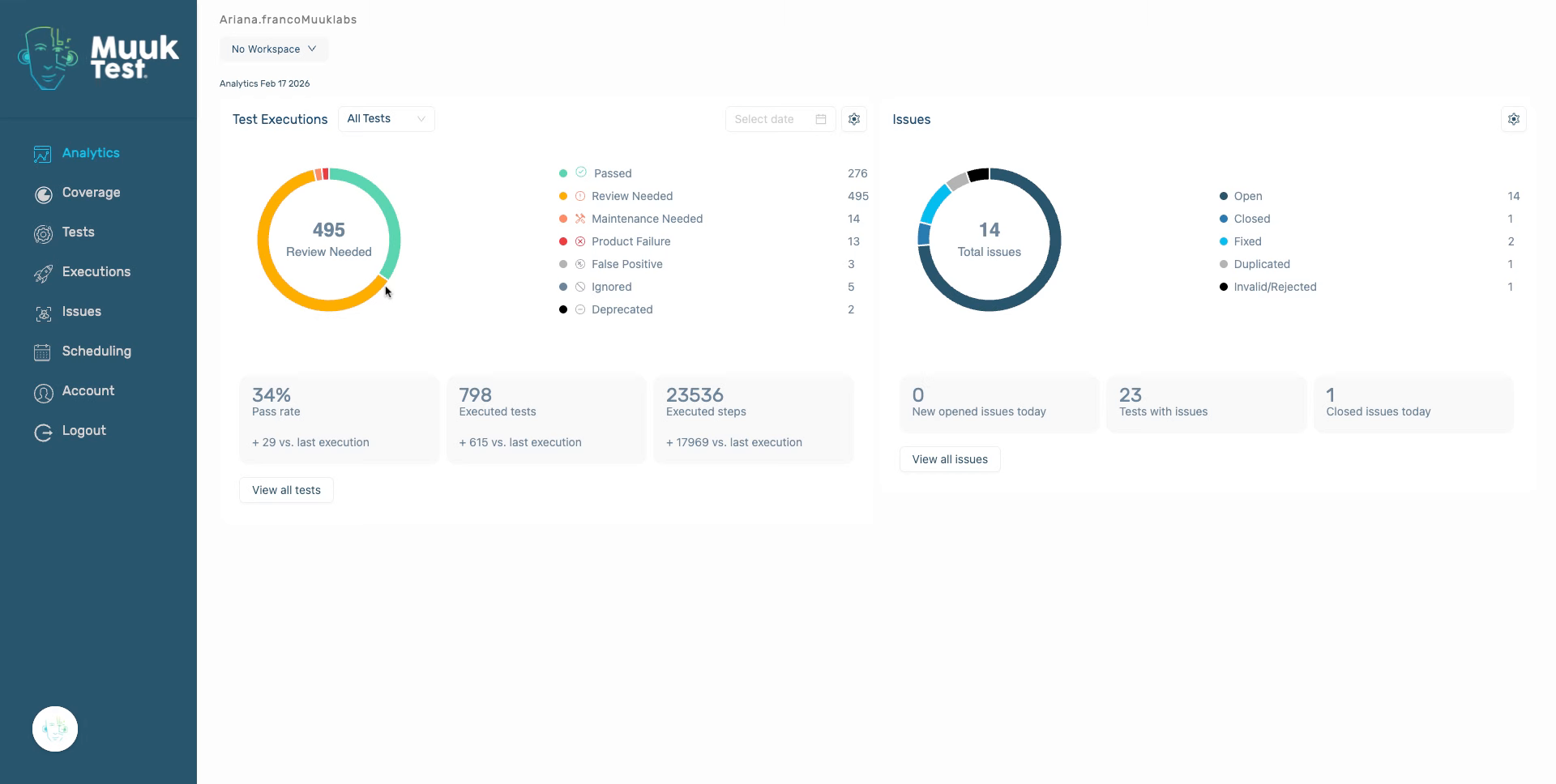
2. Navigate to All Tests
Click the All Tests tab to access the full list of test executions available in MuukTest.
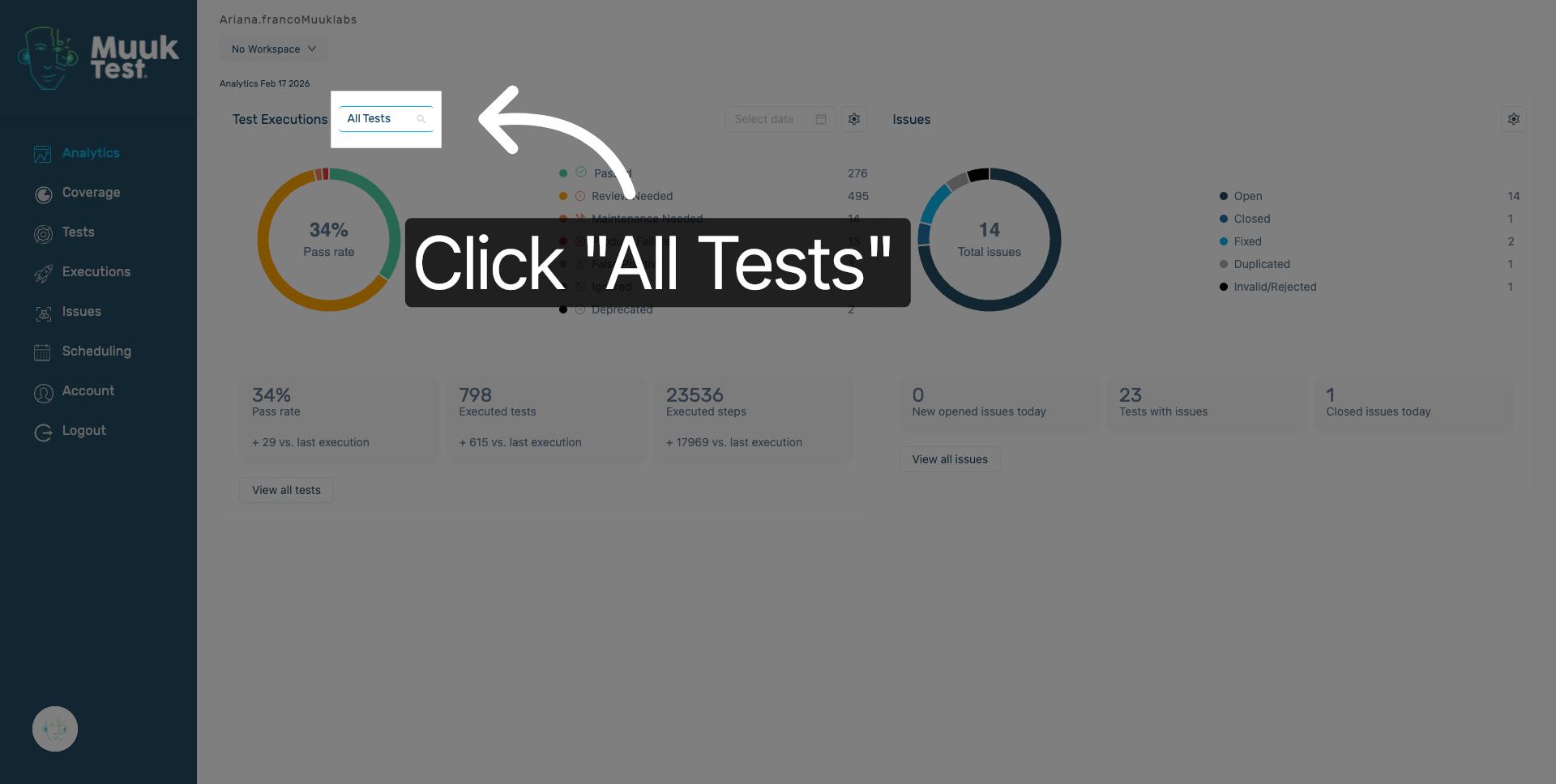
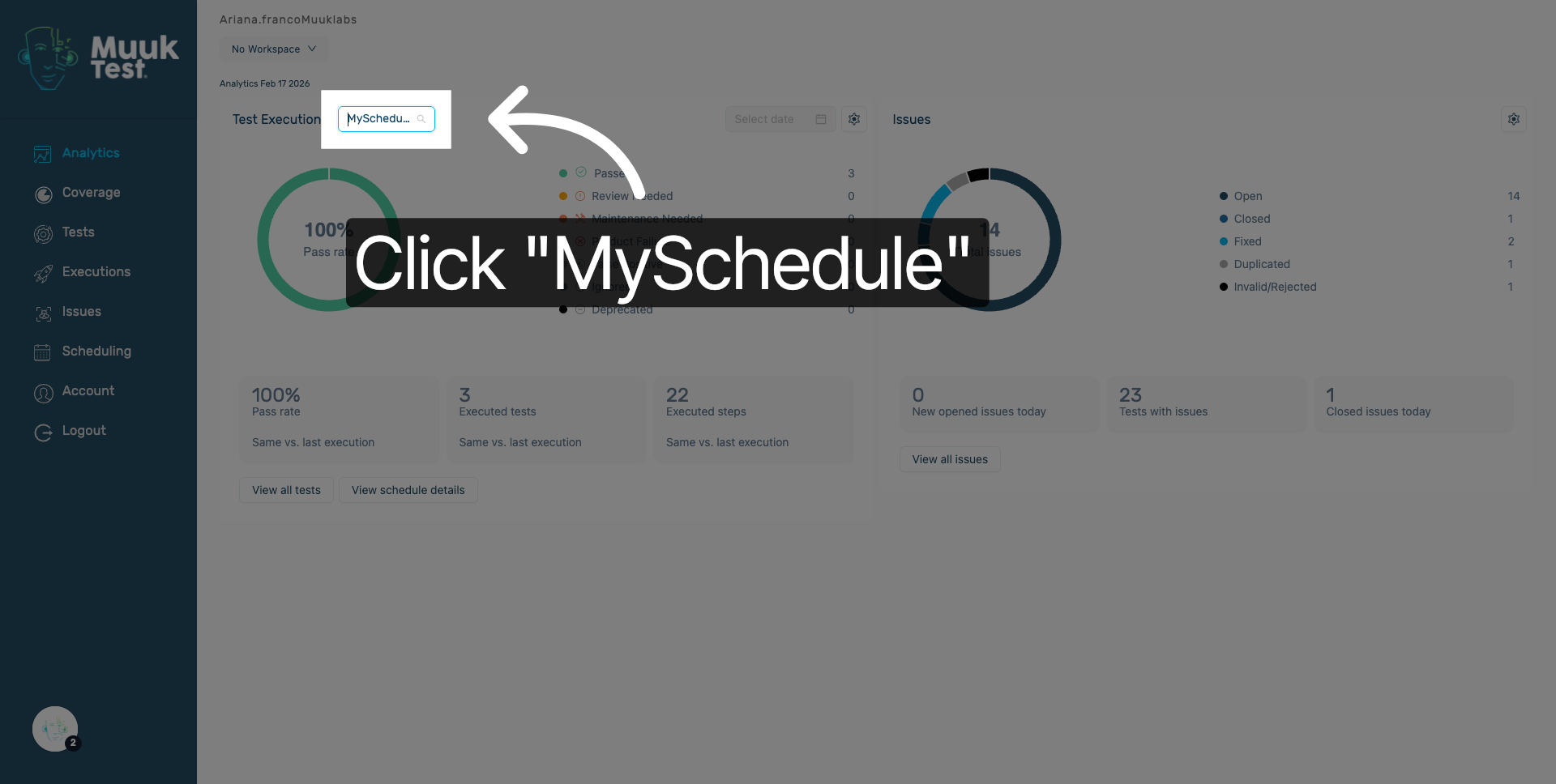
3. Open MySchedule Section
Click the MySchedule option to view your personalized test schedules and related settings.
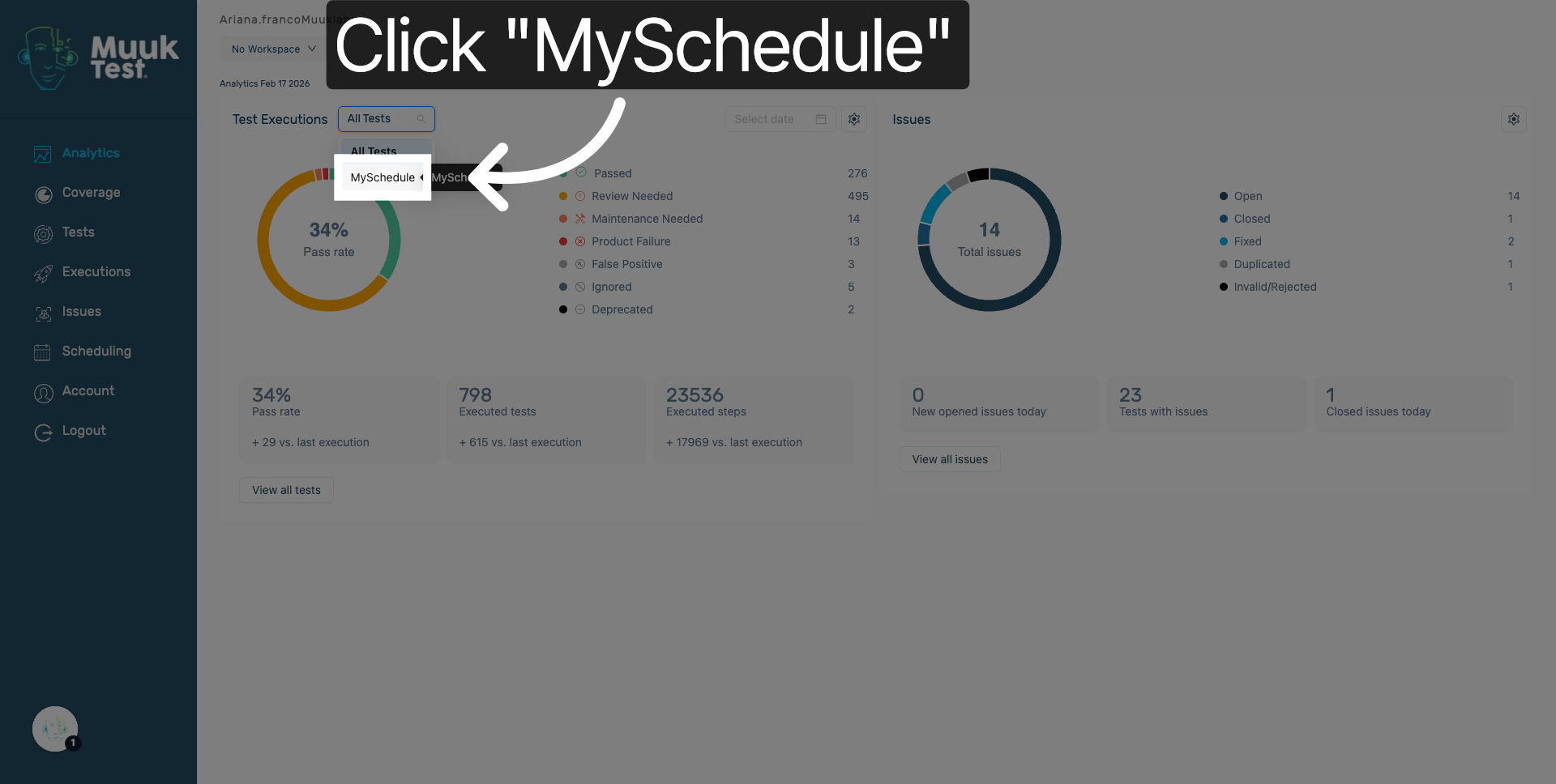
4. Reopen MySchedule Tab
Click MySchedule again to ensure you are in the correct schedule management area for further configuration.
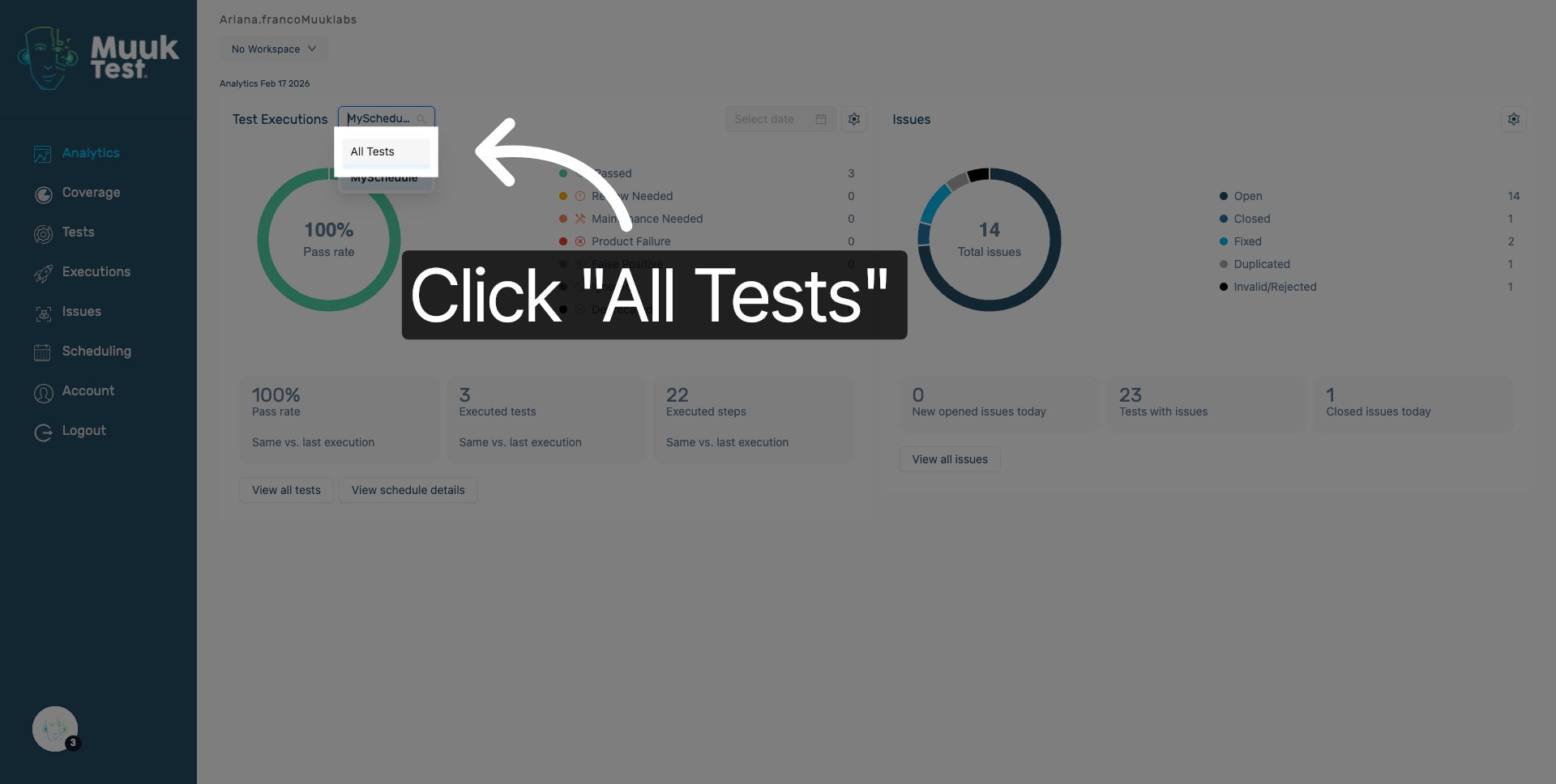
5. Return to All Tests
Click the All Tests tab to go back to the main test executions overview for additional filtering.
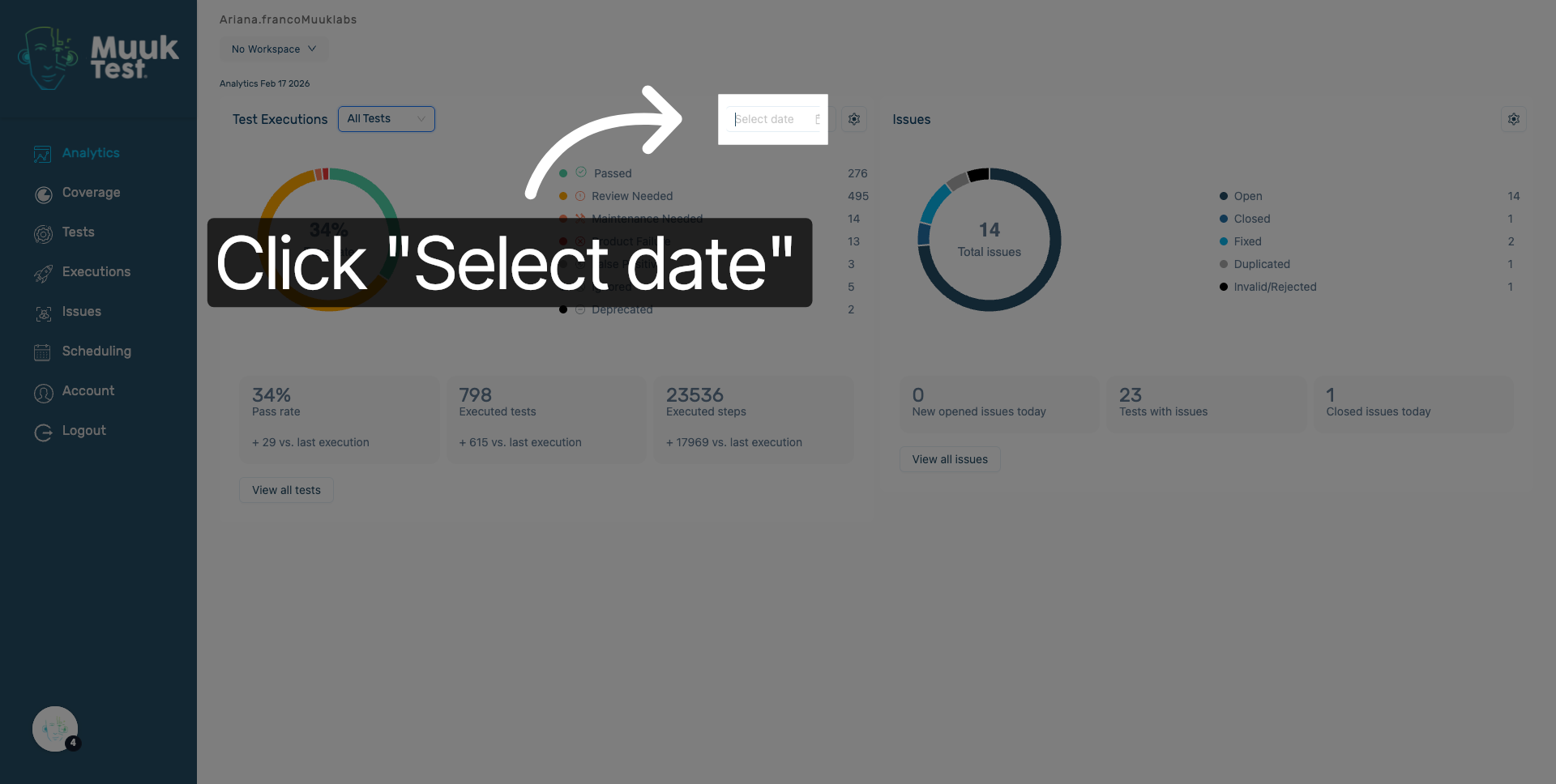
6. Access Date Selection
Click the Select date field to open the calendar and choose a specific date for filtering test executions.
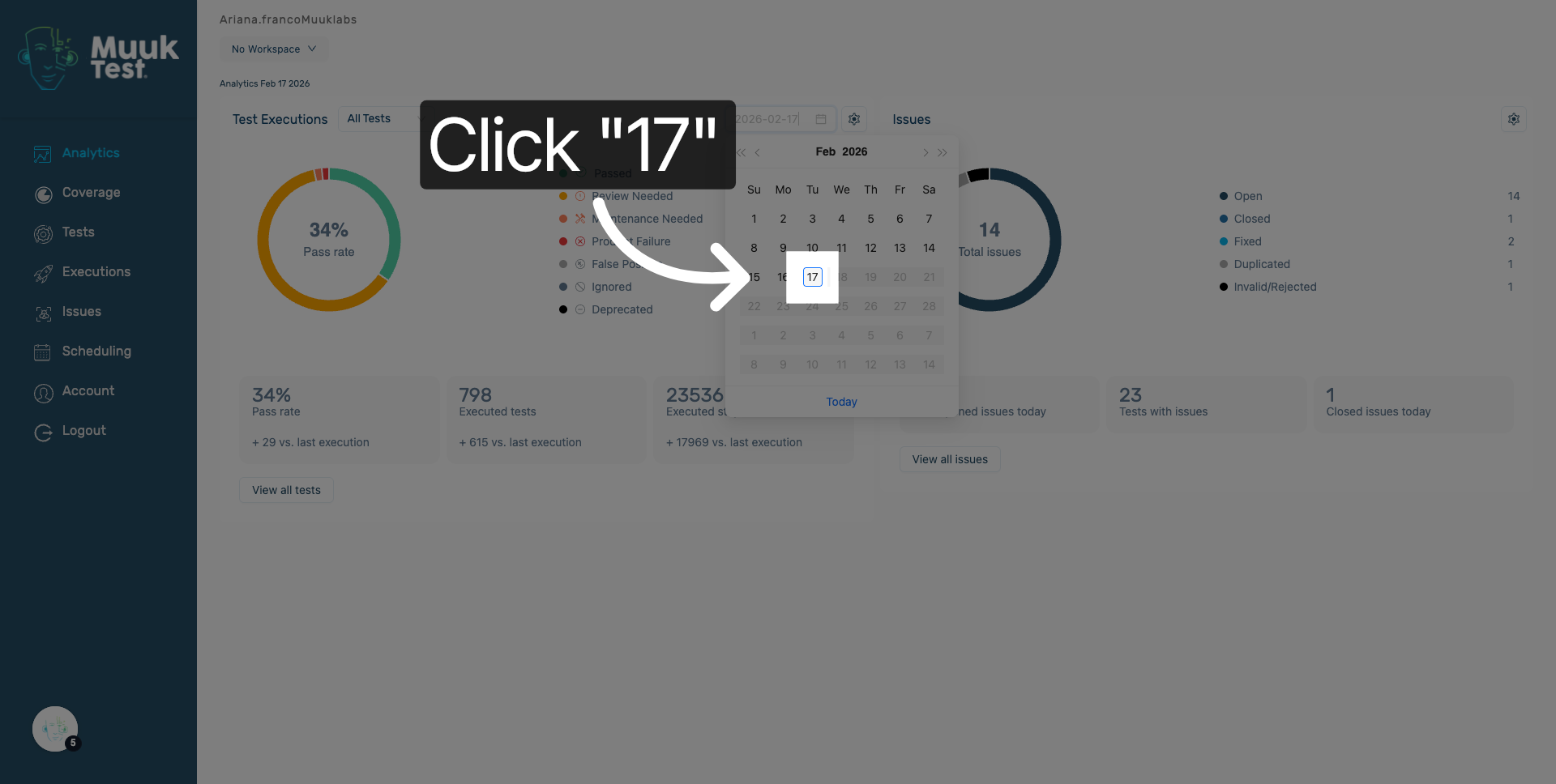
7. Choose Specific Date
Click the 17th on the calendar to filter test executions to that particular date.
8. Open Filter Options
Click here to open the filter options menu where you can refine test execution results.
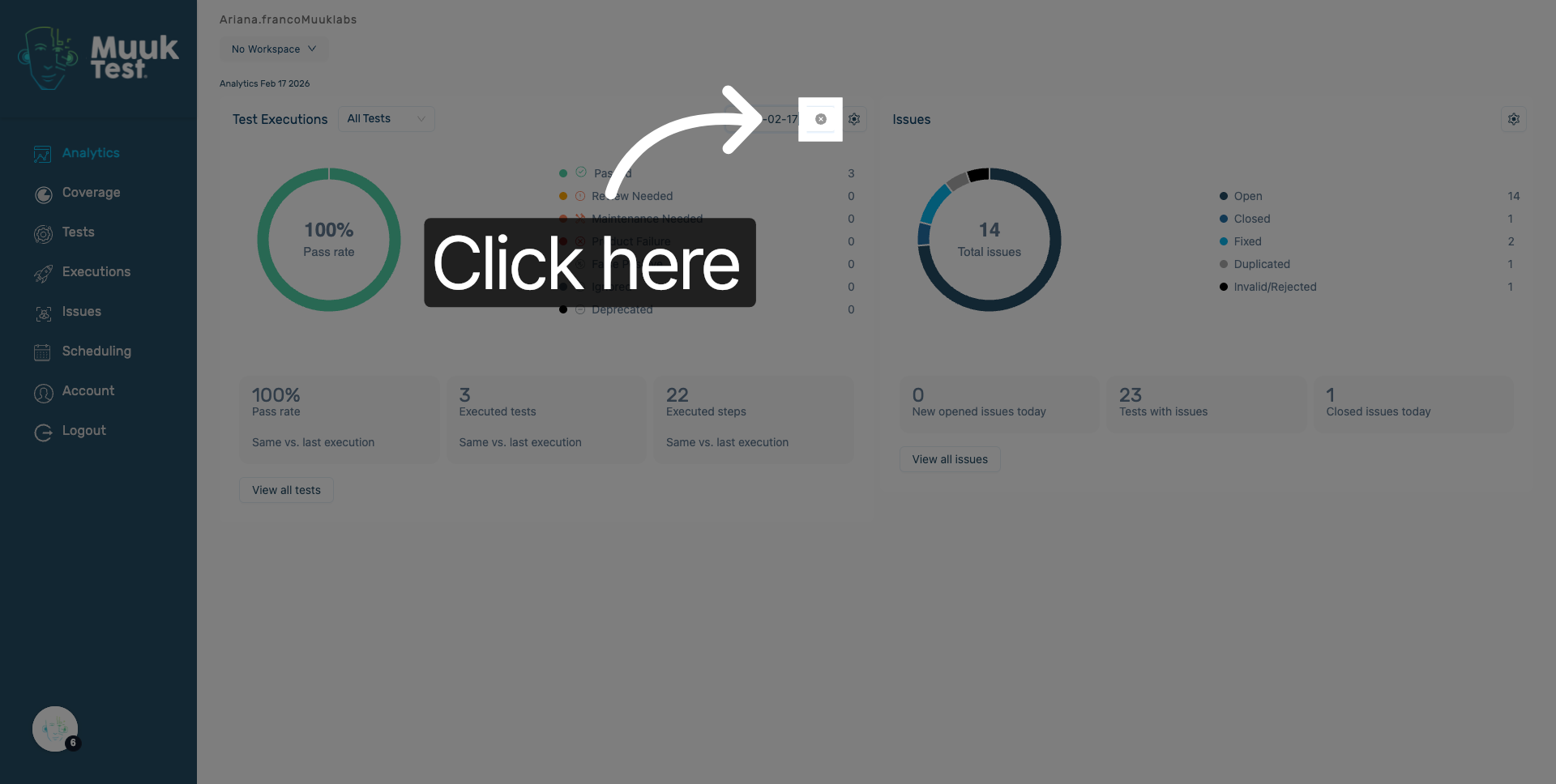
9. Expand Additional Filters
Click here to expand more filtering criteria to customize the test execution display.
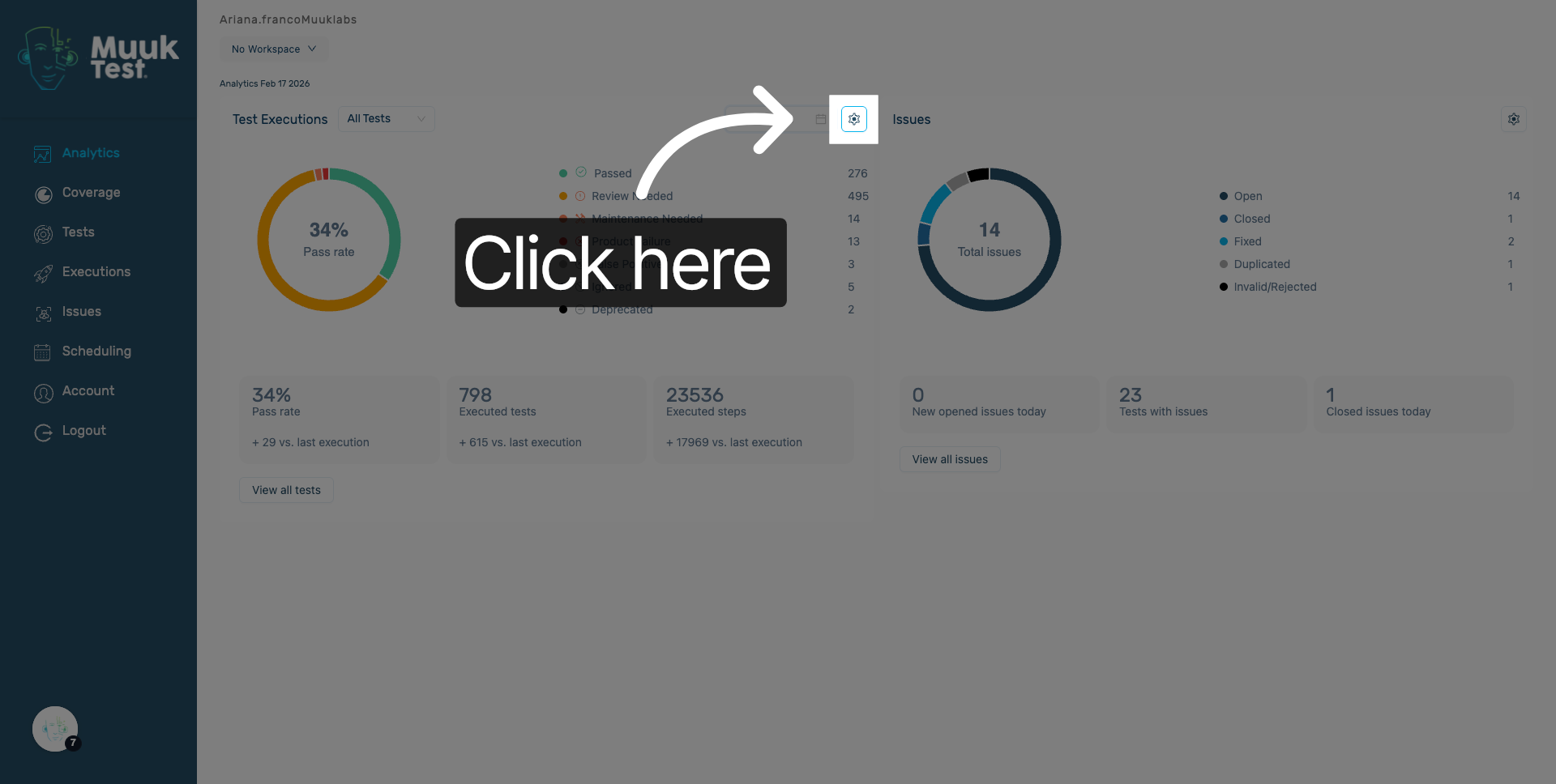
10. Select False Positive Filter
Click False Positive to include or exclude tests marked as false positives in your results.
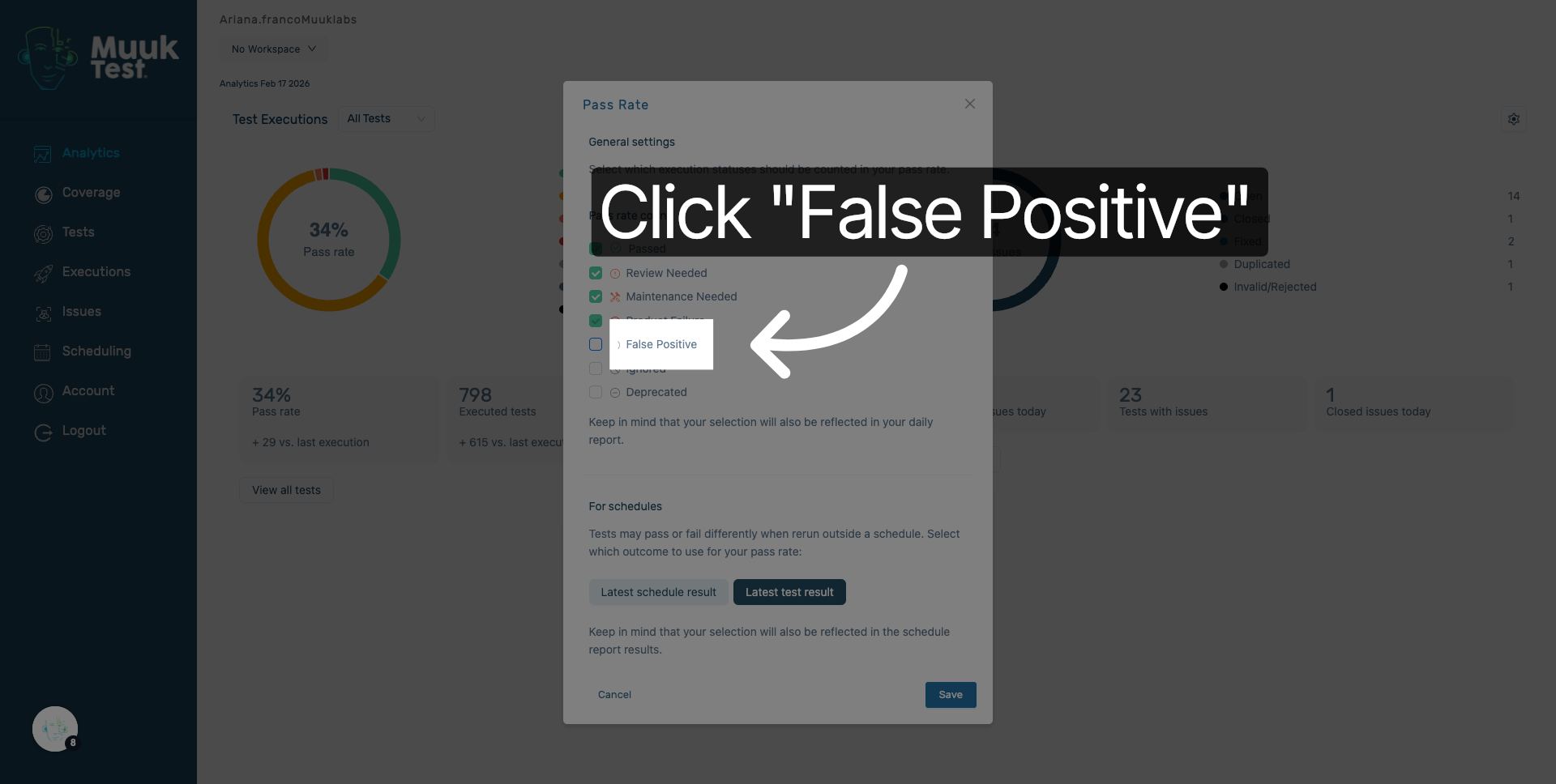
11. Choose Ignored Status
Click Ignored to filter test executions that have been marked as ignored.
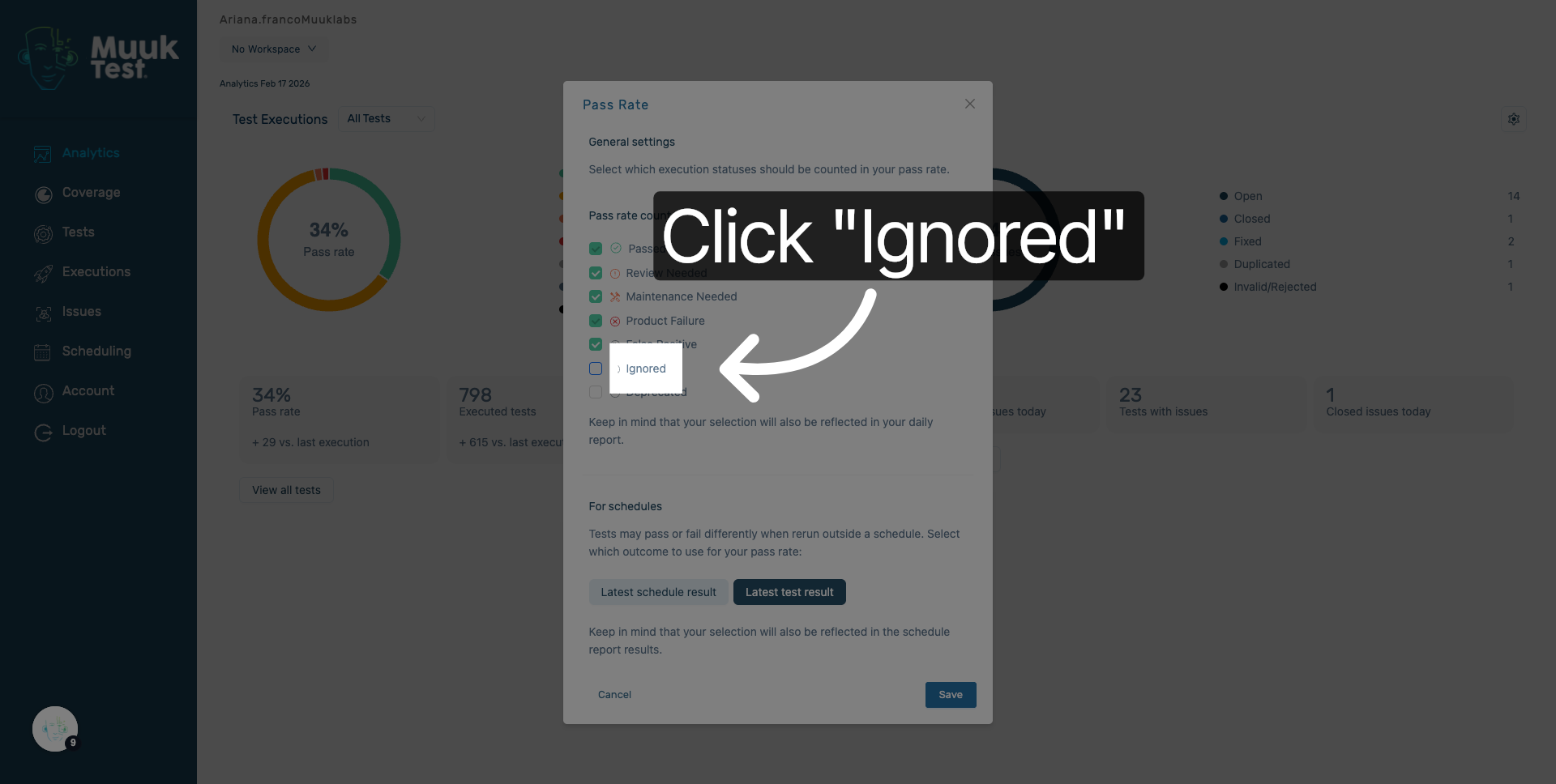
12. Enter Ignored Status
Enter ignored to specify the status filter for test executions that should be excluded from active results.
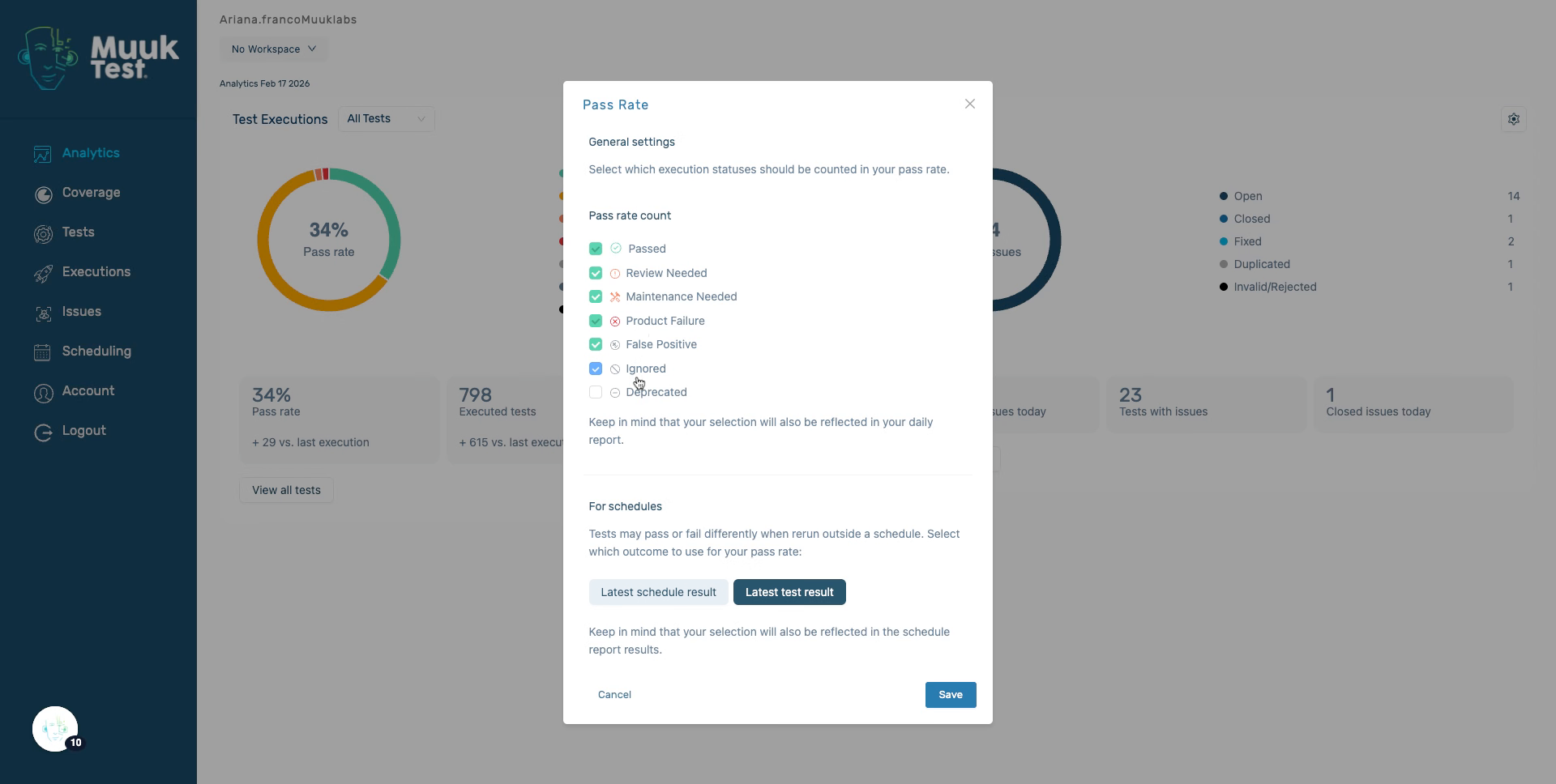
13. Select Deprecated Status
Click Deprecated to filter out test executions that are no longer relevant or supported.
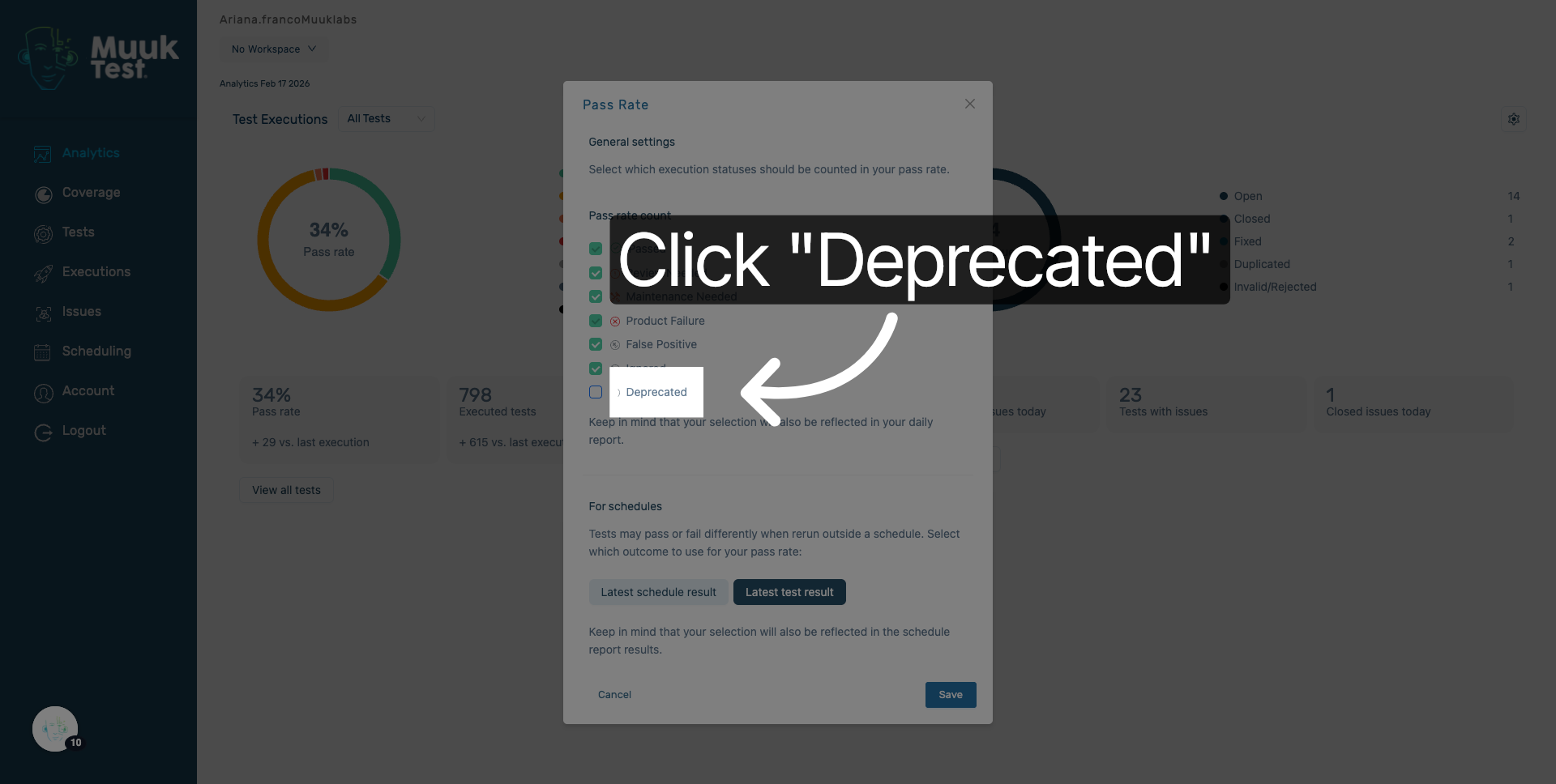
14. Filter by Latest Schedule Result
Click Latest schedule result to view the most recent outcomes from your scheduled test runs.
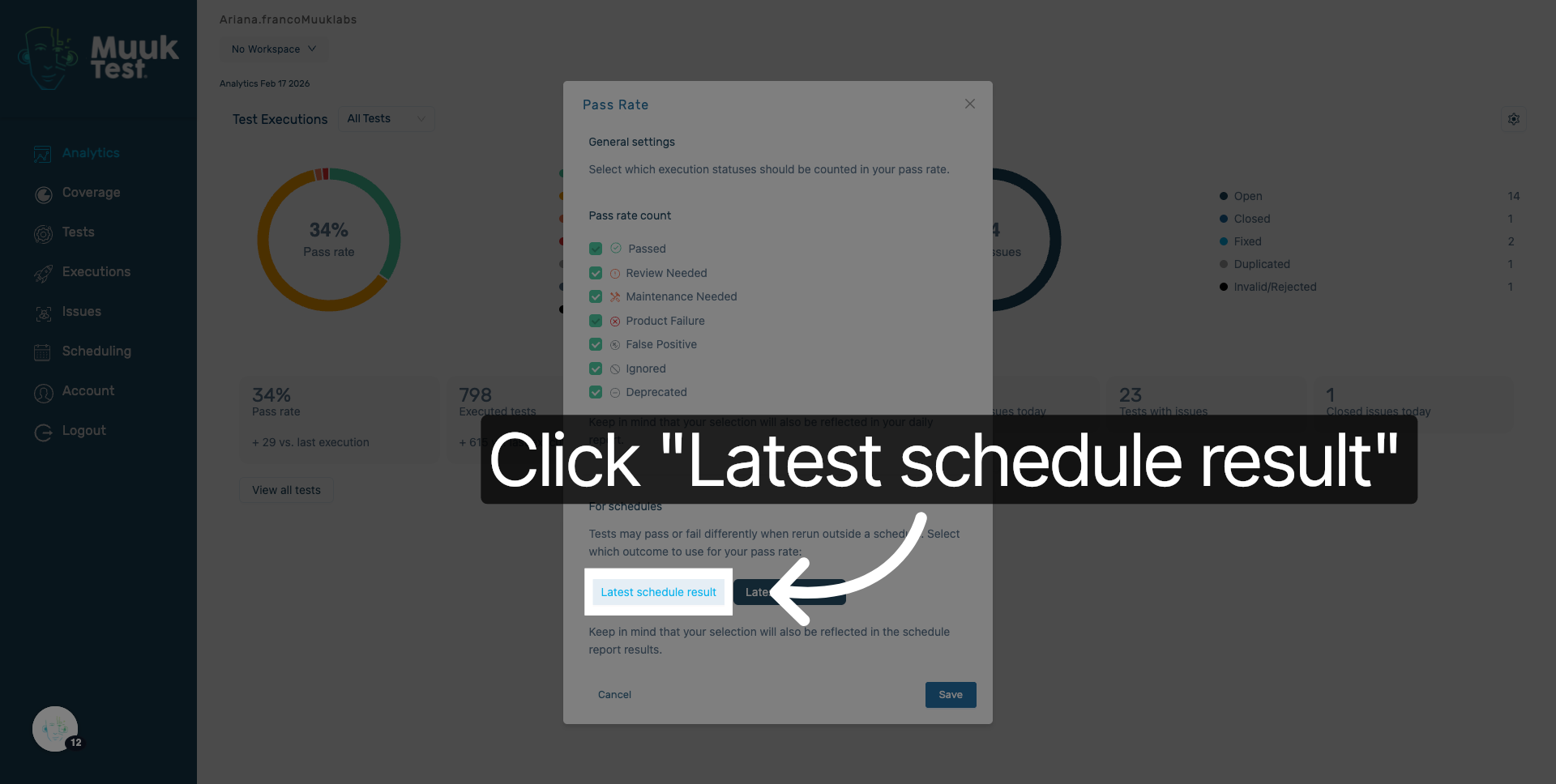
15. Filter by Latest Test Result
Click Latest test result to focus on the newest test execution results available.
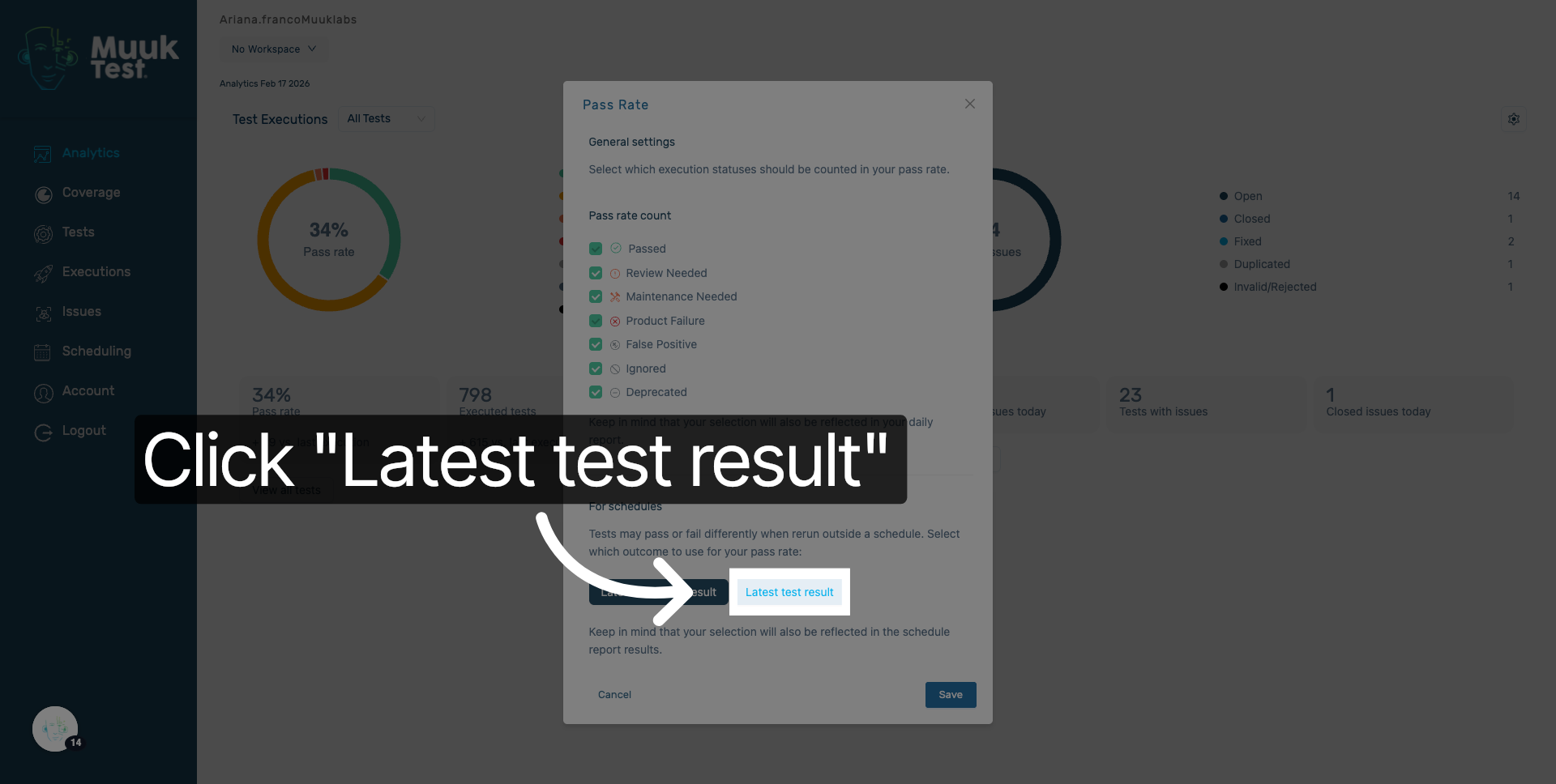
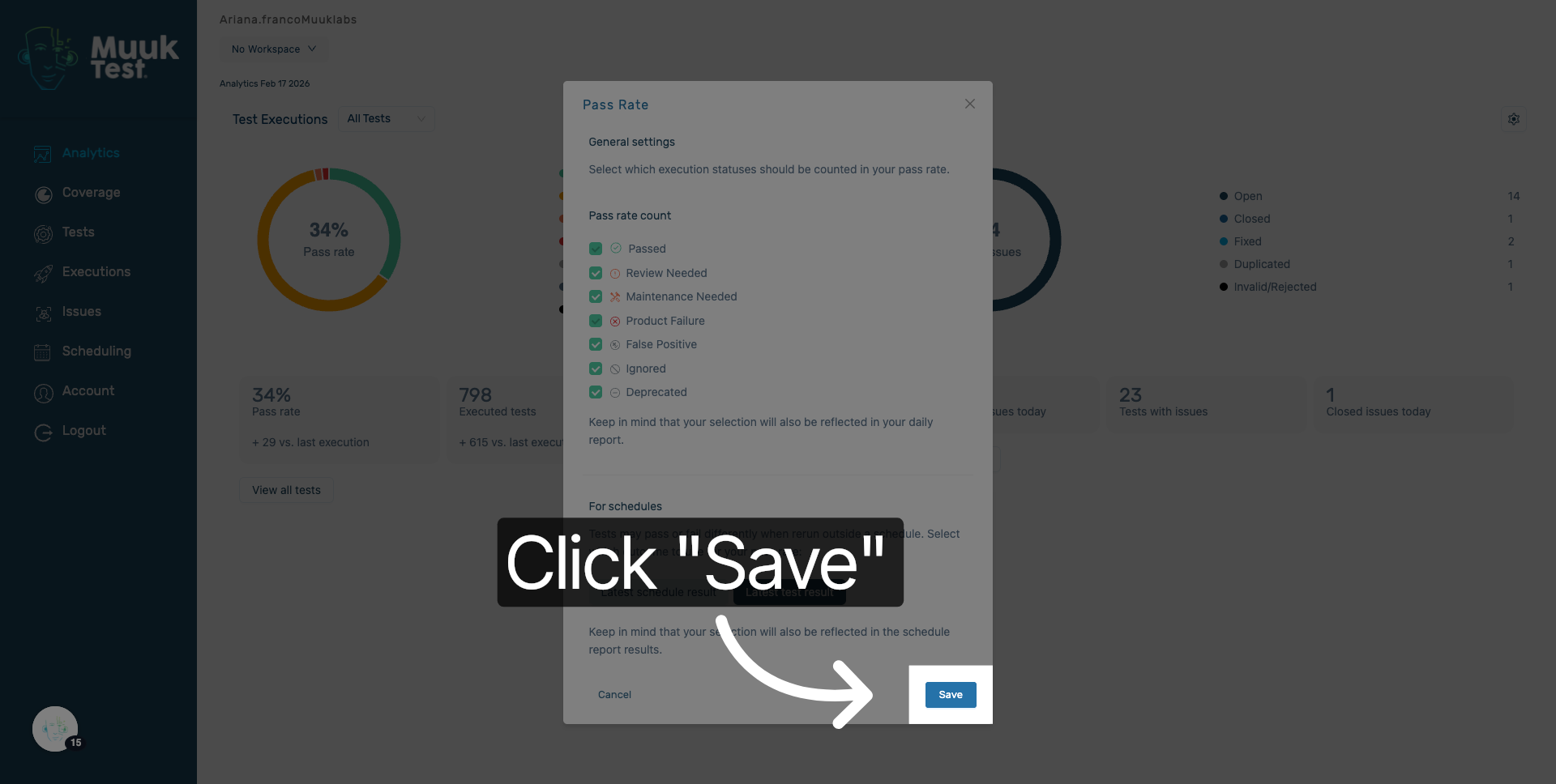
16. Save Configuration Settings
Click Save to apply all your selected filters and settings to the analytics test execution view.
You have successfully configured the analytics test execution settings in MuukTest by navigating schedules, selecting dates, and applying filters to customize your test results. Next, you can explore detailed analytics or adjust other preferences to optimize your testing workflow.
Comments
0 comments
Please sign in to leave a comment.