This tutorial provides guidance on navigating MuukTest Analytics to effectively analyze test execution results and identify issues.
1. Introduction
You will learn how to access test executions and monitor your daily testing progress.
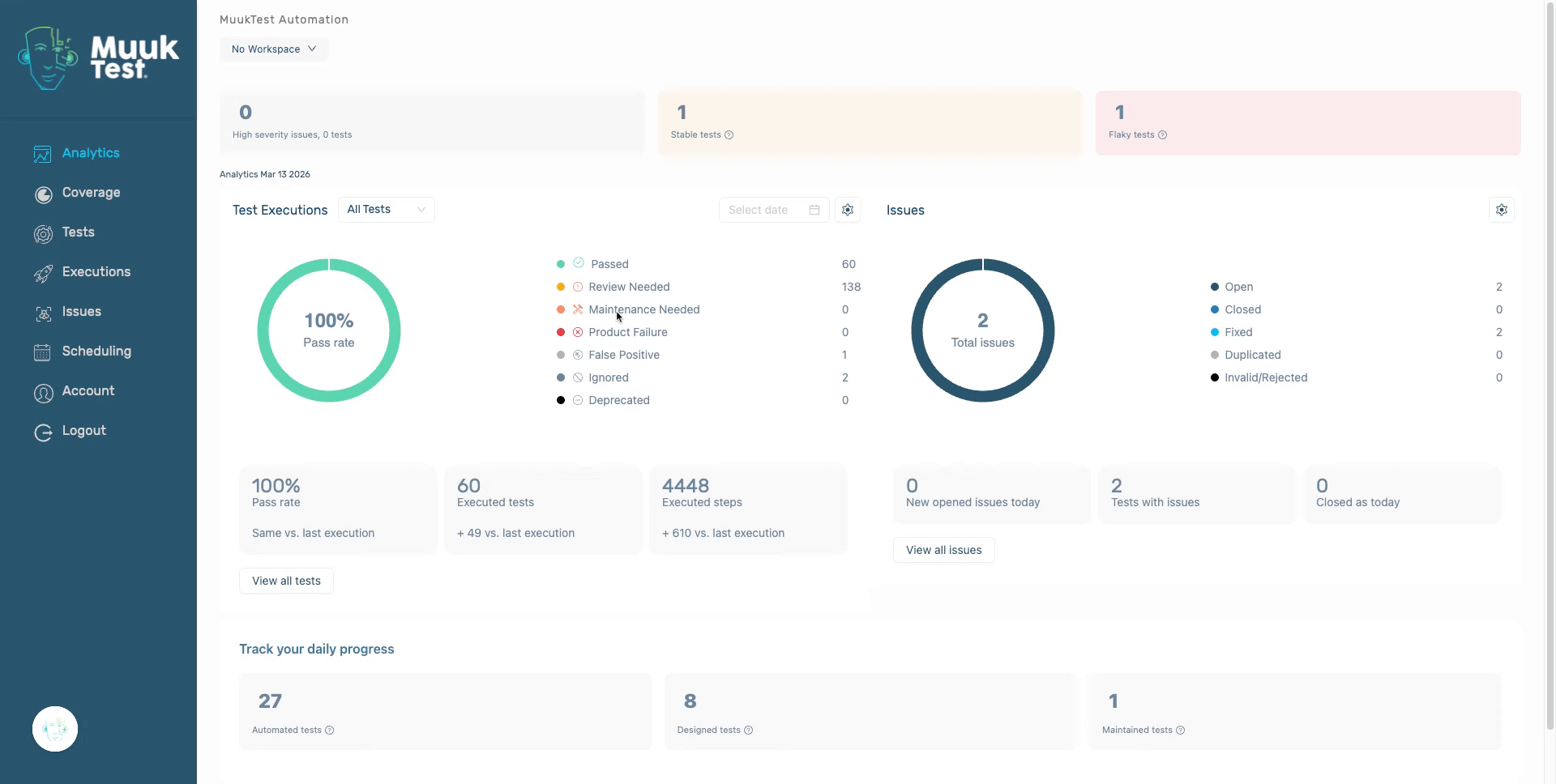
2. Test Executions Section
"Test Executions" provides an overview of the test executions in MuukTest.
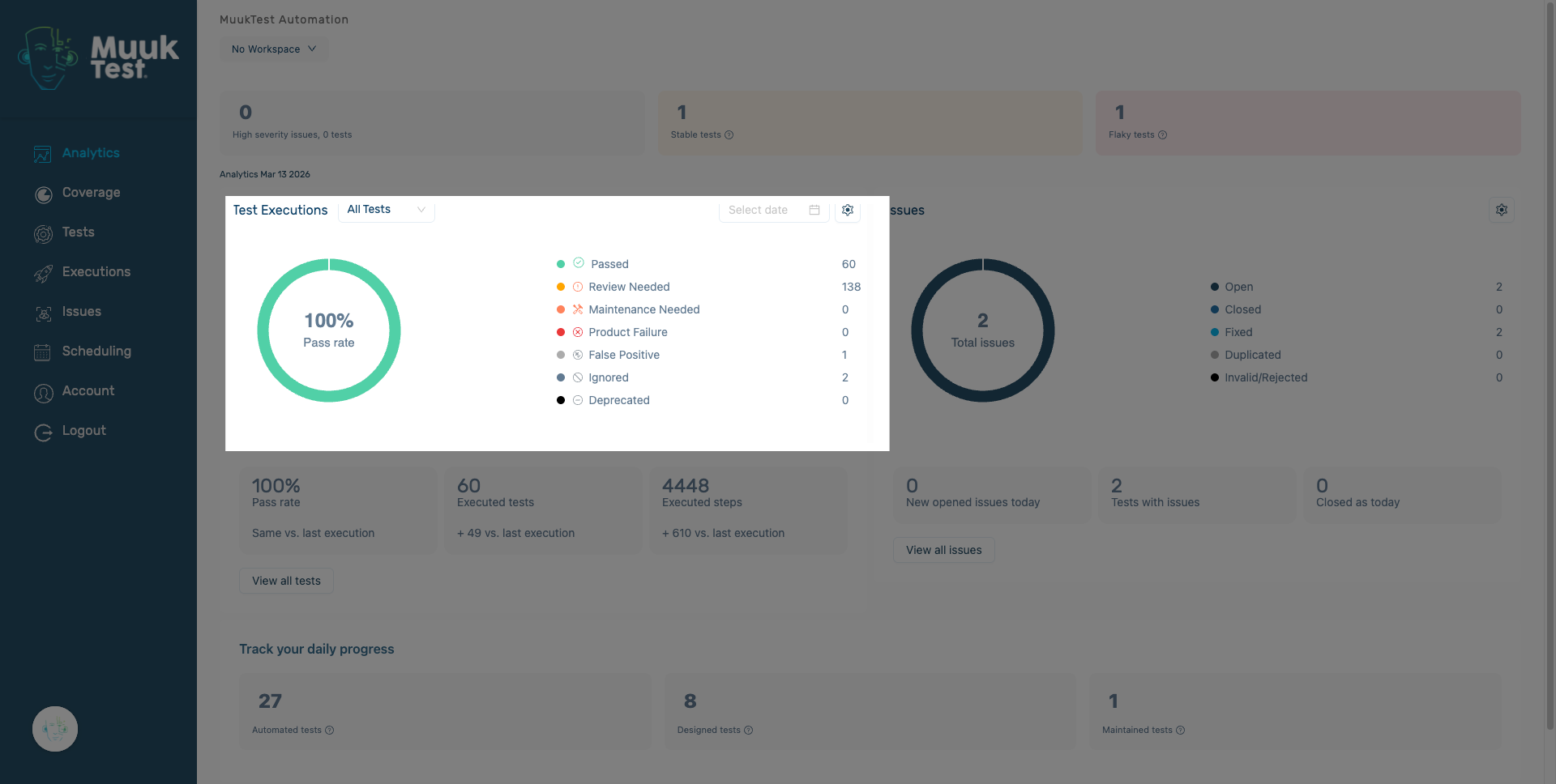
3. Pass rate
The pass rate indicates the percentage of test cases that successfully pass when executed on the selected date or "today" if no date is chosen.
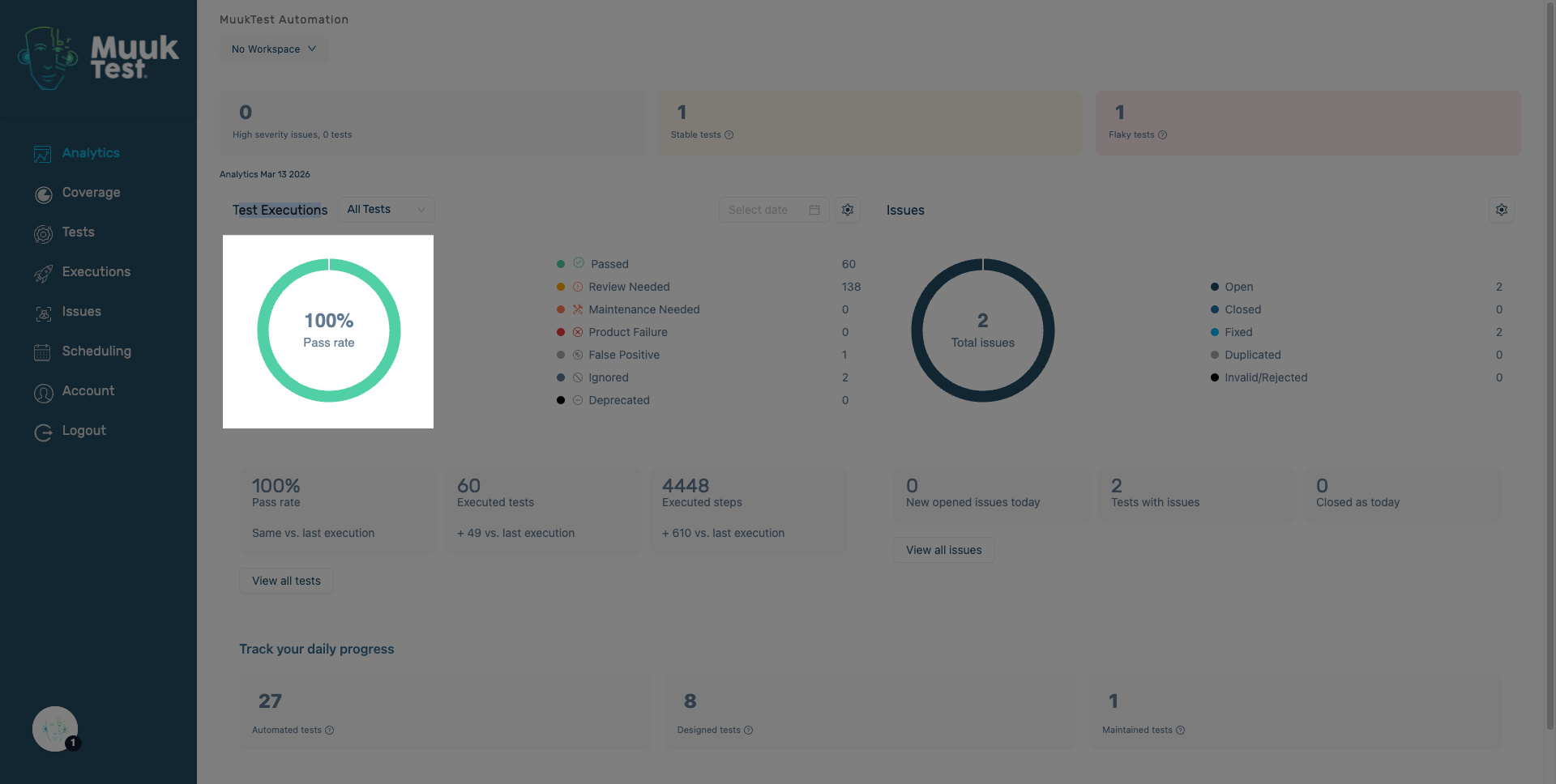
4. View Pass Rate Summary
Passed
Passed refers to tests that executed successfully and produced the expected result.
This means the tested feature behaved correctly according to the test conditions.
Review Needed
Review Needed indicates tests that require human verification.
This status usually means the test result needs to be checked to determine whether the outcome is valid or if something unusual happened.
Maintenance Needed
Maintenance Needed refers to tests that need updates or fixes.
This can happen when:
Product Failure
Product Failure means a test failed because the product did not behave as expected.
This typically indicates a bug or defect in the application being tested.
False Positive
A False Positive occurs when a test reports a failure even though the product is actually working correctly.
This usually happens due to issues in the test itself or environmental conditions.
Ignored
Ignored tests are tests that are temporarily skipped or excluded from execution.
They are not run during the test execution.
Deprecated
Deprecated tests are tests that are no longer used or maintained.
They remain in the system for reference but are no longer relevant.
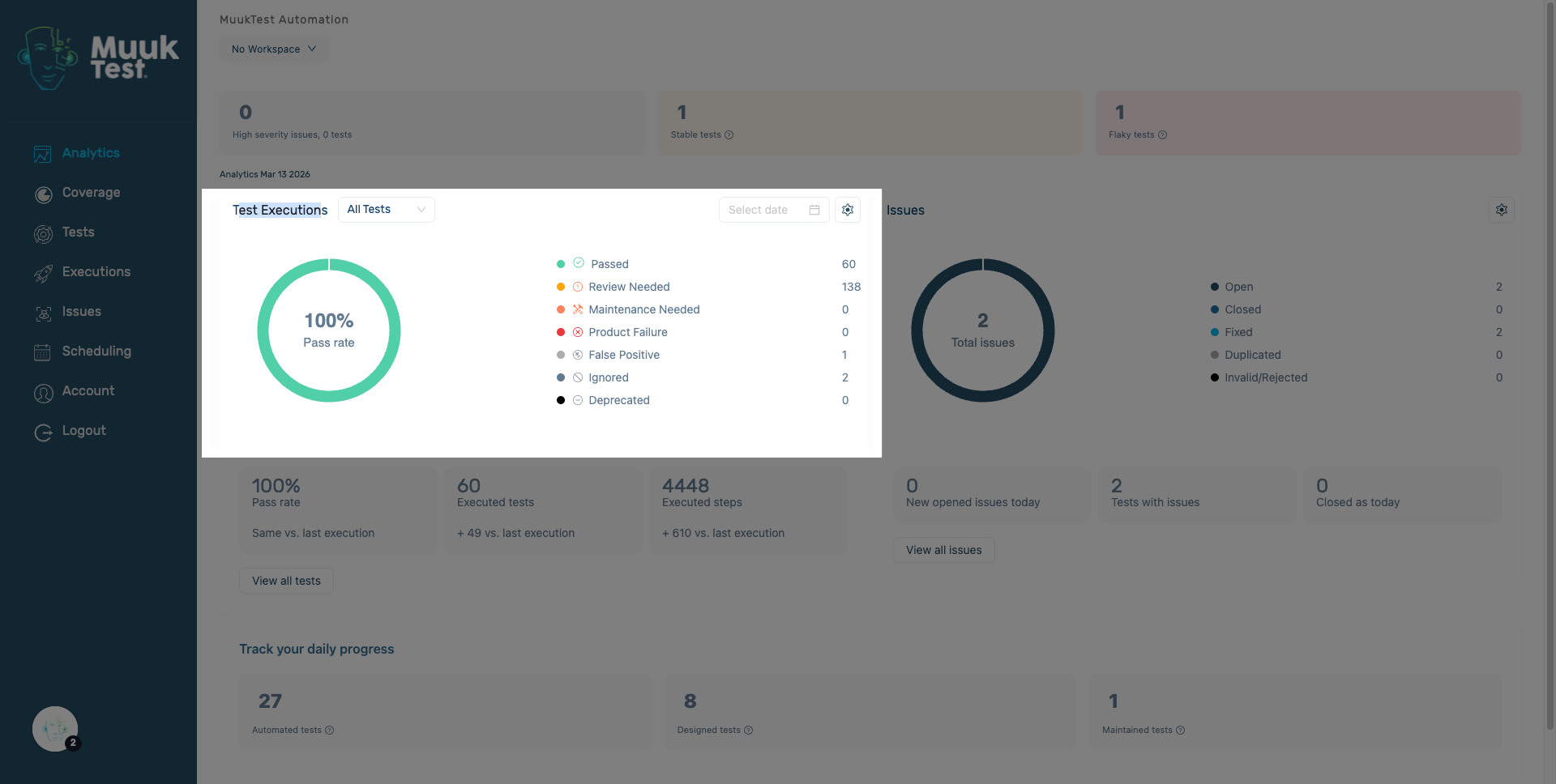
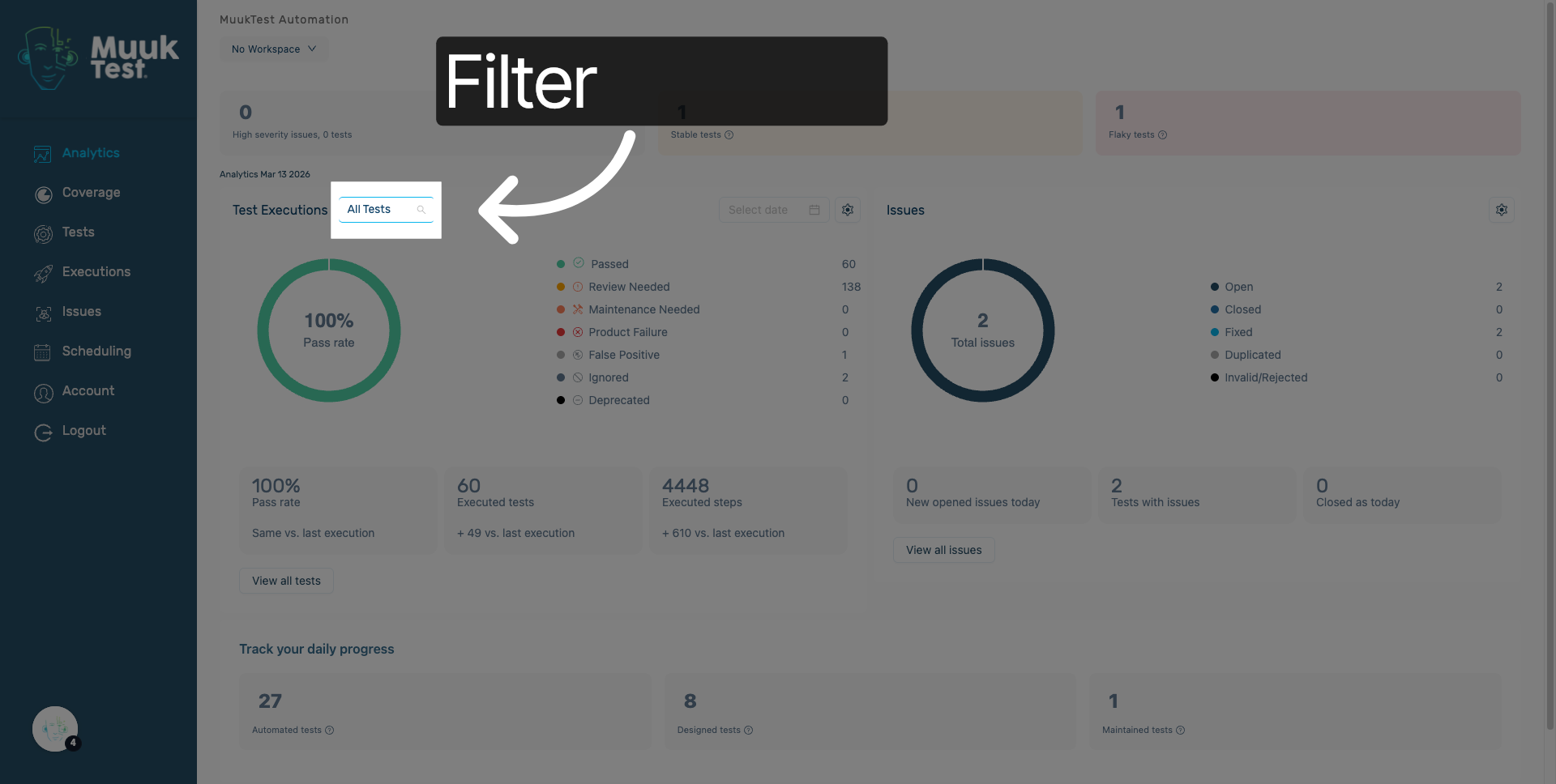
5. Test Executions Filters: Schedules
You can click "All Tests" to view the full list of schedules, which you can filter by the executed schedule.
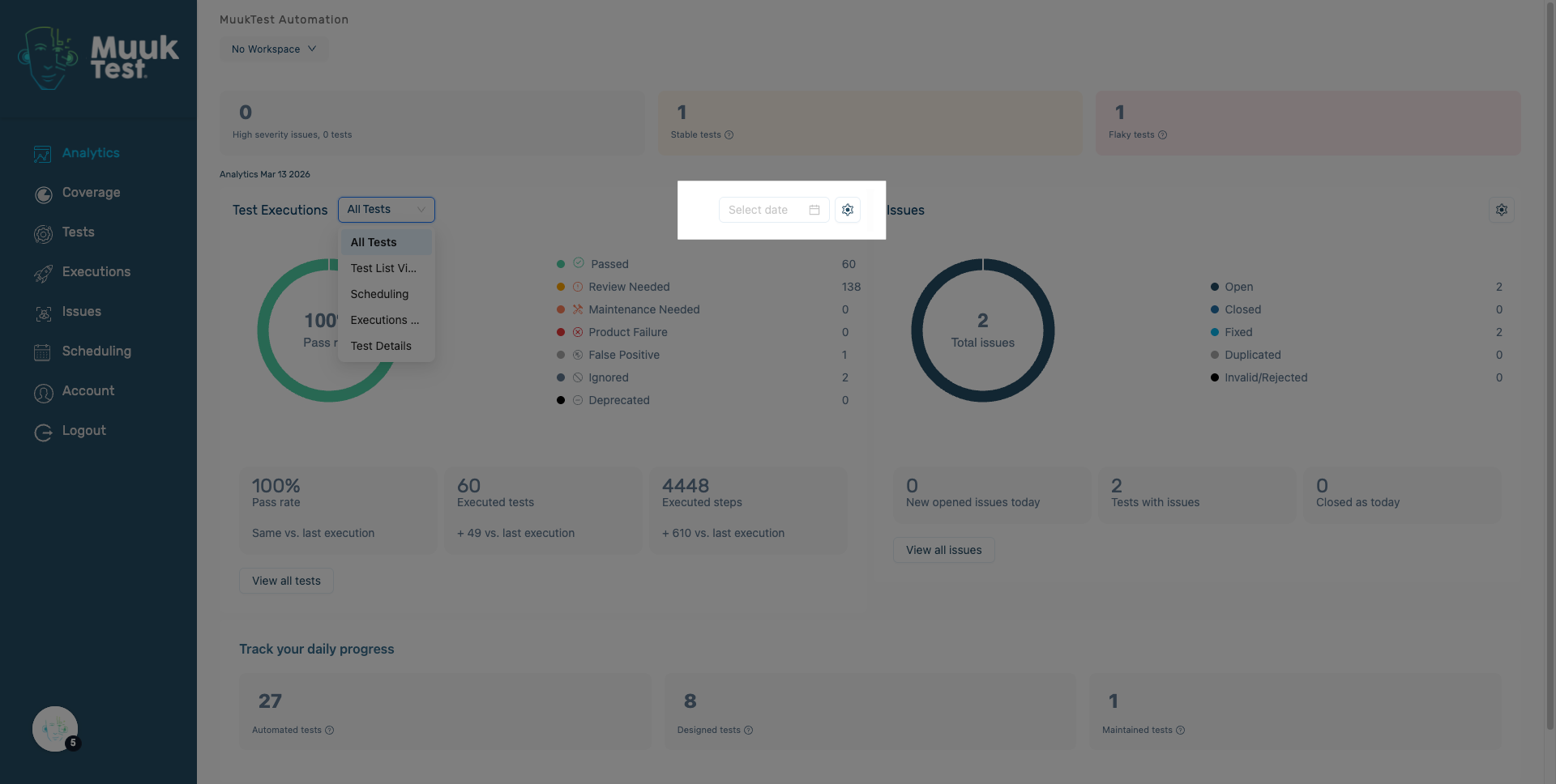
6. Test Executions Filters: Date
You can search execution rates by a specific date. Additionally, you can modify the Pass Rate settings.
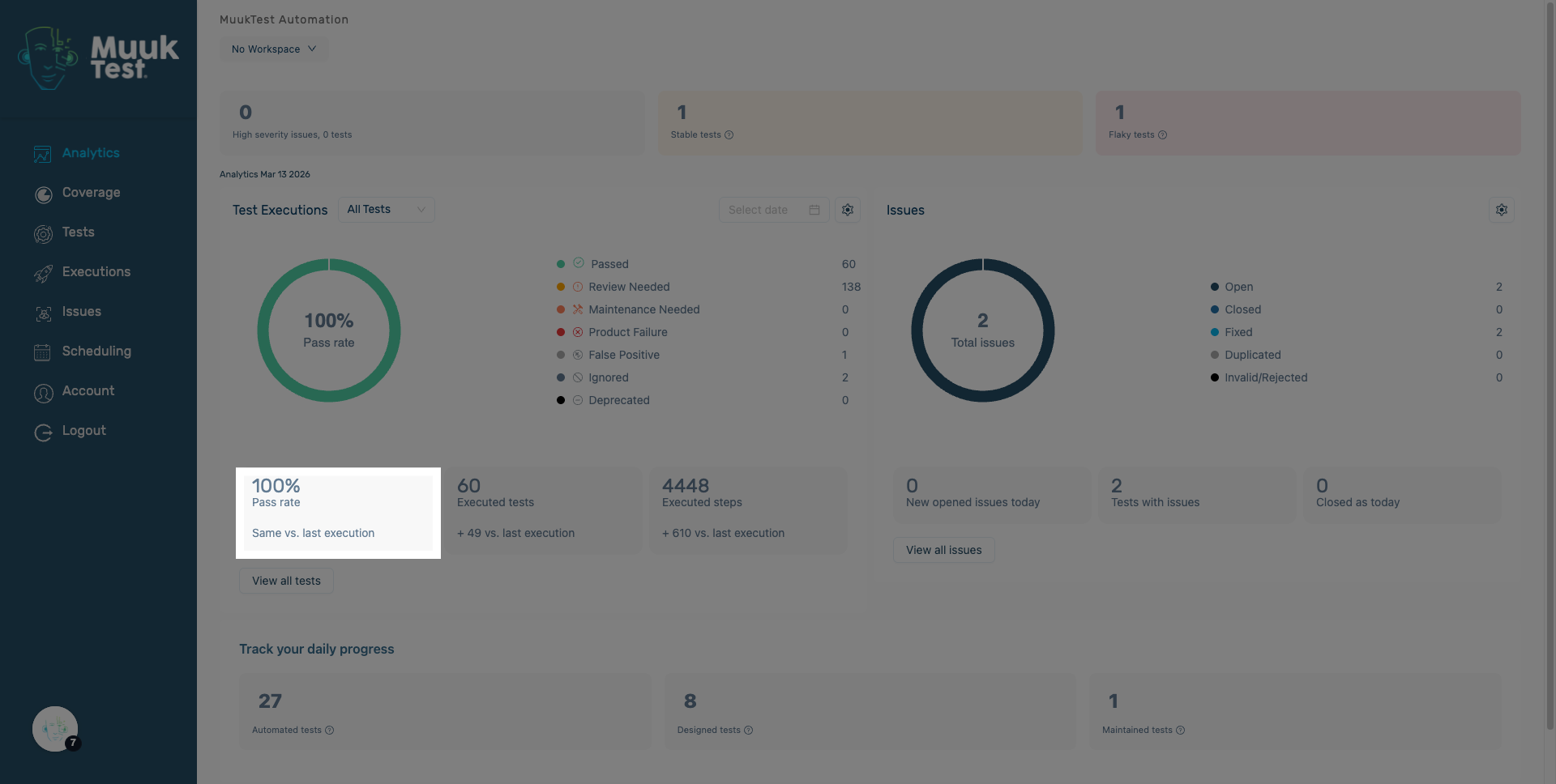
7. Review Pass Rate
Evaluate the number of tests that performed as expected during a test run.
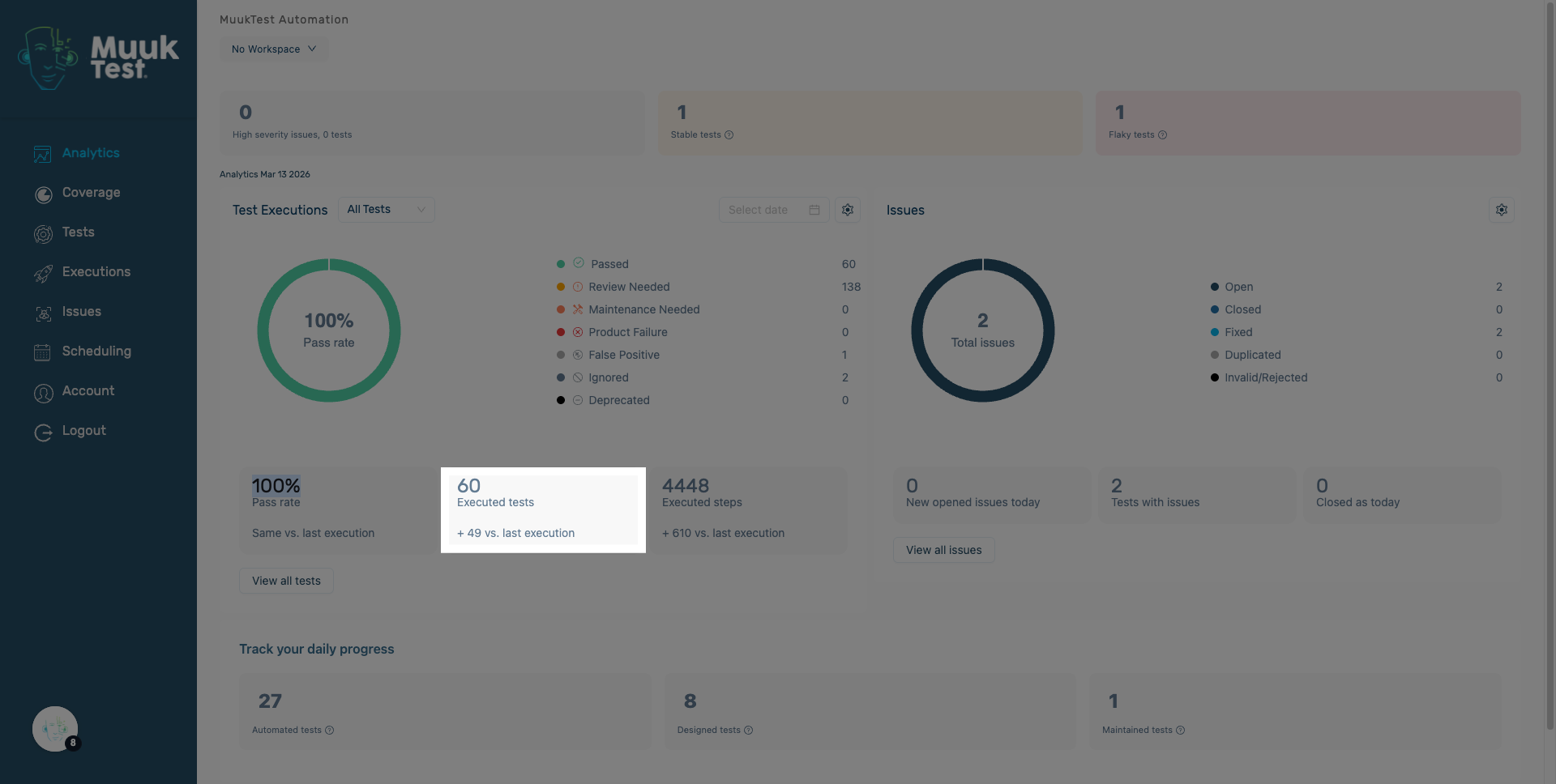
8. Review Passed Tests Count
Executed tests refer to the number of test cases that were actually run during a specific test execution.
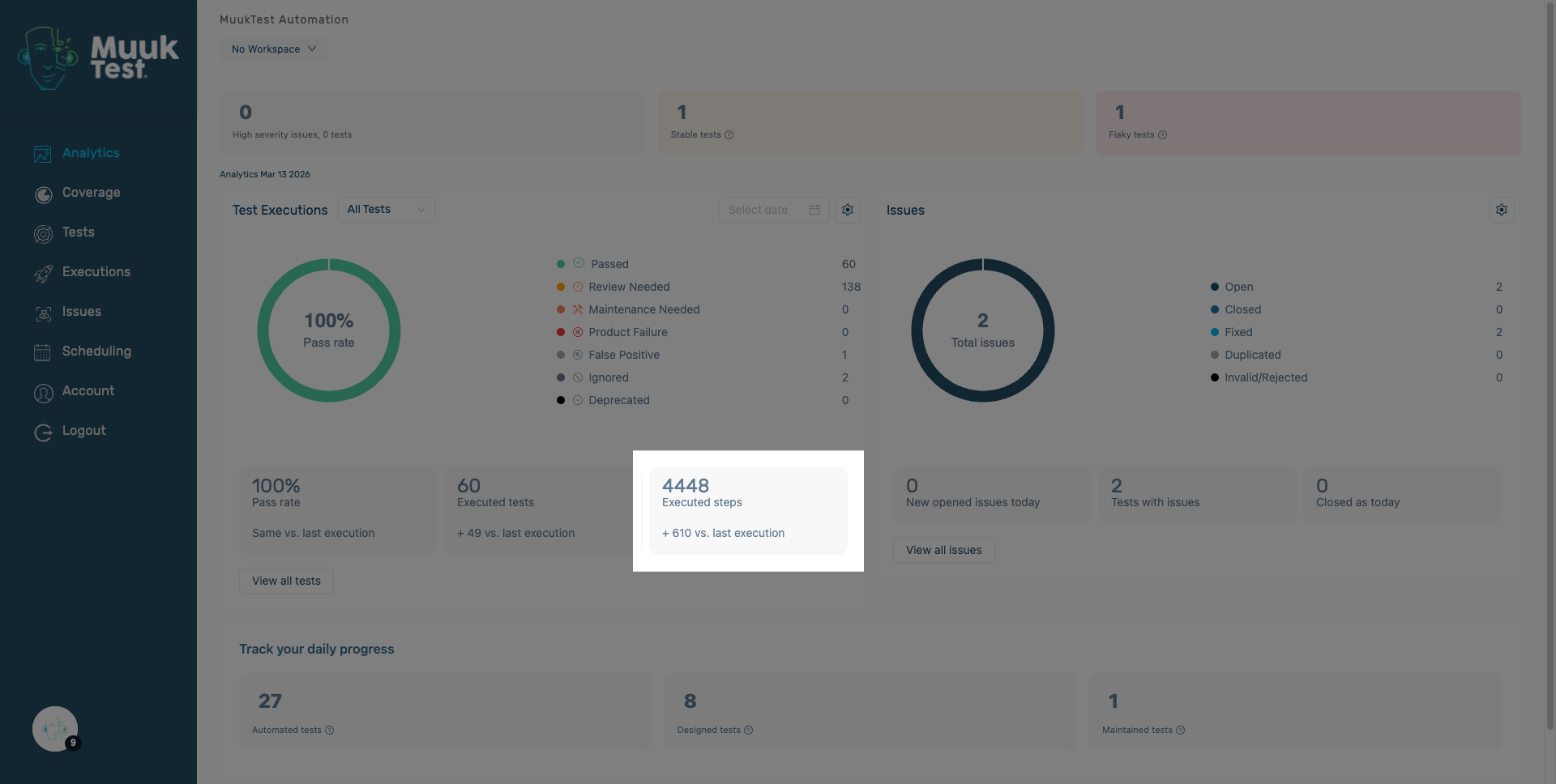
9. Review Executed Steps Summary
Executed steps refer to the individual actions or instructions carried out during test execution. Each test typically consists of multiple steps, such as clicking buttons, entering text, or validating results.
10. Issues Section
"Issues" provides an overview of the test issues identified during executions.
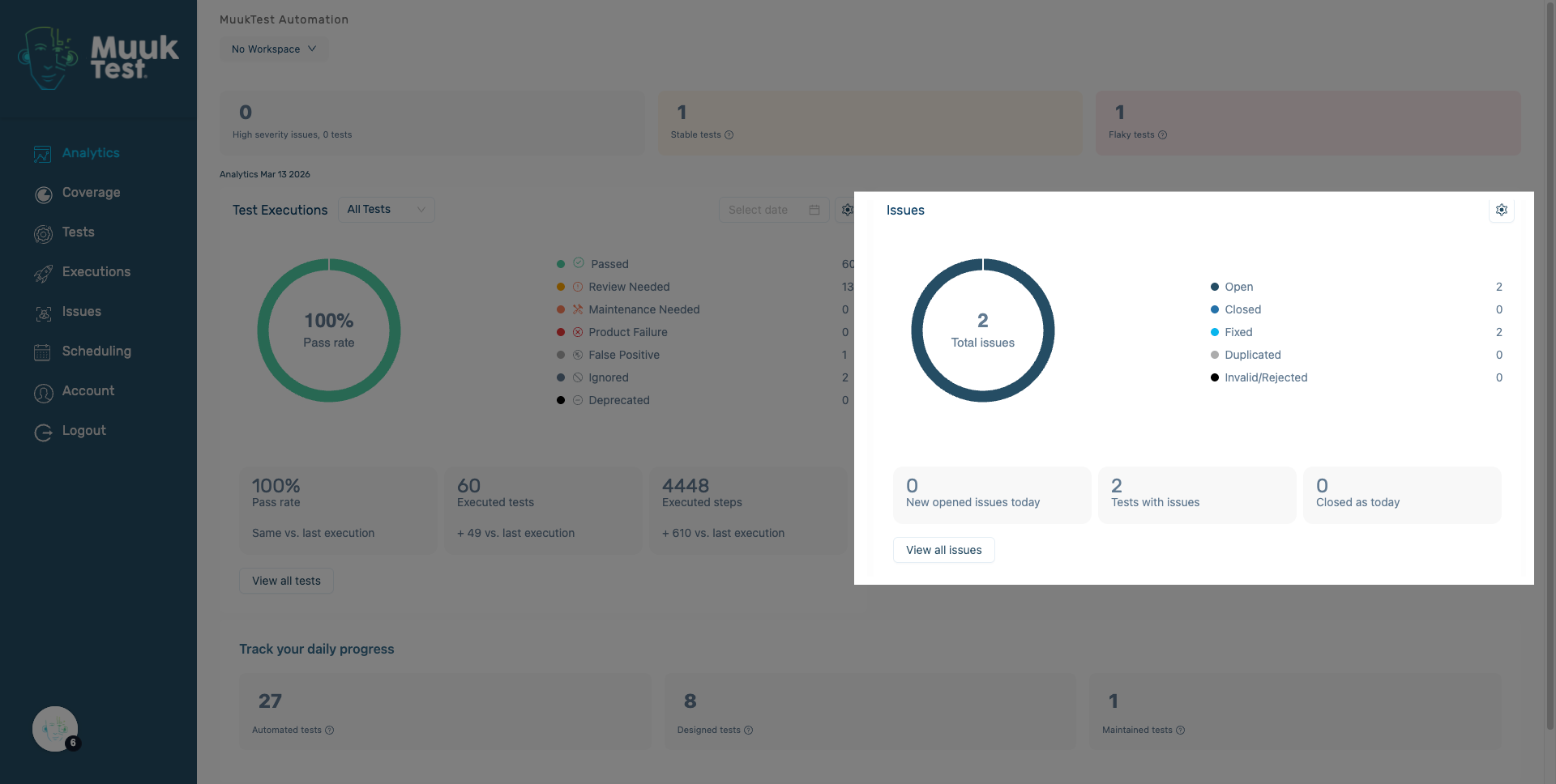
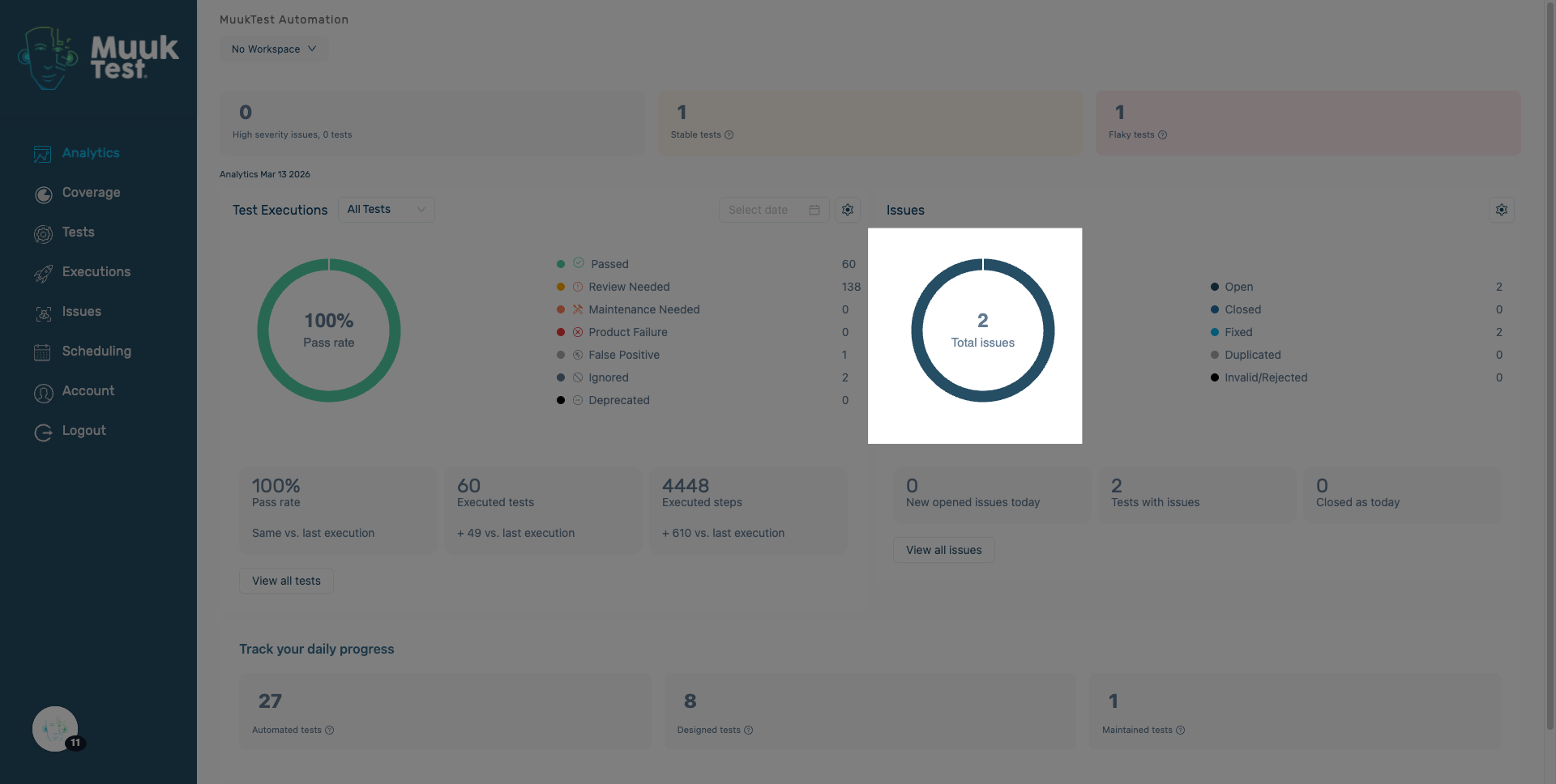
11. Total issues
Refers to the total number of defects or issues identified during testing. An issue typically indicates a product element that does not function as anticipated.
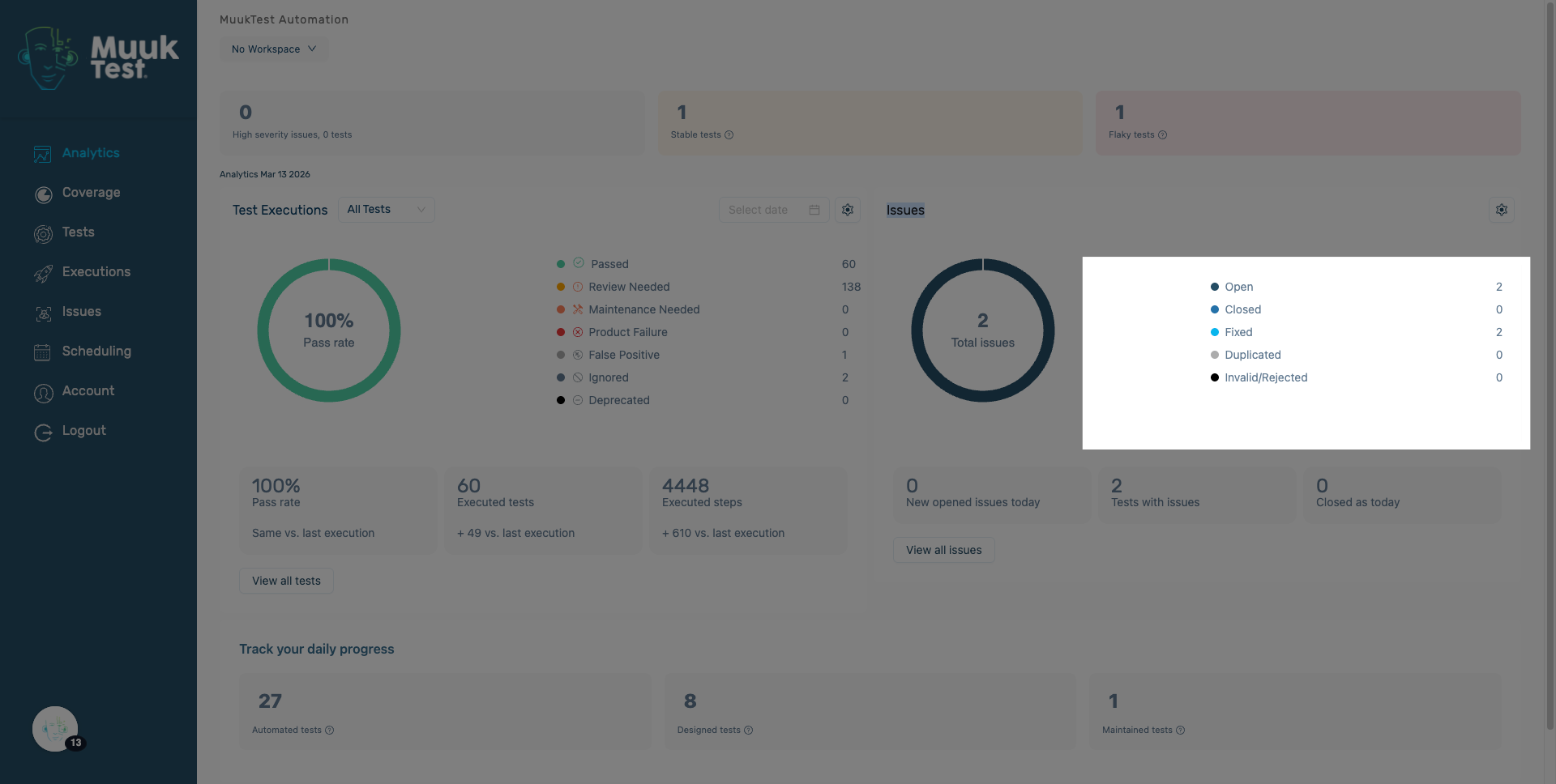
12. View Issues summary
Open issues refer to problems that have been reported but remain unresolved. These issues still require investigation, correction, or verification. Closed issues, on the other hand, are those that have been addressed and finalized, indicating that no further action is necessary. Fixed issues are those where the product team has implemented a solution or correction. Even after a fix, the issue may still require verification to confirm that the problem is completely resolved. A duplicated issue indicates that the same problem has been reported multiple times.
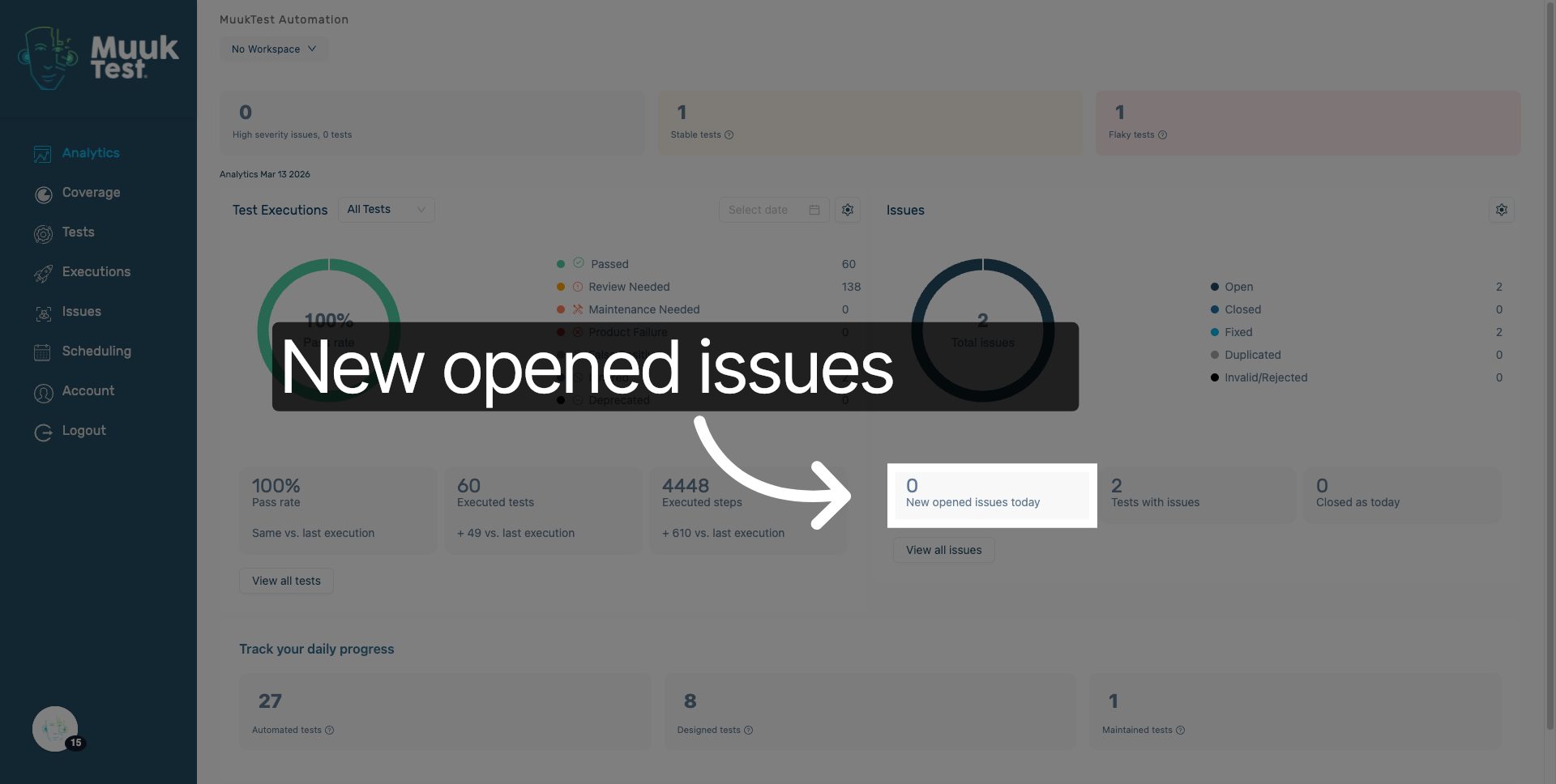
13. New Opened Issues Today
This indicates the number of issues reported on the current day.
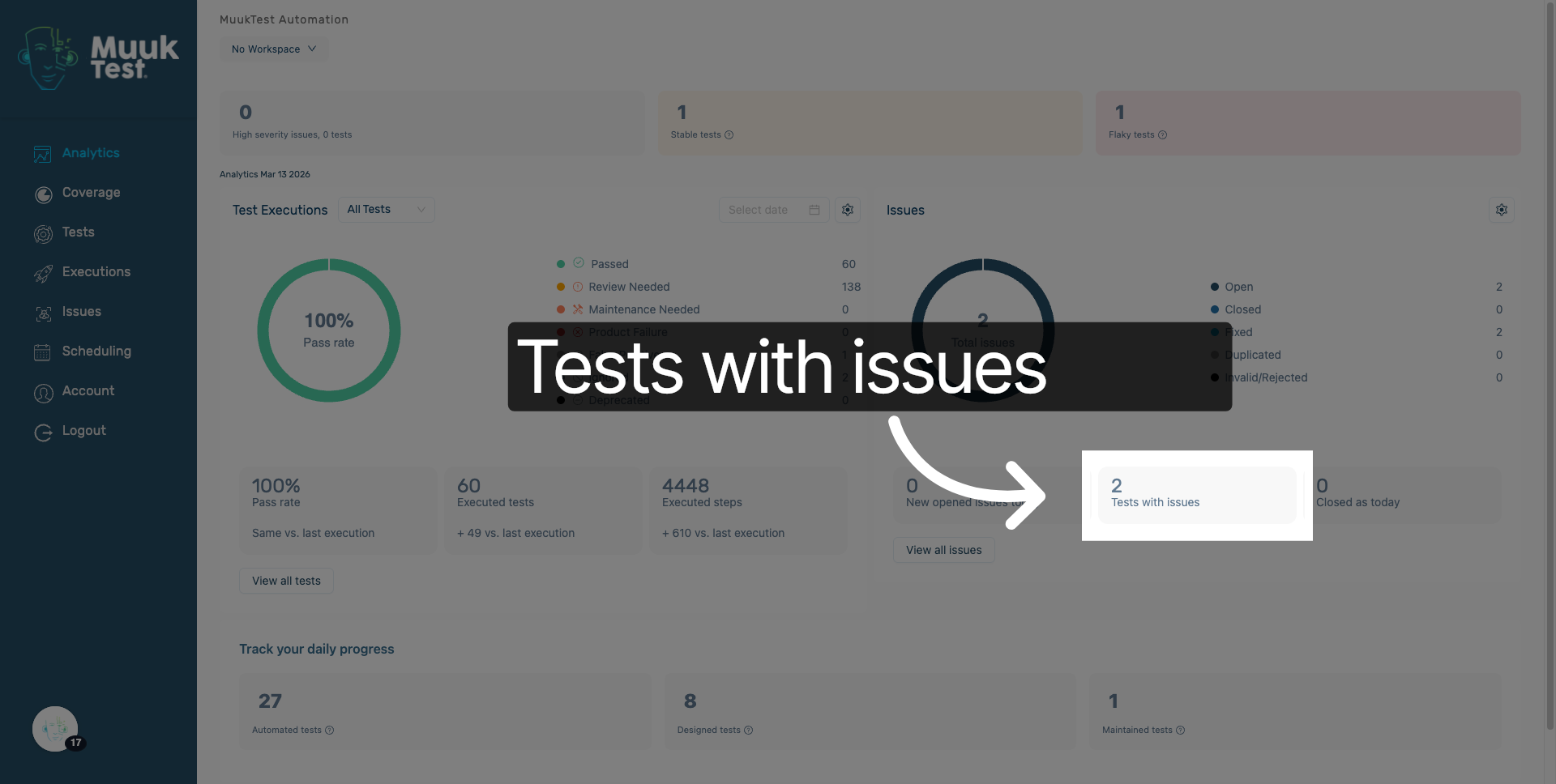
14. View Tests with Issues
This refers to the number of tests that detected or are associated with issues. A test can reveal a defect when it fails due to incorrect application behavior.
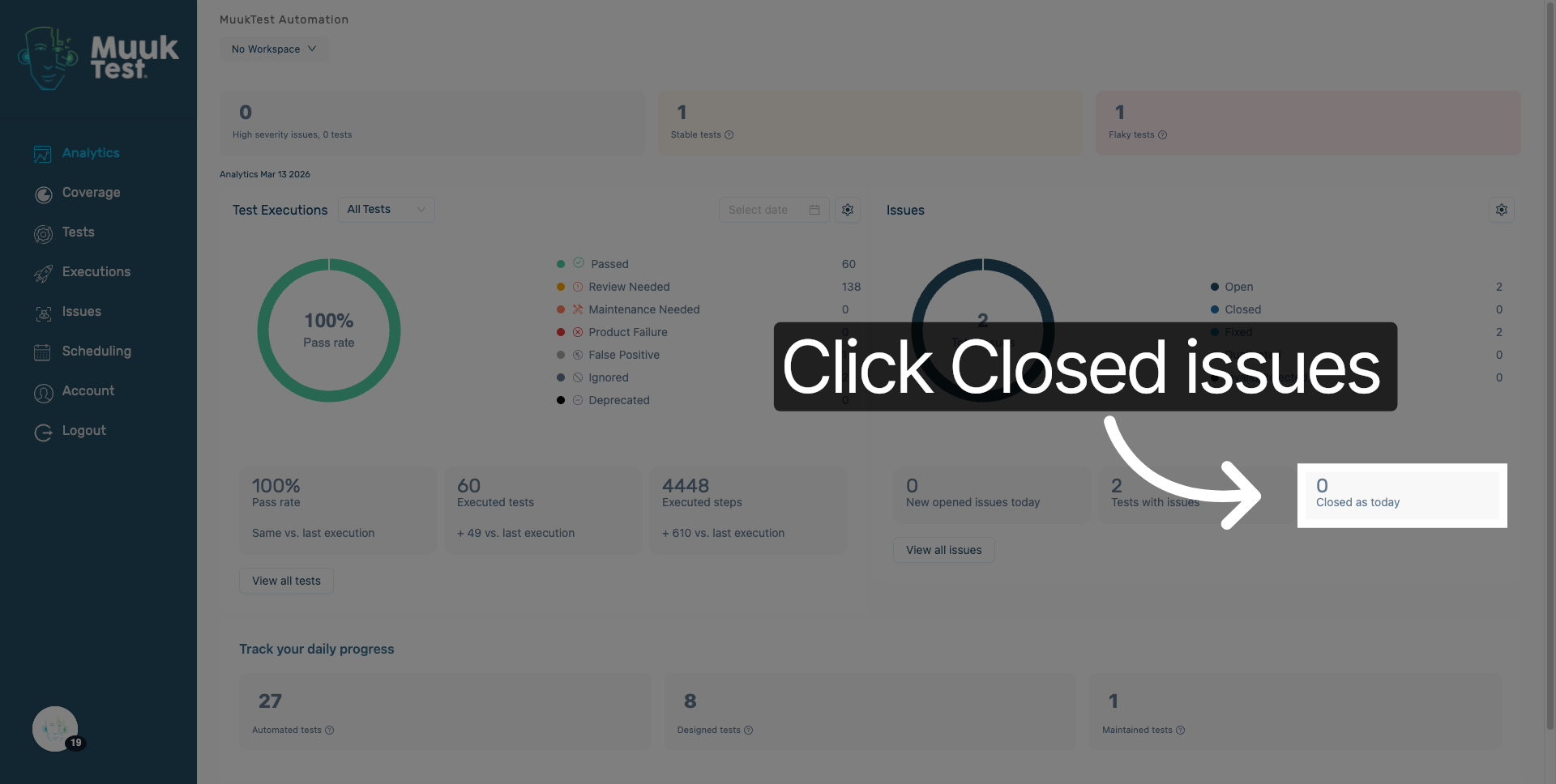
15. Closed Issues Today
This indicates the number of issues that were resolved and closed today.
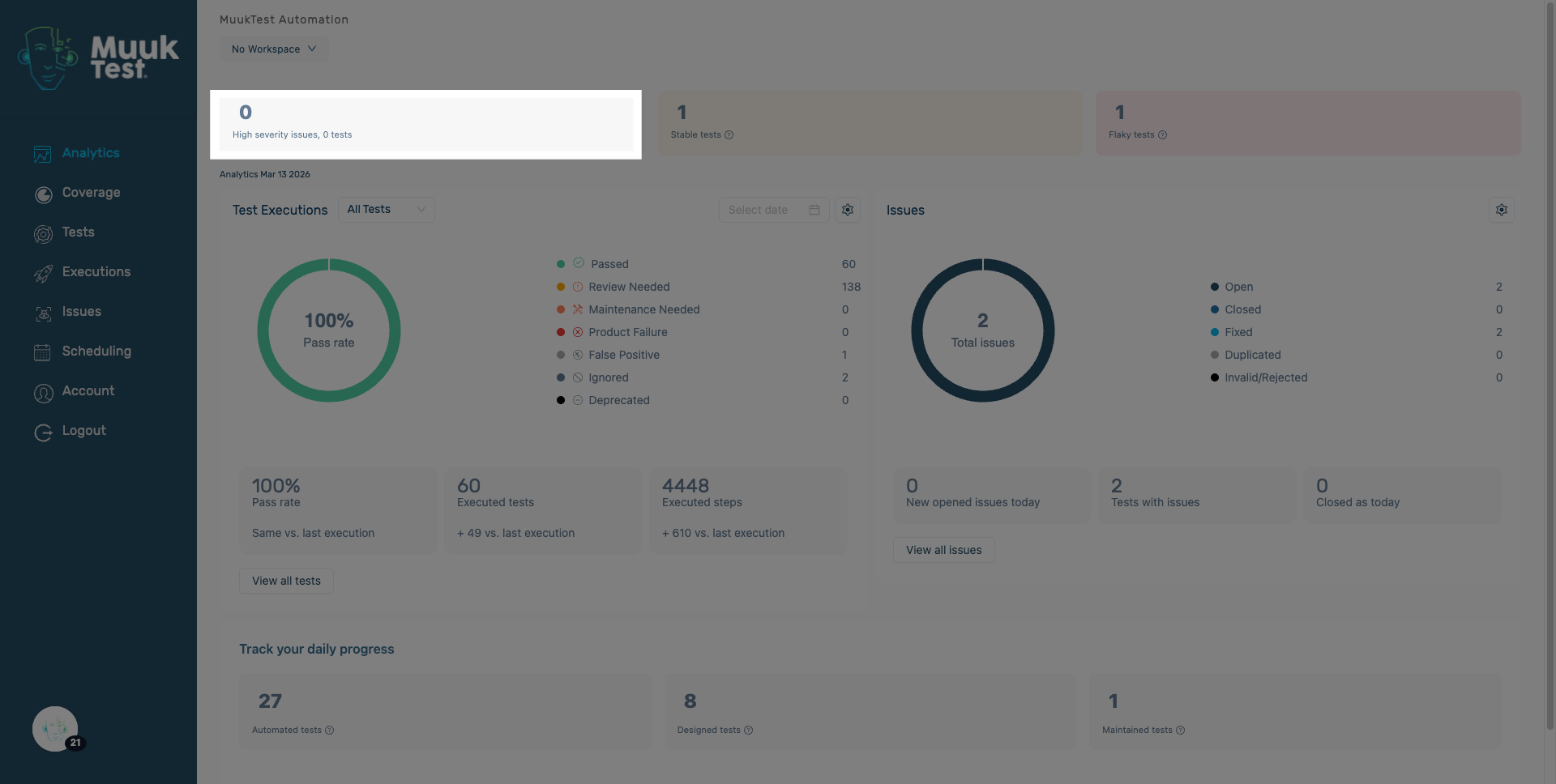
16. High Severity Issues
High-severity issues are defects that significantly impact the system or user experience. They typically affect critical functionality and necessitate immediate attention and resolution.
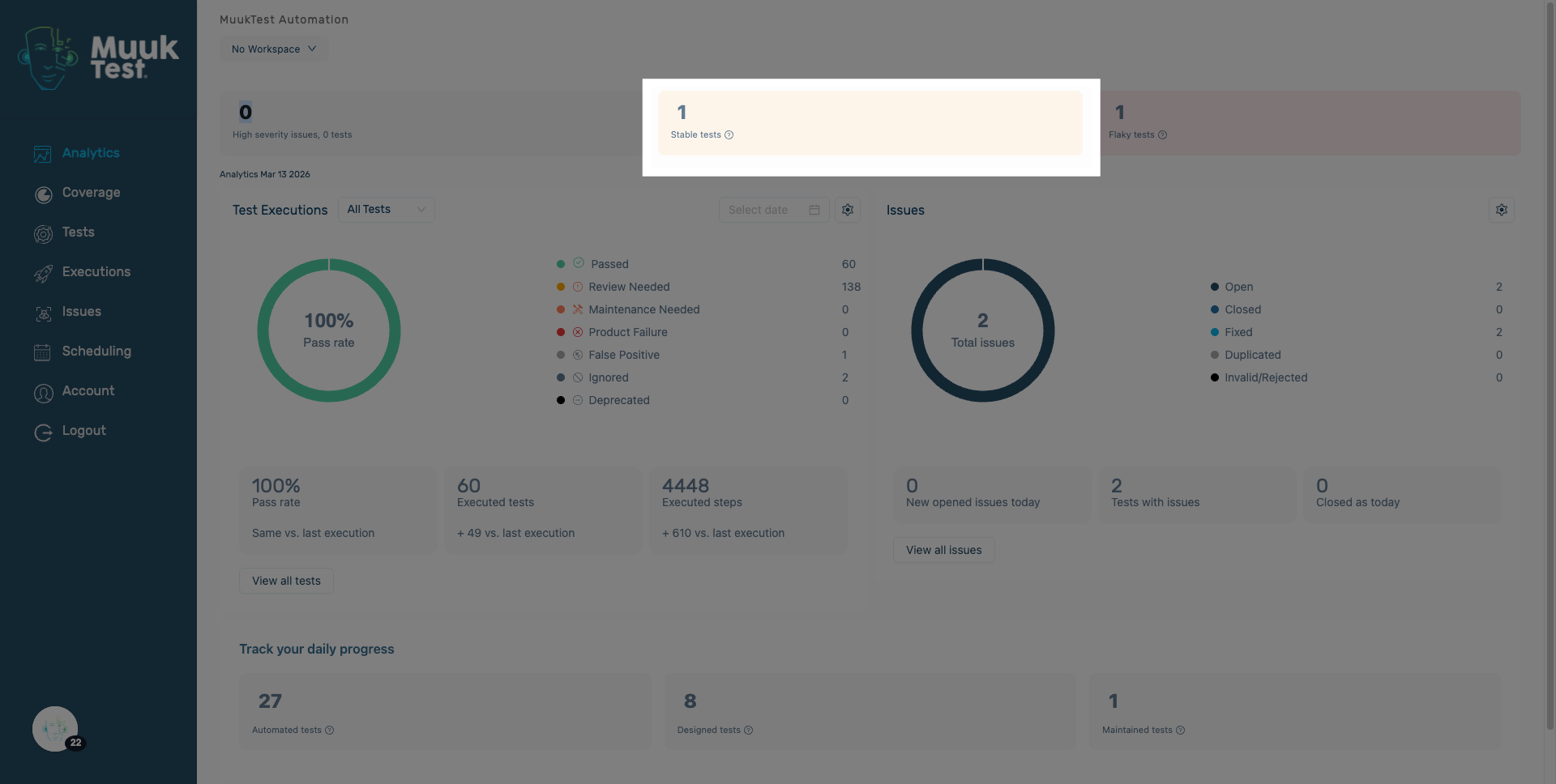
17. Stable Tests
Stable tests are automated tests that reliably yield the same results each time they are executed under identical conditions.
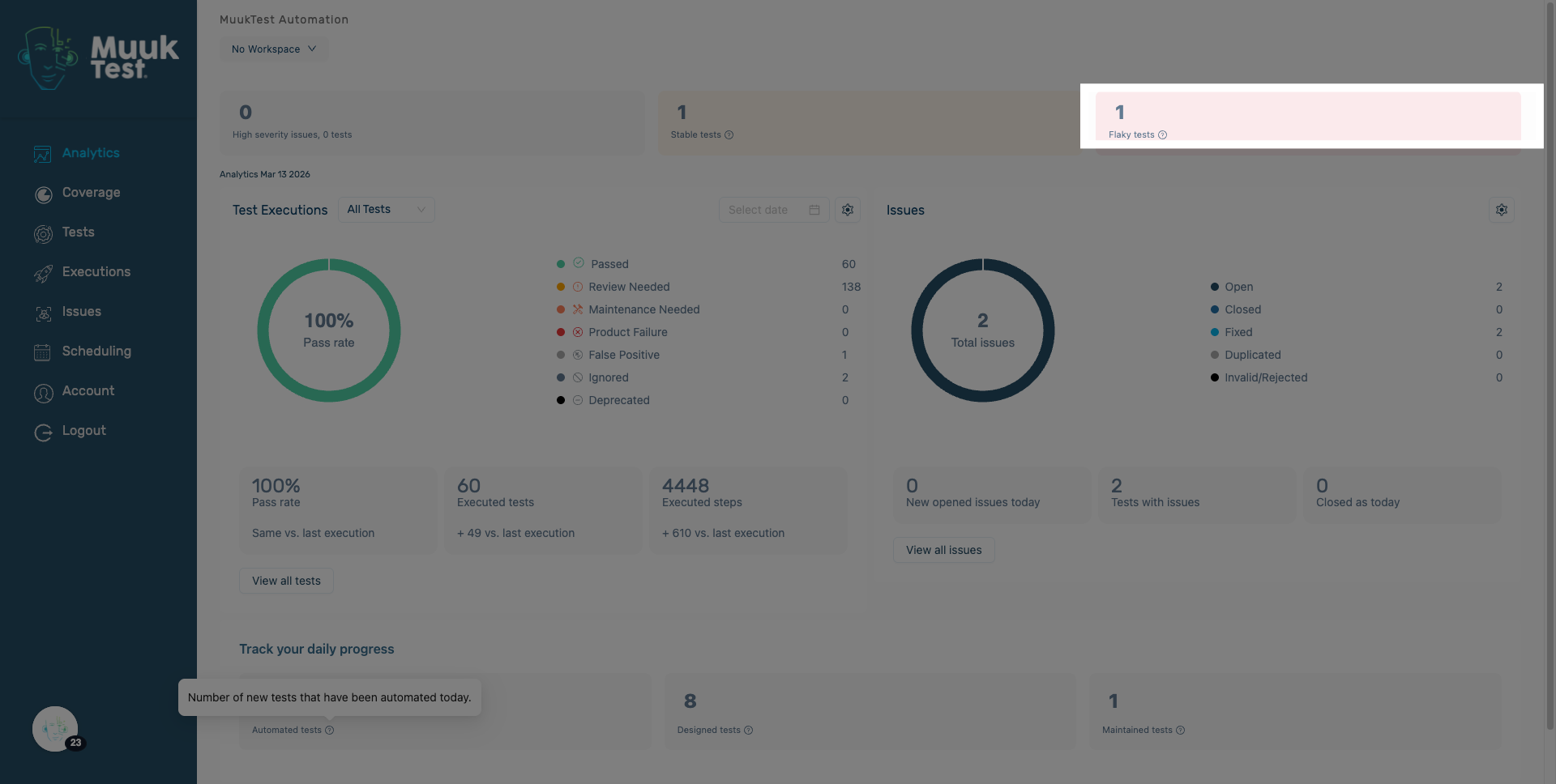
18. Flaky Tests
Flakiness indicates the stability of a test over time. Lower values reflect a stable regression suite, whereas higher values imply inconsistent behavior.
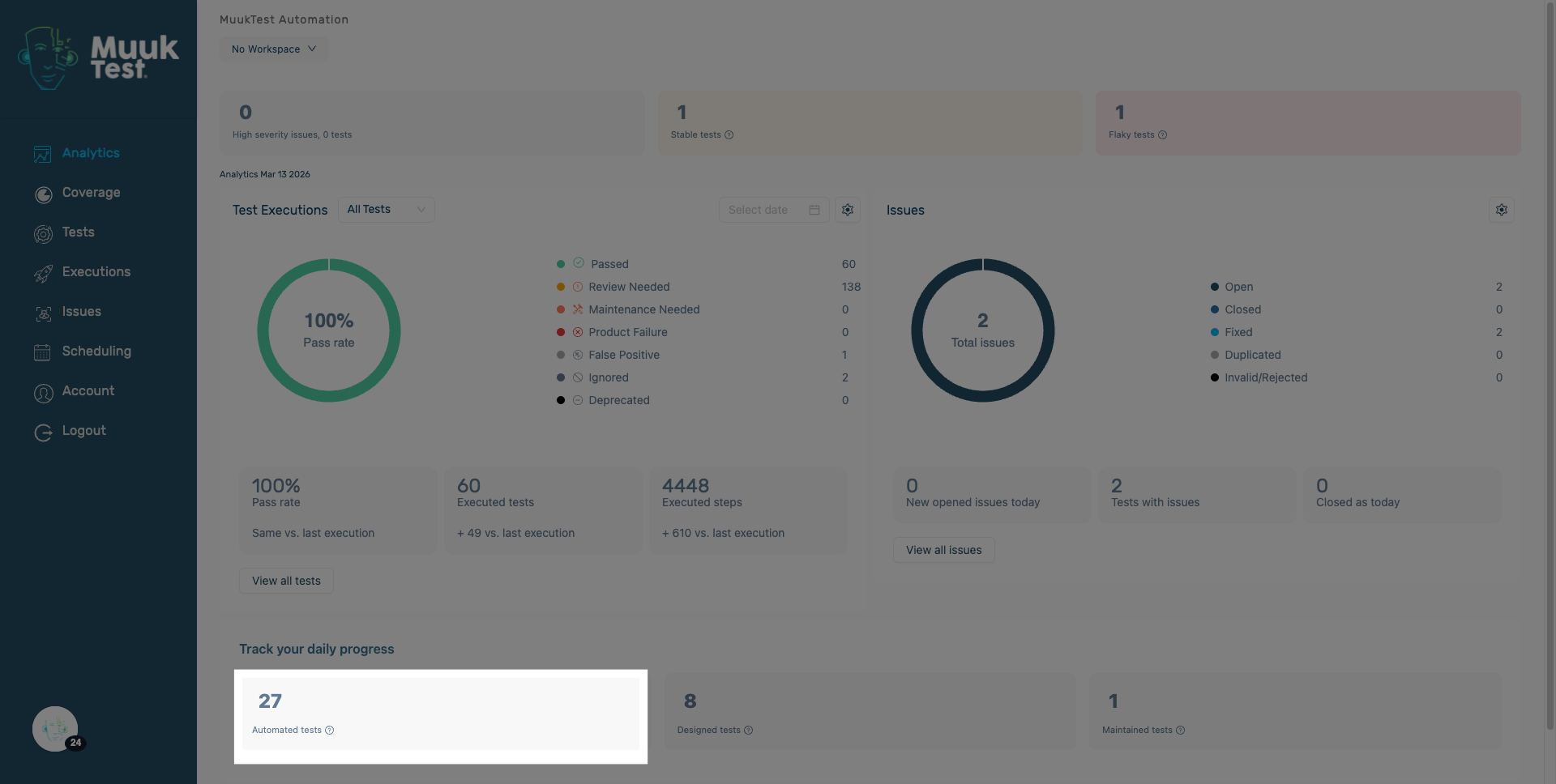
19. Automated tests
The number indicates the total count of tests that are currently automated.
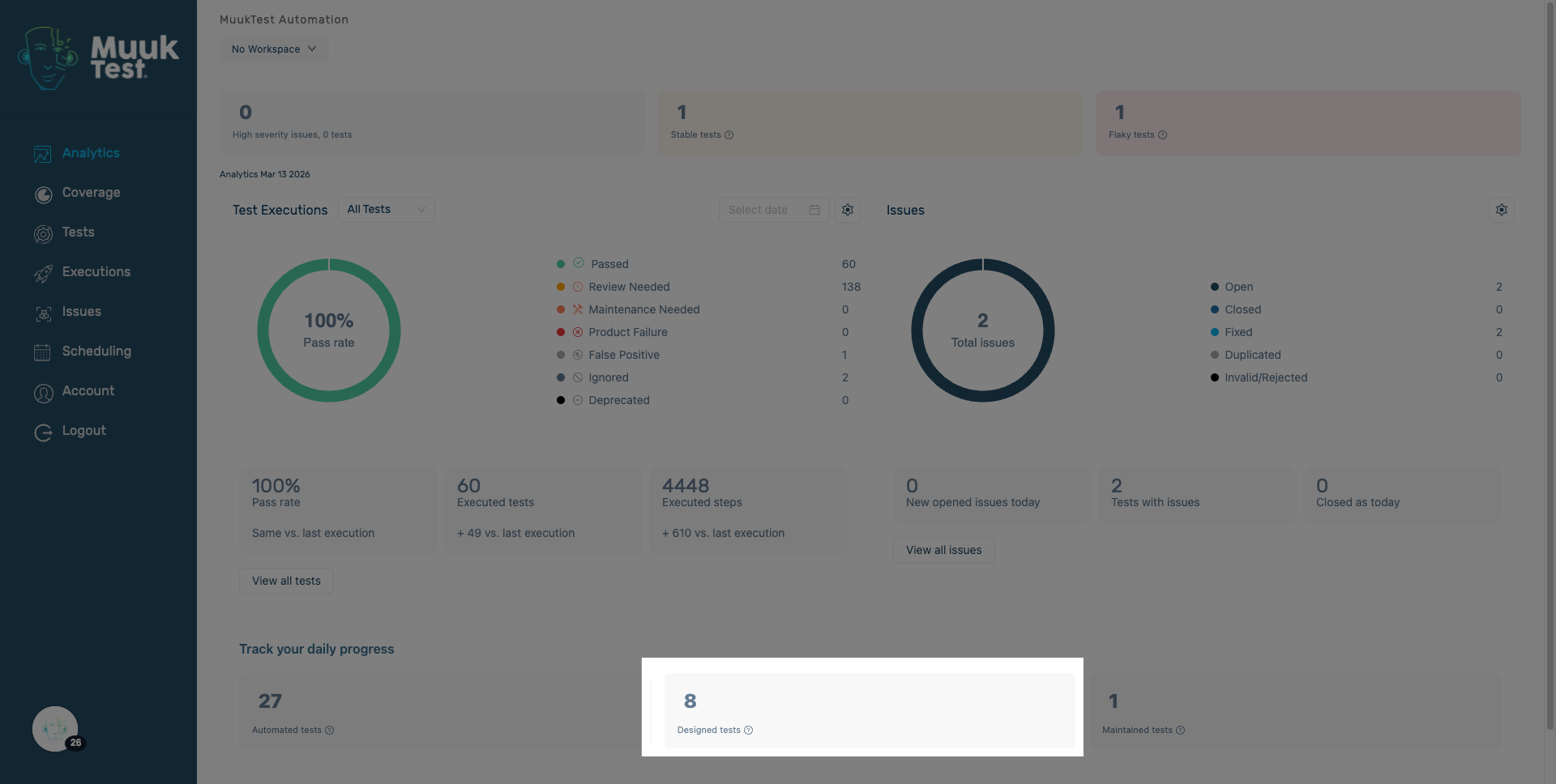
20. Designed Tests
Designed tests refer to test cases that have been created.
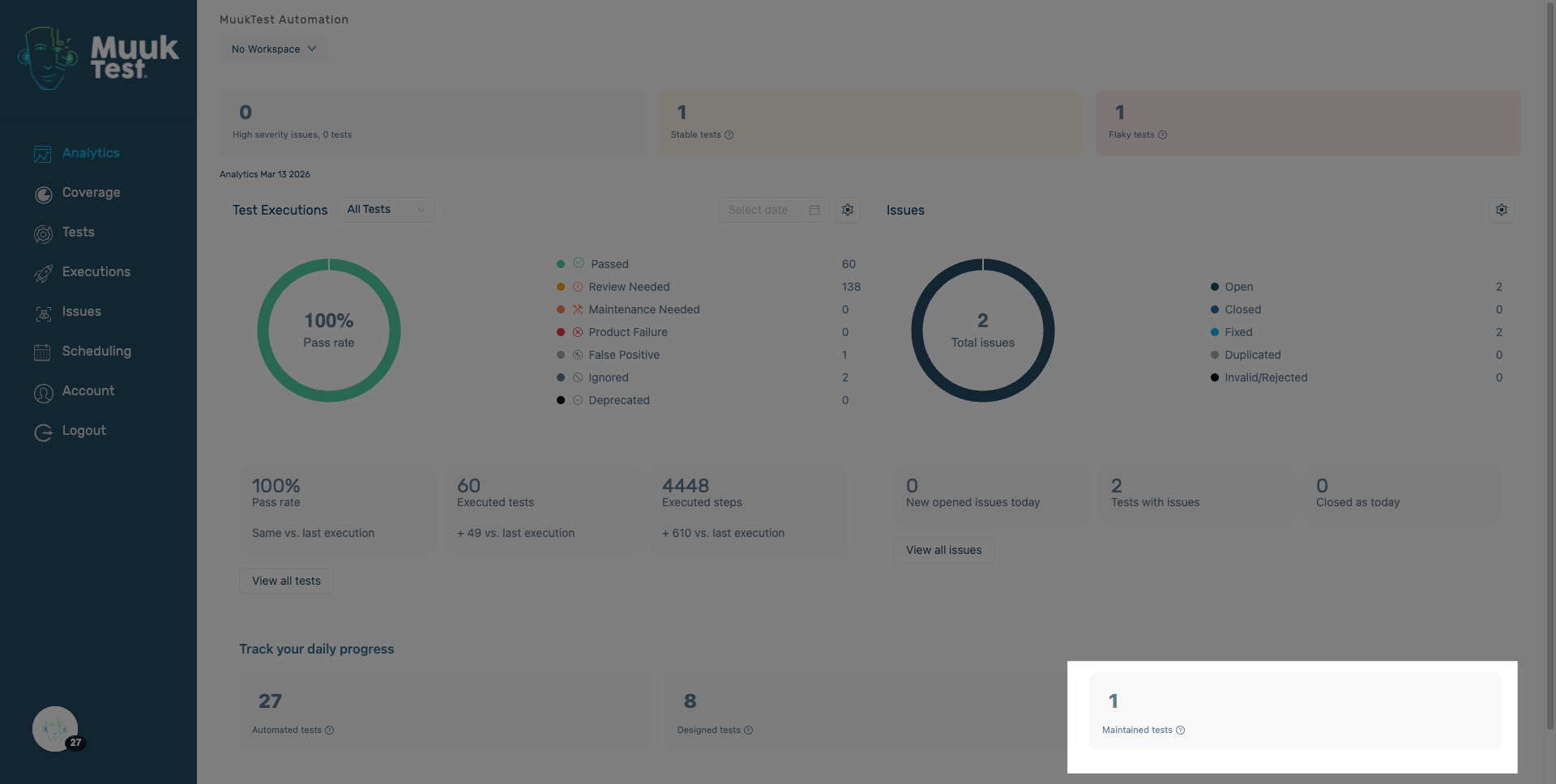
21. Maintained Tests
Maintained tests are tests that have been updated, fixed, or improved to keep them working correctly.
You have successfully navigated through MuukTest to analyze test execution results, review issues, and monitor daily testing progress. Continue exploring related features to optimize your testing workflow.

Comments
0 comments
Please sign in to leave a comment.