

This tutorial guides you through updating issue status fields within the MuukTest application.
Go to portal.muuktest.com:5000
1. Introduction
You will learn how to modify and save status values effectively.
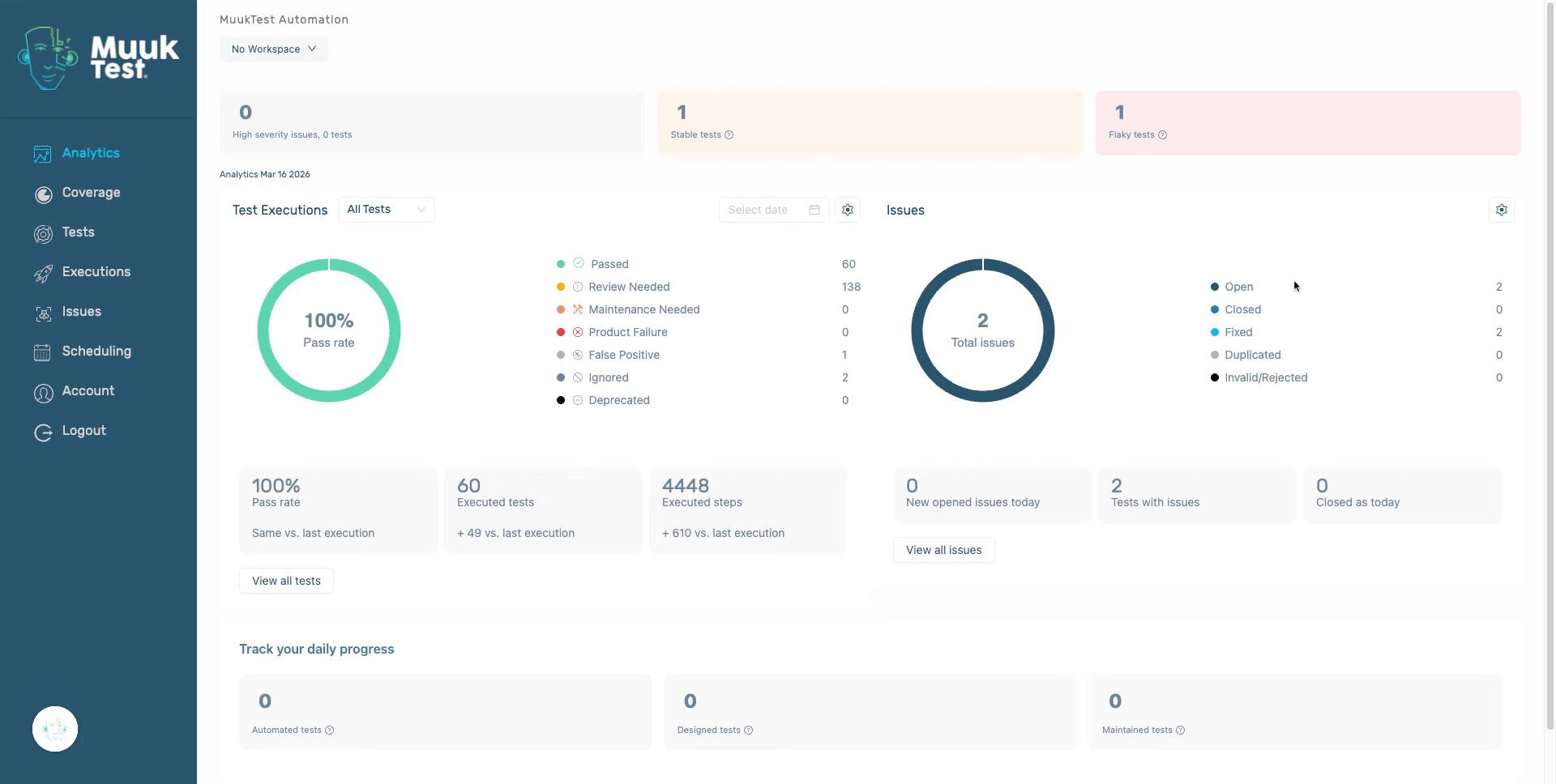
2. Access Issues Section
Navigate to the issues section within the MuukTest application.
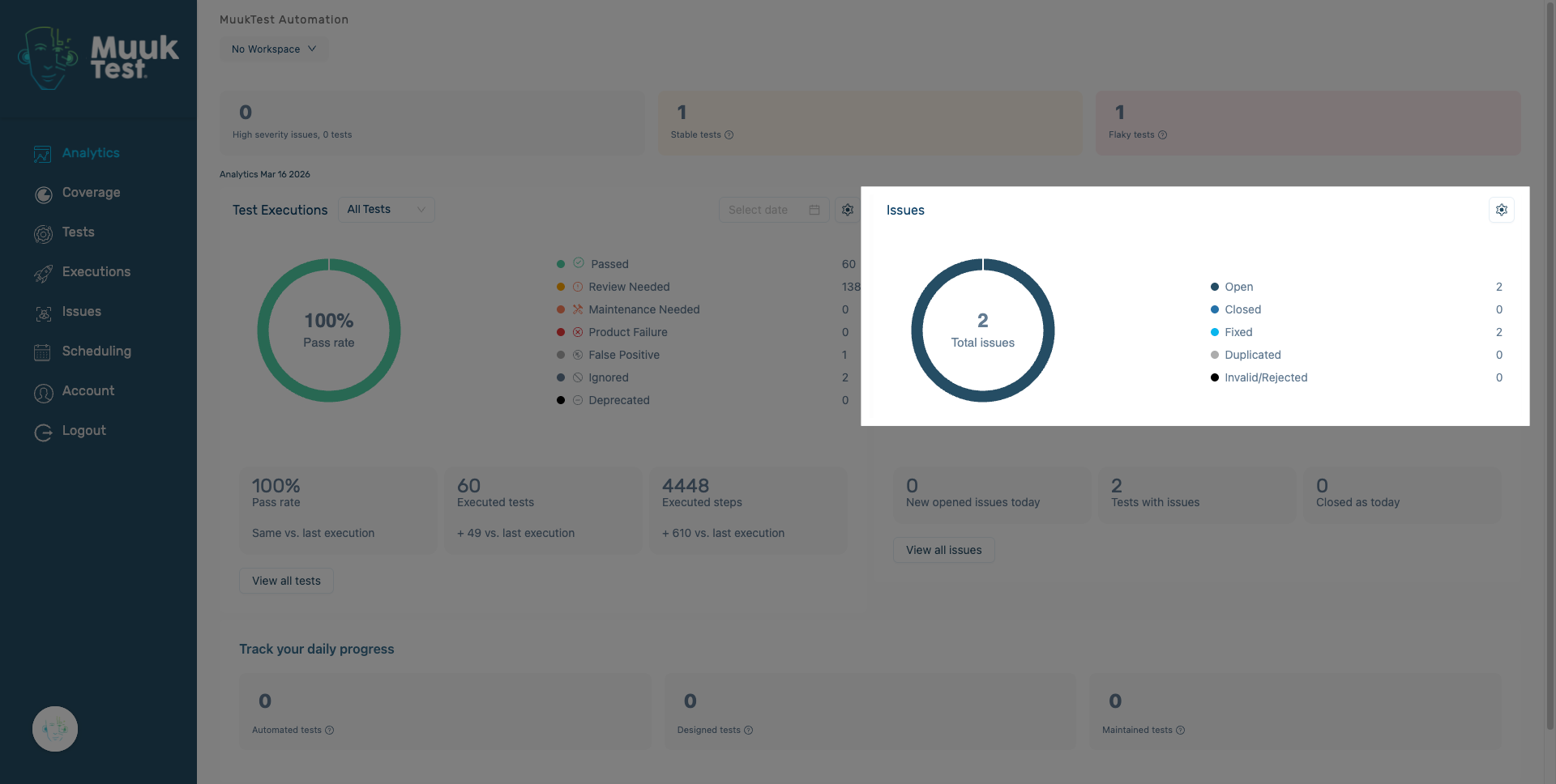
3. Navigate to Status Options
Click here to proceed to the status options available for modification.
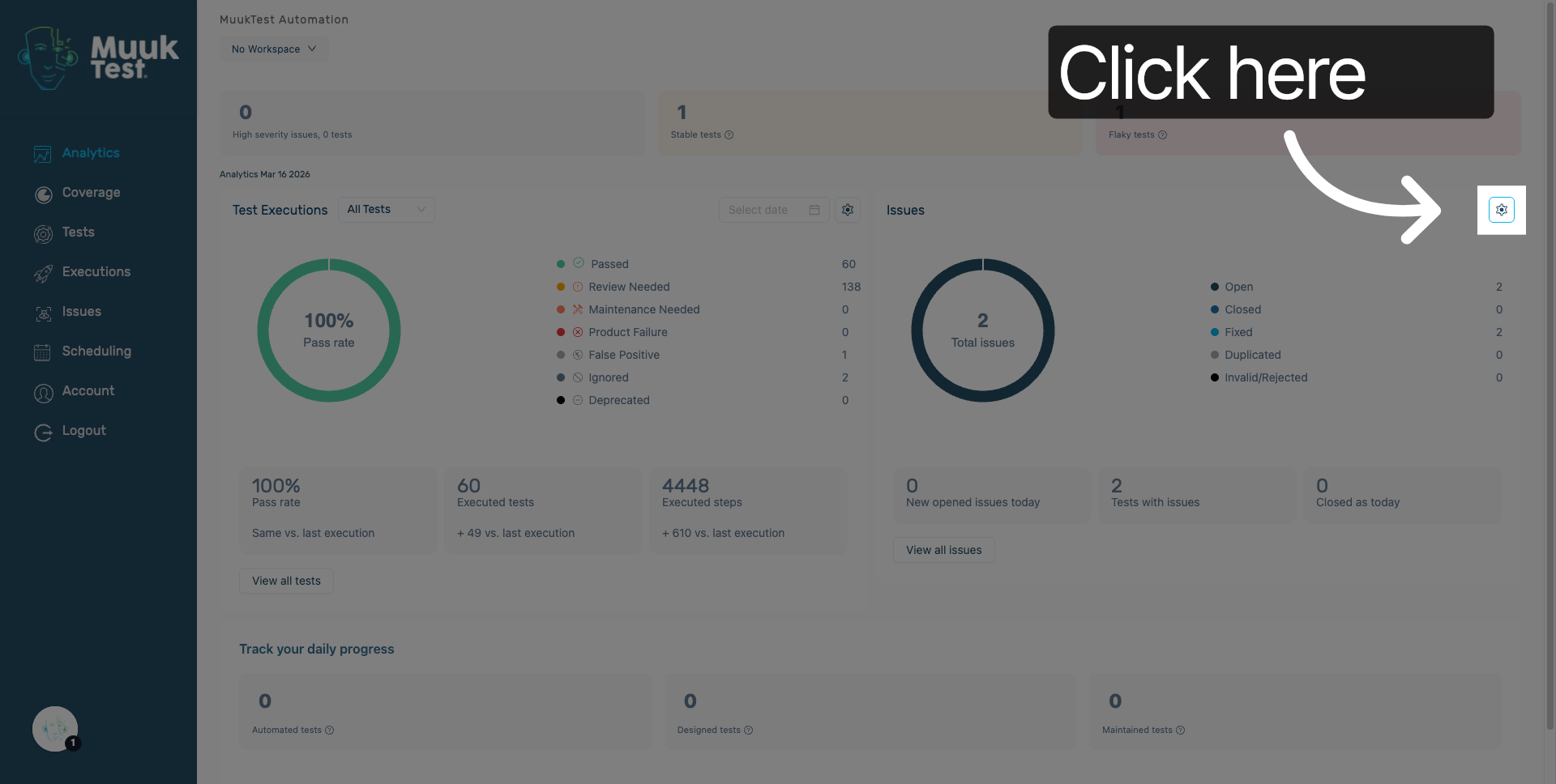
4. Issue Statuses
You will find a list of statuses from which you can select the ones you want to include in the total issues count.
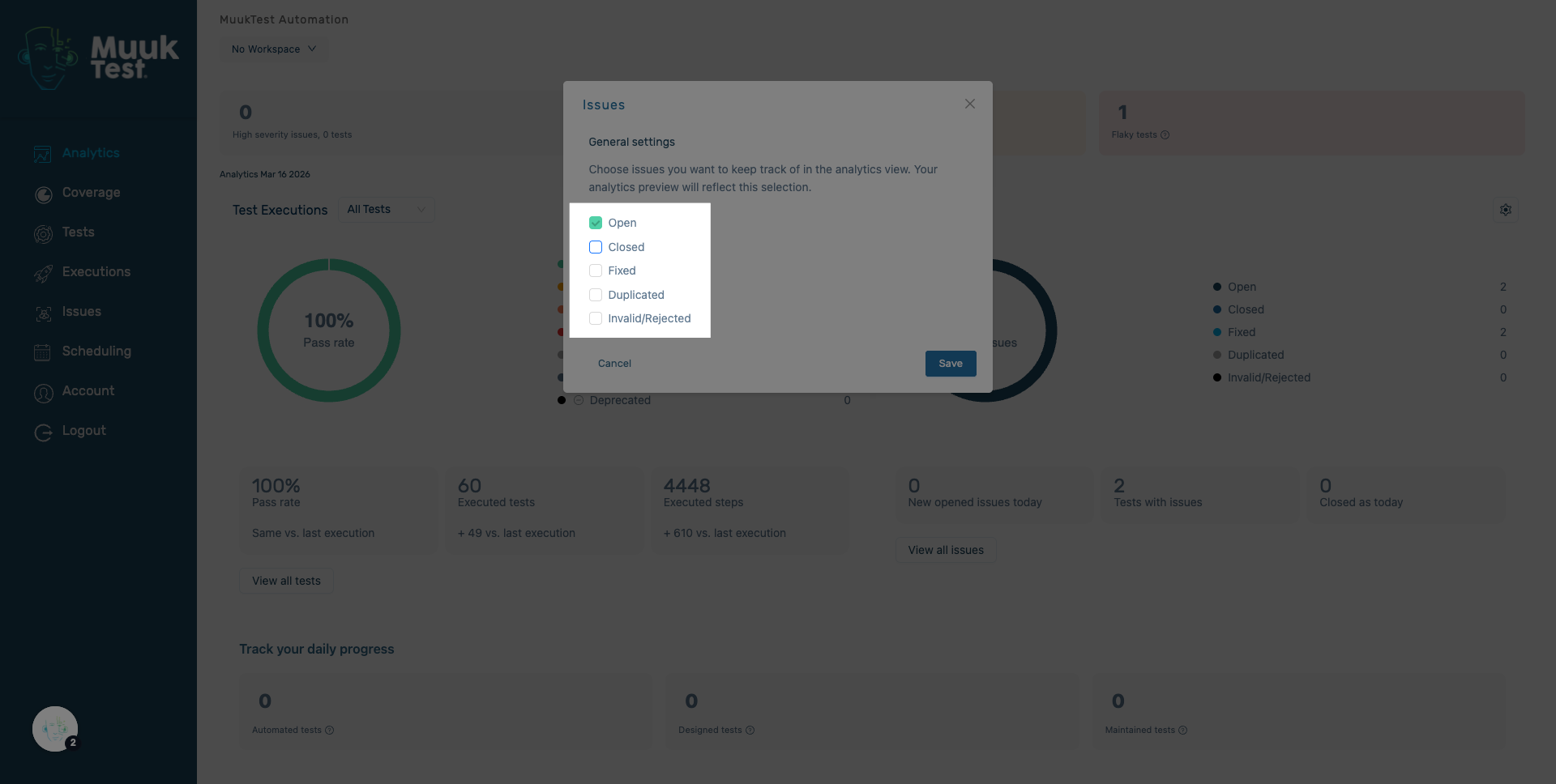
5. Select desired statuses
Select the status you want to be counted in the total number of issues.
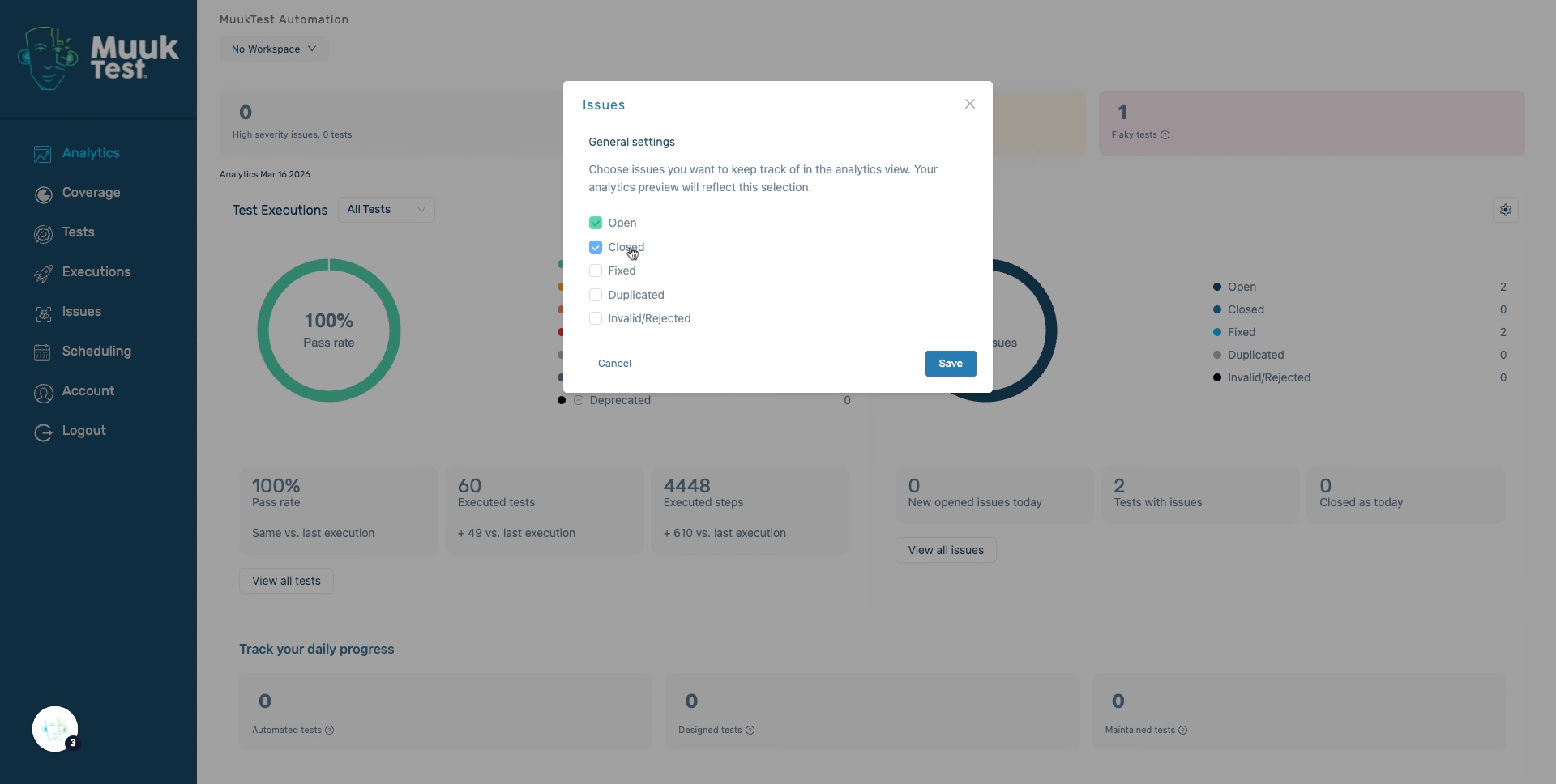
6. Select desired statuses
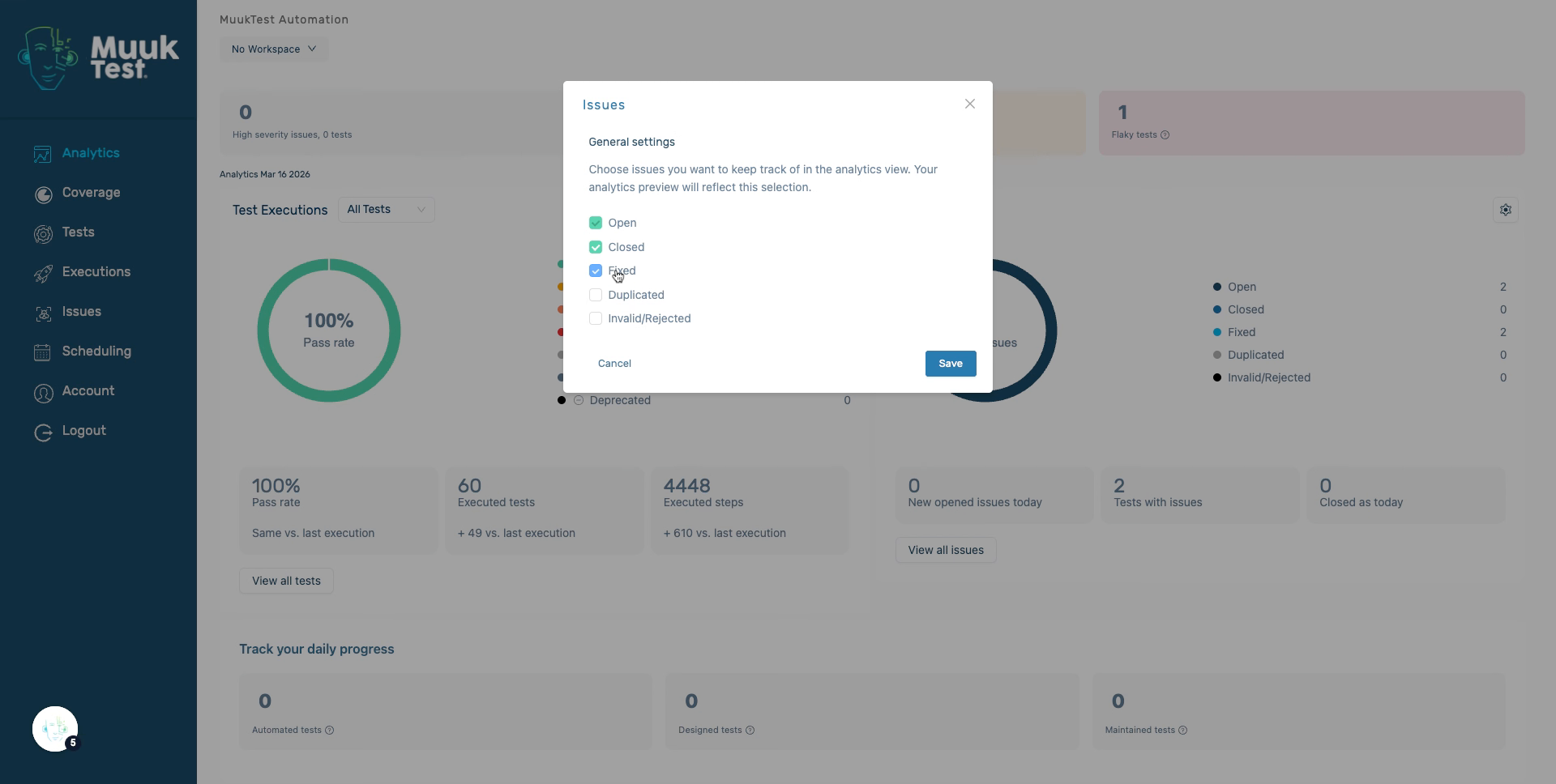
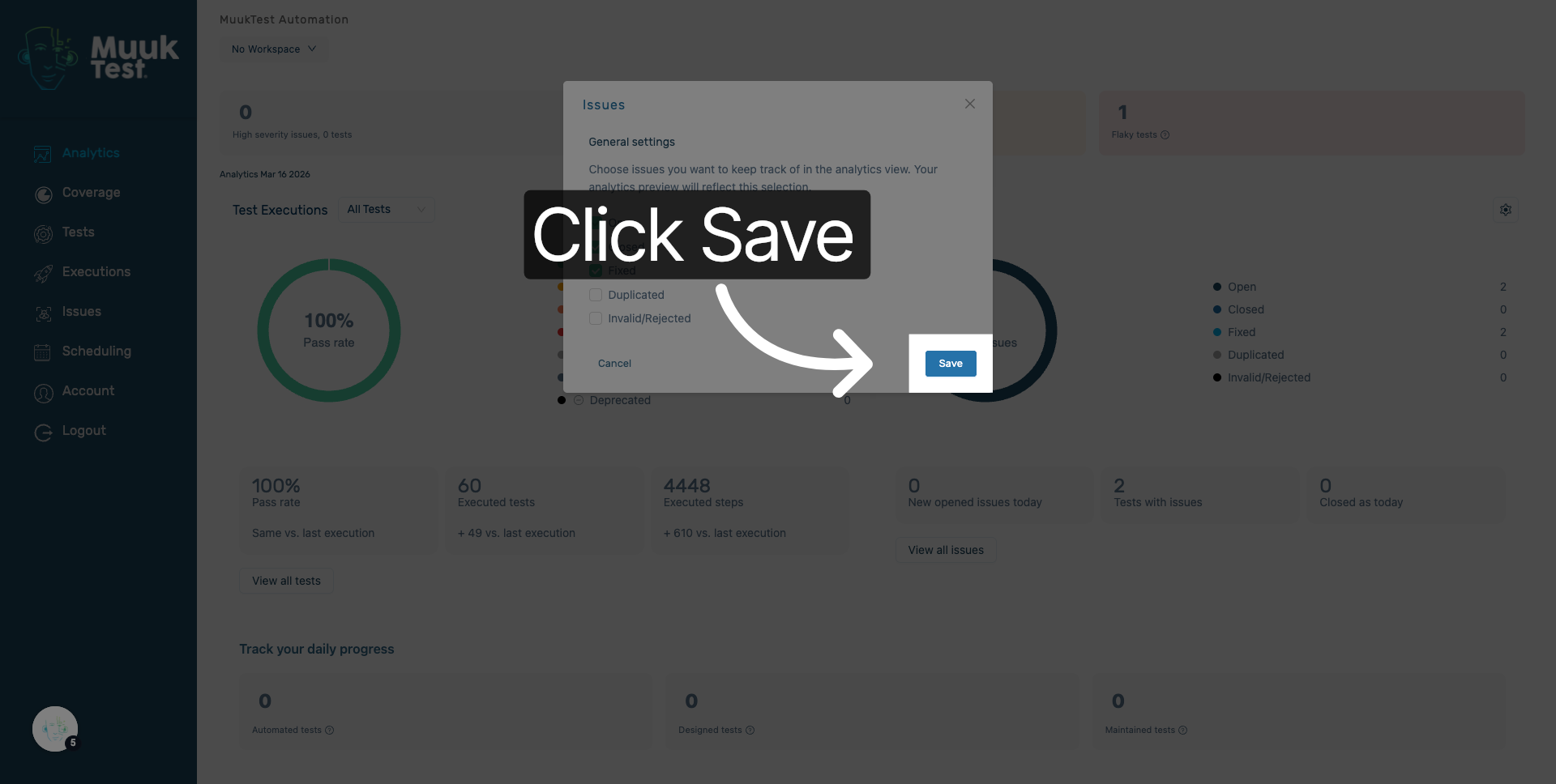
7. Save Status Changes
Click "Save" to apply and save all status updates made in the application.
8. Confirm Status Update Completion
Click here to finalize the process and confirm that all status changes have been saved successfully.
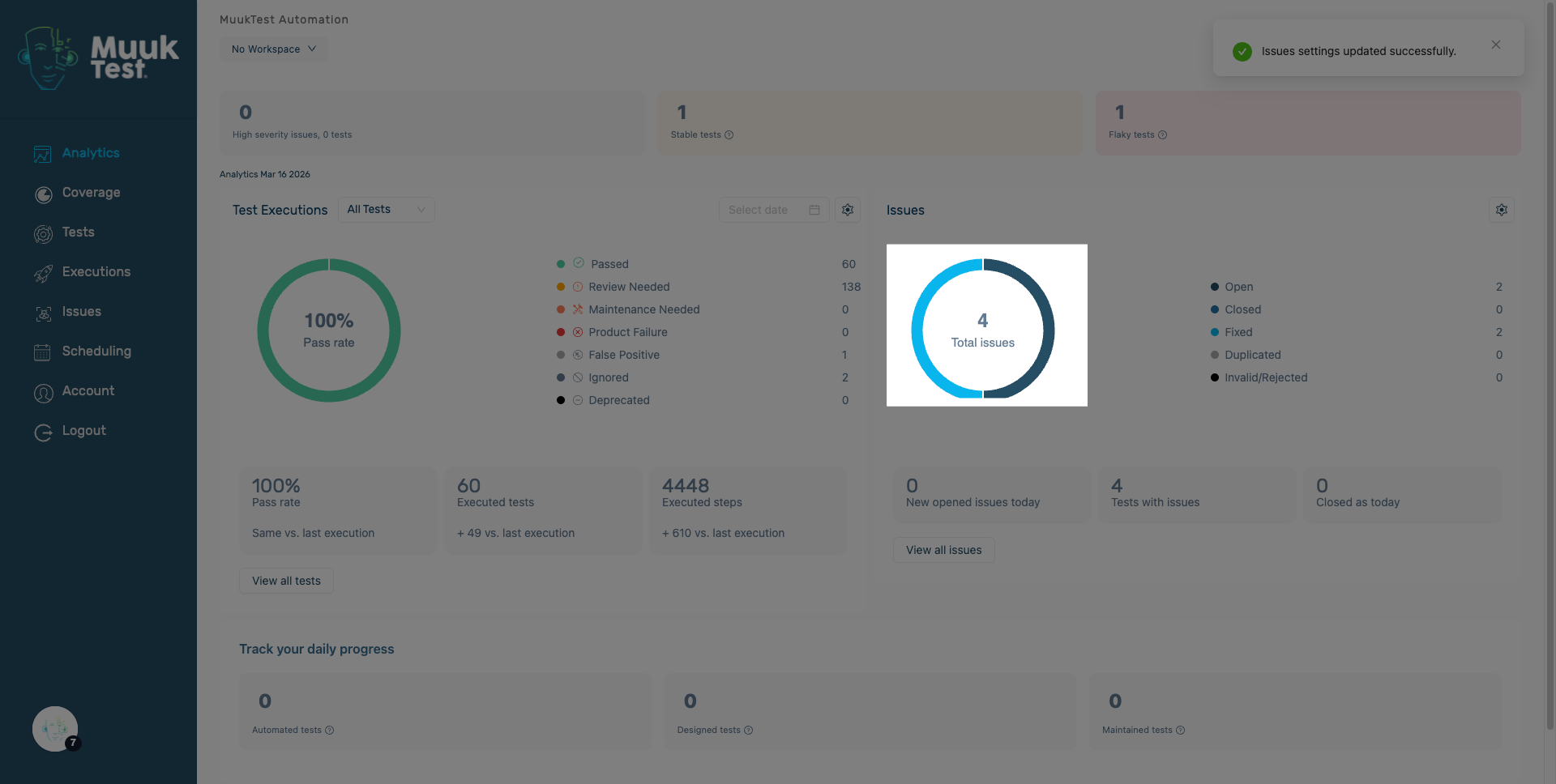
You have successfully updated the issue status fields within the MuukTest application and saved your changes. You can now proceed to manage other status configurations or review the updated statuses.
Comments
0 comments
Please sign in to leave a comment.