

This tutorial guides you through configuring an executive report in Muuktest
Go to portal.muuktest.com:5000
1. Introduction
You will set the report name, schedule, delivery method, and recipients to automate report distribution.
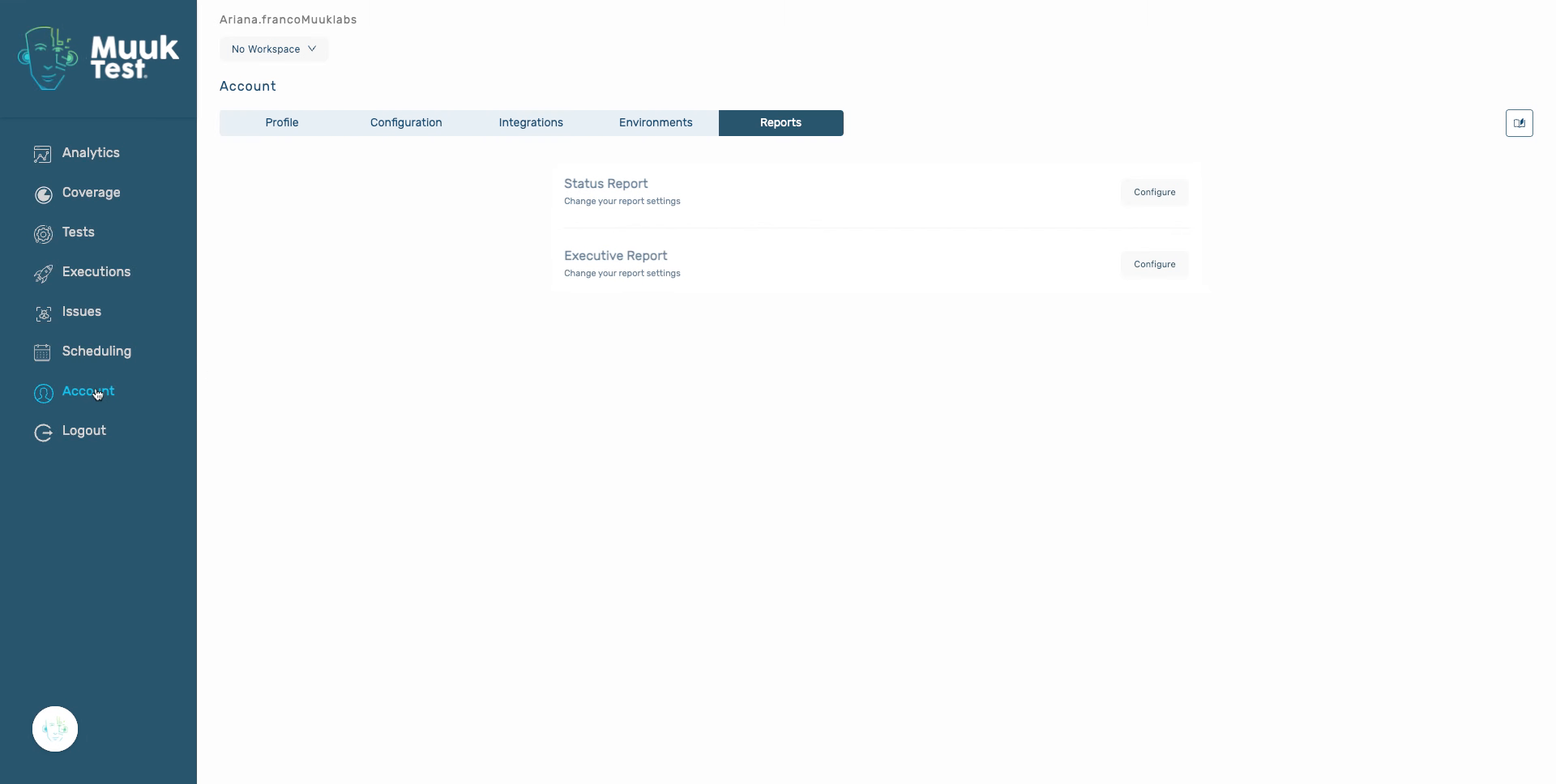
2. Click Configure Button
Click the Configure button to begin setting up your executive report.
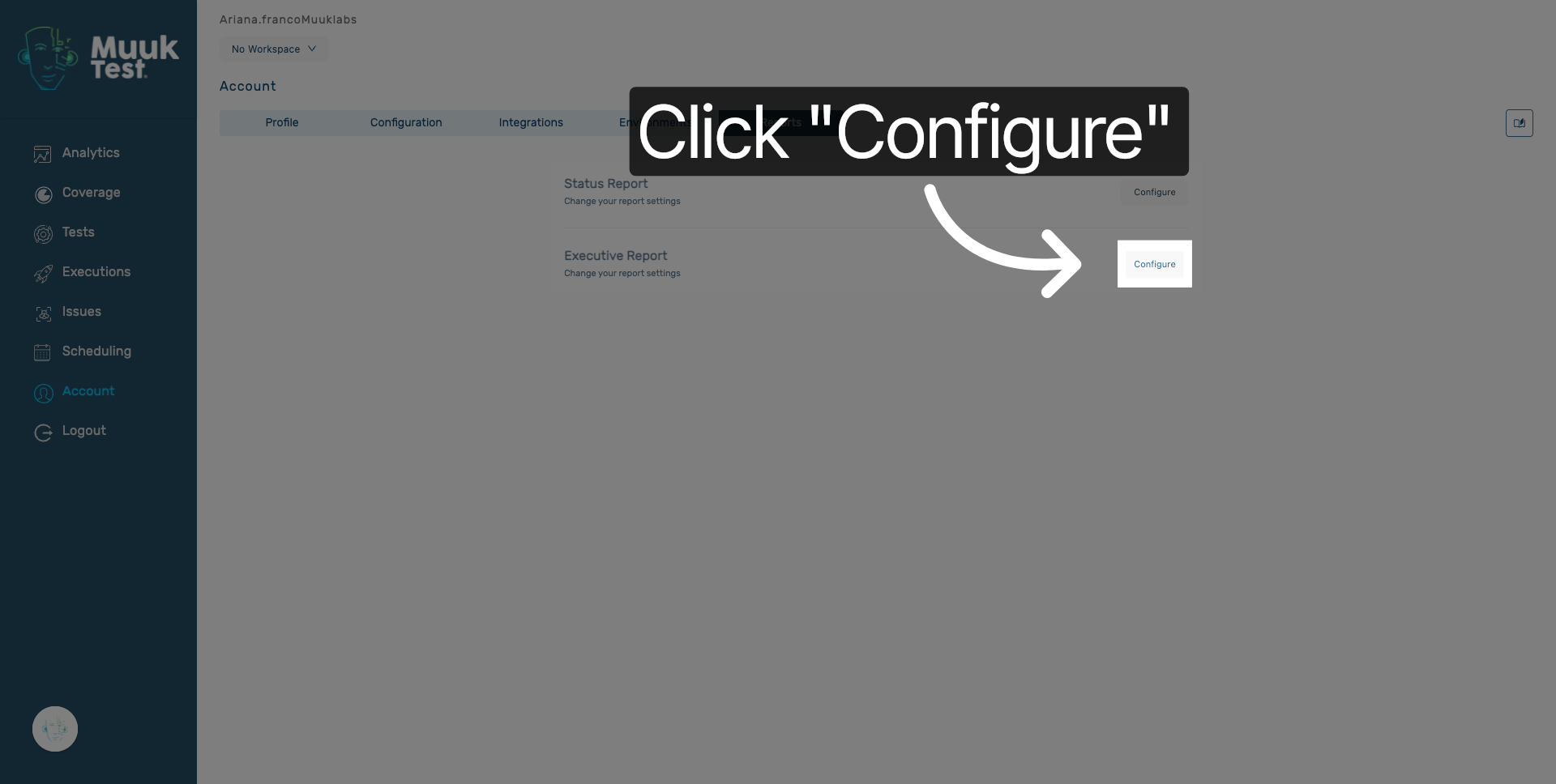
3. Select Report Name Field
Click the Report name field to specify the name of your report.
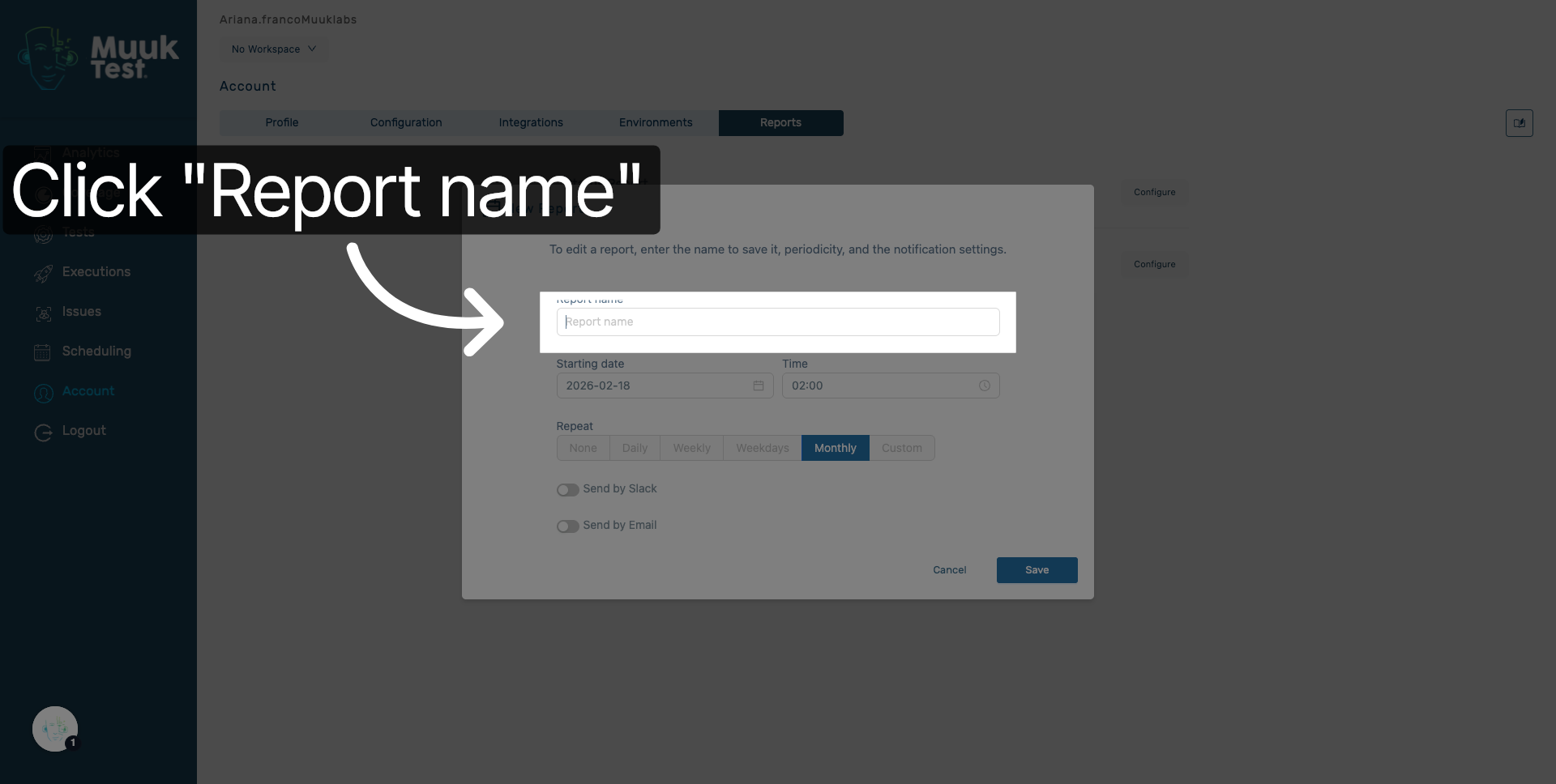
4. Enter Report Name
Enter your report name to identify the executive report clearly.
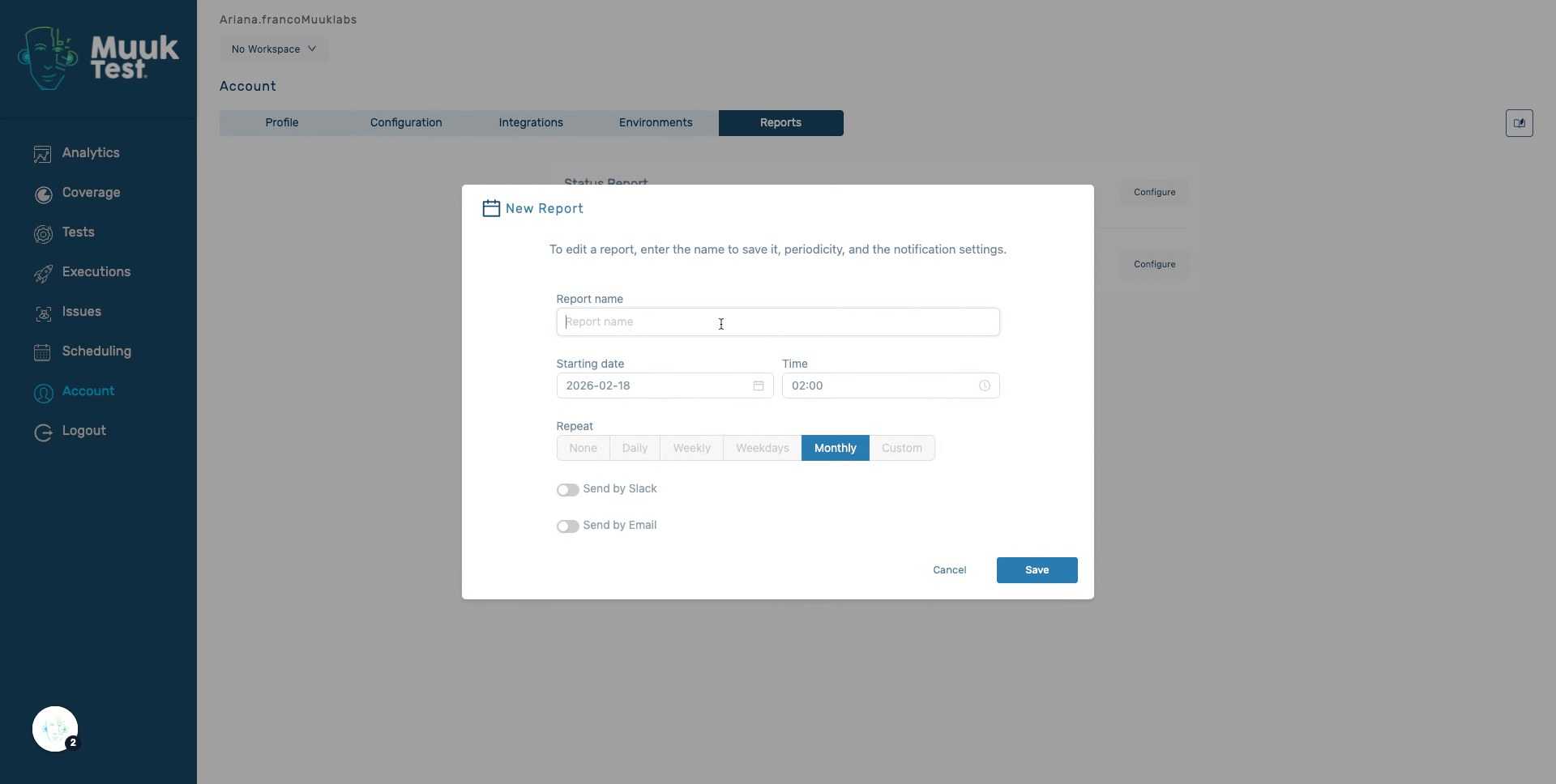
5. Reopen Report Name Field
Click the Report name field again to confirm or adjust the report name as needed.
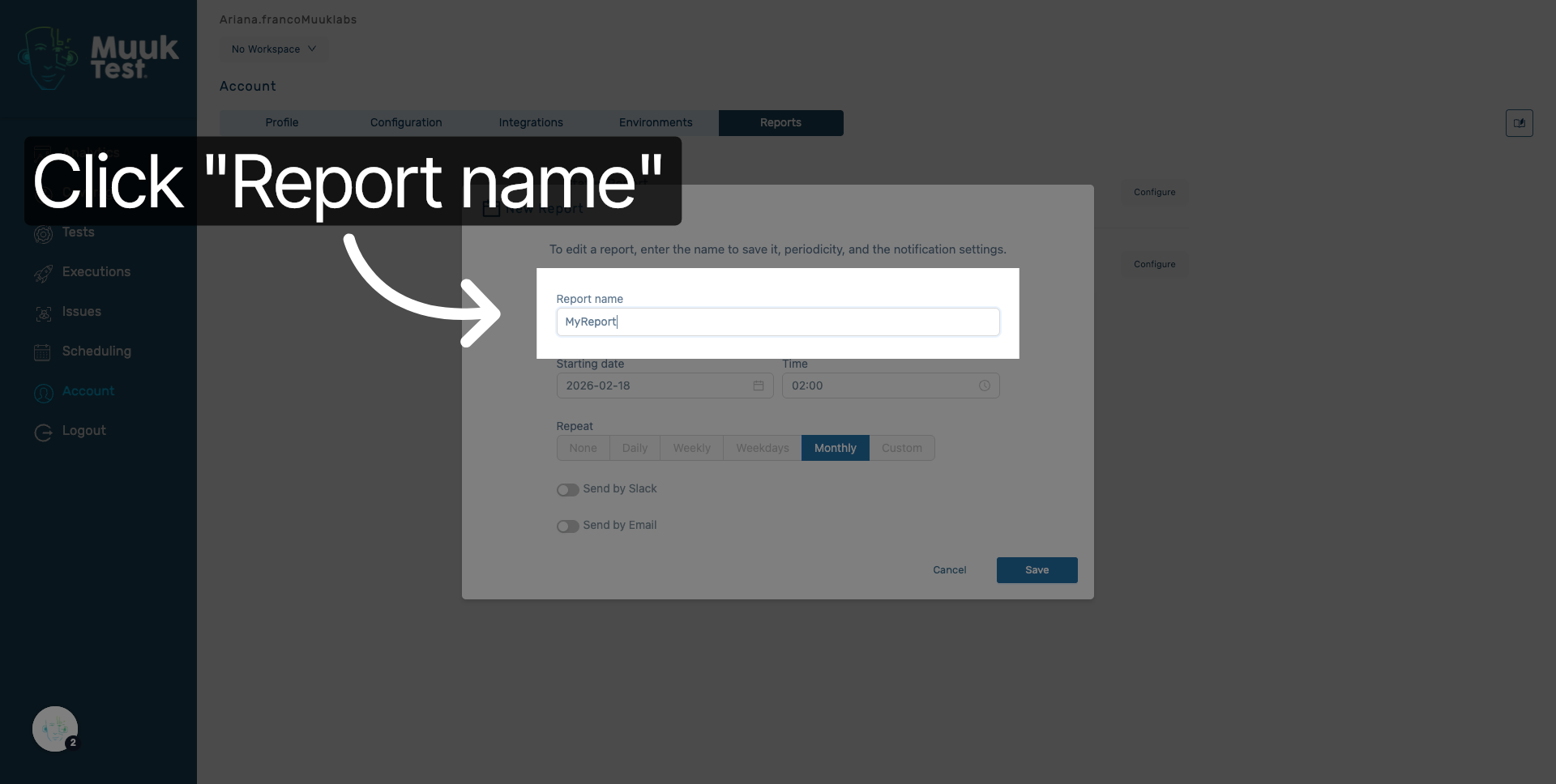
6. Select Report Date
Select the report date to define when the report data will be generated.
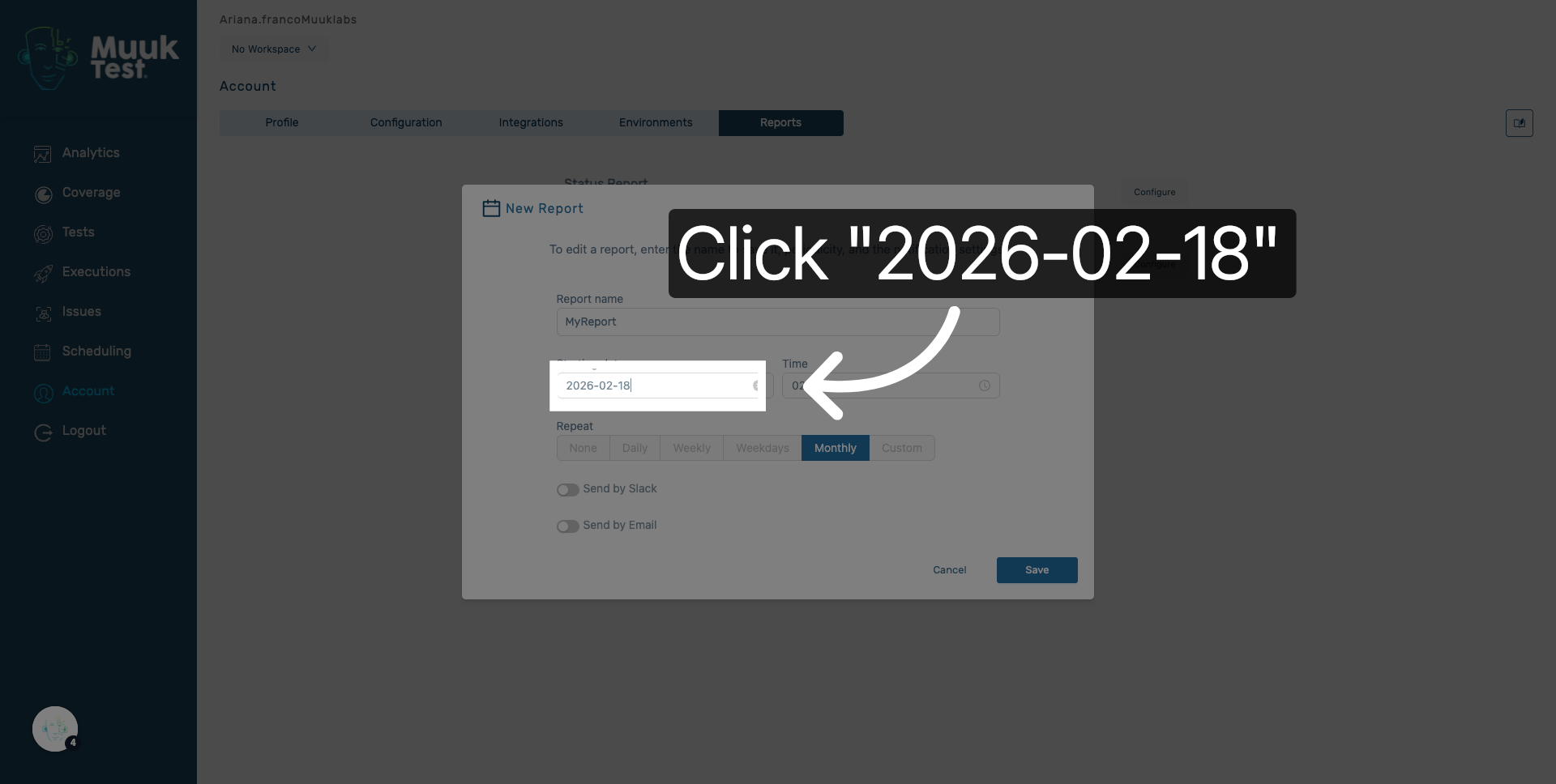
7. Choose Report Day
Choose the specific day for the report to be scheduled.
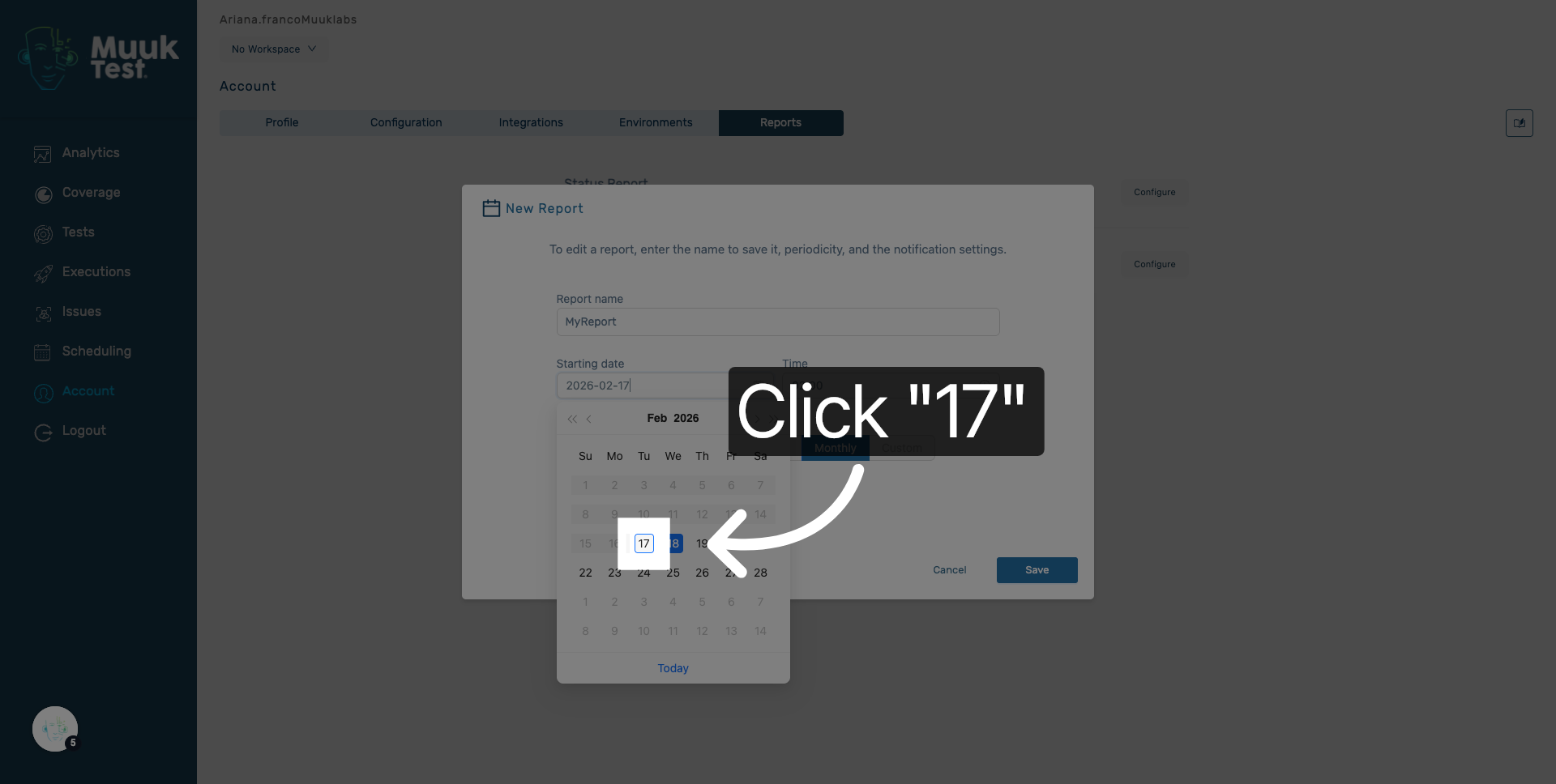
8. Set Report Time
Click the time field to set the hour for the report delivery.
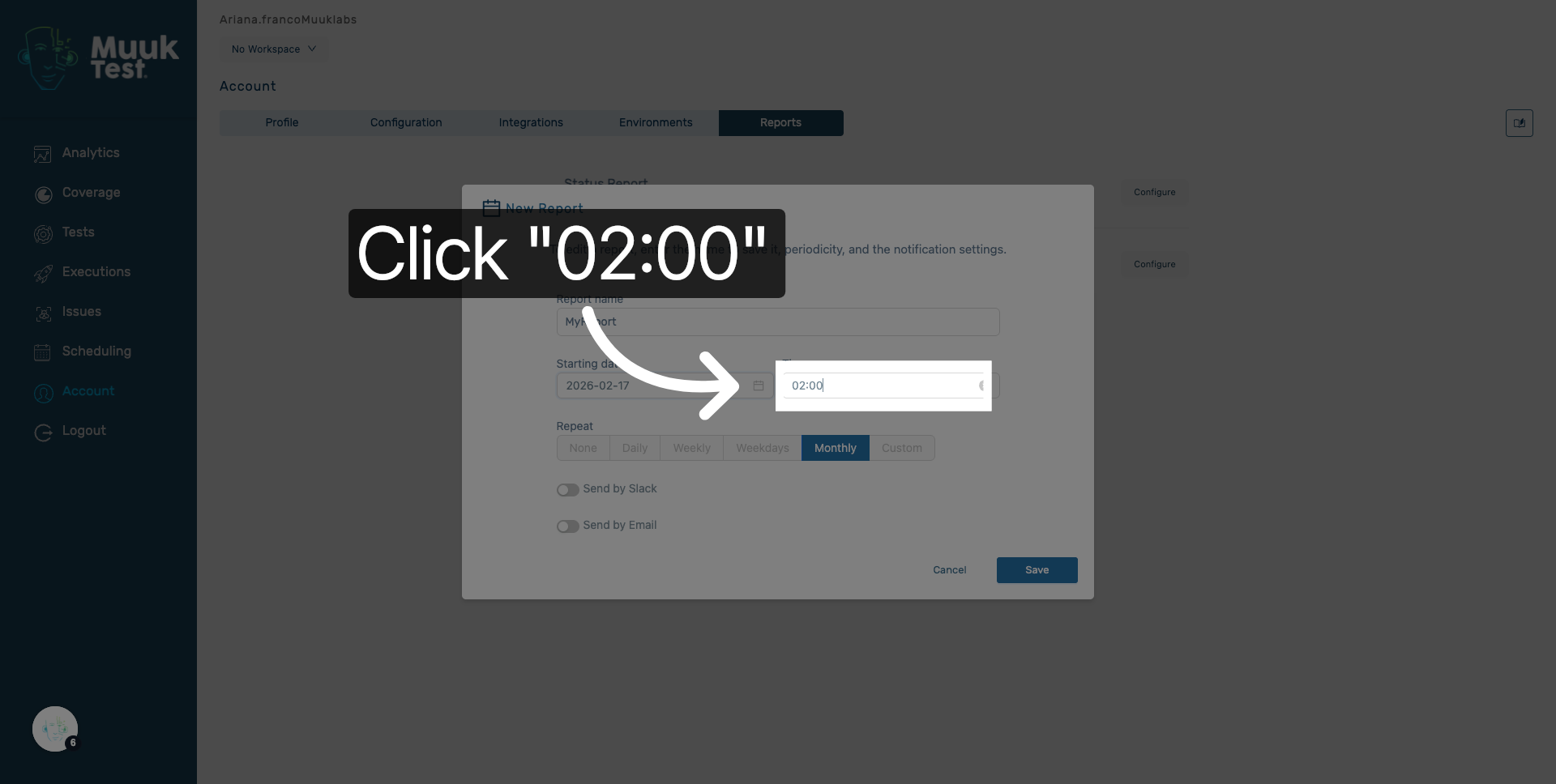
9. Select Report Hour
Select the hour to specify the exact time the report will be sent.
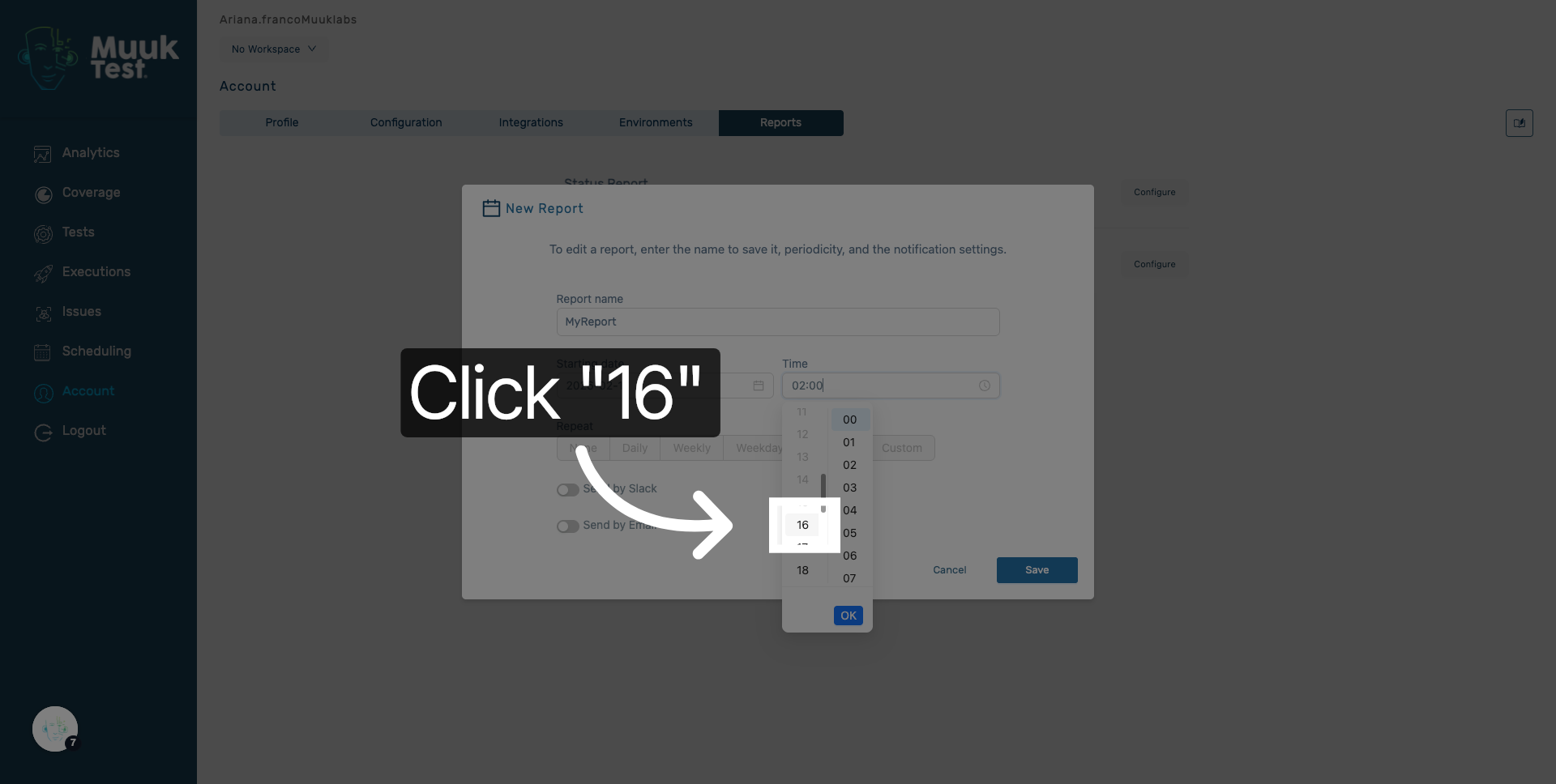
10. Select Report Minute
Choose the minute to fine-tune the report delivery time.
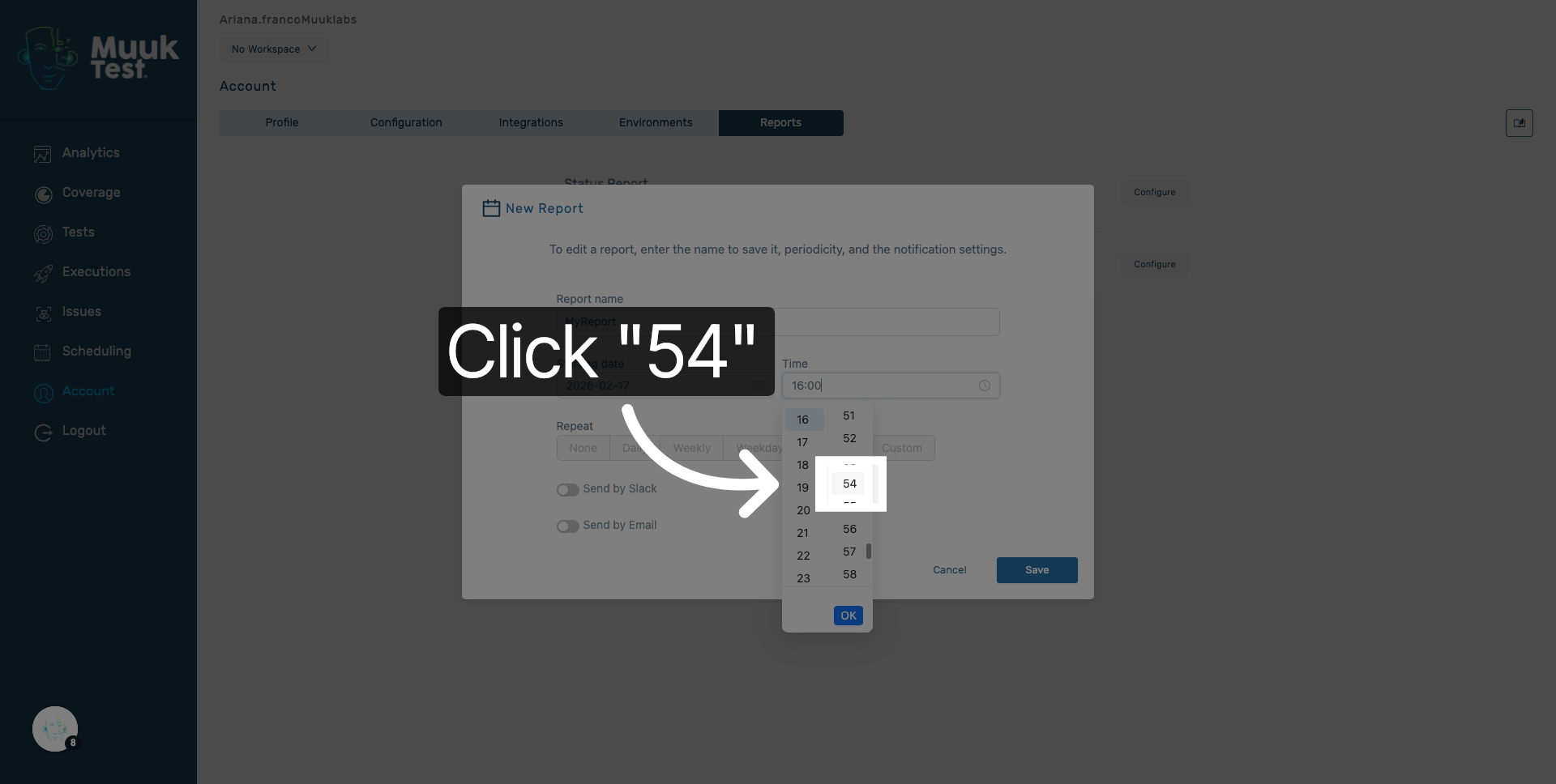
11. Adjust Report Seconds
Select the seconds to complete the precise scheduling of the report.
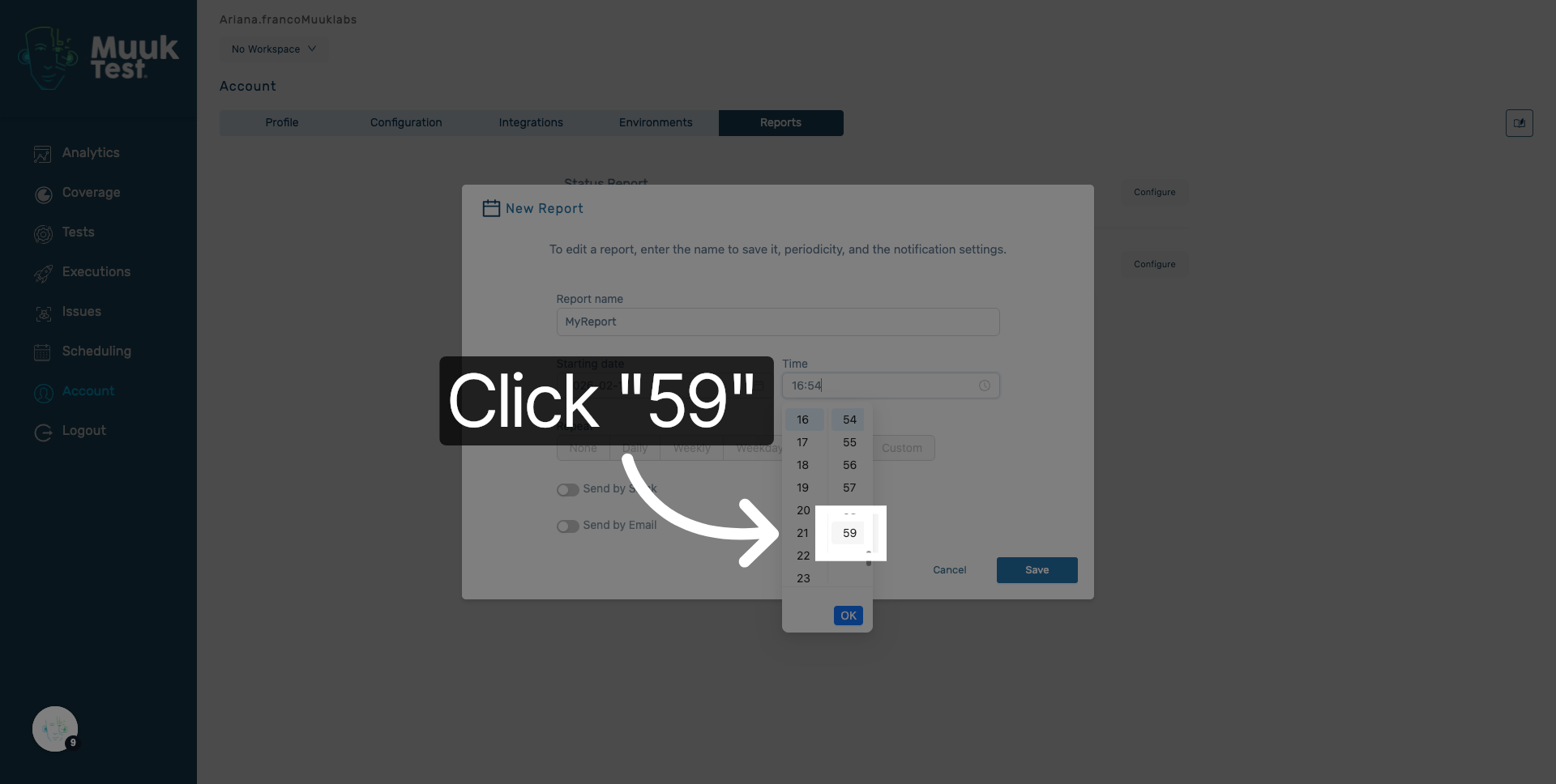
12. Confirm Date and Time
Click OK to confirm the selected date and time settings for the report.
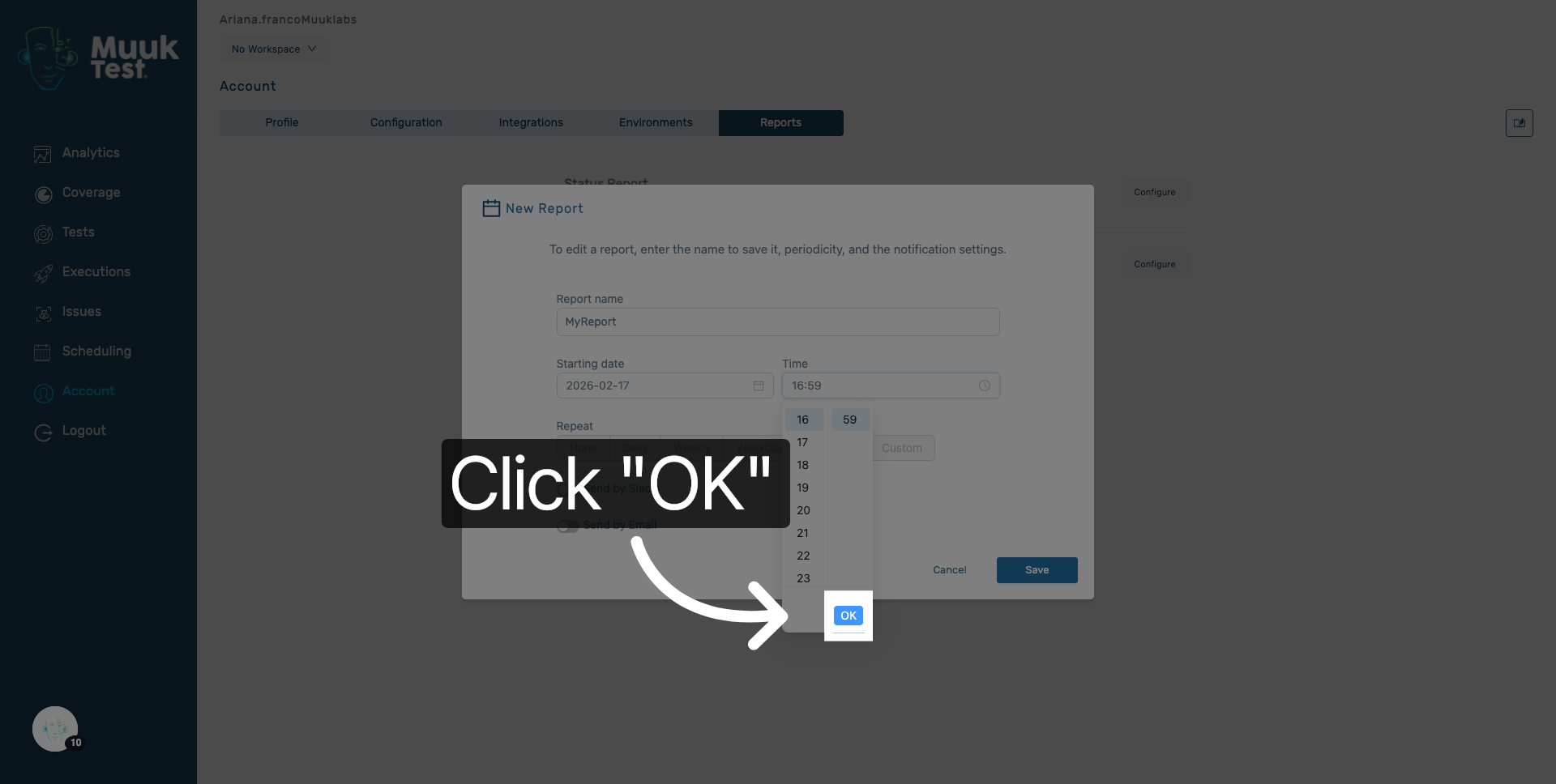
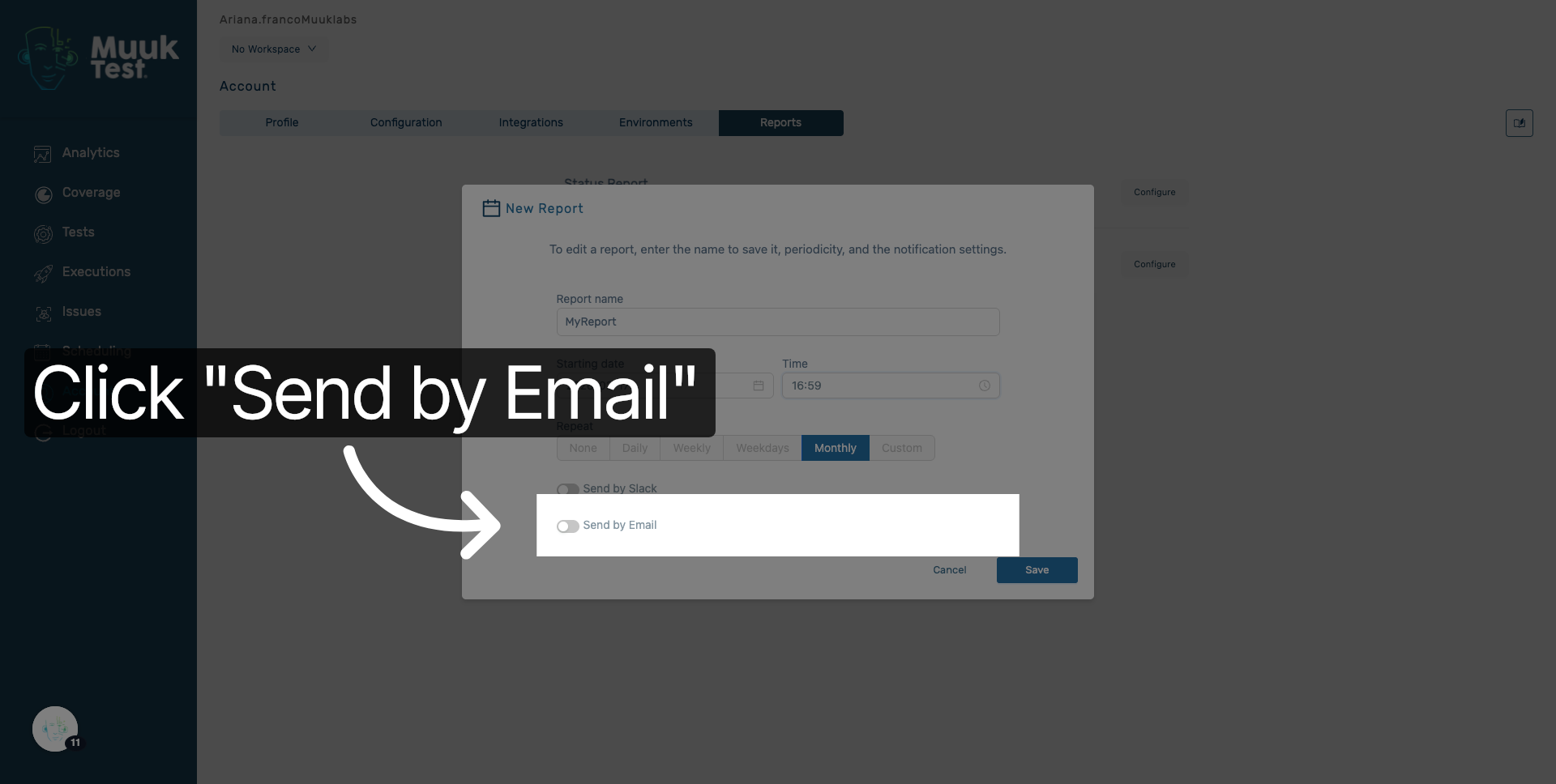
13. Choose Delivery Method
Click Send by Email to set the report delivery via email.
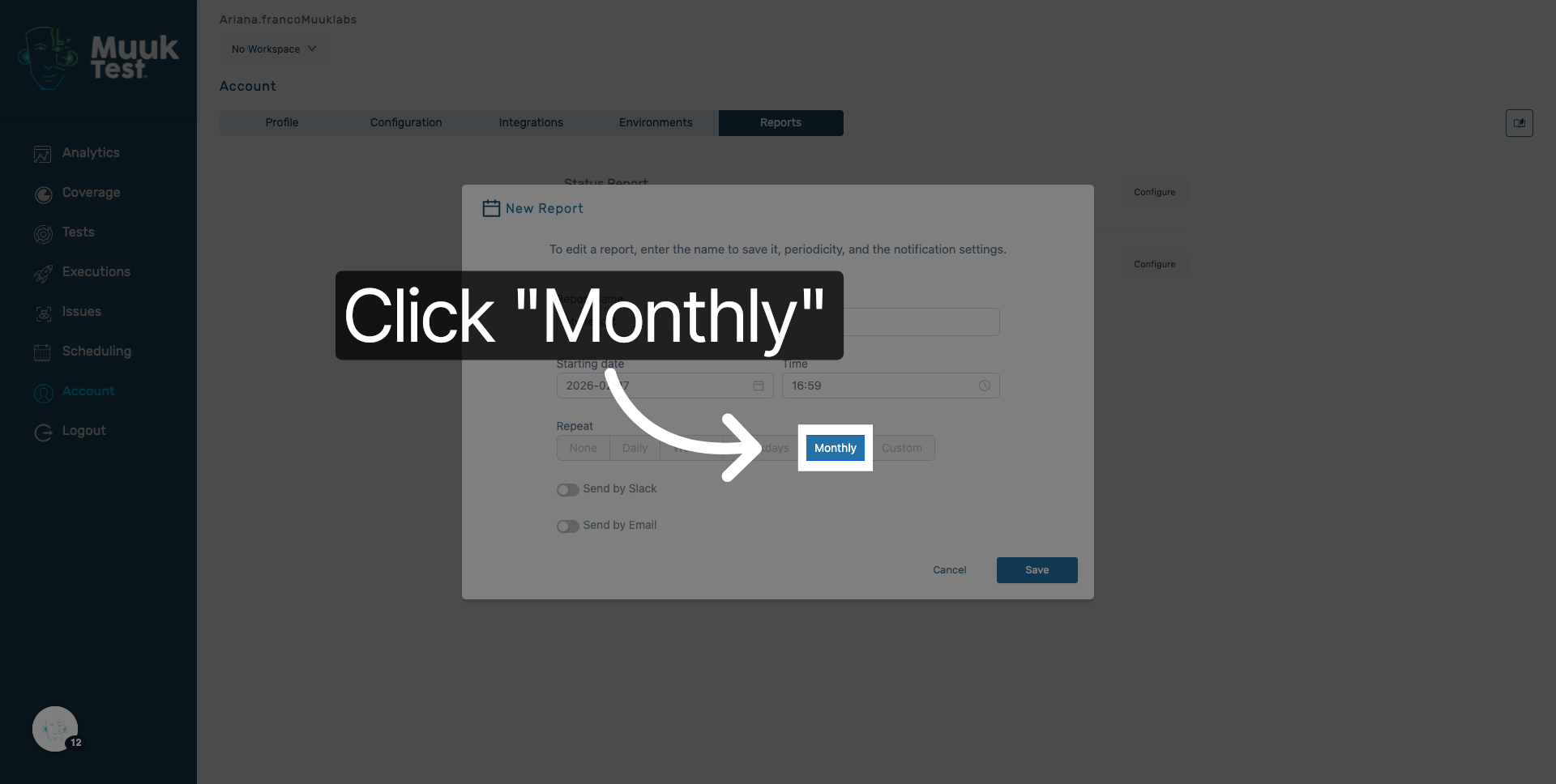
14. Select Delivery Frequency
Click Monthly to schedule the report to be sent every month.
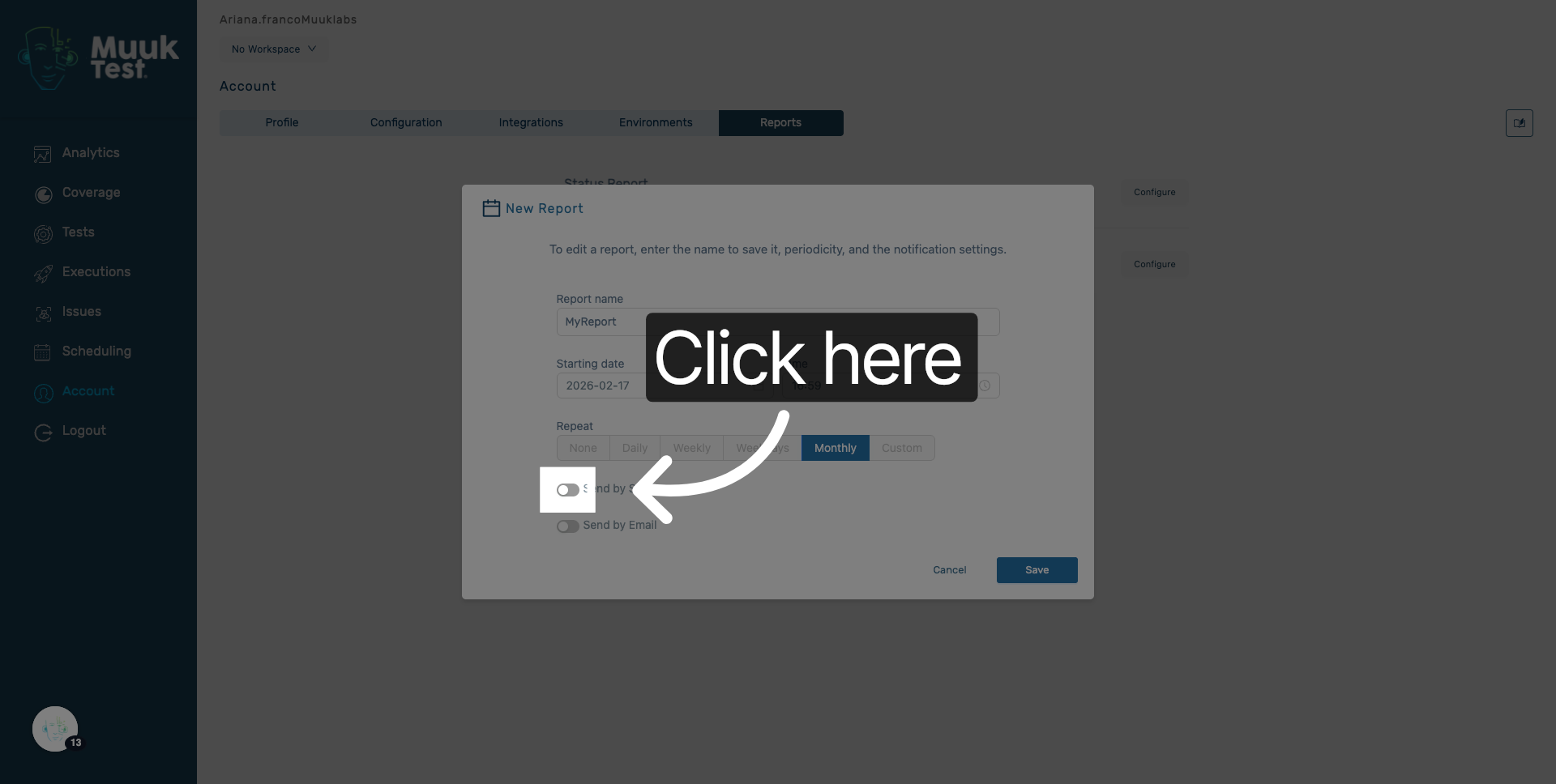
15. Open Recipient Settings
Click here to access the email recipient settings for the report.
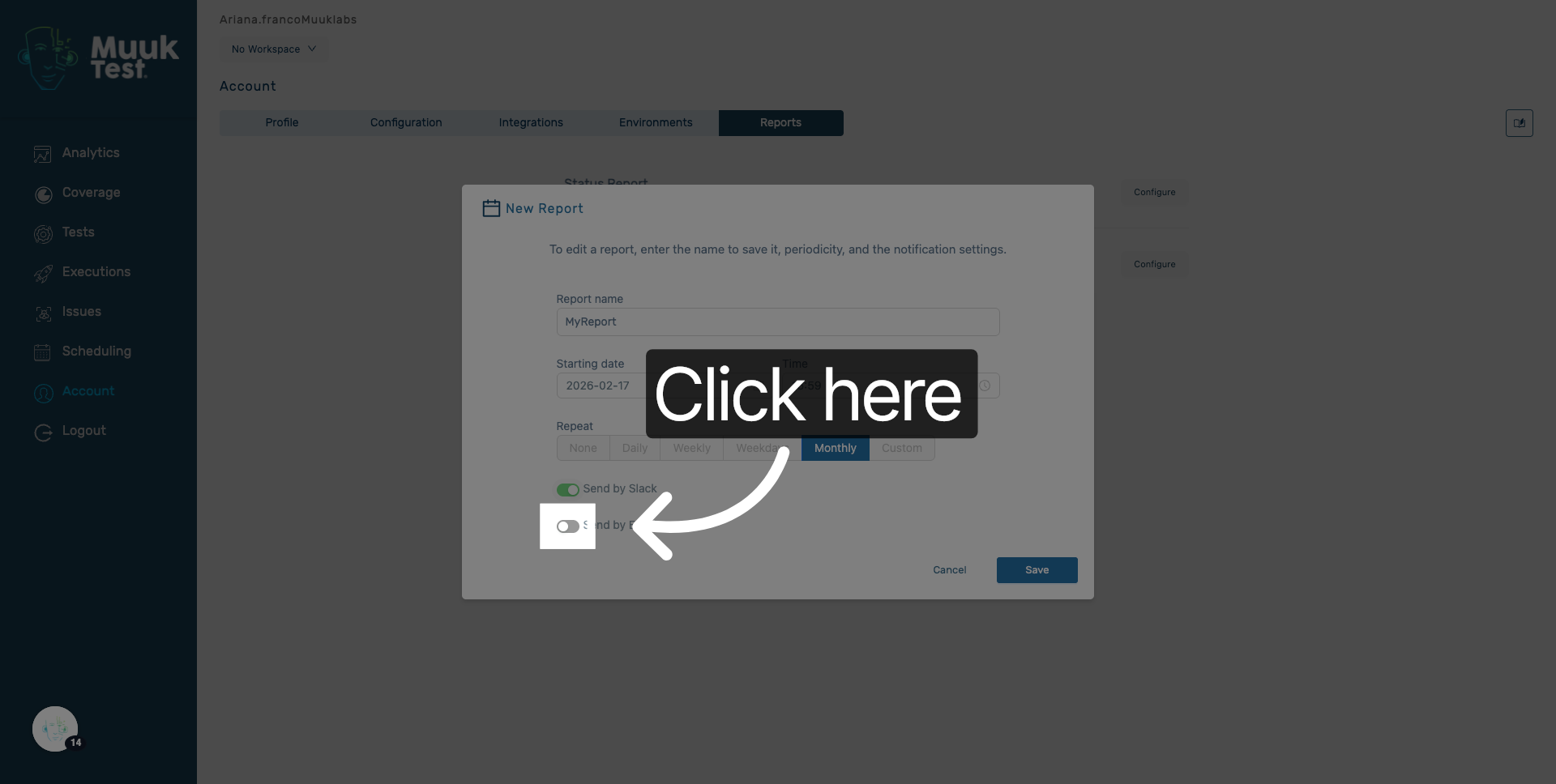
16. Access Email Input Field
Click here to add email addresses that will receive the report.
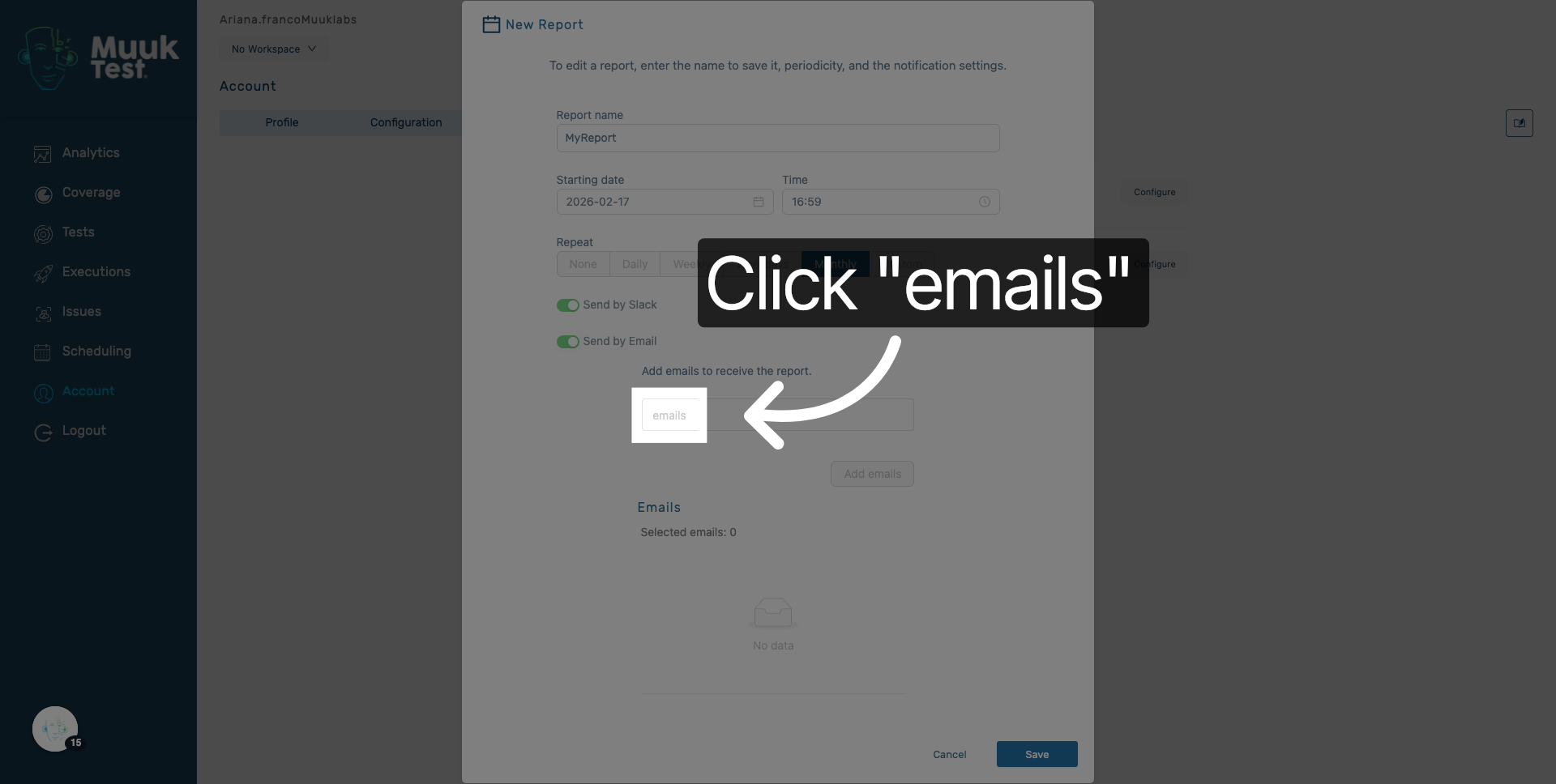
17. Select Emails Field
Click the emails field to enter recipient email addresses.
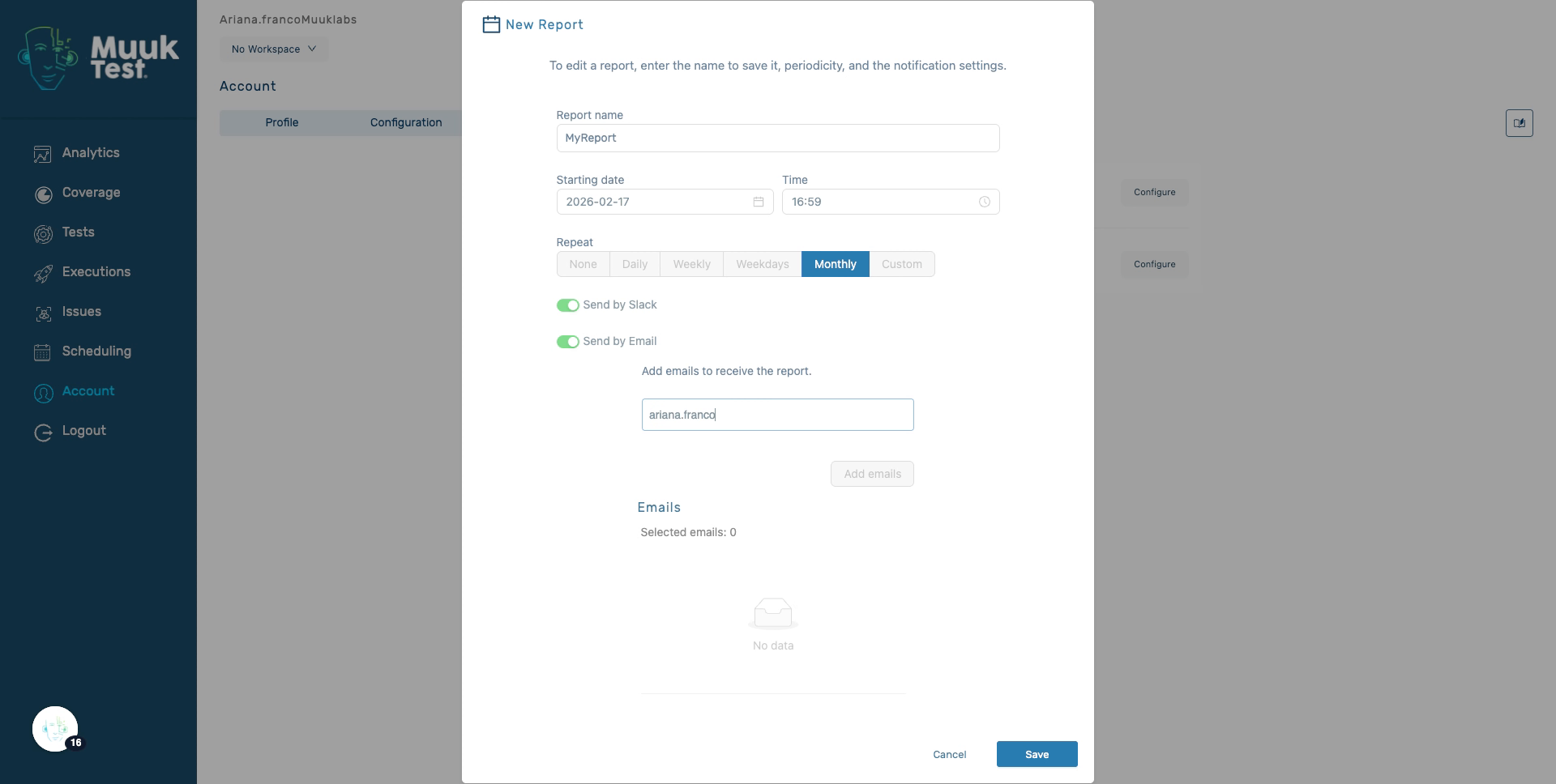
18. Enter Recipient Email
Enter the email address of the recipient who will receive the report.
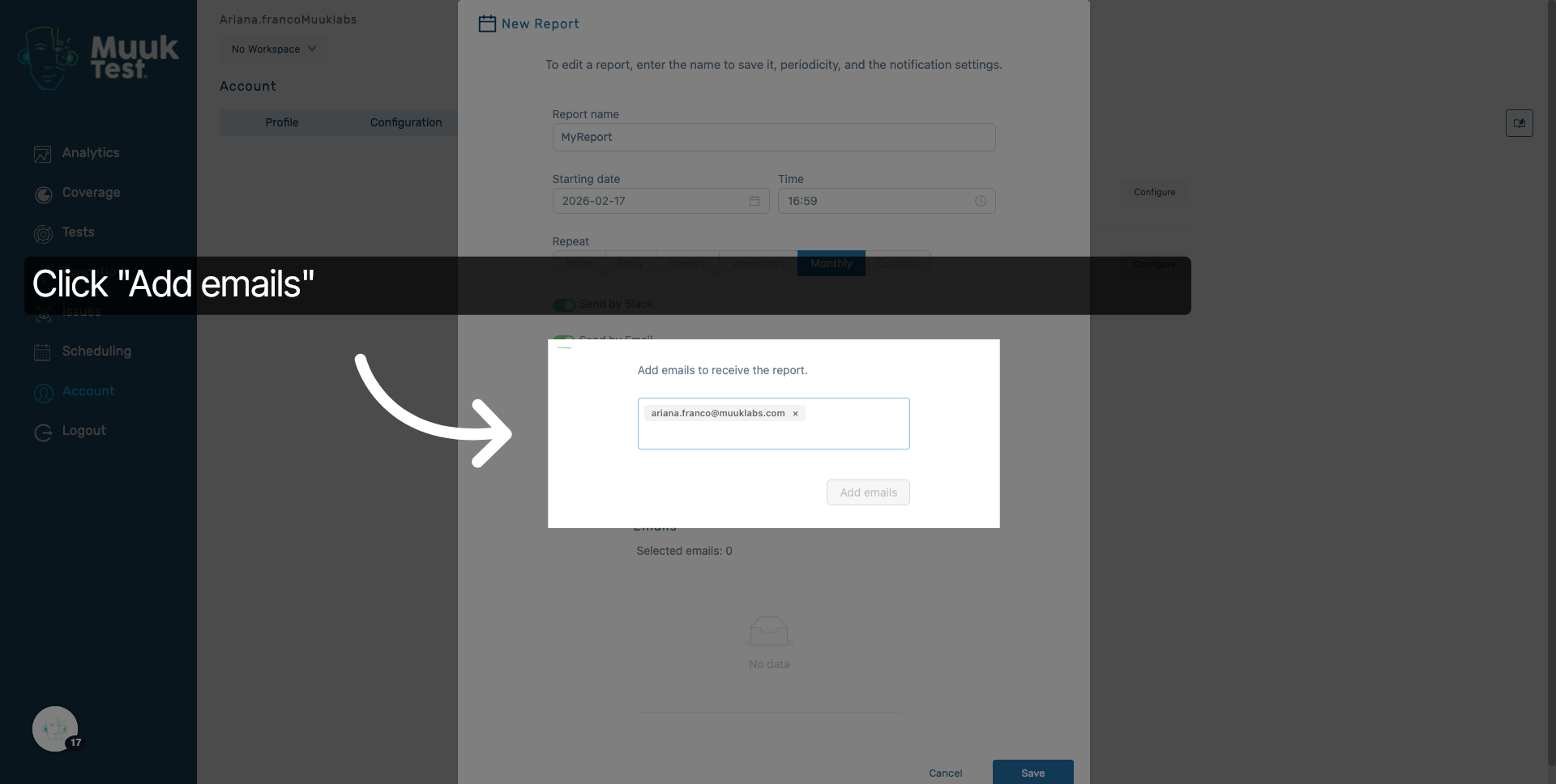
19. Add Recipient Email
Click Add emails to include the entered email address as a recipient.
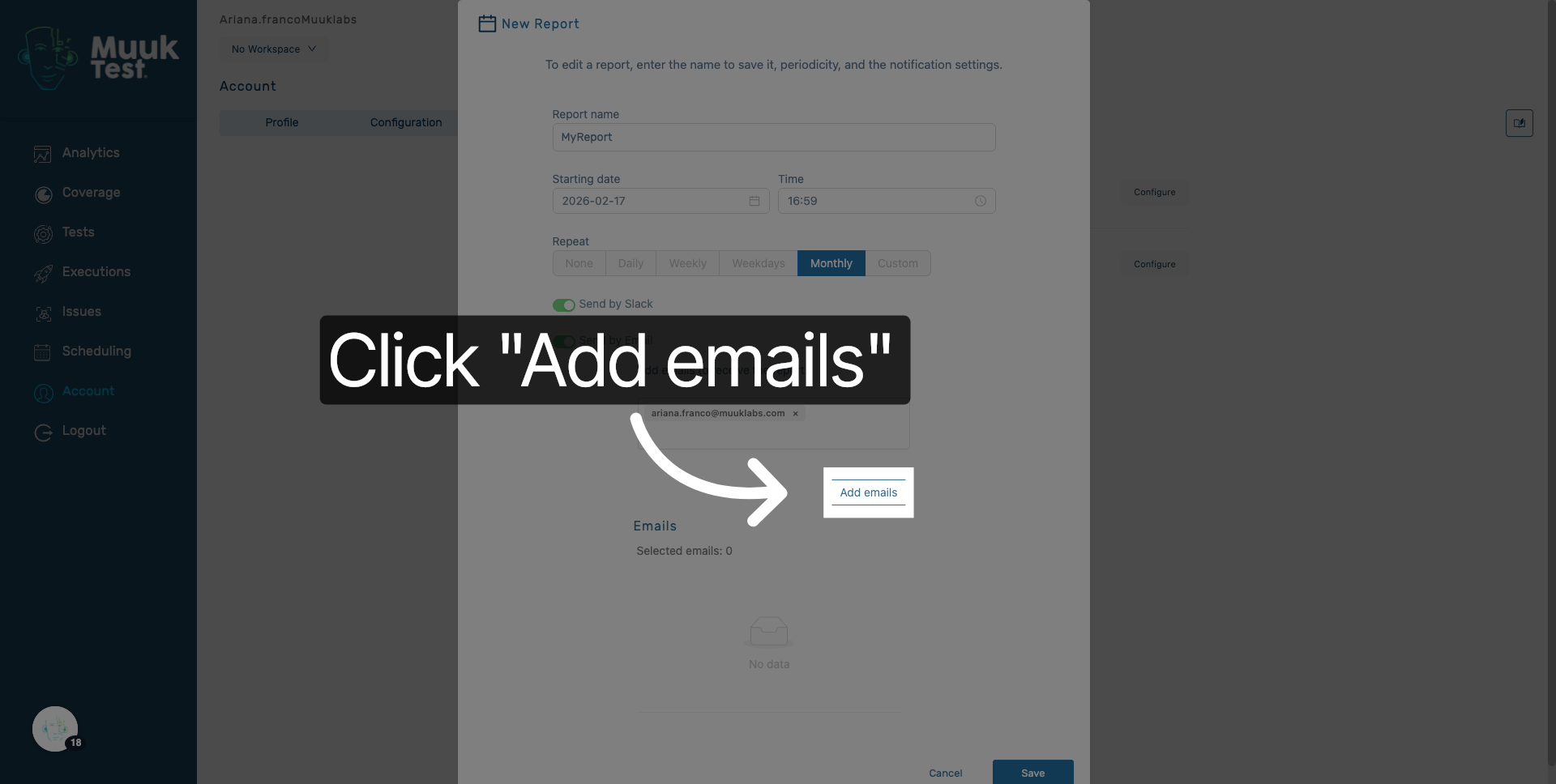
20. Confirm Email Addition
Click Add emails to finalize adding the recipient to the report distribution list.
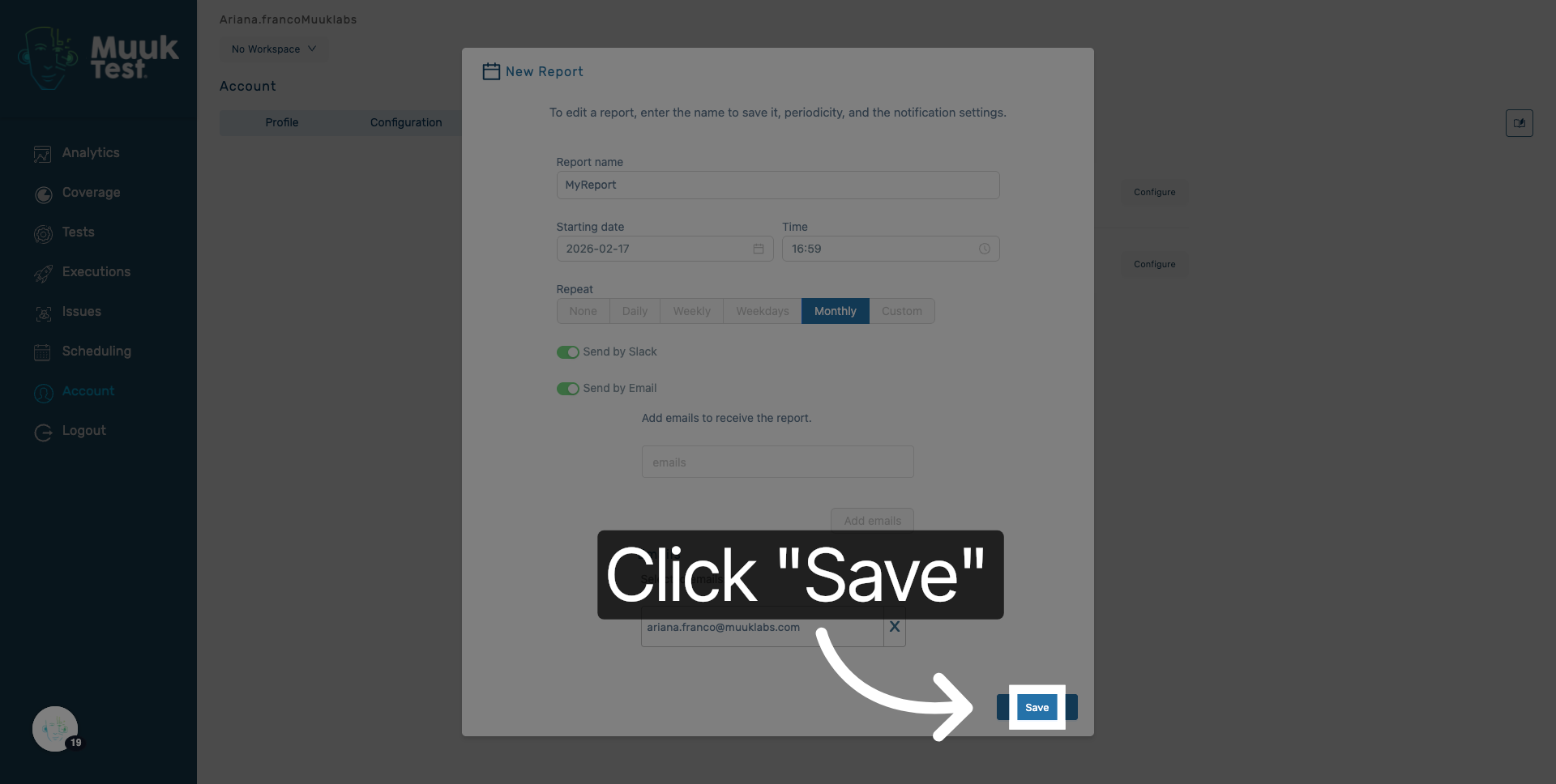
21. Save Report Configuration
Click Save to apply all your report settings and schedule the report delivery.
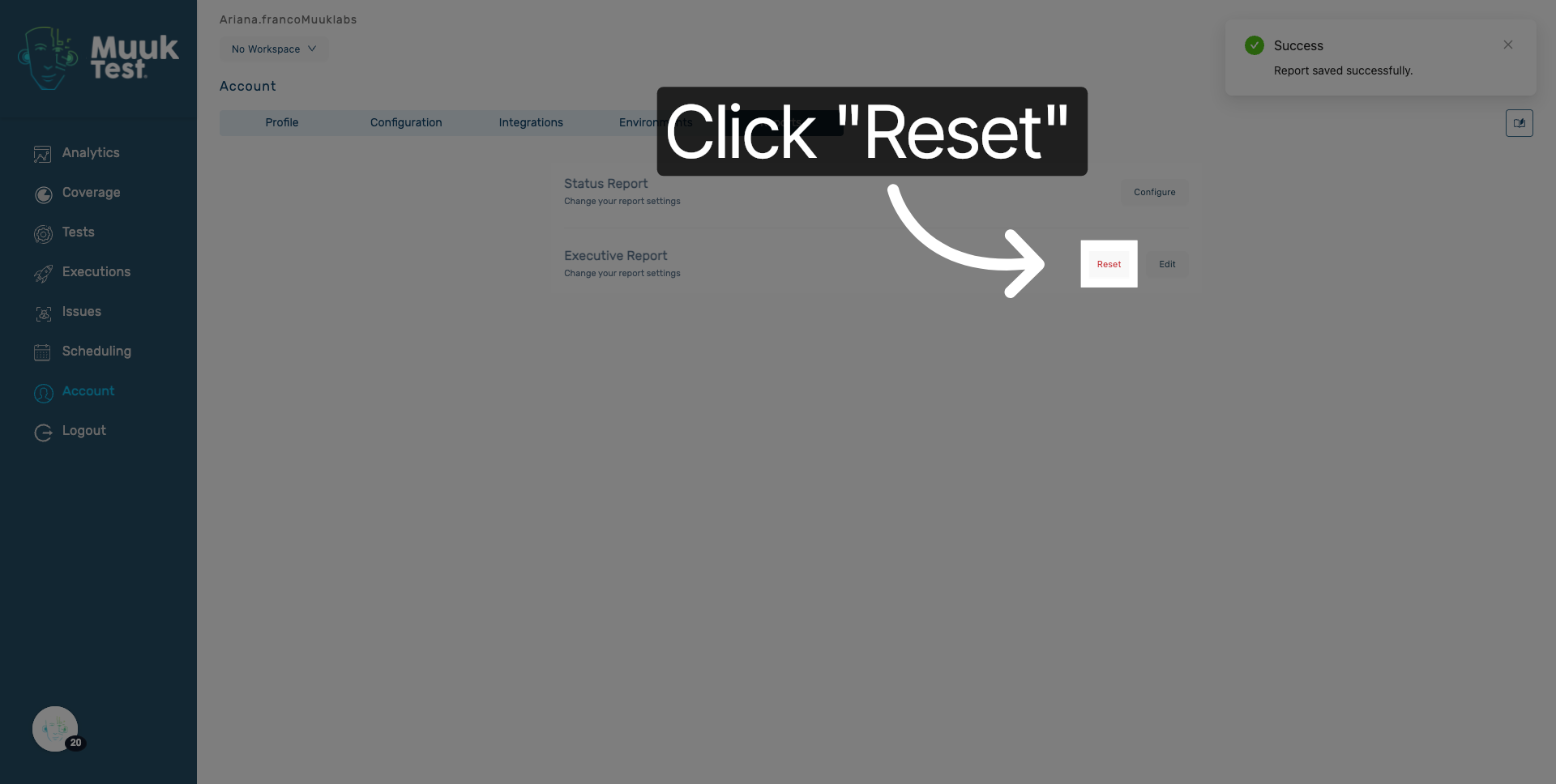
22. Reset Report Settings
Click Reset if you need to clear all settings and start the configuration over.
You have successfully configured the executive report by setting its name, schedule, delivery method, and recipients. The report will now be sent automatically according to your specified settings, ensuring timely distribution to the intended recipients.
Comments
0 comments
Please sign in to leave a comment.