

This tutorial guides you through deleting an environment in the MuukTest application
Go to portal.muuktest.com:5000
1. Introduction
You will learn how to locate, select, and remove an environment safely.
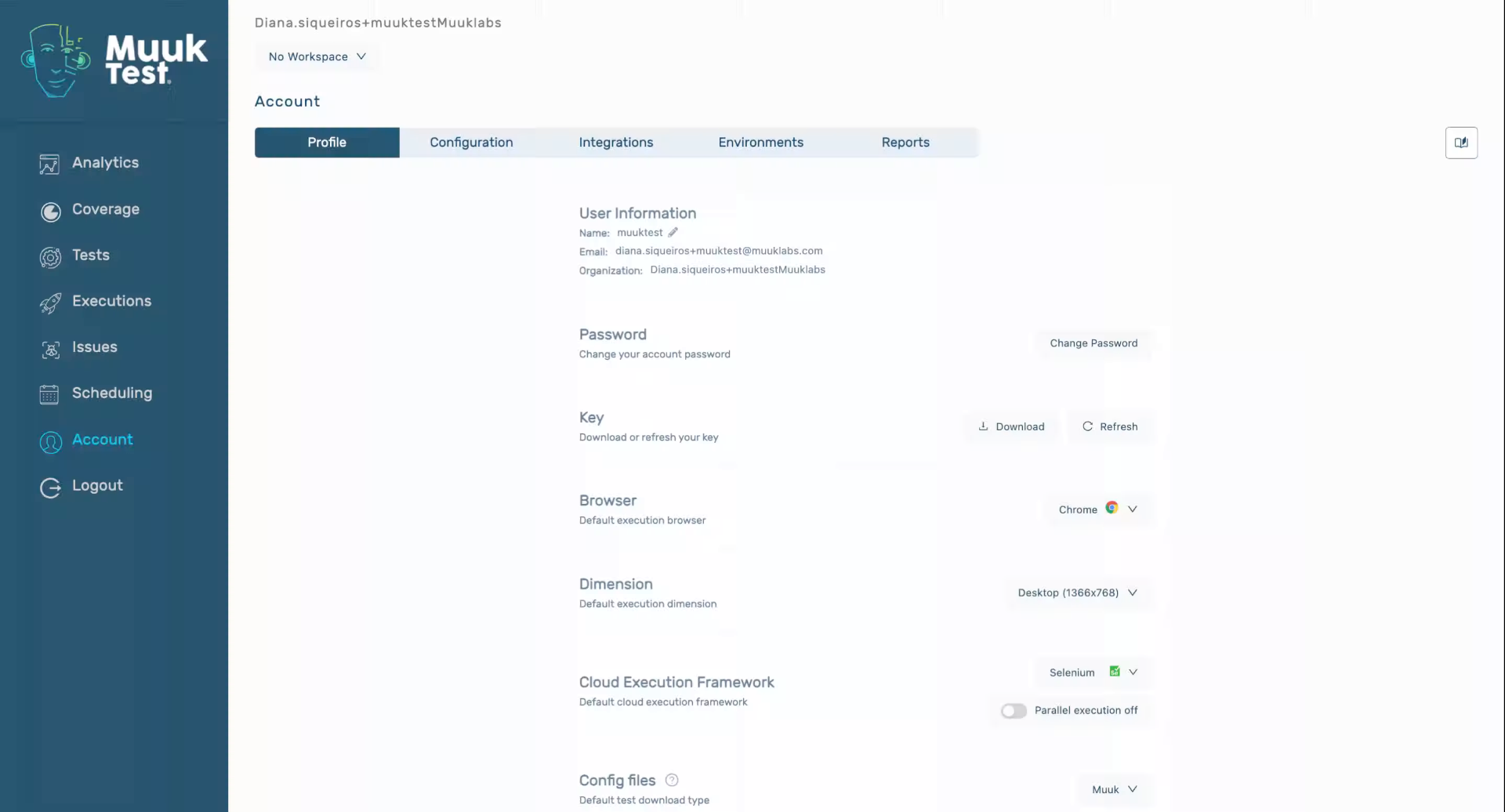
2. Access Environments Section
Click "Environments" to open the environments management section in MuukTest.
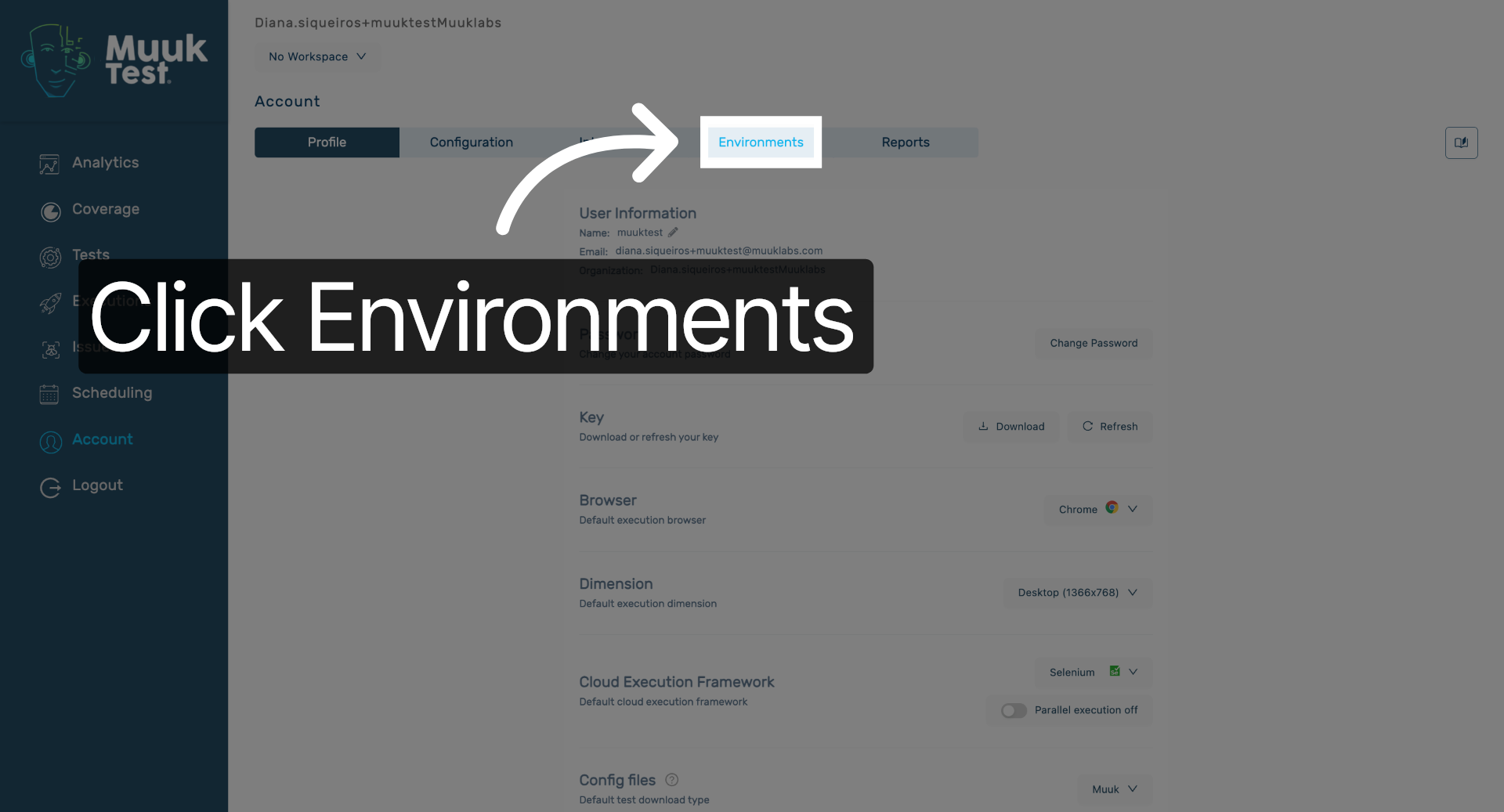
3. Select Environment Item
Click here to select the environment from the list for deletion.
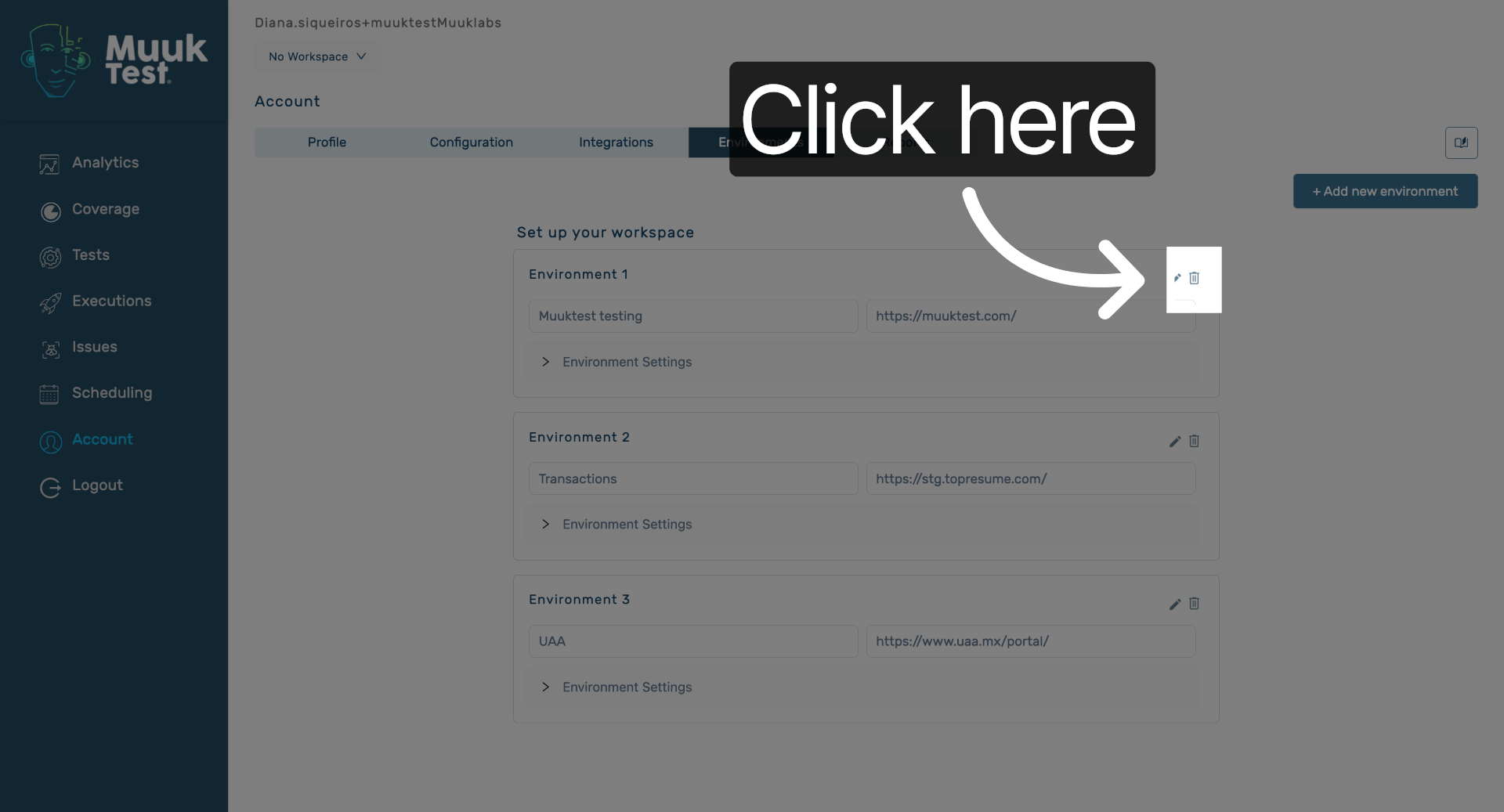
4. Open Deletion Confirmation
Click here to open the deletion confirmation dialog for the selected environment.
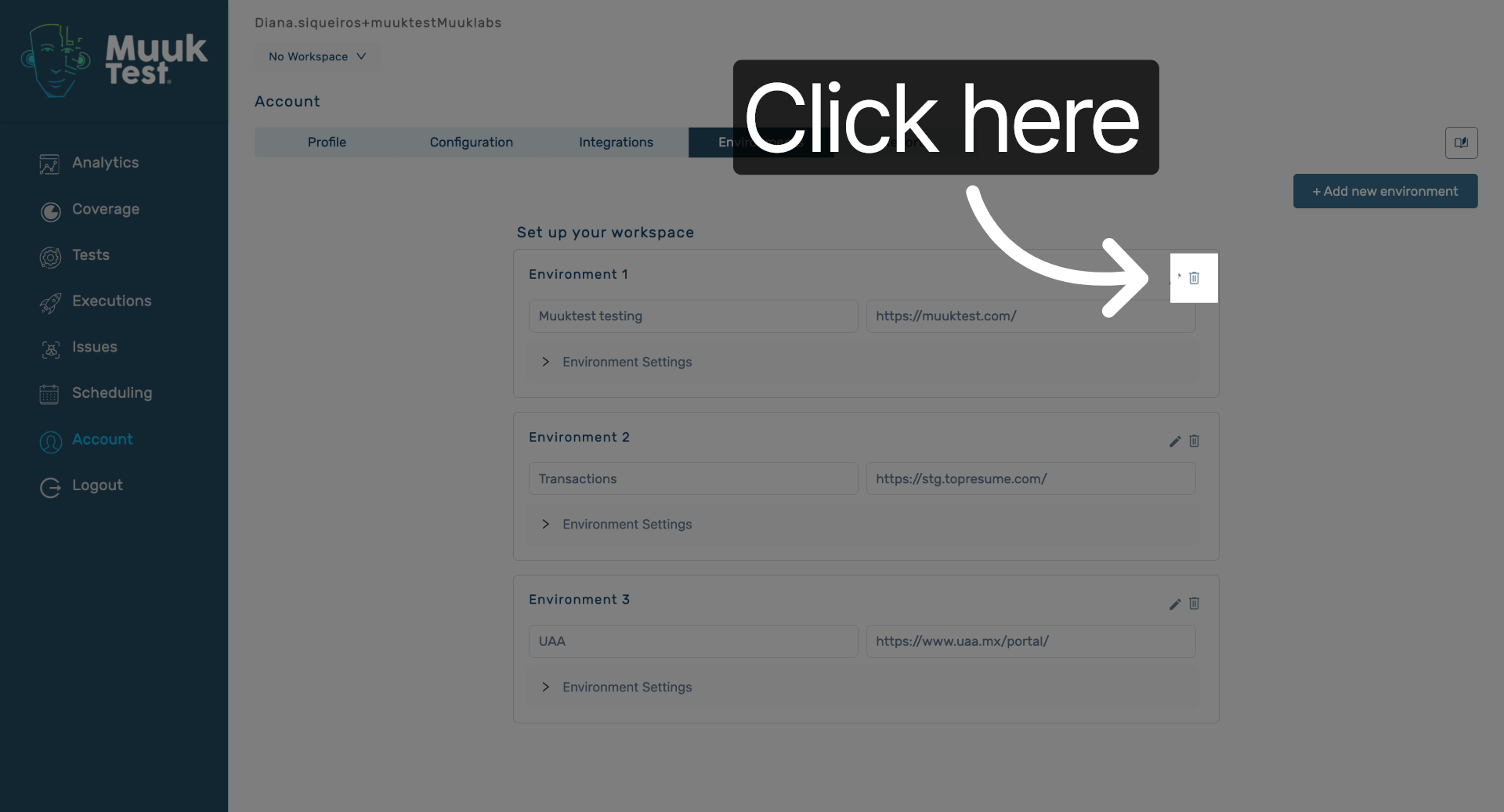
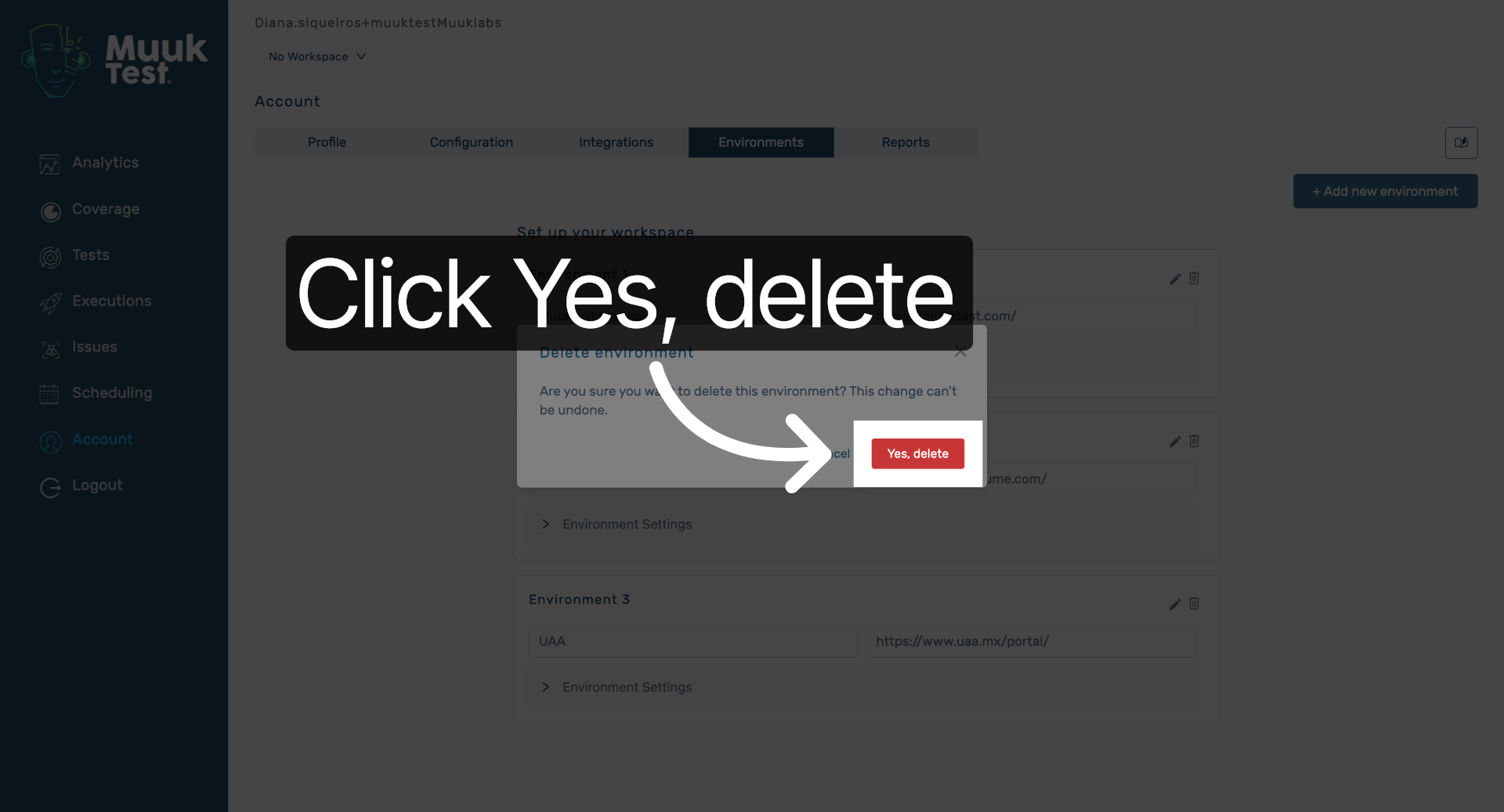
5. Confirm Environment Deletion
Click "Yes, delete" to confirm and permanently remove the selected environment.
You have successfully deleted an environment in MuukTest by locating it, selecting it, and confirming its removal. This process helps maintain your environment list by removing outdated or unnecessary entries.
Comments
0 comments
Please sign in to leave a comment.