
This tutorial guides you through integrating Muuktest with Jira to streamline your workflow. Before starting, ensure you have an active Jira account ready for integration.
Go to portal.muuktest.com:5000
1. Introduce Muuktest Integration
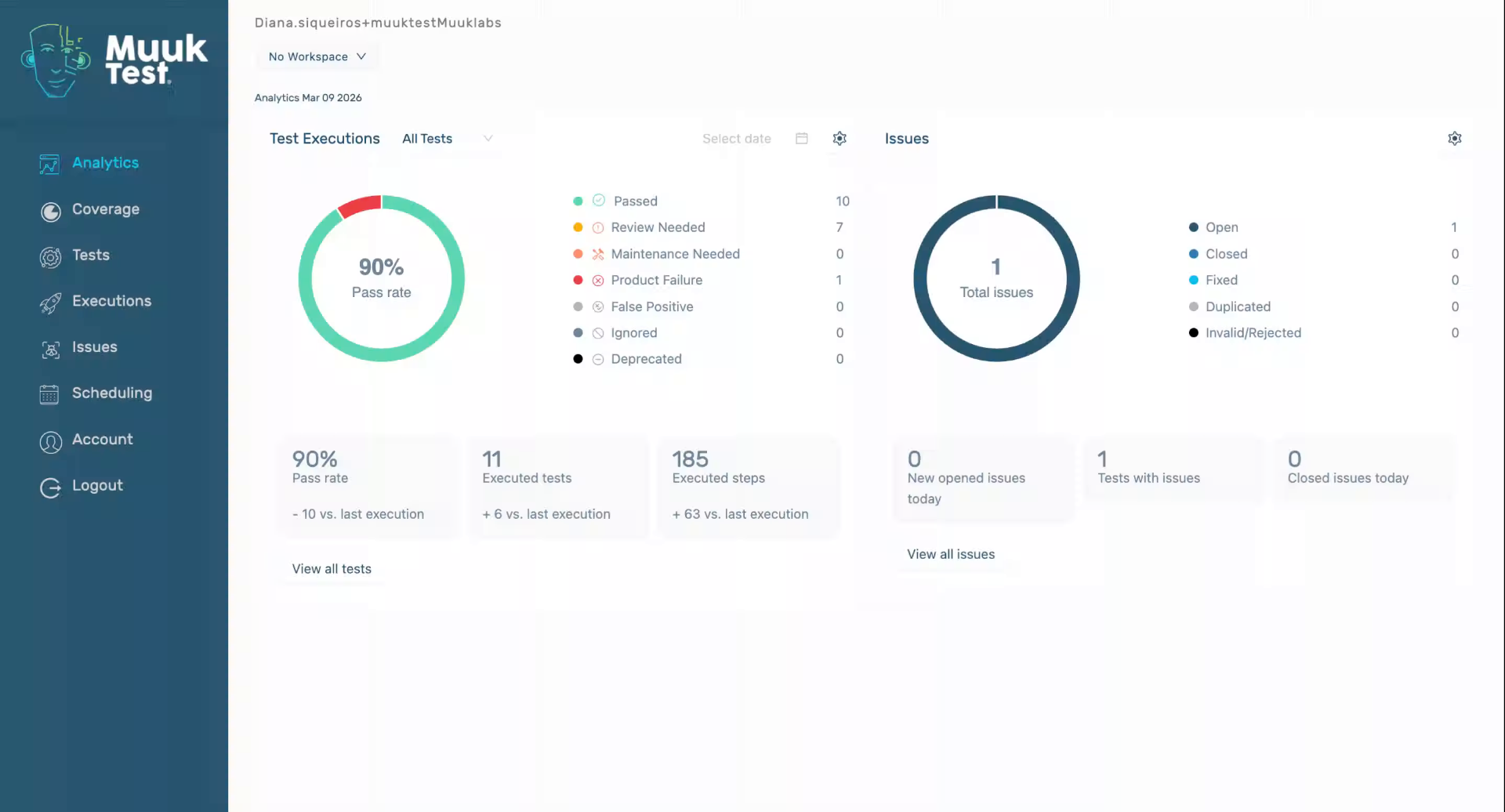
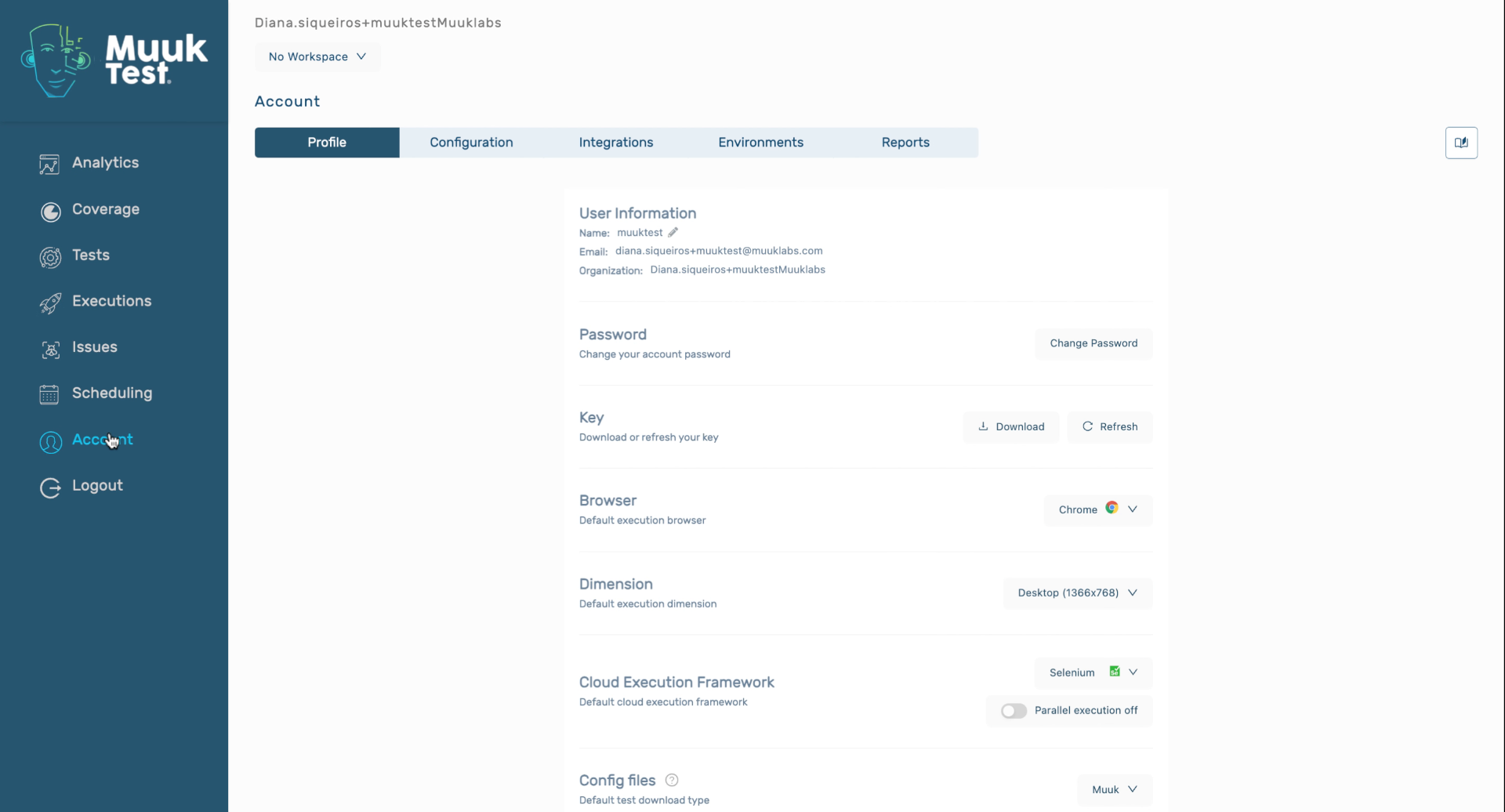
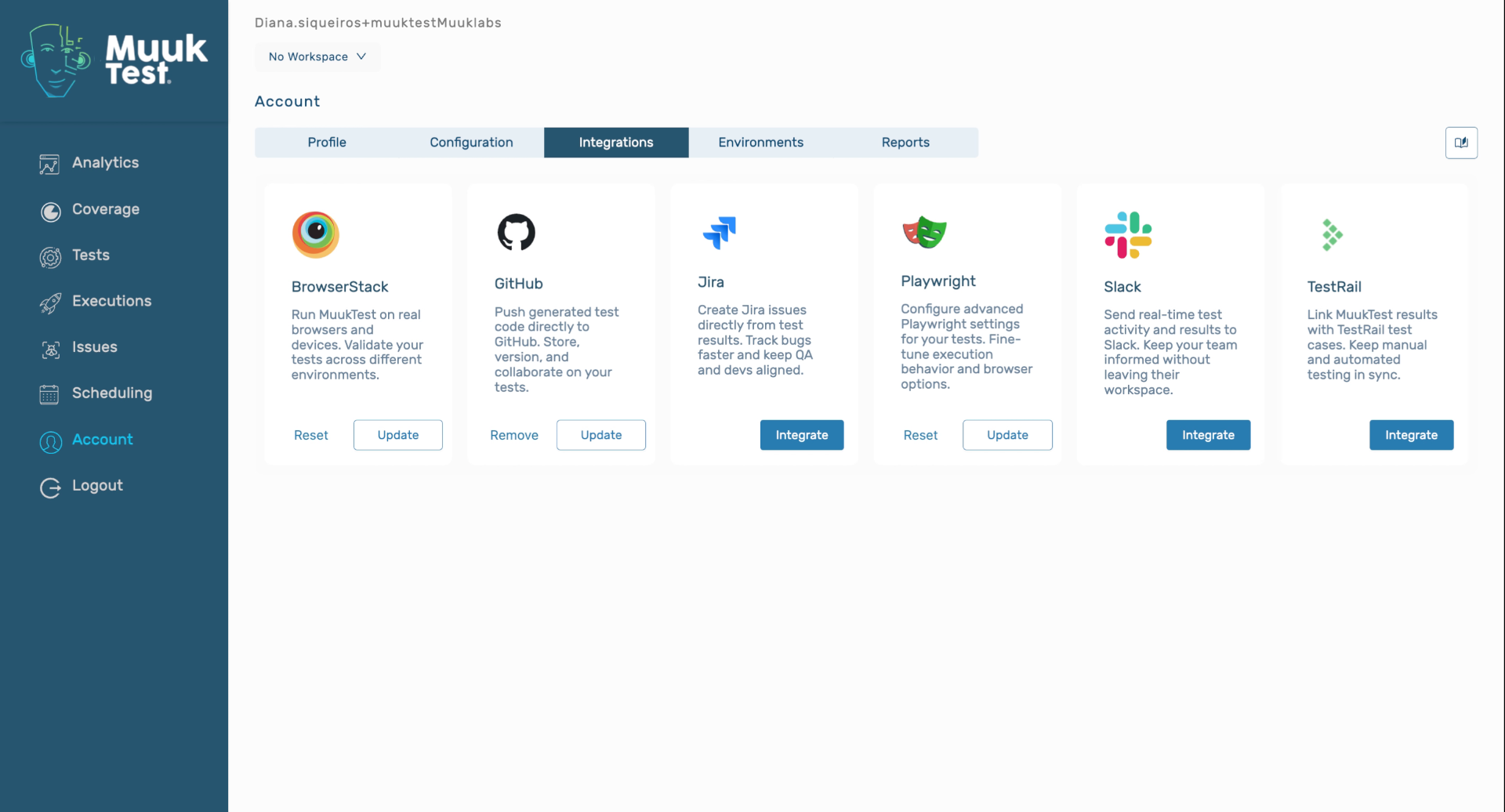
Hello, today we're going to learn how to integrate Muuktest with Jira. We're going to navigate to account, we're going
2. Select Integration Step
3. Confirm Account Requirement
4. Enter Application Name
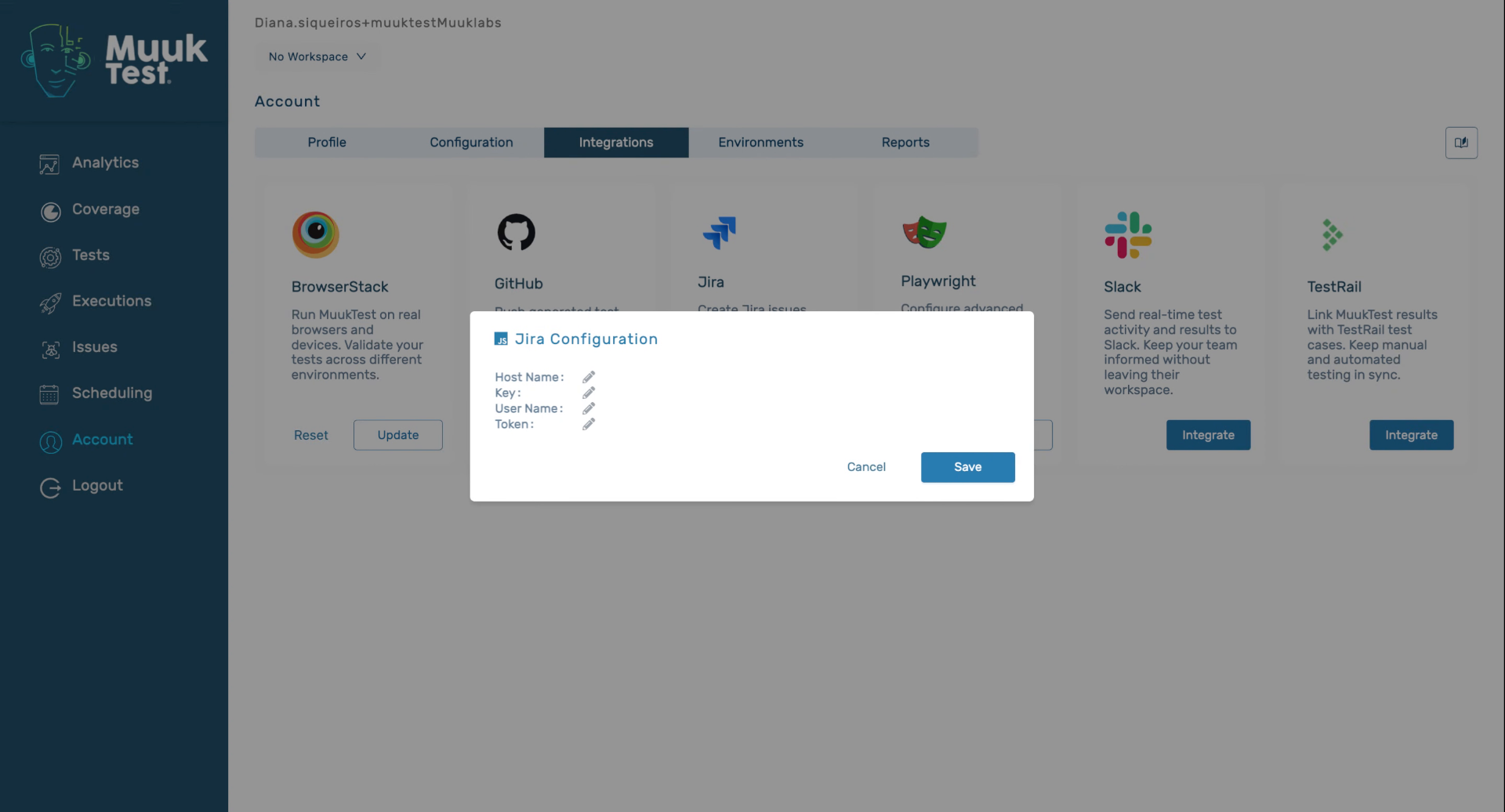
We're going to enter our host name.
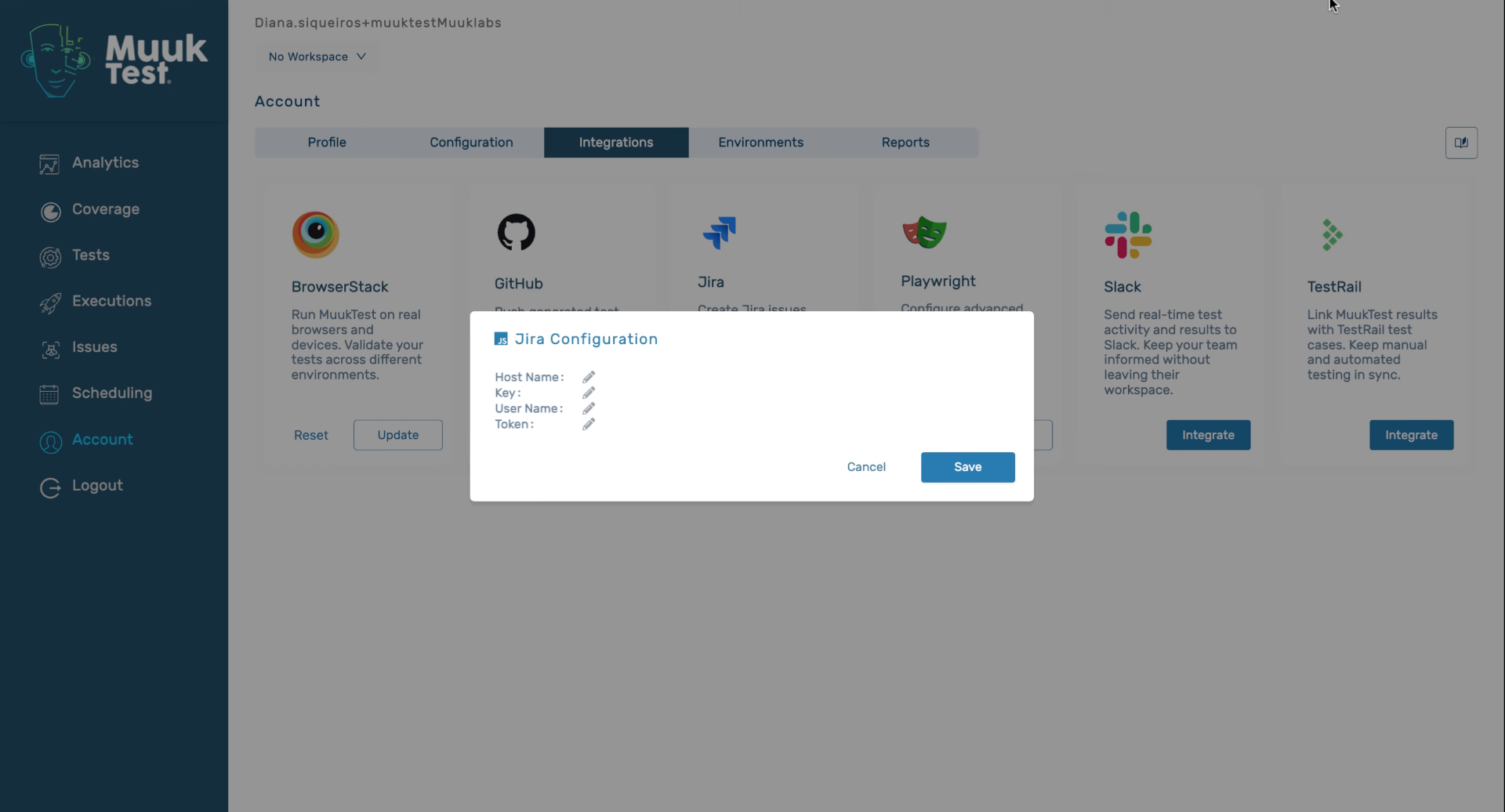
5. Input Product Key And Email
We're then going to enter the project key. Then we're going to enter our email, which has to be linked to our Jira account. And finally, we're going to enter our
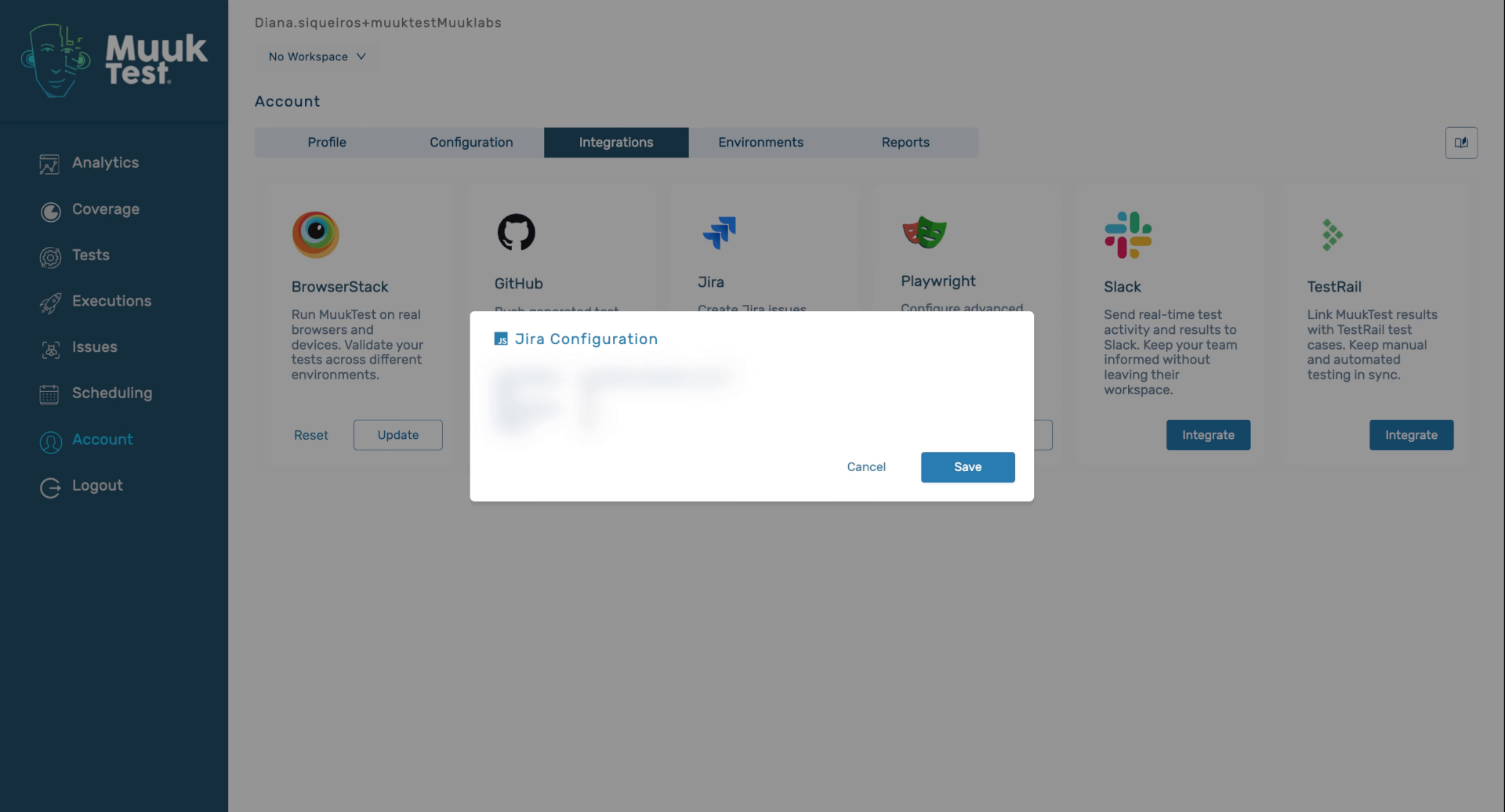
6. Enter Authentication Token
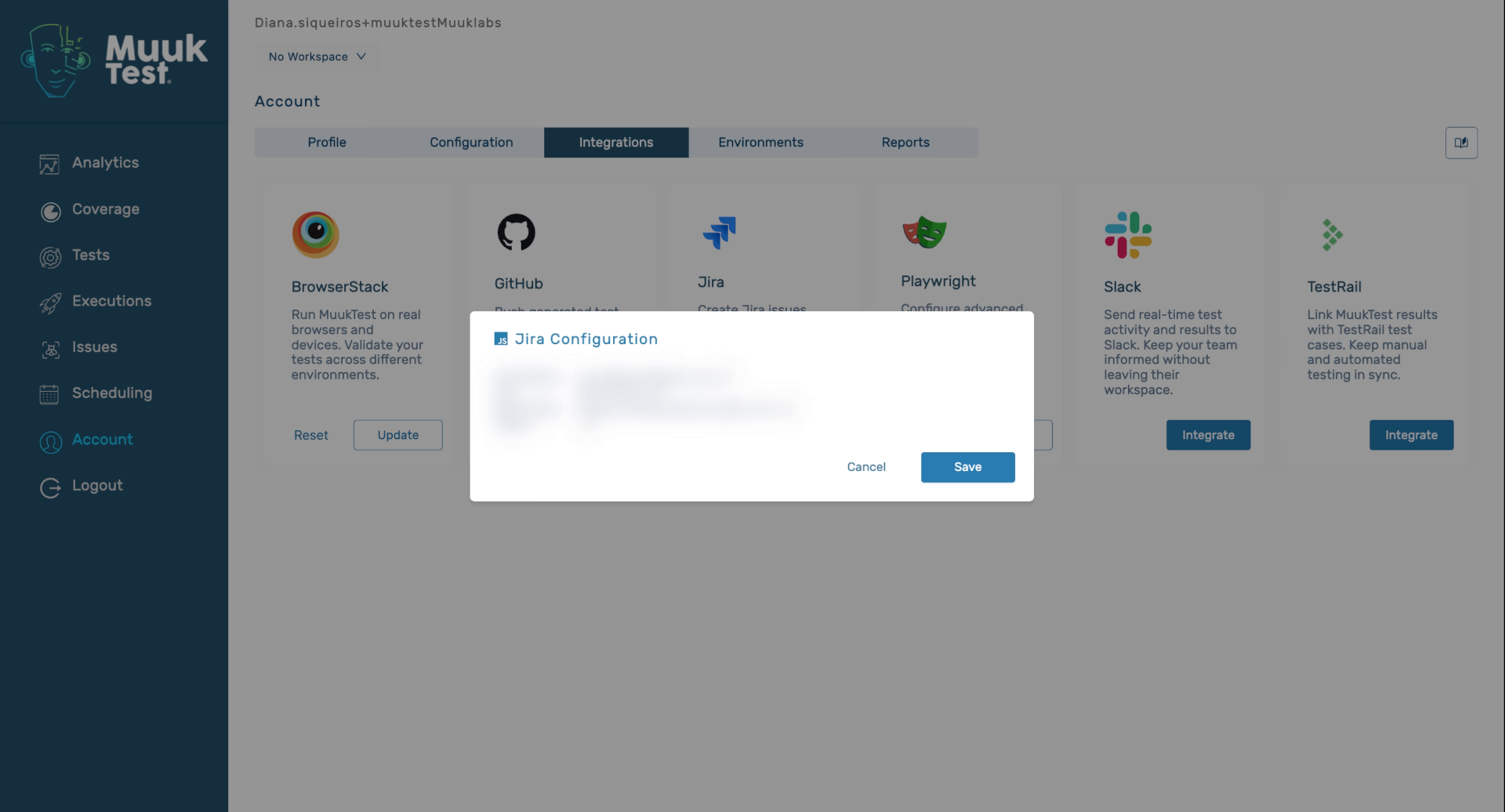
7. Save Integration Information
Once we've entered all the required information, we're going to click on save
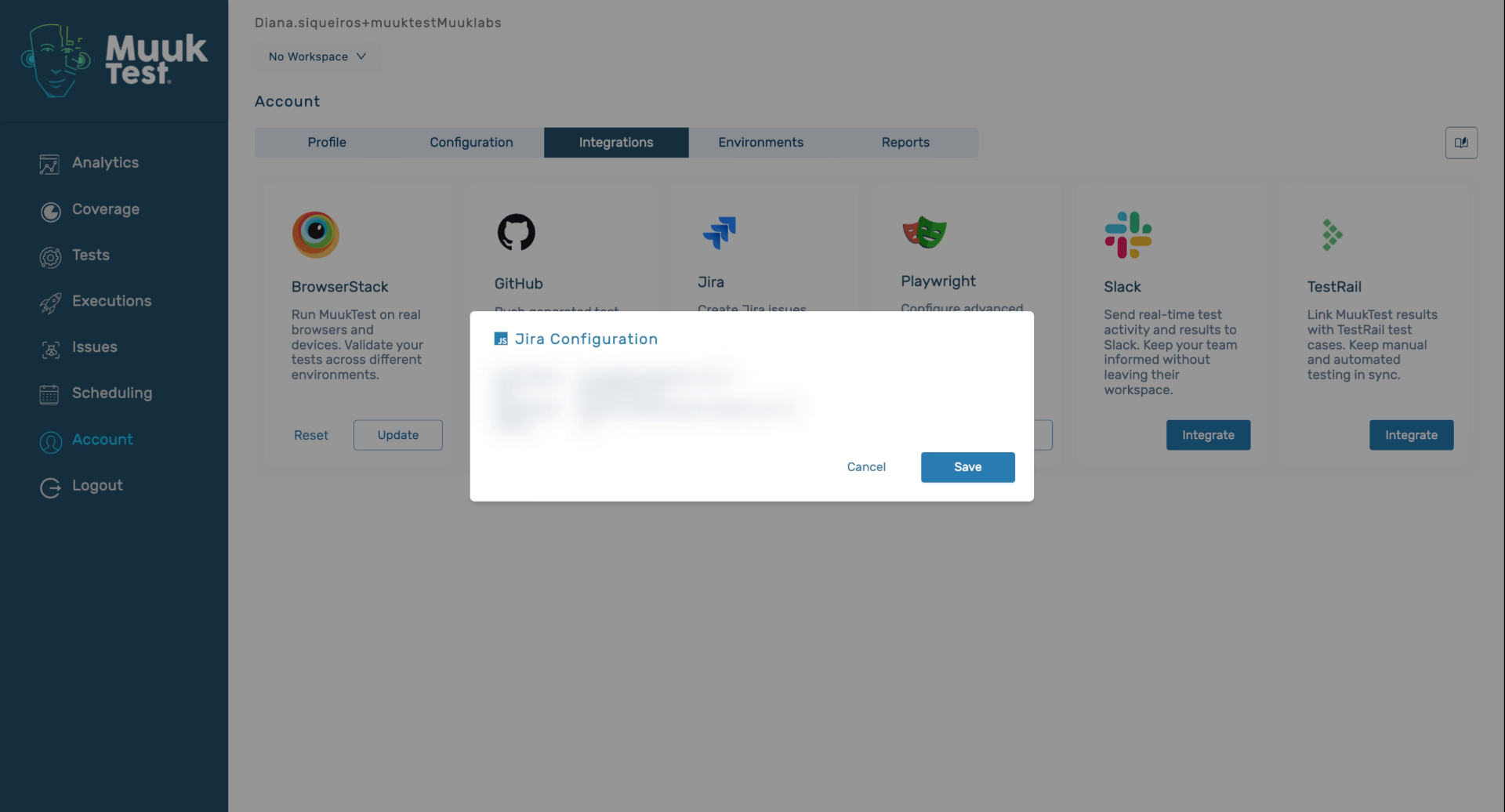
8. Conclude Integration Process
You have now integrated Jira with Muuktest
Comments
0 comments
Please sign in to leave a comment.