
This tutorial will teach you how to edit an environment effectively. Before starting, ensure you have access to the Account View where environments are managed.
Go to portal.muuktest.com:5000
1. Introduction To Editing Environment
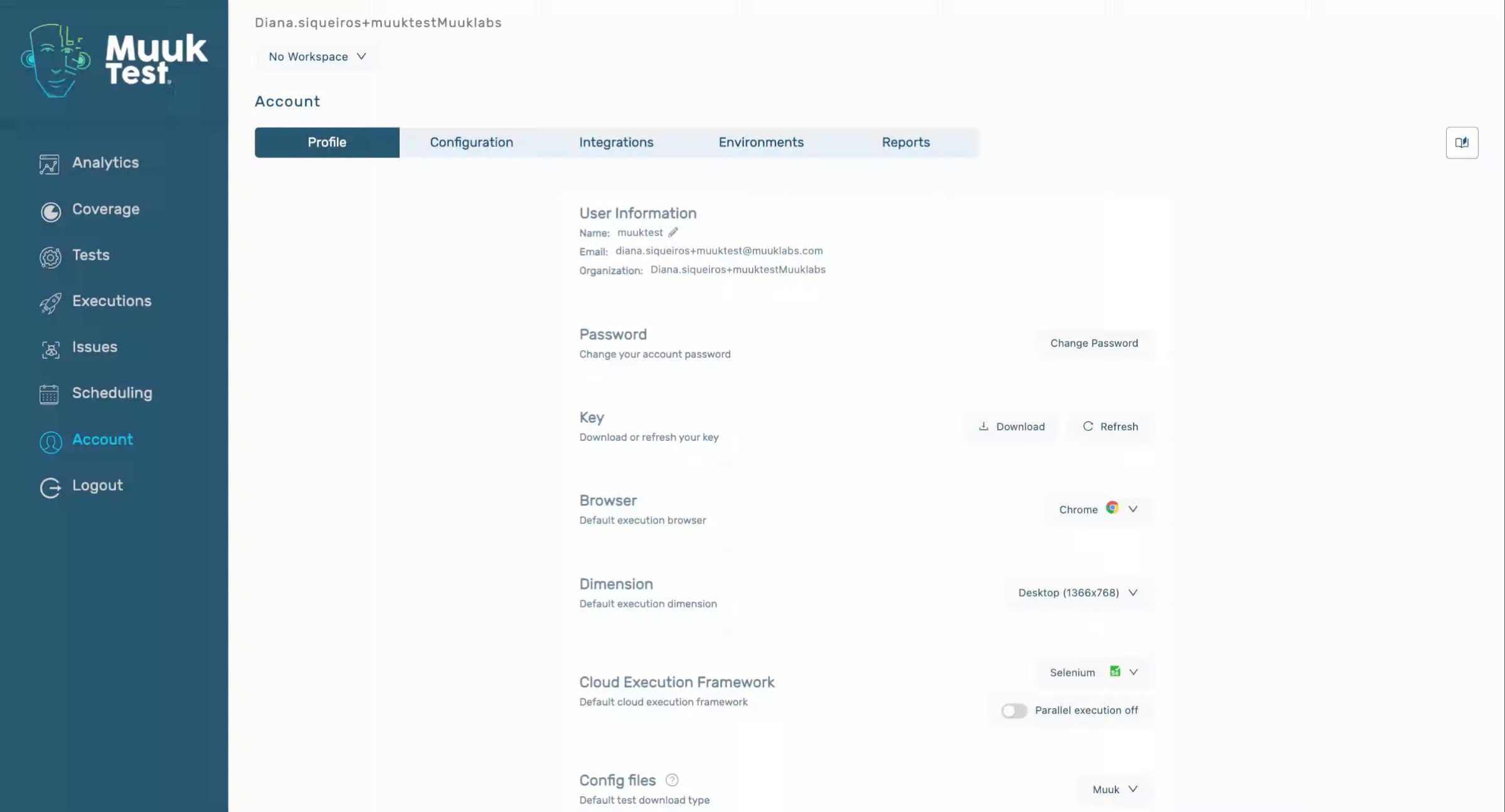
2. Navigate To Environments Tab
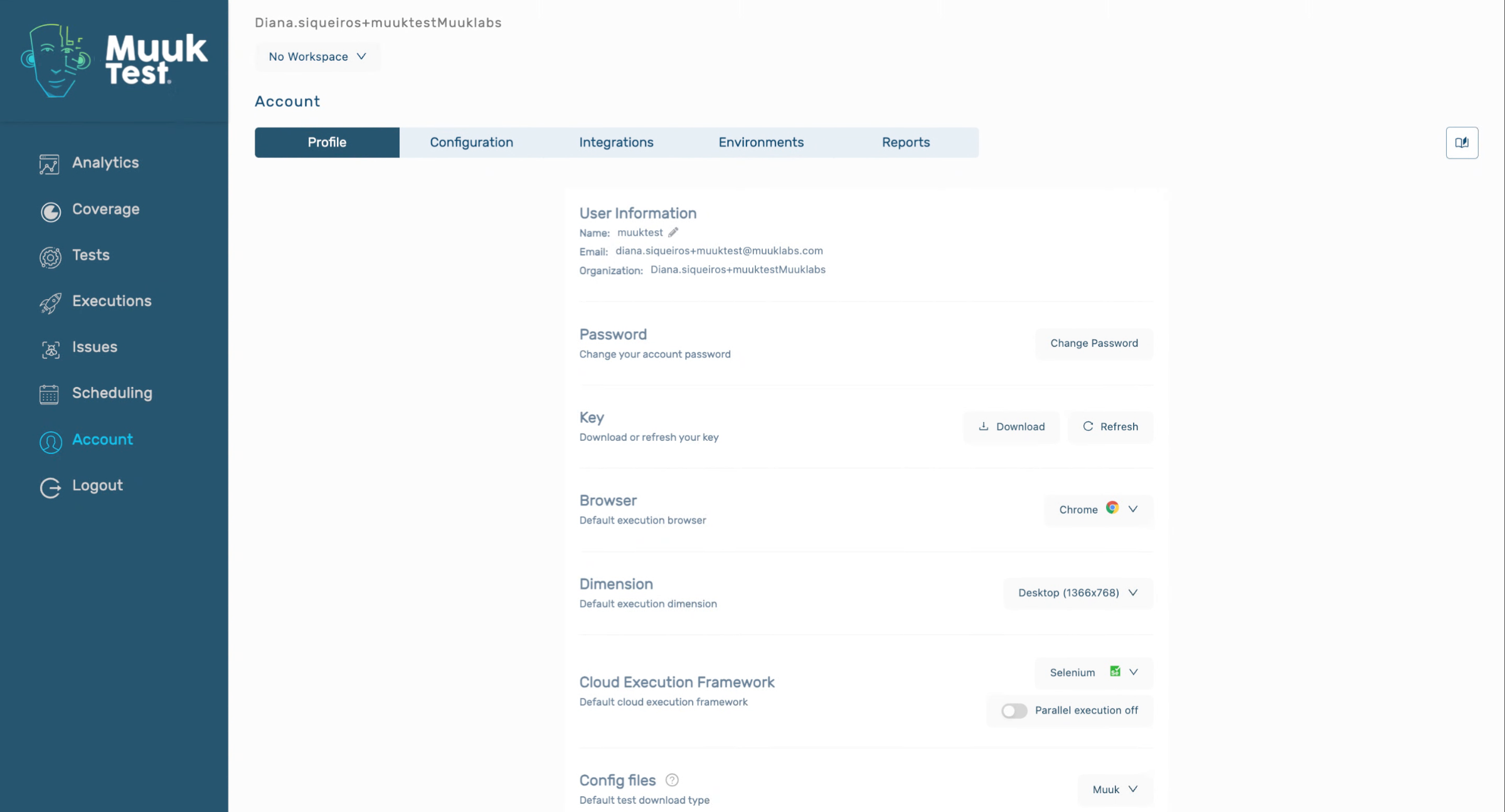
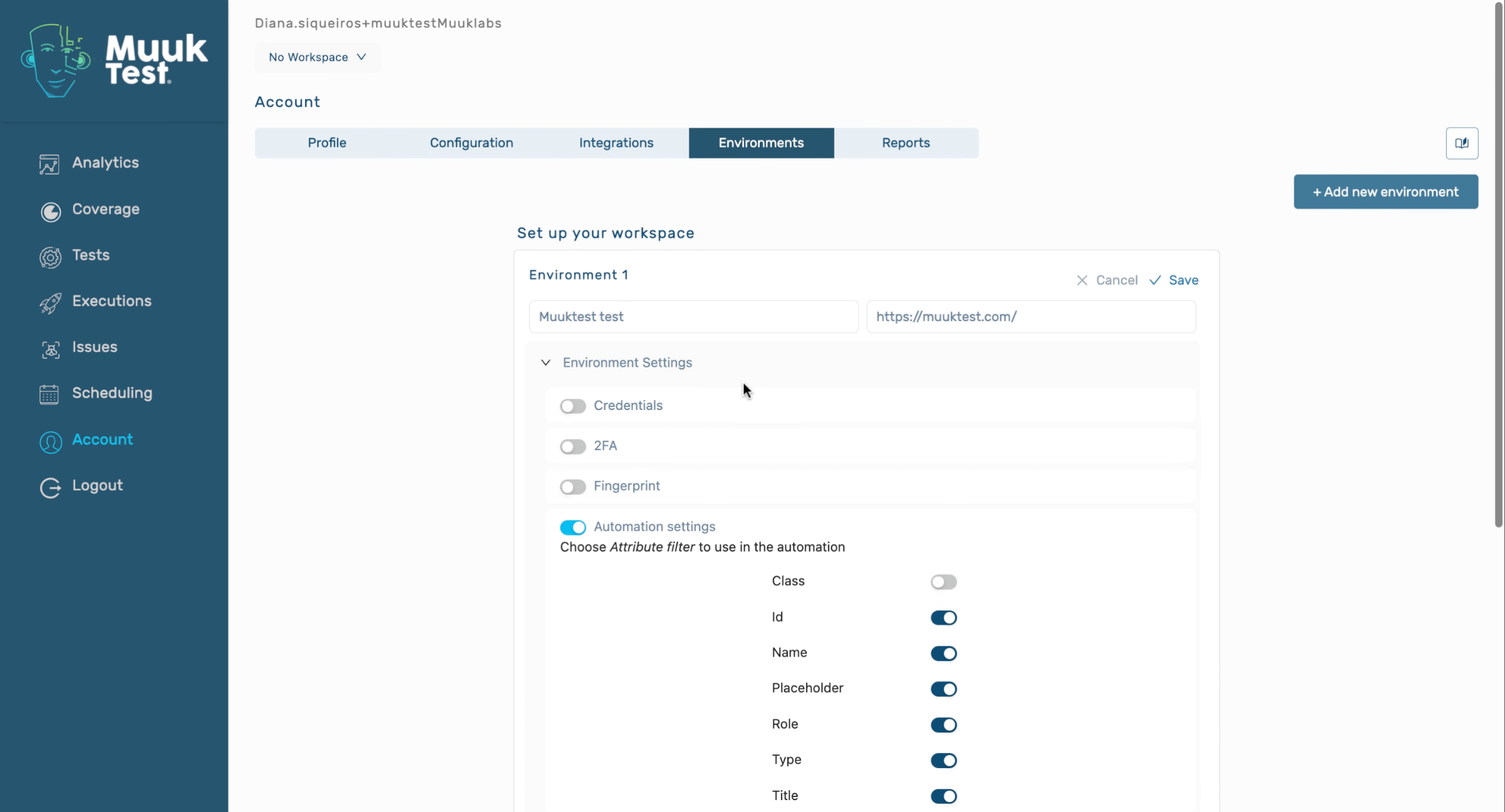
3. Edit Environment Values
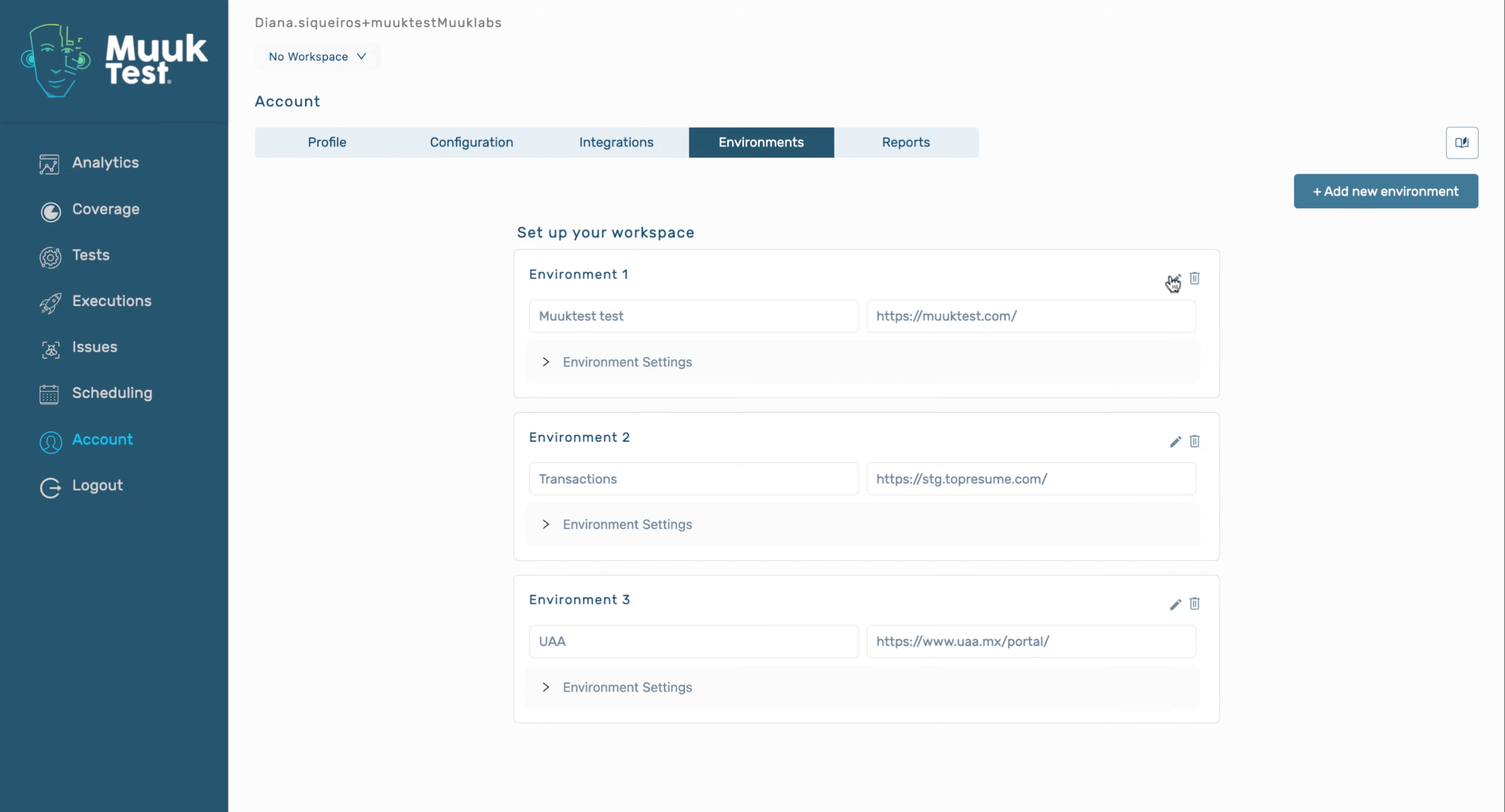
4. Change Name And Save
5. Confirm Environment Update
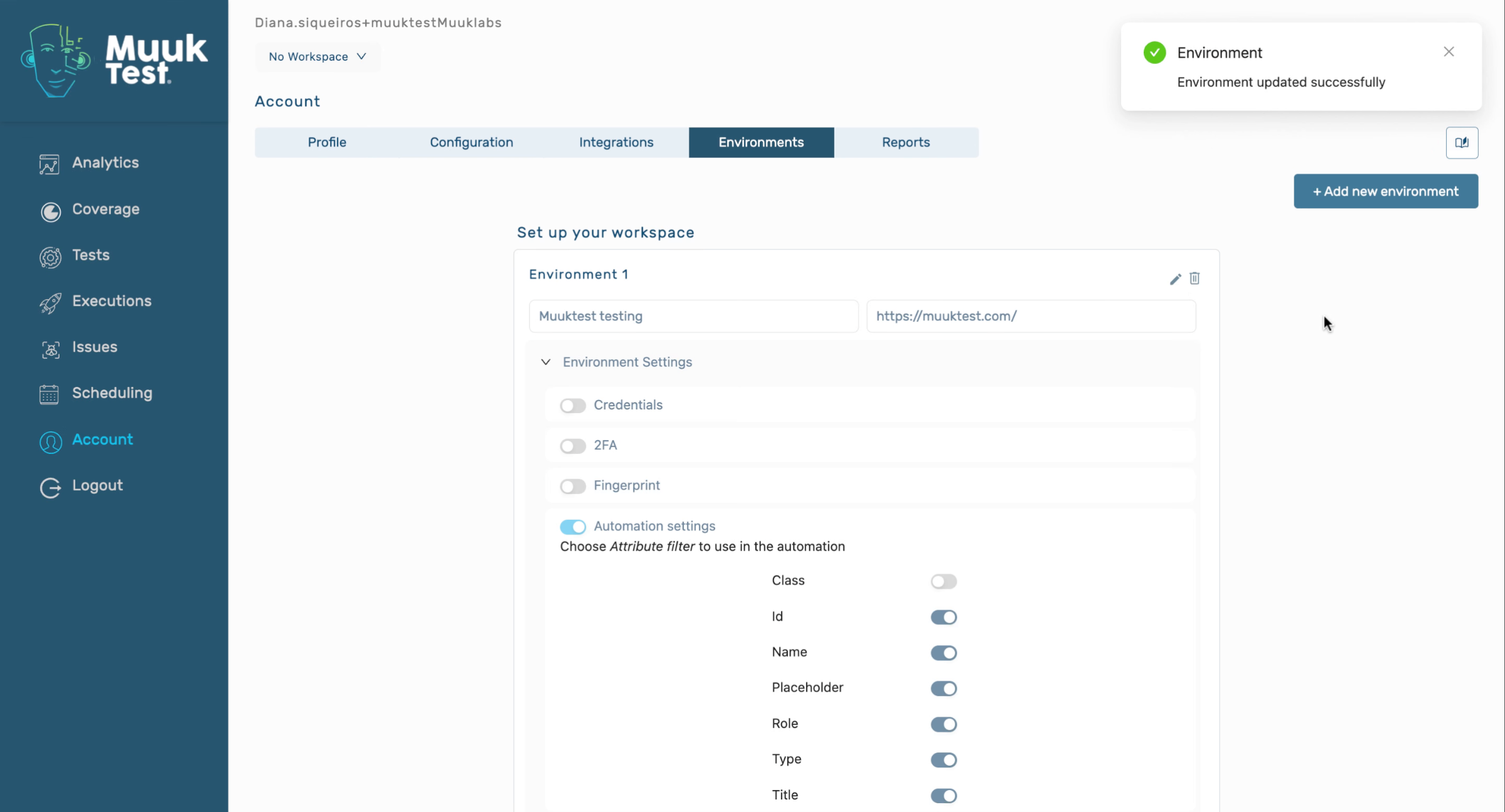
You have successfully updated your environment by navigating to the Environments tab, editing values, changing the name, and saving your changes. You can now manage other environments or explore additional settings.
Comments
0 comments
Please sign in to leave a comment.