
This tutorial will guide you through integrating GitHub with Muuk Test. You will learn how to connect your GitHub account to streamline your workflow within Mooc Test.
Go to portal.muuktest.com:5000
1. Introduction To GitHub Integration
Hello, today we're going to learn how to integrate GitHub with Muu Test.
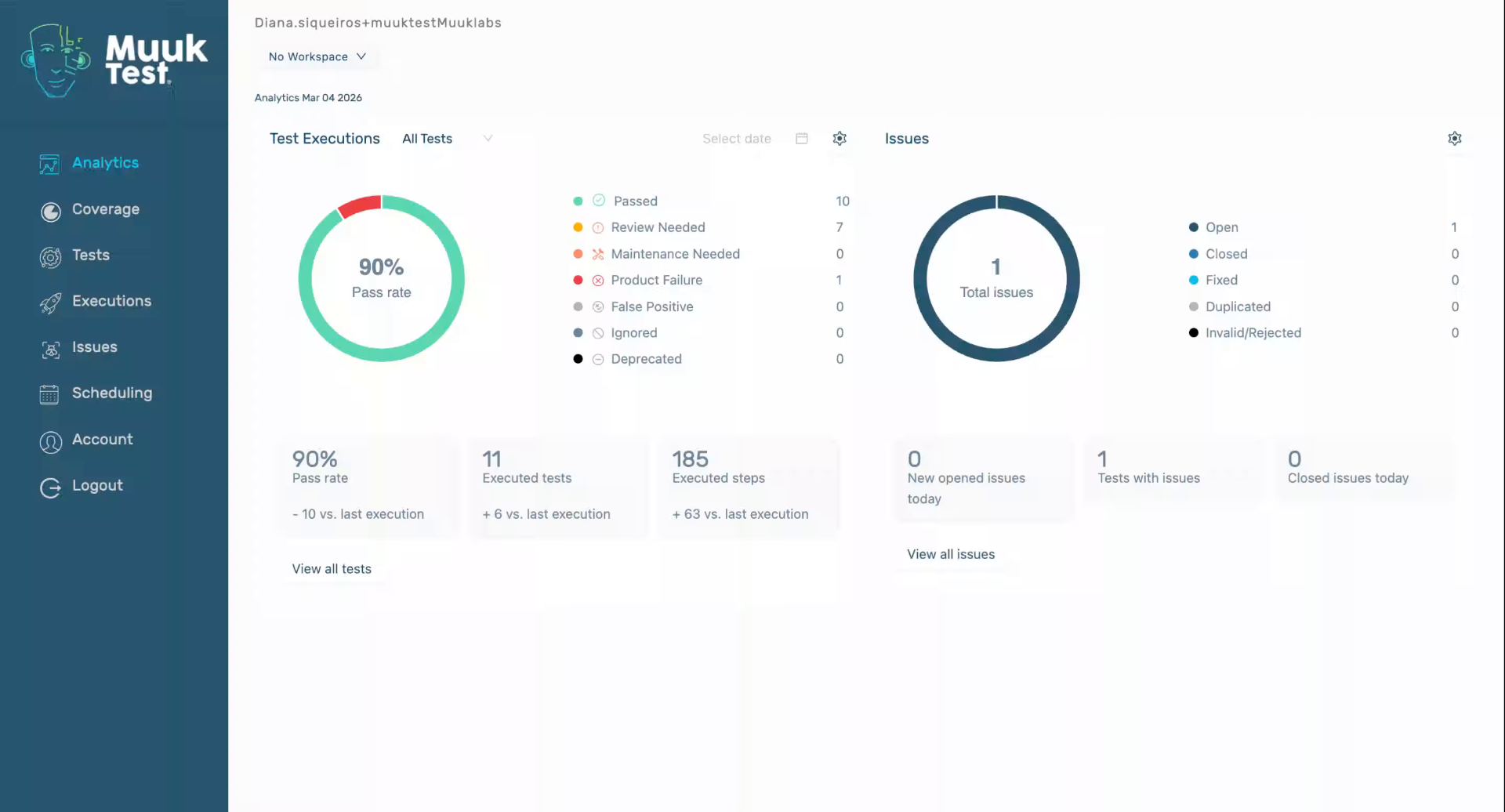
2. Navigate To GitHub Integration
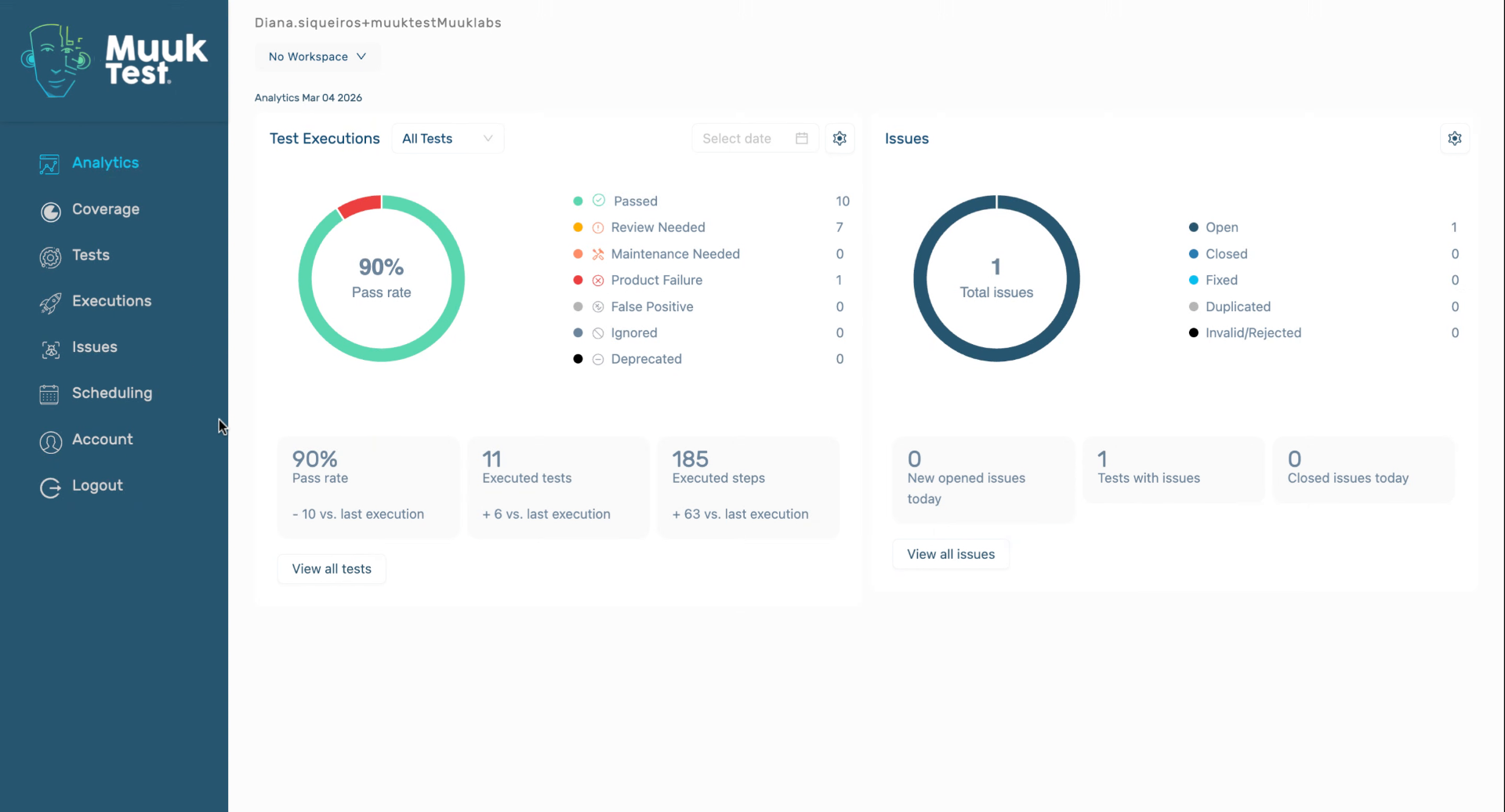
3. Select Repository And Install (1)
Click on your repository where you want to install
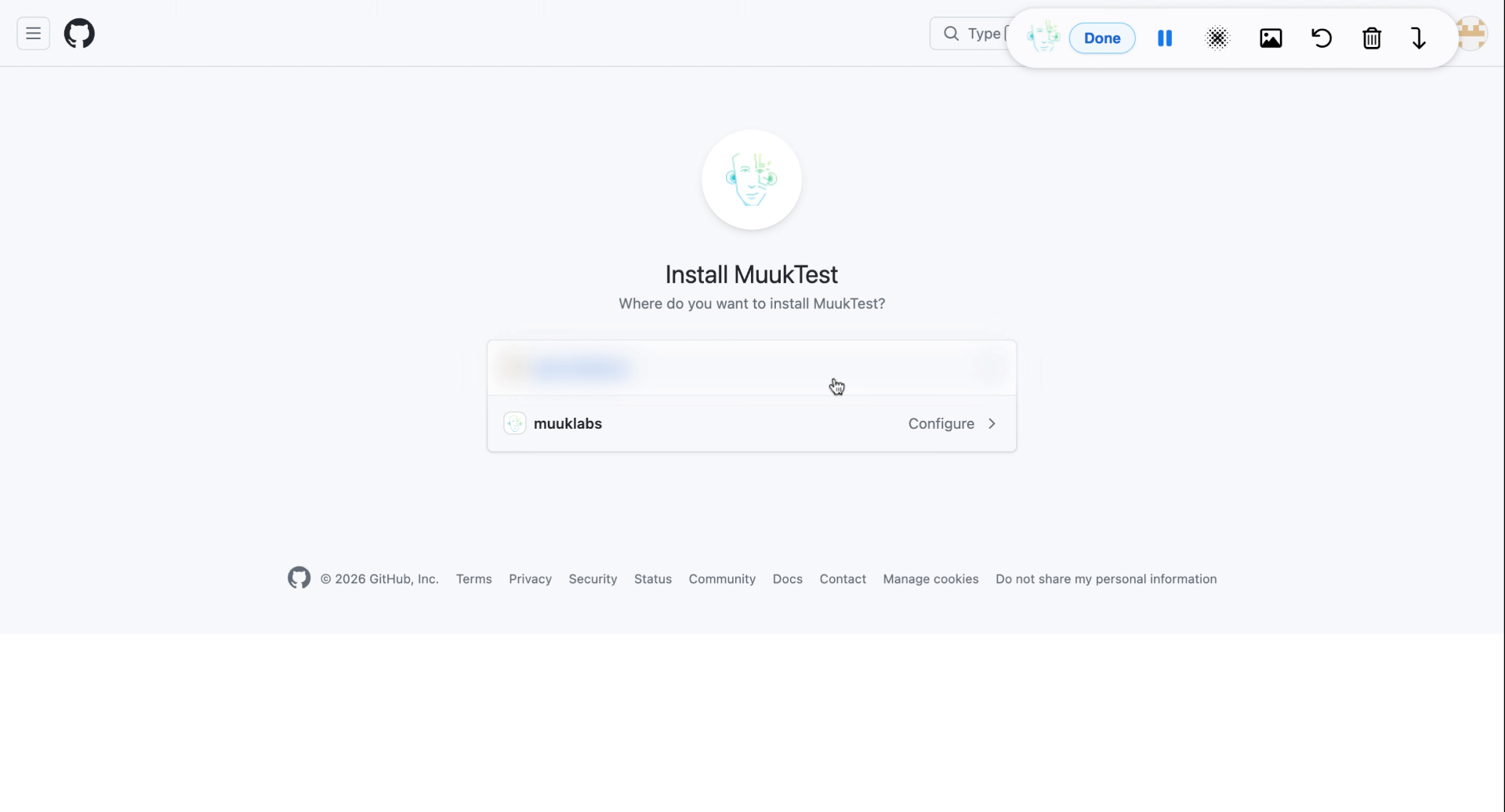
4. Select Repository And Install (2) (2) (2)
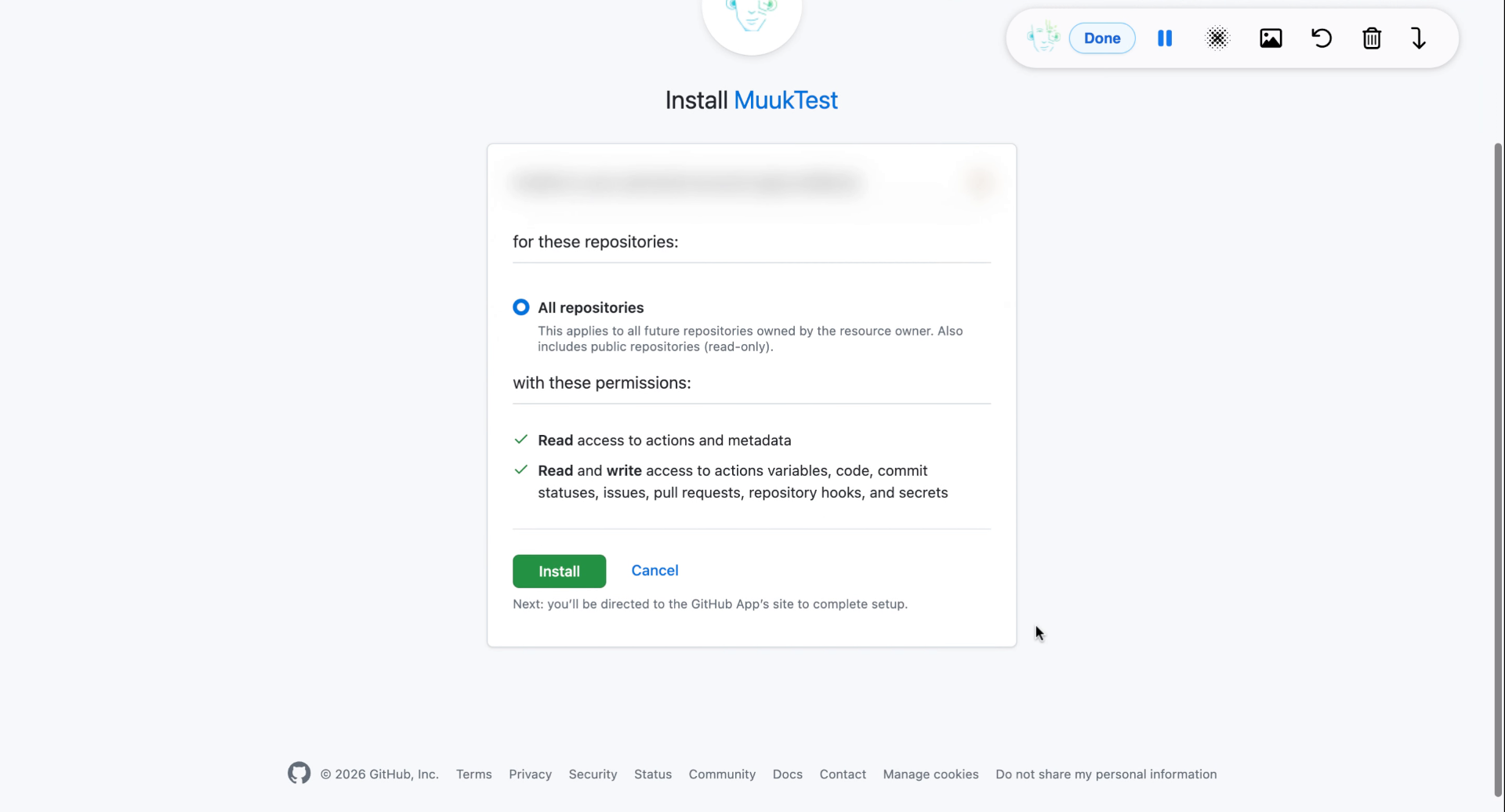
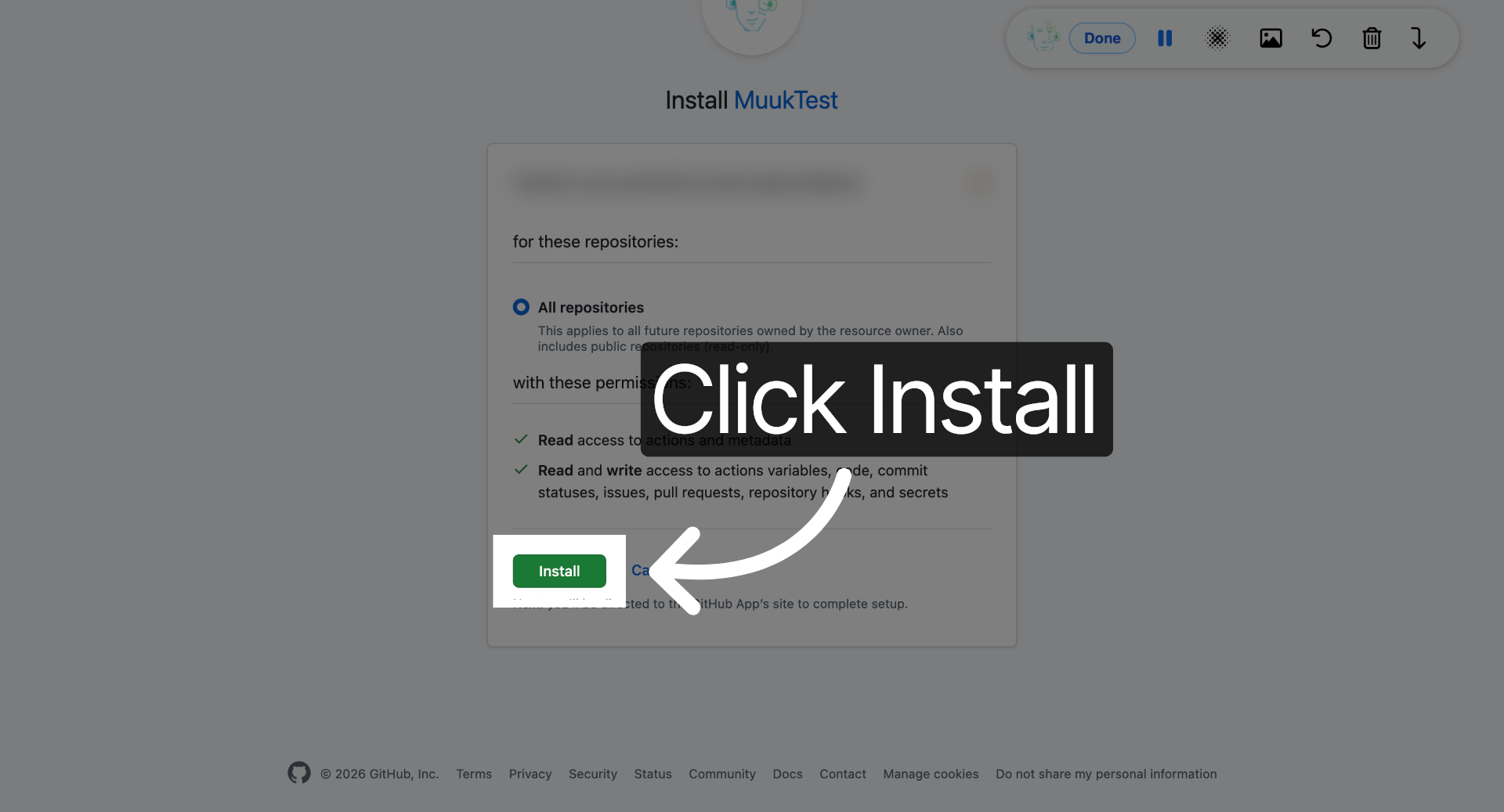
5. Click Install Button
Click the Install button to authorize the integration and proceed with setup.
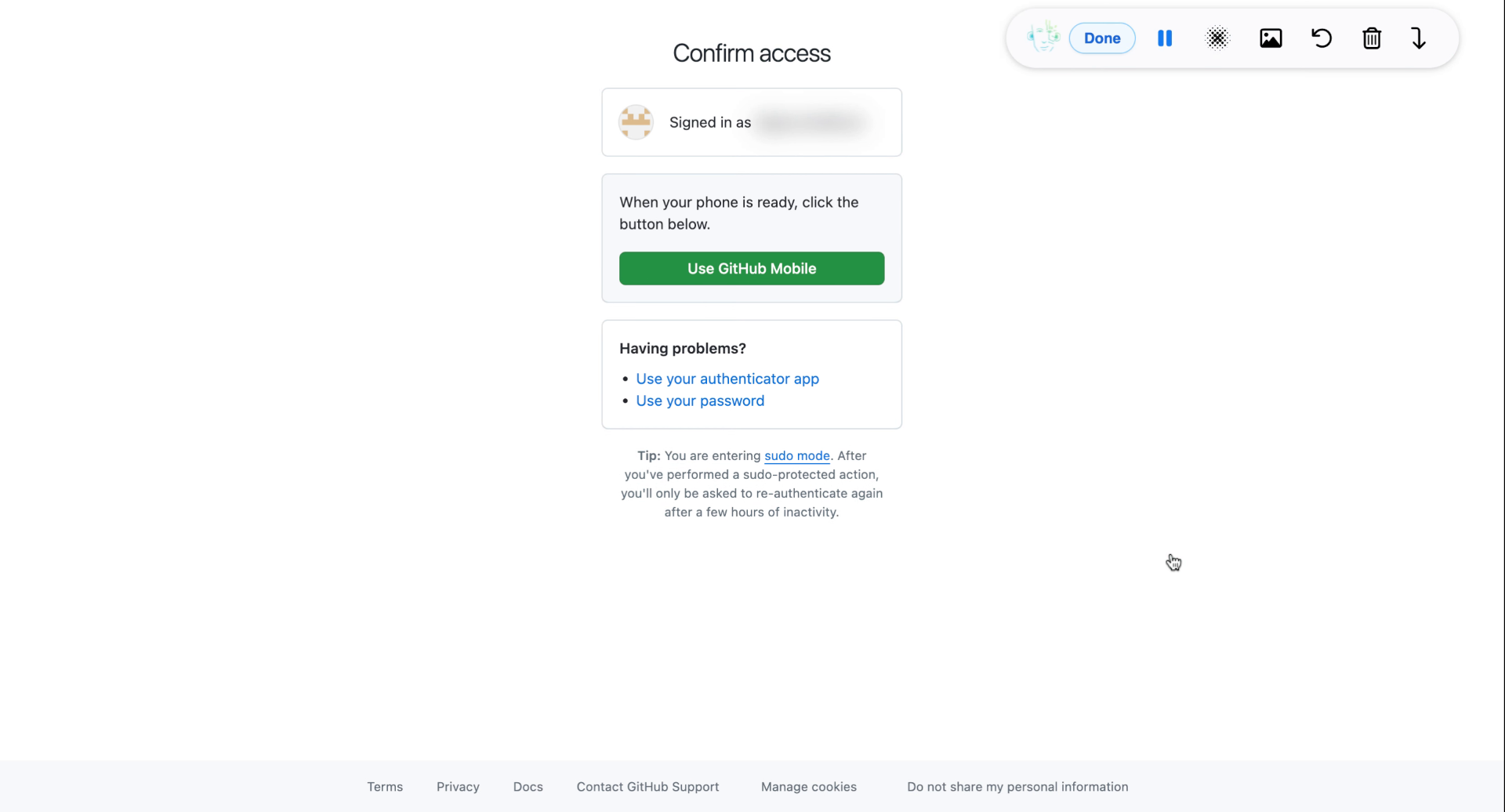
6. Use Two-Factor Authentication
7. Confirm GitHub Integration
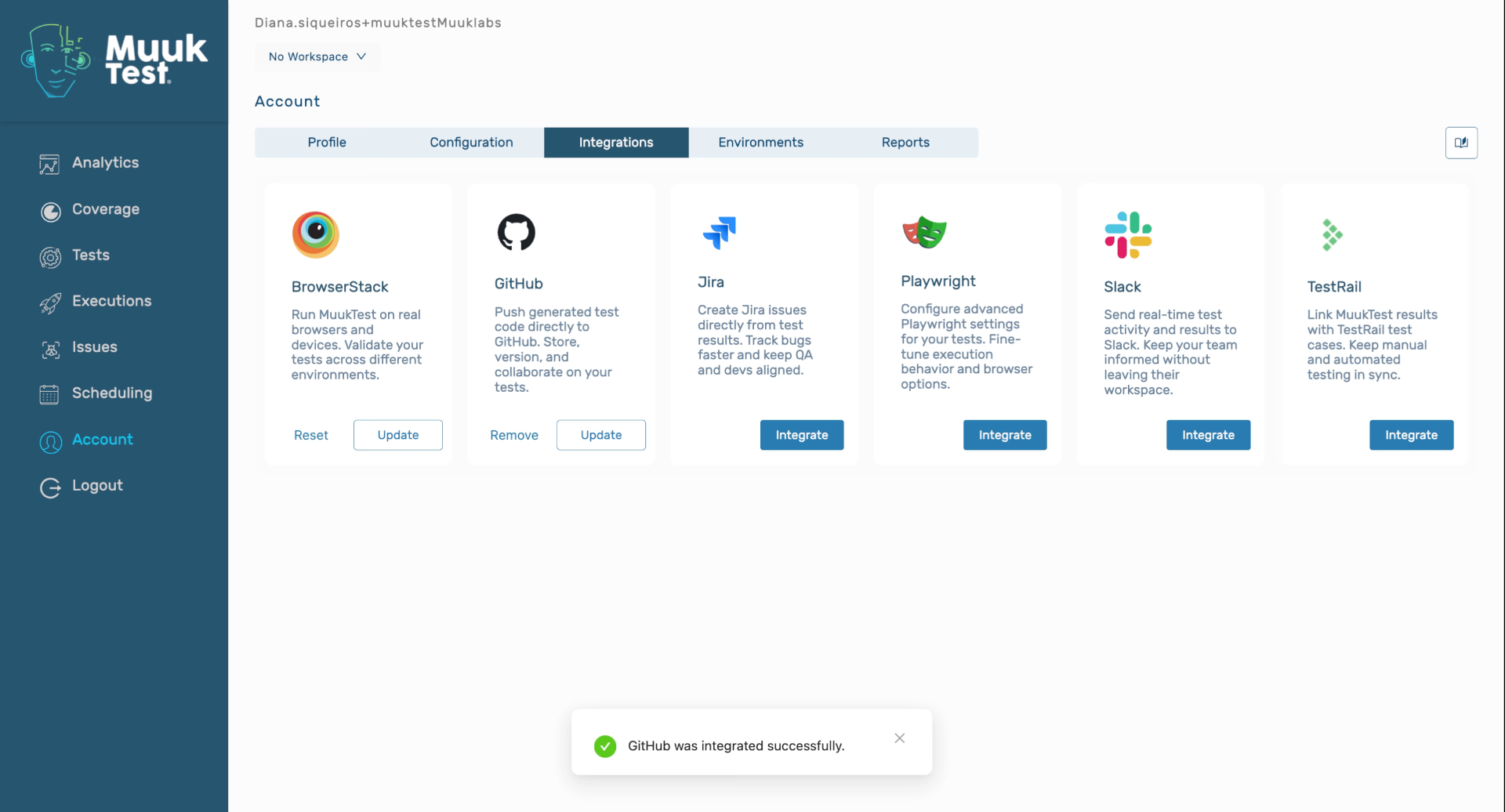
You have successfully integrated GitHub with Mooc Test by navigating to the integration settings, selecting your repository, installing the integration, and validating with two-factor authentication. You can now manage your GitHub projects directly within Mooc Test.
Comments
0 comments
Please sign in to leave a comment.