

This tutorial guides you through integrating Slack with Muuktest. You will learn how to connect your Slack workspace to enable streamlined notifications and collaboration.
Go to portal.muuktest.com:5000
1. Introduction To Integration
Hello, today we're going to learn how to integrate Muuktest with
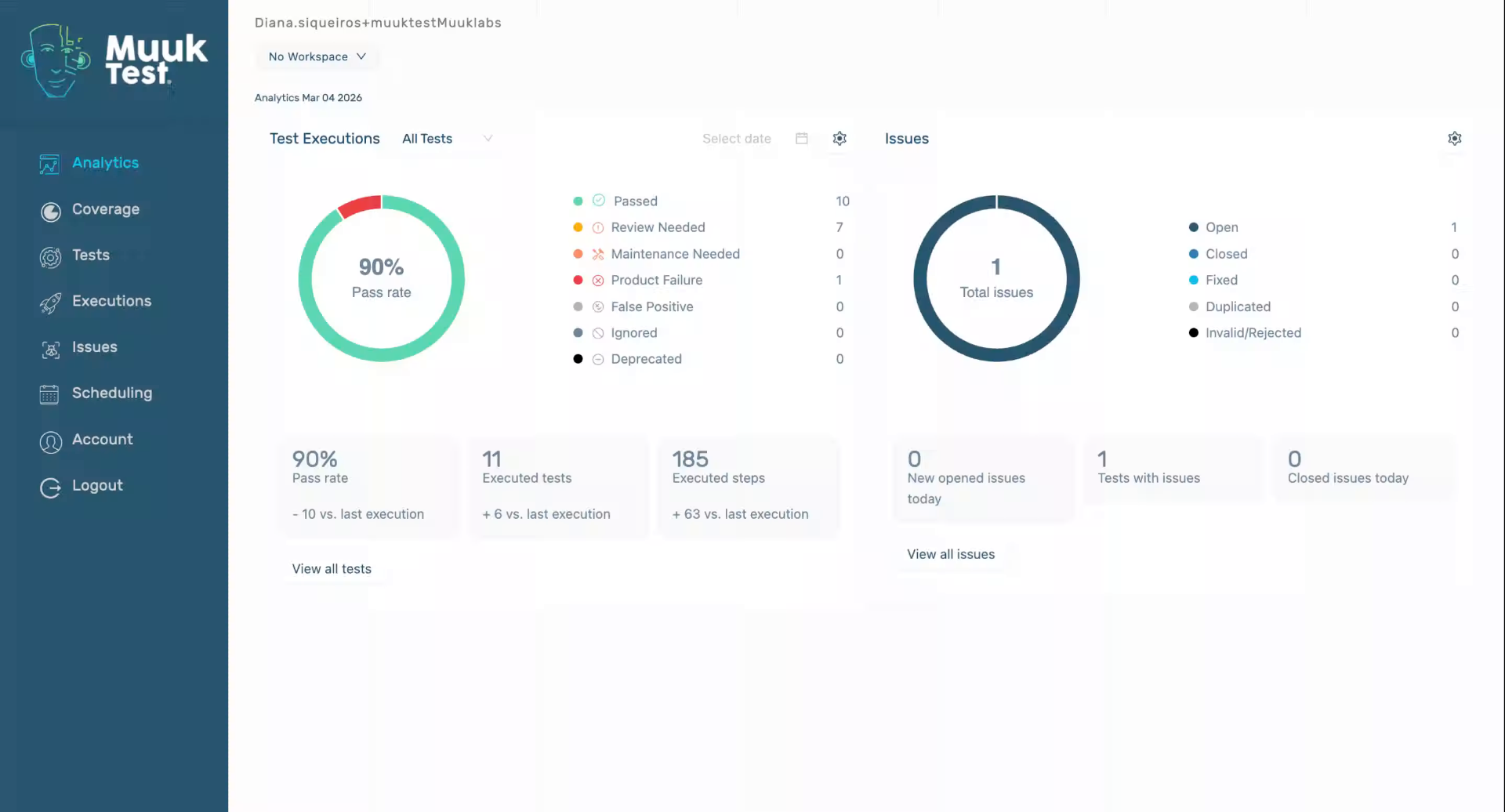
2. Navigate To Slack Integration
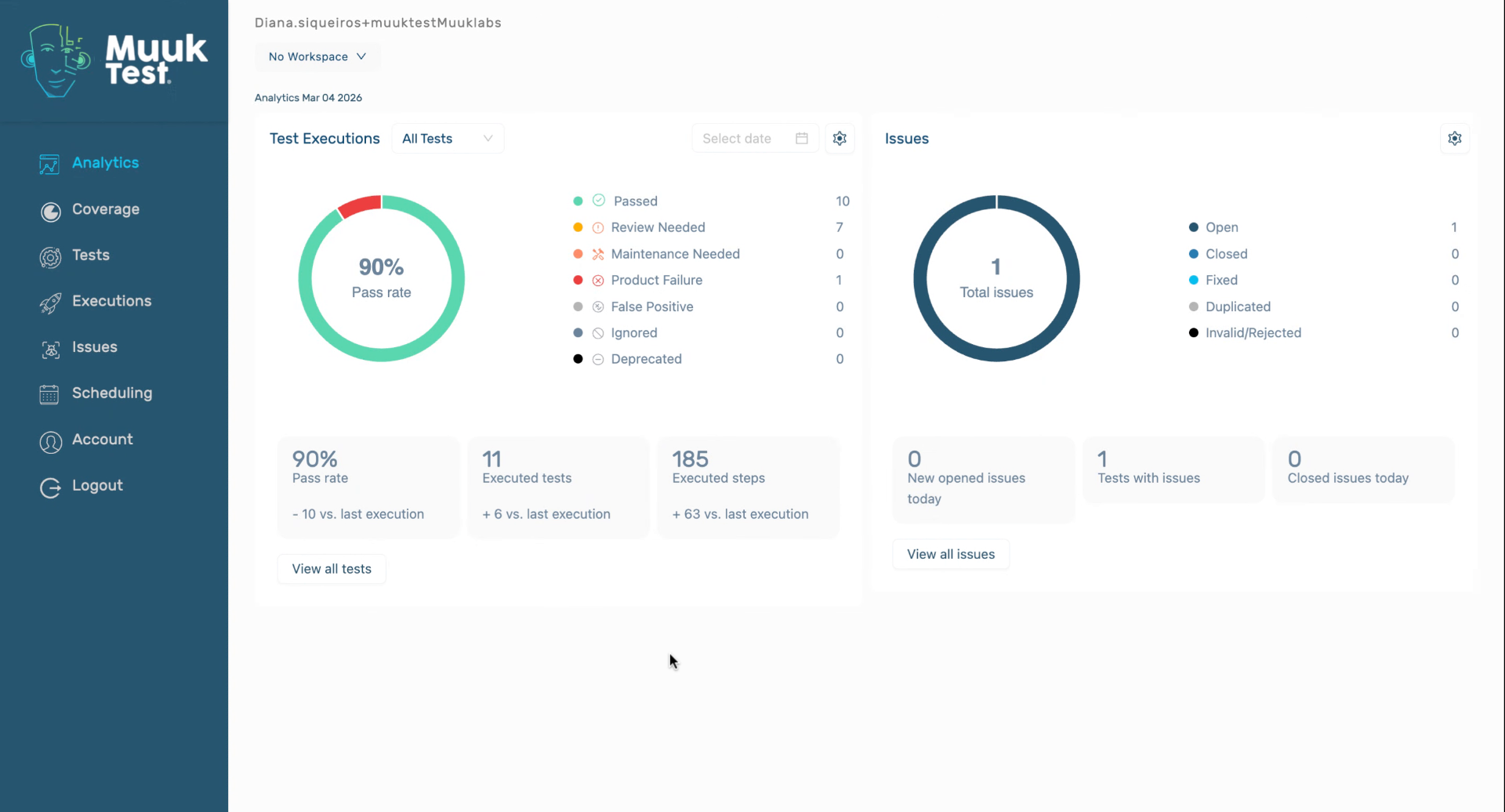
3. Select Slack Workspace
We're going to be redirected to our Slack page. Here we can select our workspace. In this case, we're going to use Muuktest.

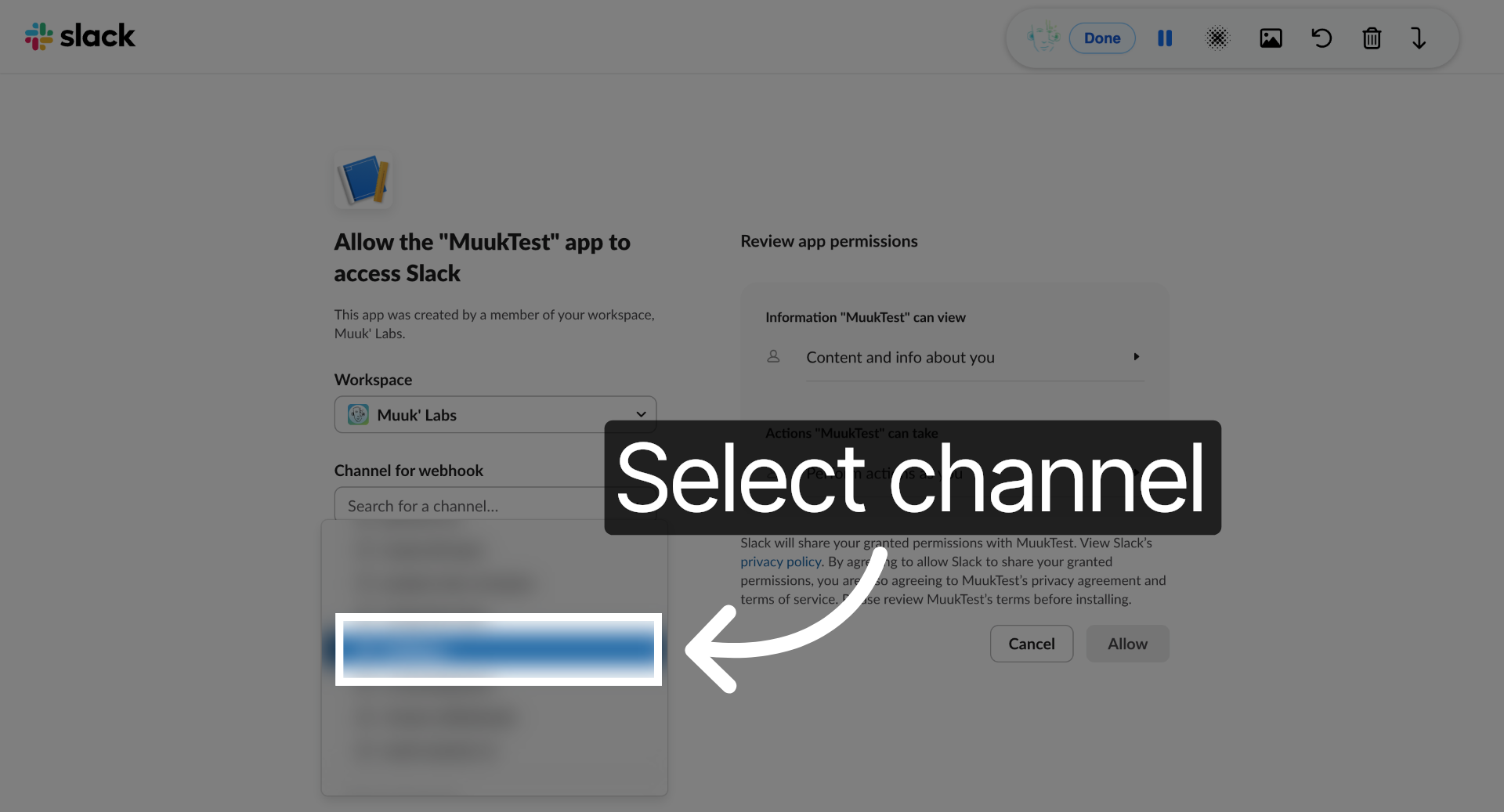
4. Select Slack Channel
Select a Slack channel to connect with the integration.
5. Authorize Slack Access
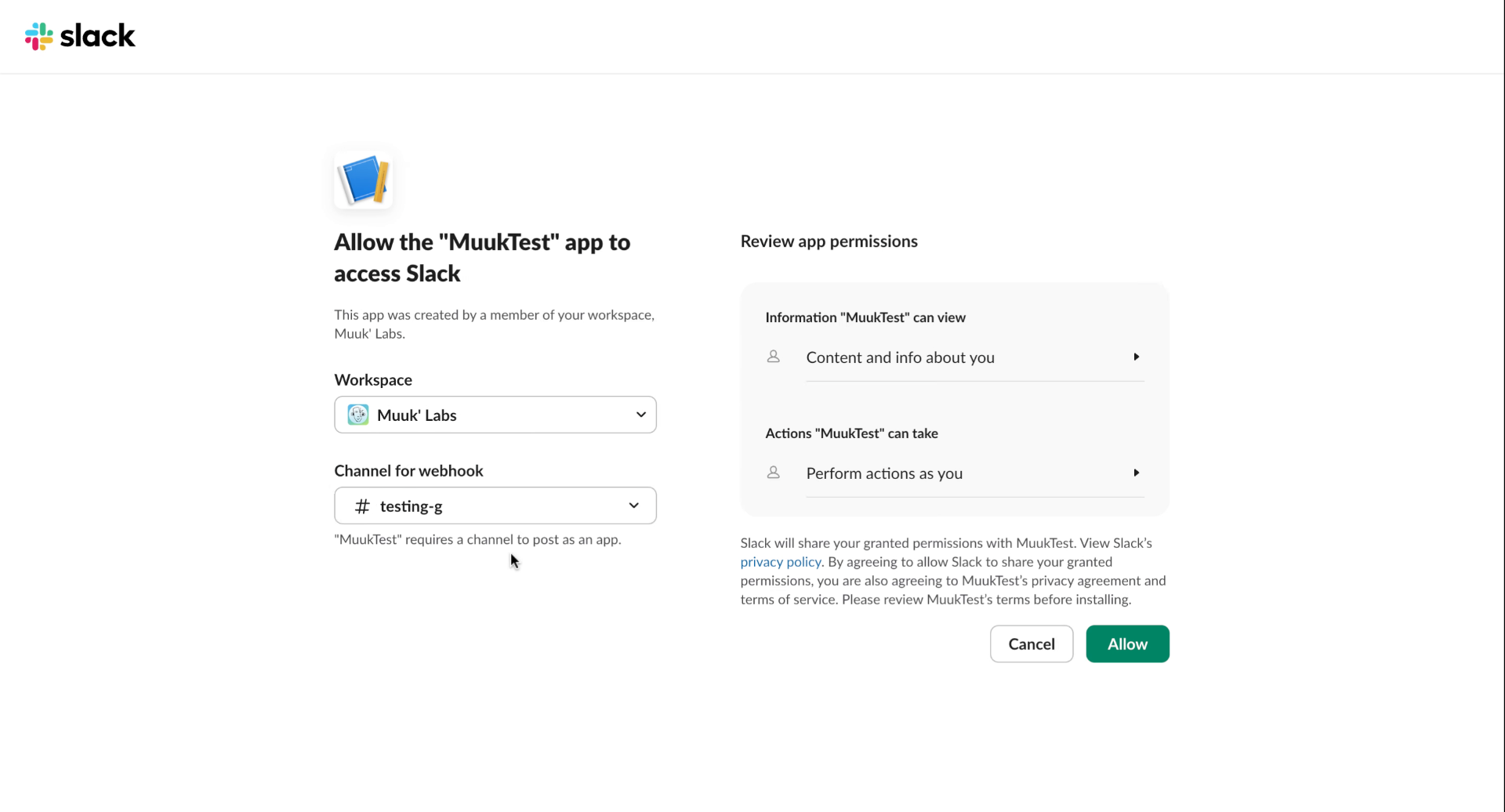
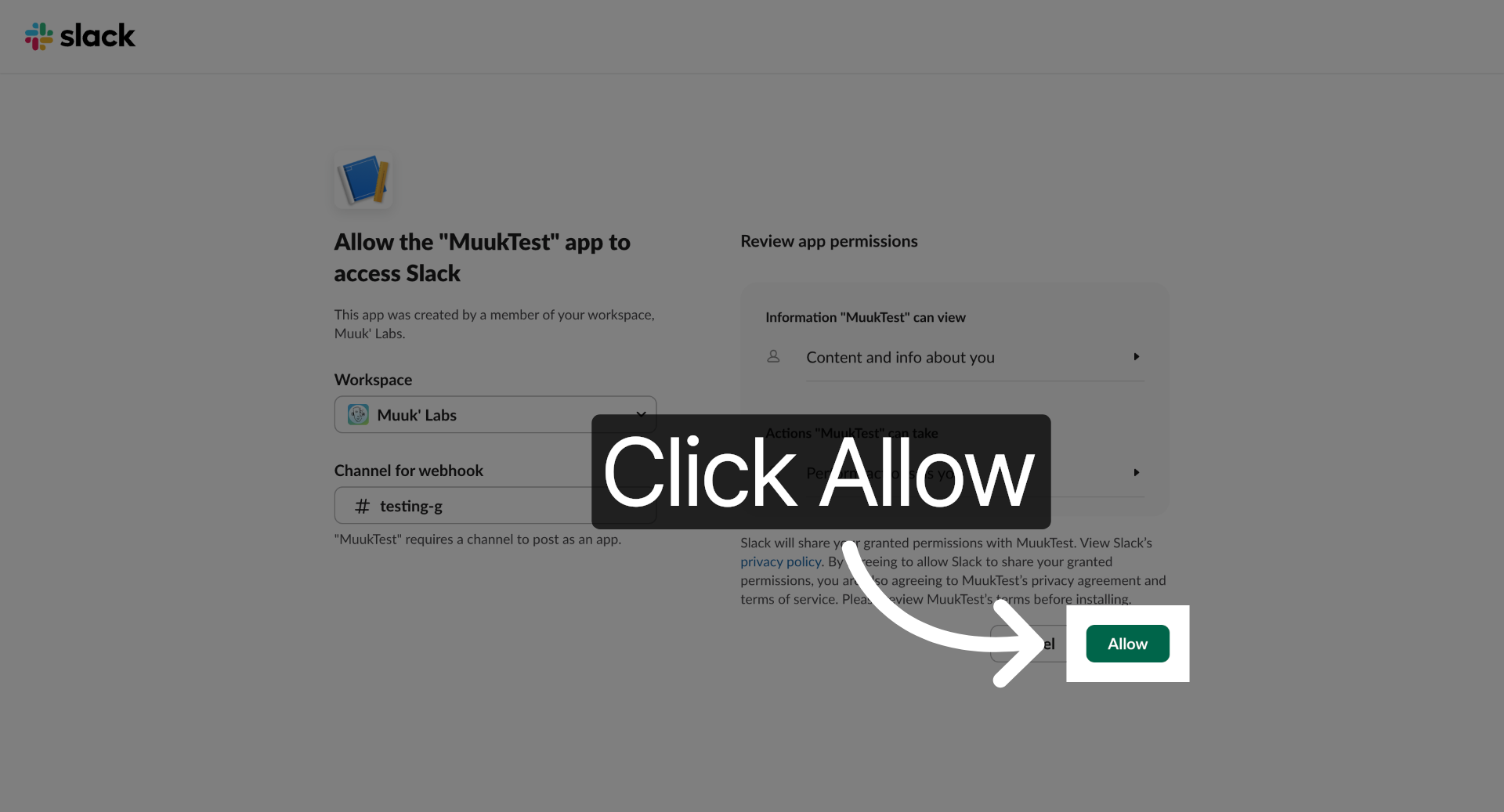
6. Click Allow Button
Click the Allow button to grant access for the integration.
7. Confirm Slack Configuration
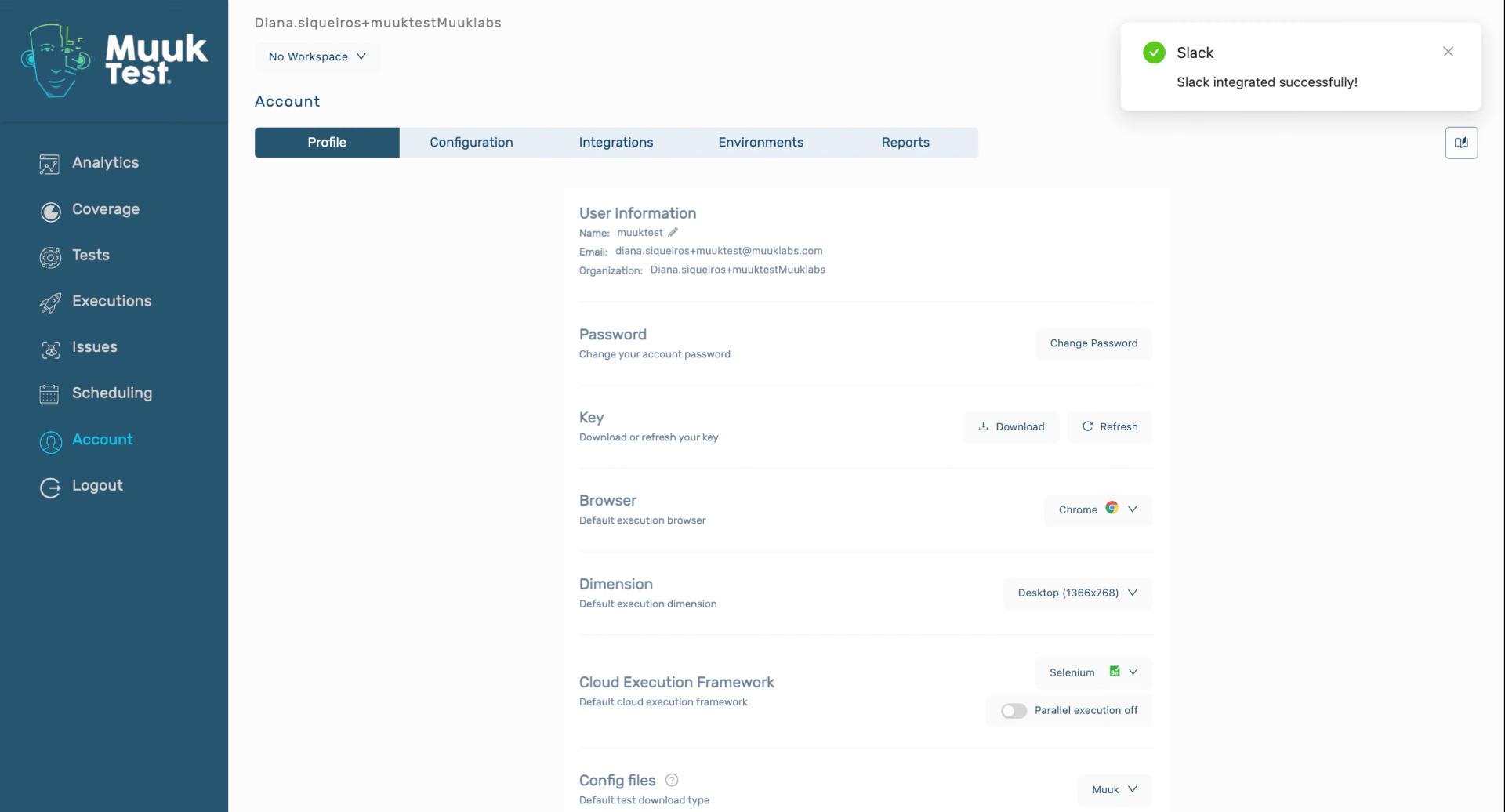
You have successfully integrated Slack with Muuktest, enabling seamless communication between the two platforms. For further customization, explore additional Slack integration settings or consult the support resources.
Comments
0 comments
Please sign in to leave a comment.