
Hello, today we're going to learn how to integrate BrowserStack in Muuktest. This tutorial will guide you through the steps to connect BrowserStack with your testing environment for seamless test execution.
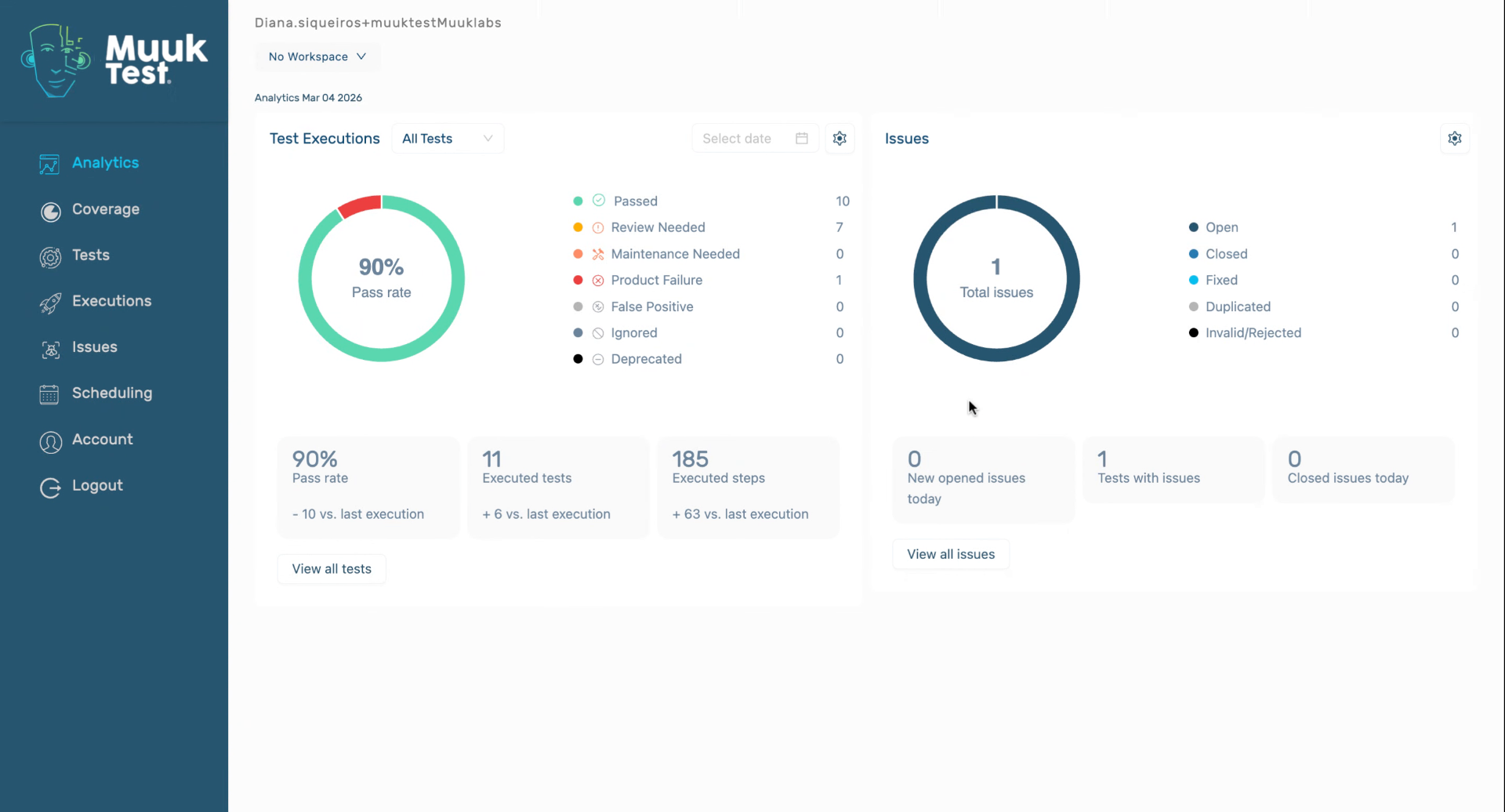
1. Navigate To Integrations Tab
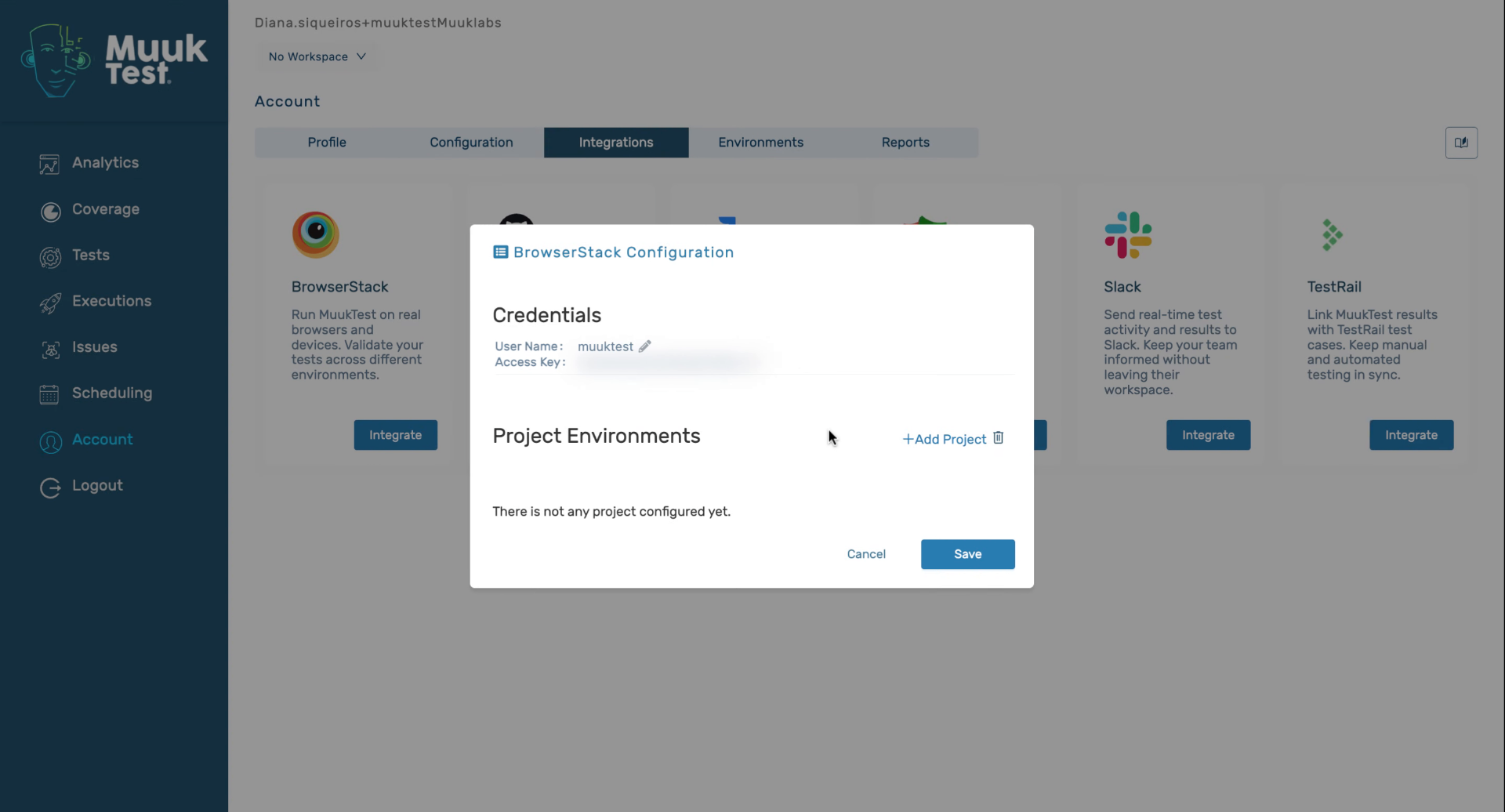
2. Enter BrowserStack Credentials
We have to enter our BrowserStack username

3. Enter BrowserStack Credentials
Enter our BrowserStack access key

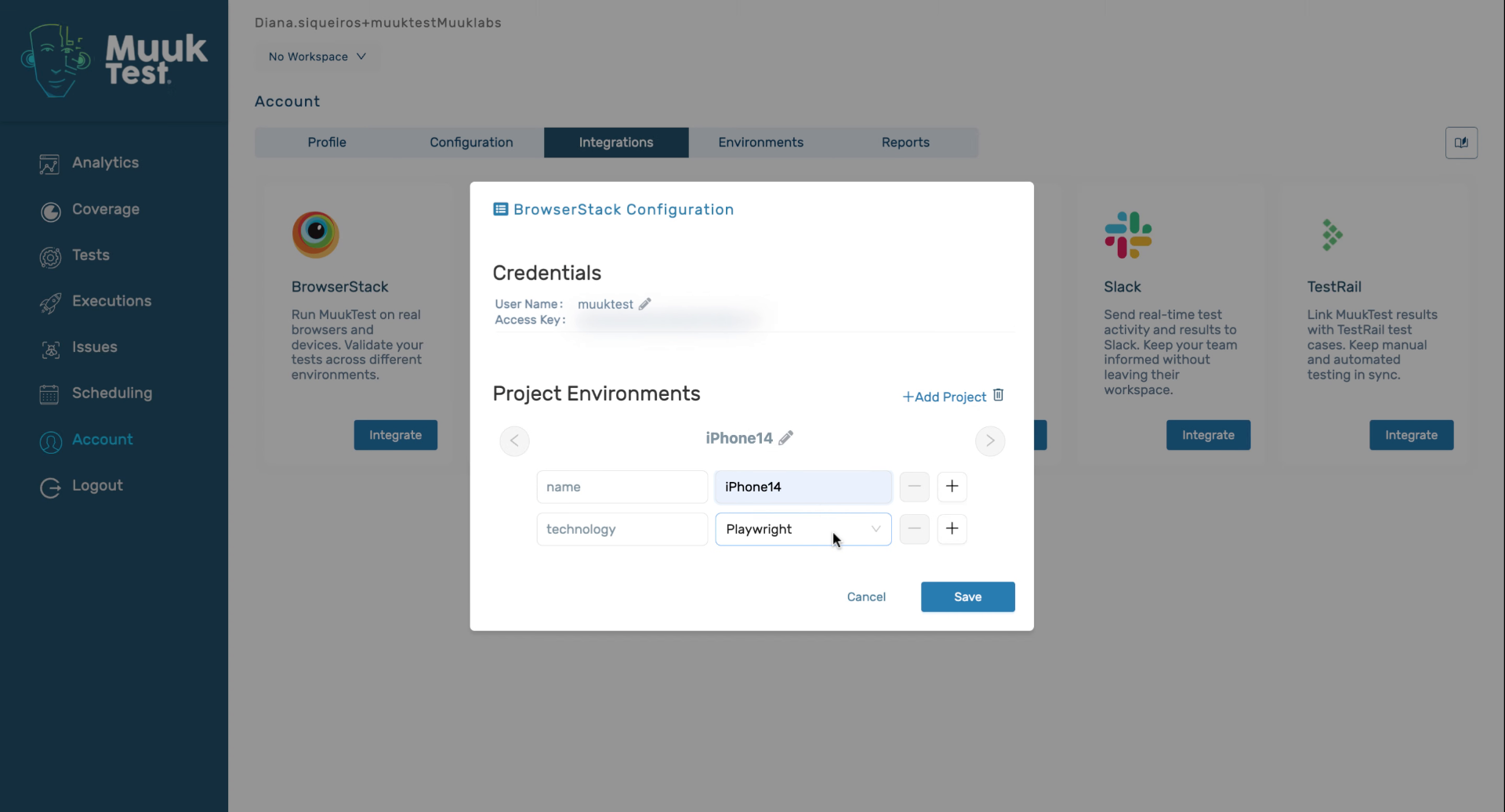
4. Add Testing Environments
5. Name The Environment
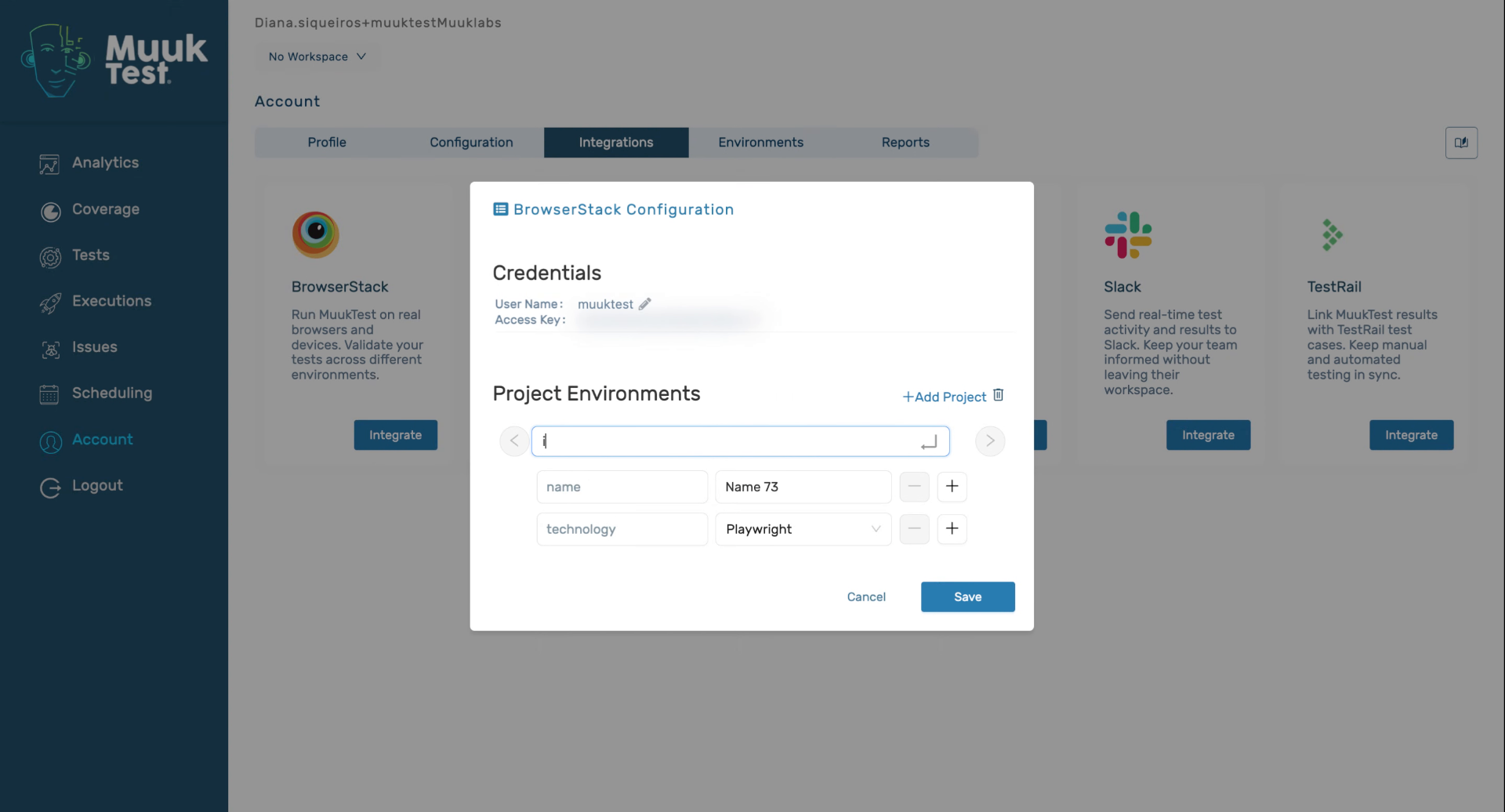
6. Select Technology
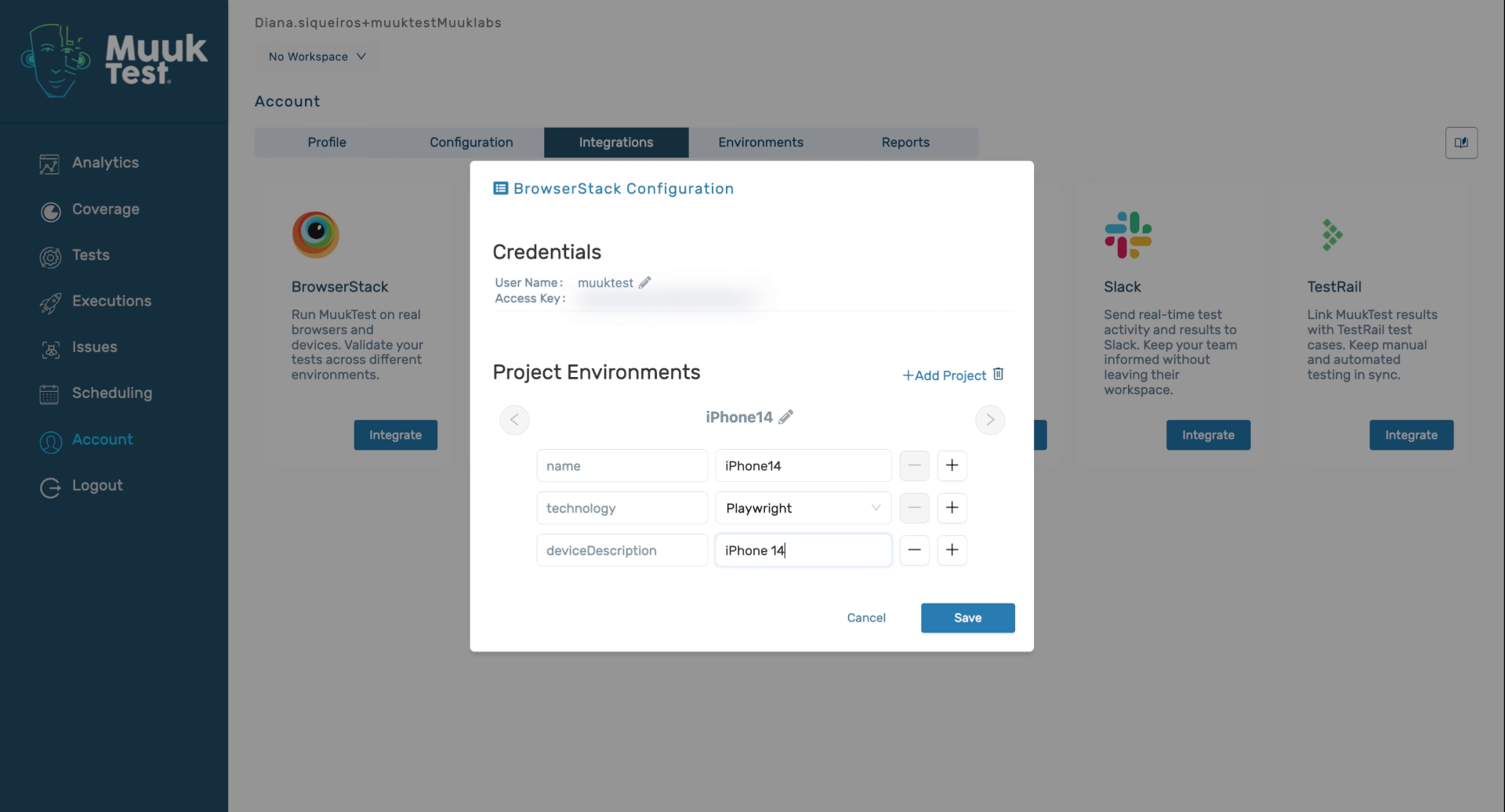
7. Save Integration Settings
8. Confirm Integration Completion
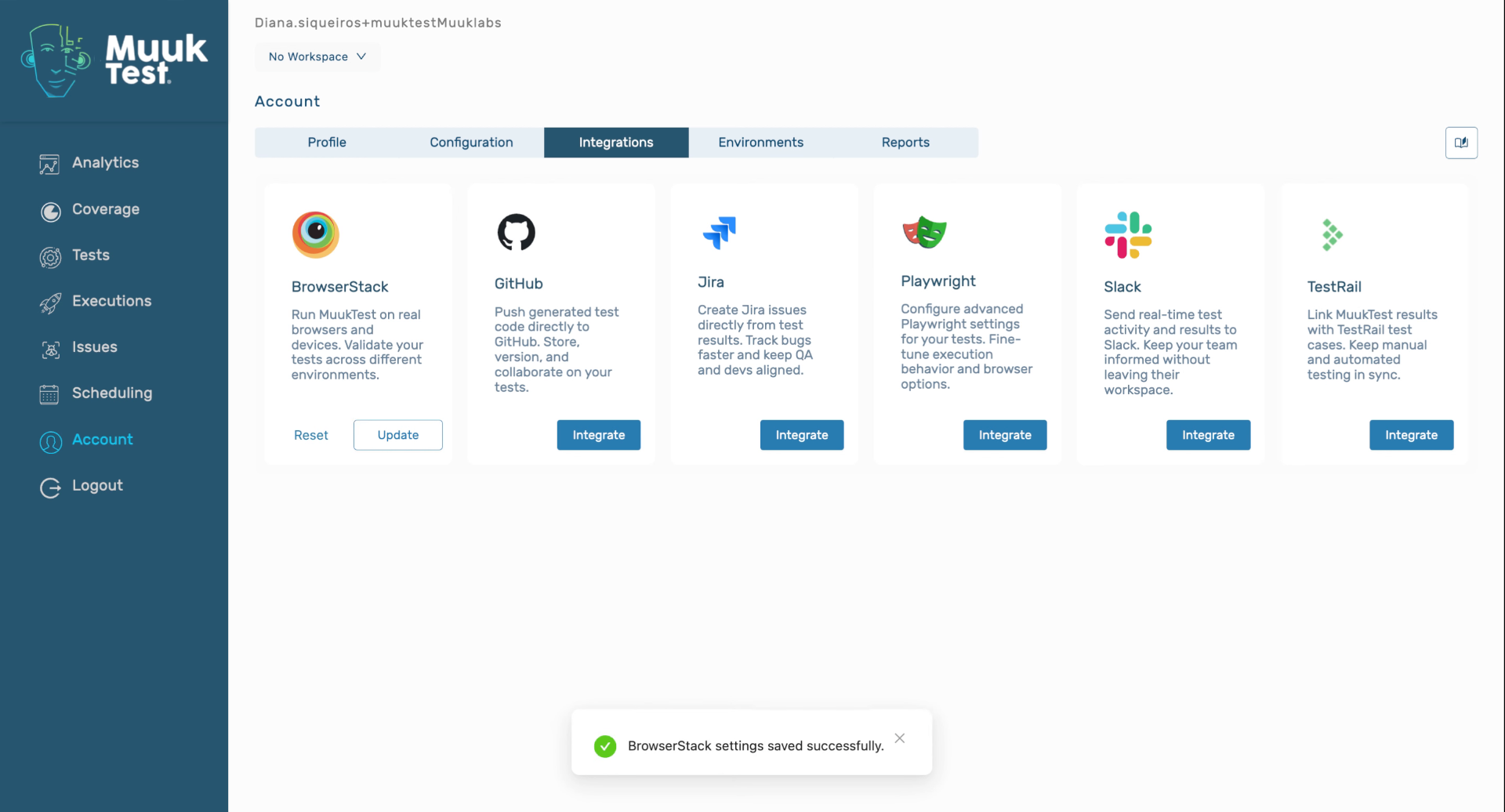
You have successfully integrated BrowserStack with Muuktest by configuring credentials, adding testing environments, and saving the settings. You can now proceed to run tests using BrowserStack within Muuktest or explore additional integration options.
Comments
0 comments
Please sign in to leave a comment.