
This tutorial explains how to change your username in the MuukTest application
Go to portal.muuktest.com:5000
1. Introduction
You will learn the necessary steps to update your account information effectively.
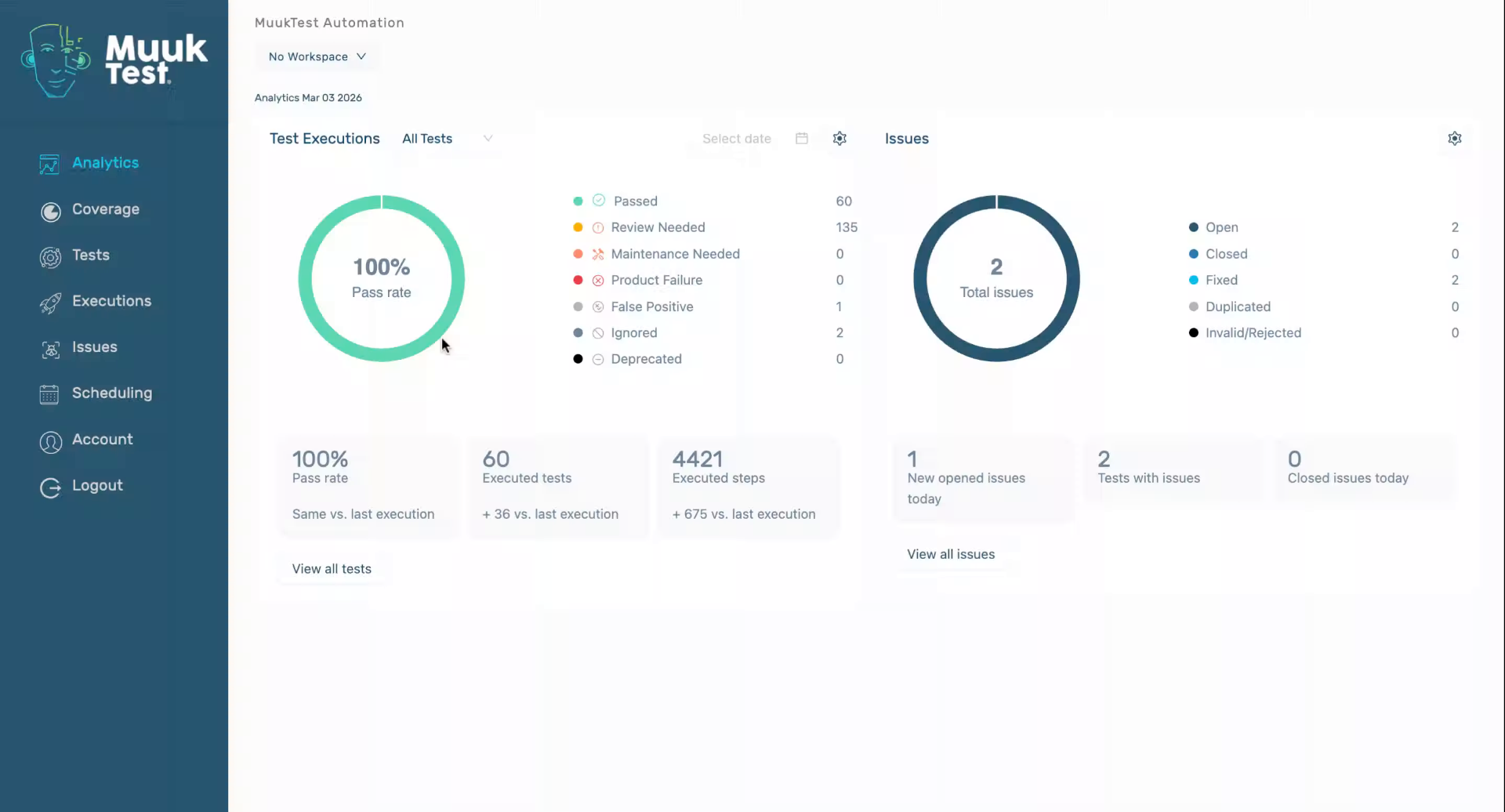
2. Access Account Settings
Click "Account" to open your account settings menu where you can manage your personal information.
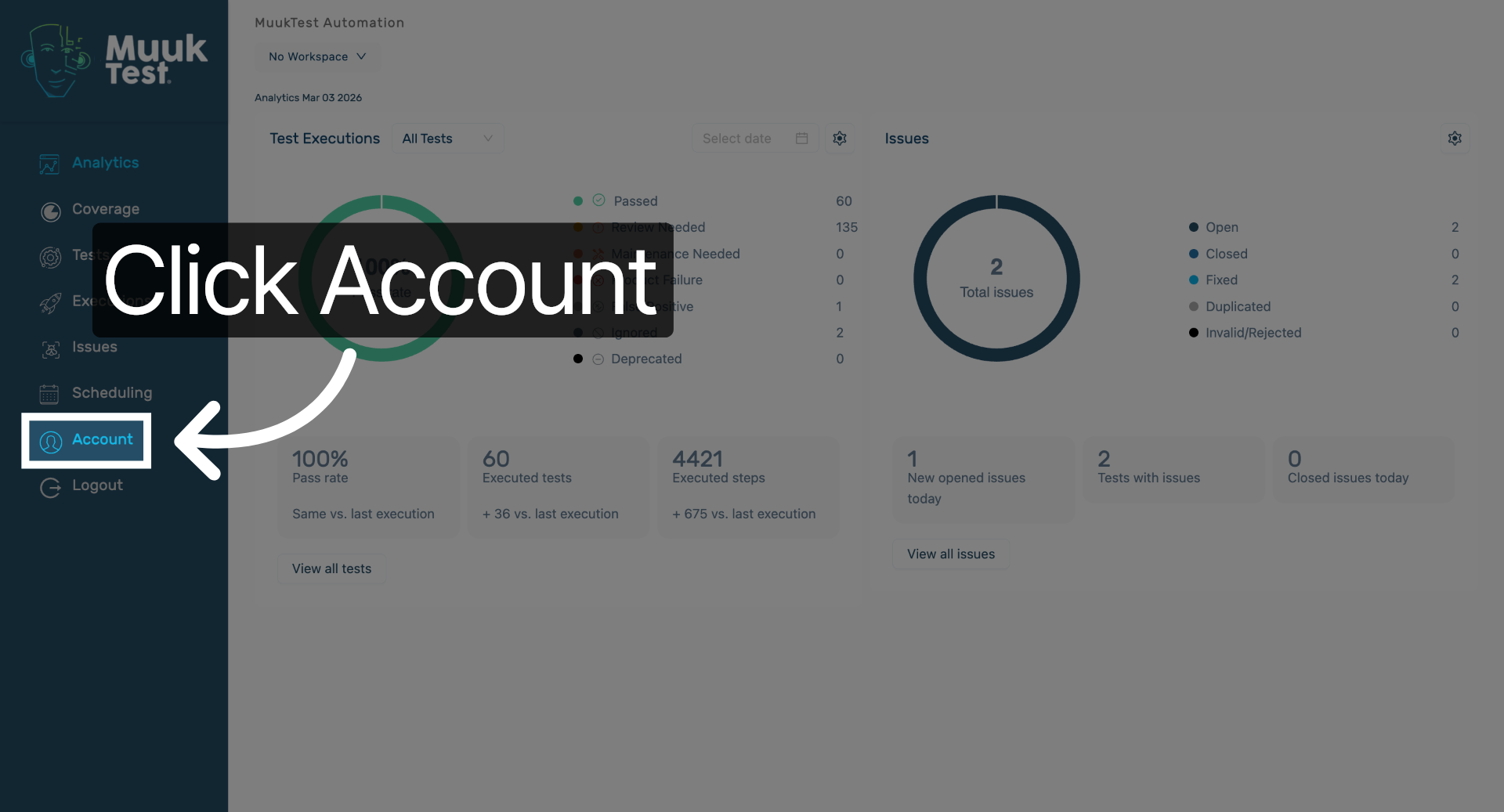
3. Open Username Section
Click here to navigate to the username management section within your account settings.
4. Enter New Username
Fill in the username field to specify your desired new username.
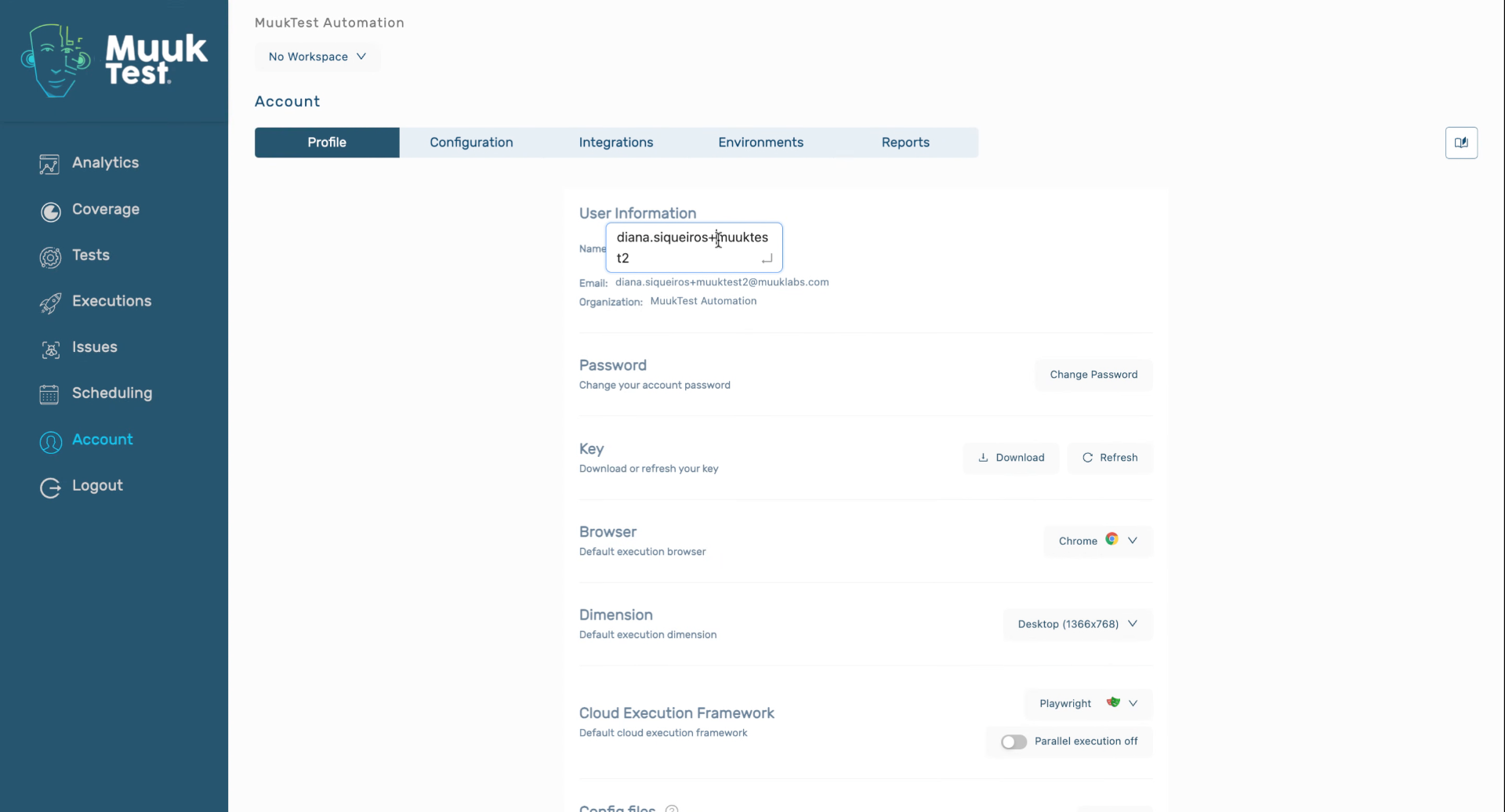
You have successfully changed your username in the MuukTest application by updating and confirming your new username in the account settings. You can now continue using your updated account credentials or explore additional profile customization options.
Comments
0 comments
Please sign in to leave a comment.