
This tutorial explains how to change the Cloud Execution Framework settings within the MuukTest application
Go to portal.muuktest.com:5000
1. Introduction
You will learn the sequential steps to navigate and update the framework configuration effectively.
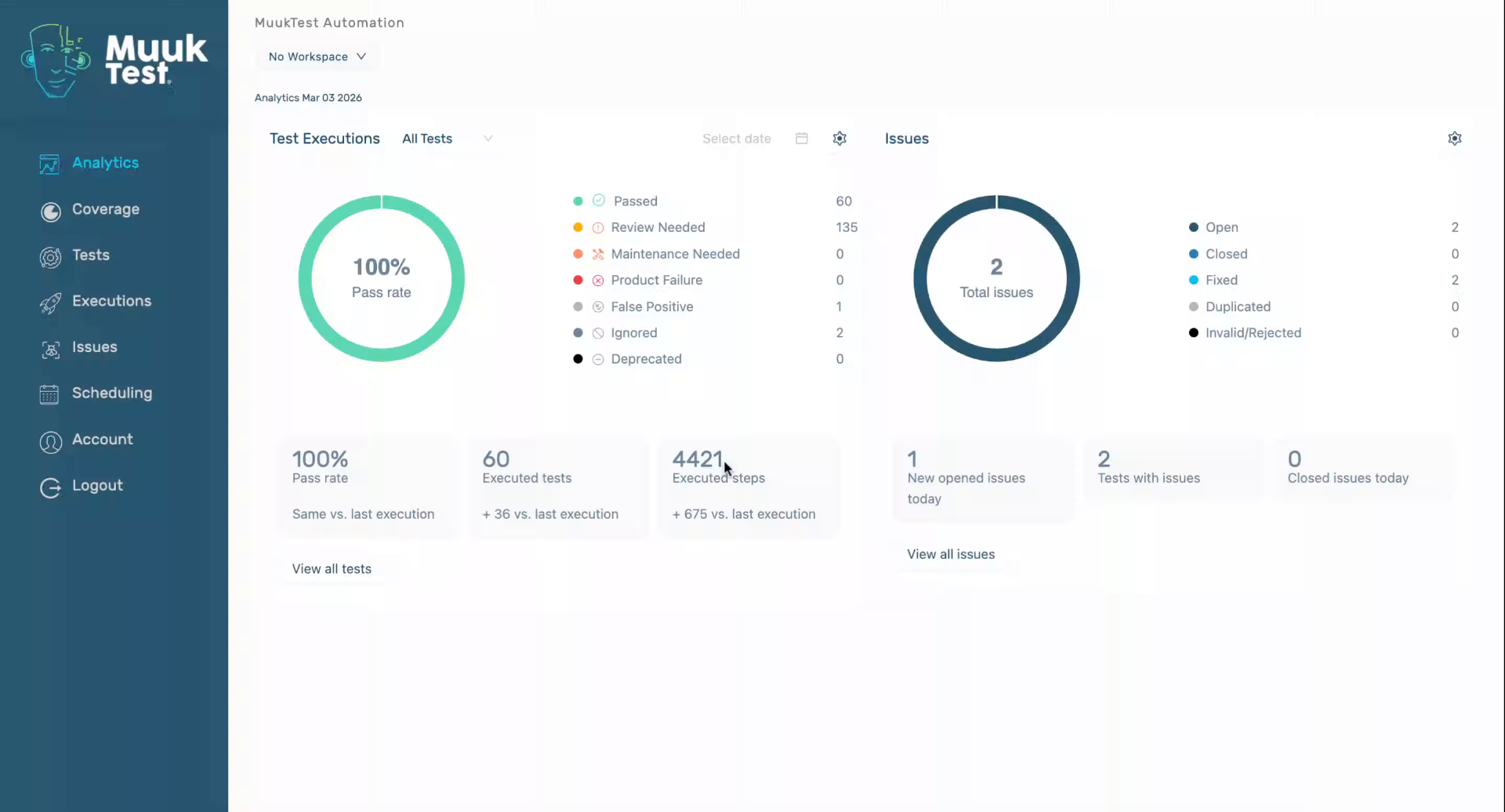
2. Access Account Settings
Click "Account" to open your account settings in MuukTest. This is the starting point for modifying your Cloud Execution Framework.
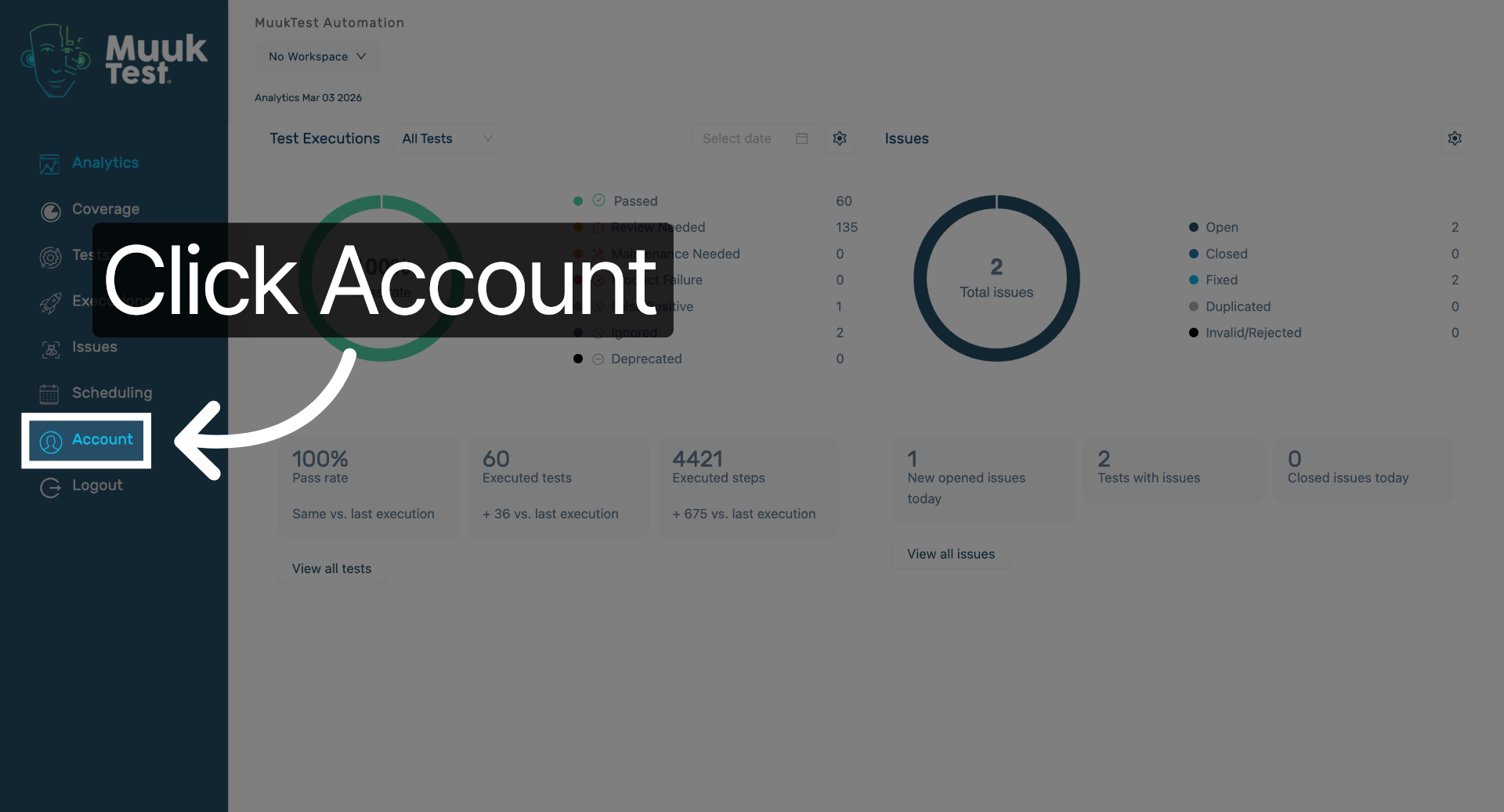
3. Open Playwright Section
Scroll down to "Cloud Execution Framework" configuration area where you can manage execution settings. This section contains the relevant framework options. Click the dropdown to change the default value
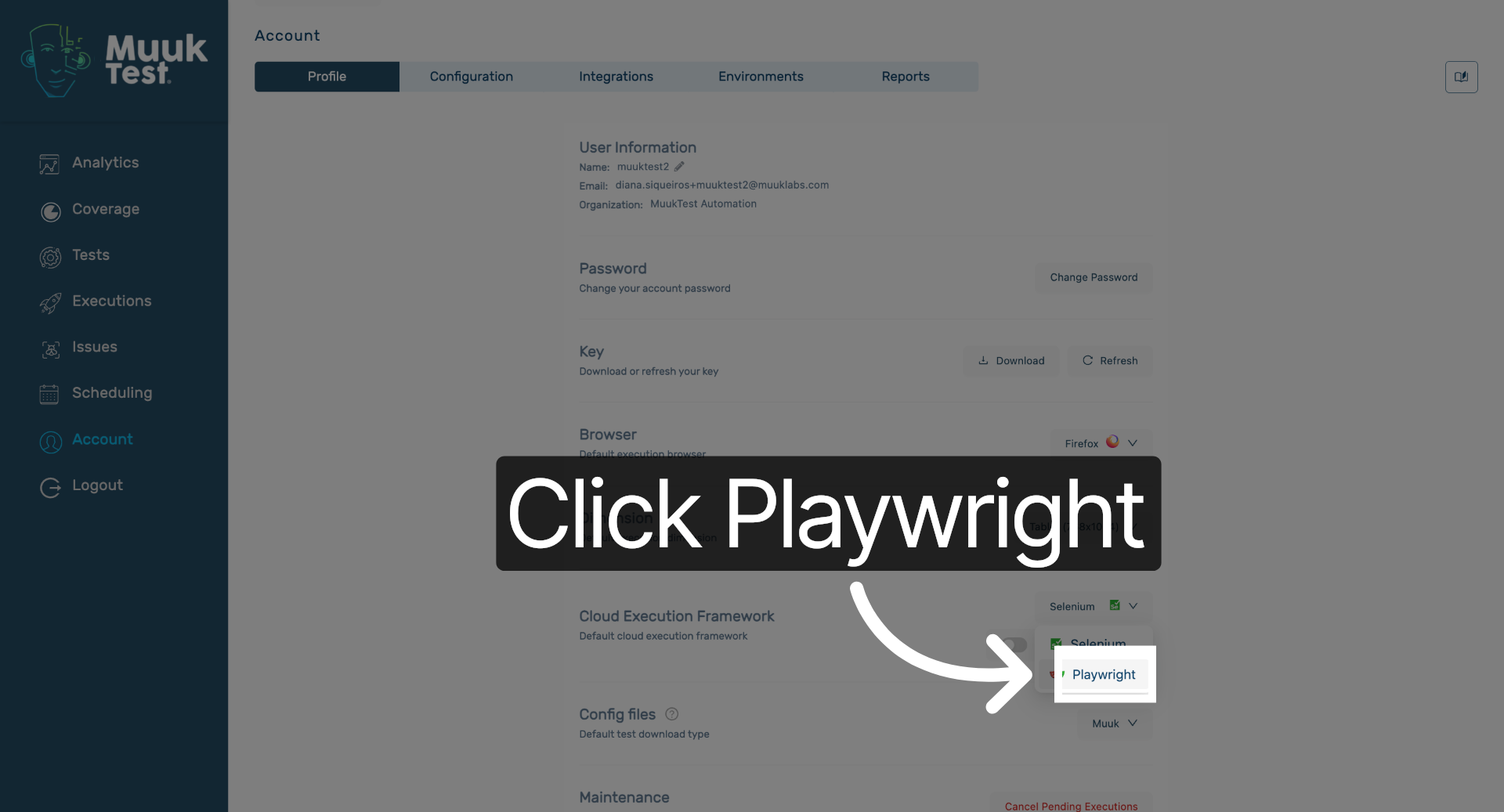
4. Parallel executions
Click here to begin changing the Cloud Execution Framework settings. This action enables parallel execution when on, if turned on it remains as single execution
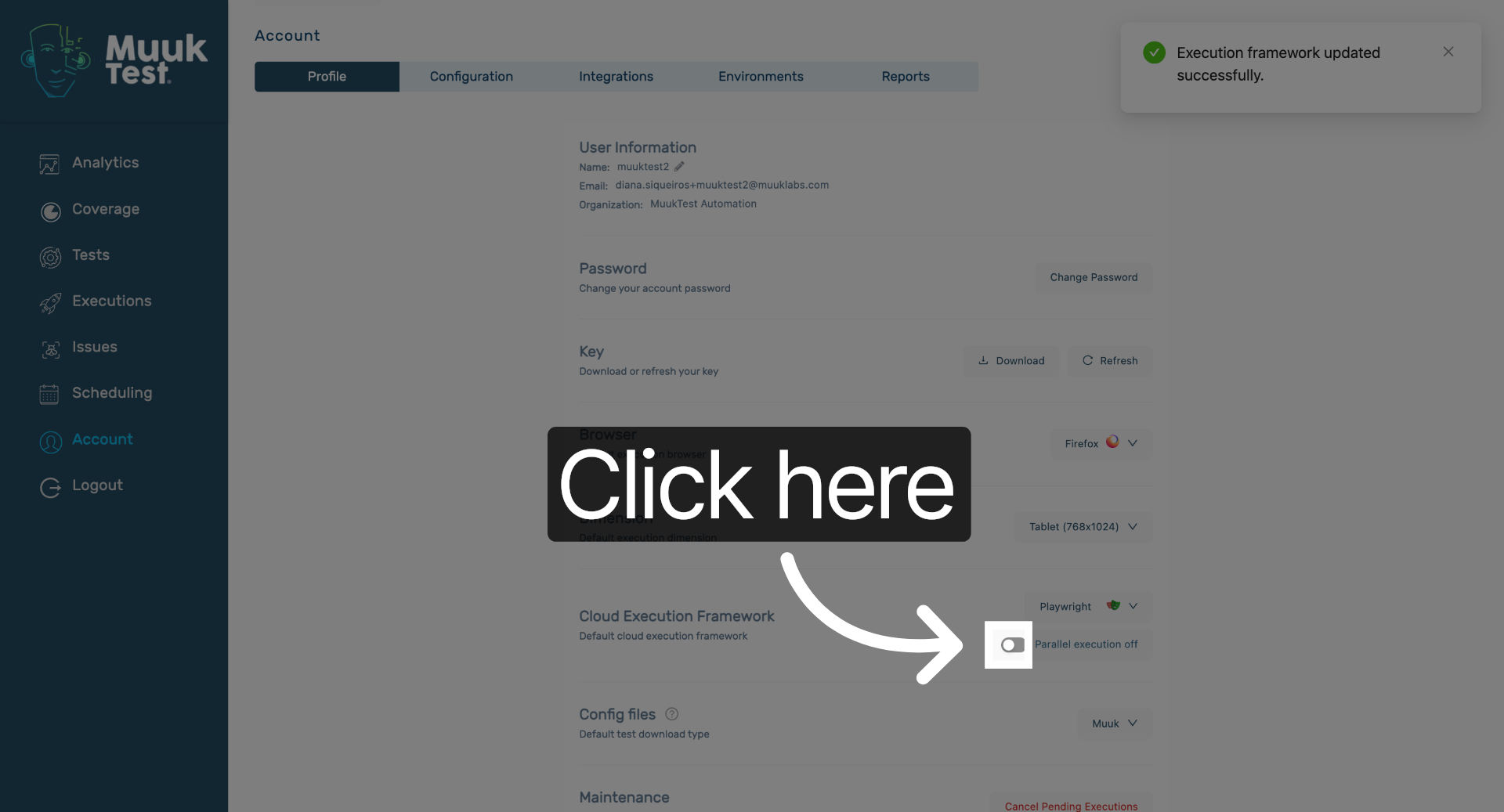
You have successfully changed the Cloud Execution Framework settings in MuukTest by navigating through the account and Playwright sections and confirming your selection. This update ensures your cloud executions use the desired framework configuration.
Comments
0 comments
Please sign in to leave a comment.