
This tutorial explains how to change the configuration file types within the Muuktest application
Go to portal.muuktest.com:5000
1. Introduction
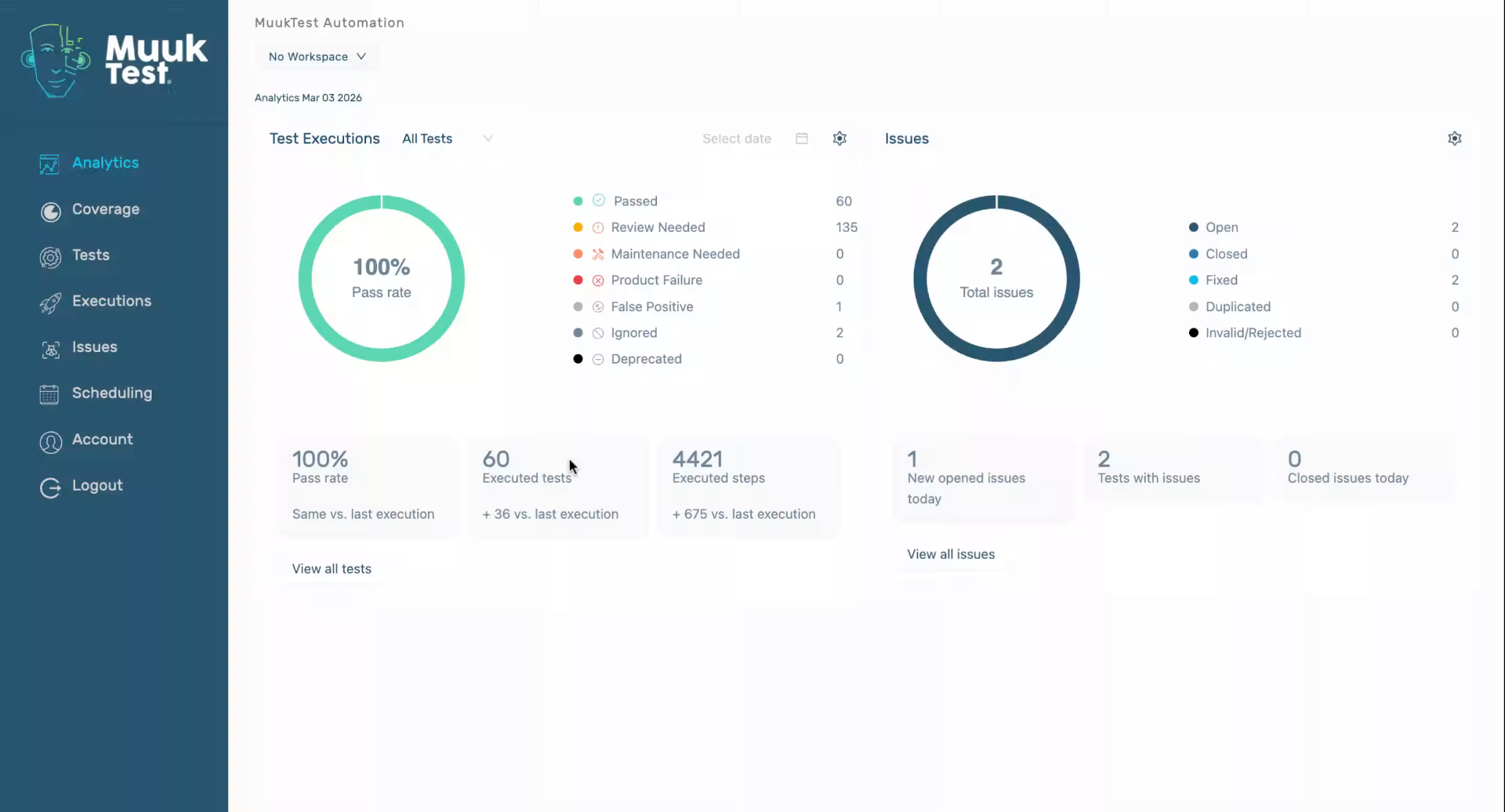
You will learn the necessary steps to navigate through the settings and update your config files effectively.
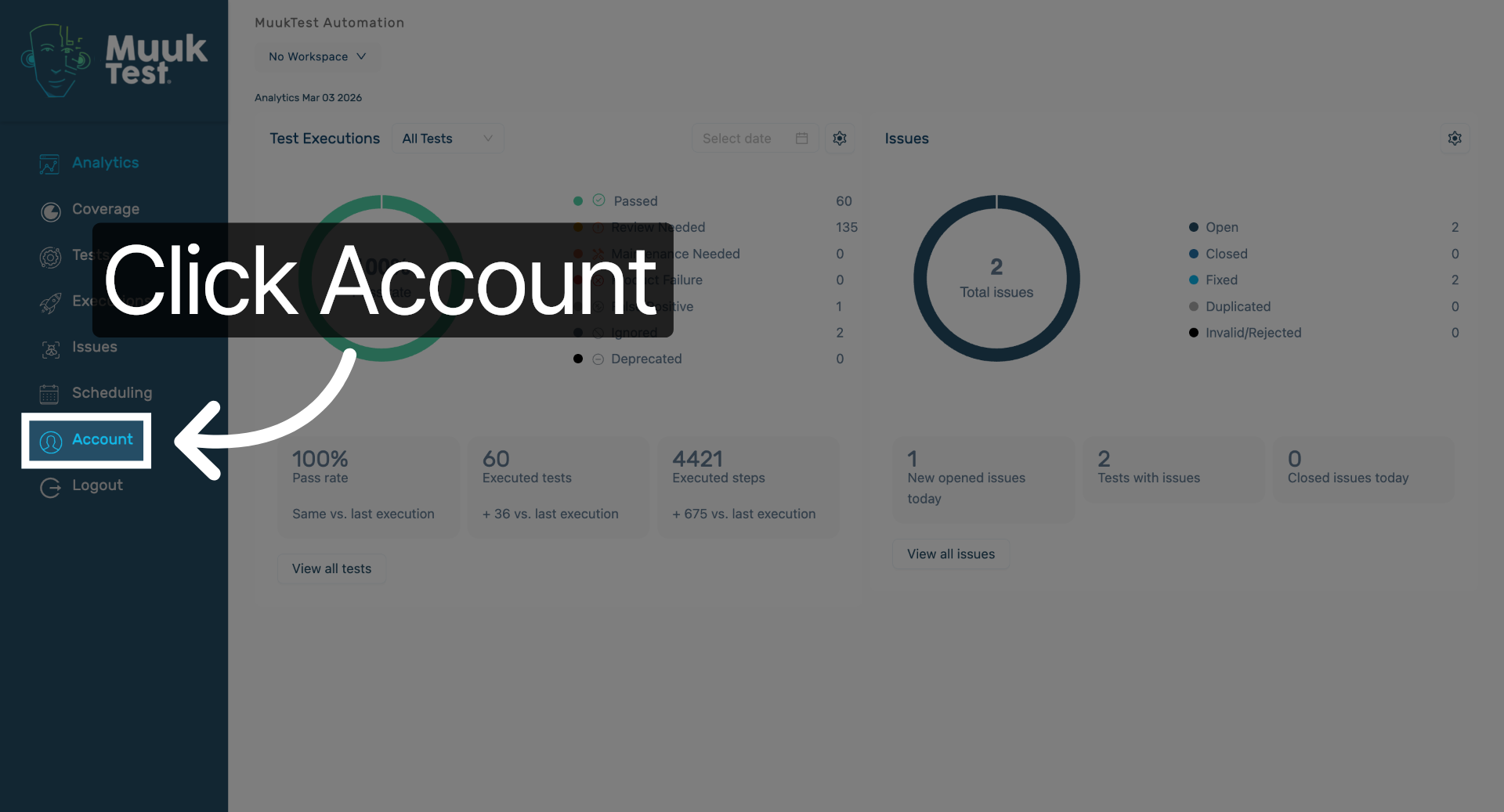
2. Access Account Settings
Click "Account" to open your account settings where configuration options are available.
3. Open Basic Configuration
Click the dropdown to access the configuration settings for your account. There are two options: Basic works with any test runner. Uses the standard Playwright setup — anyone can run the tests without needing anything special installed. Muuk only works with Muuk's test runner. Uses Muuk's own setup/download process instead.
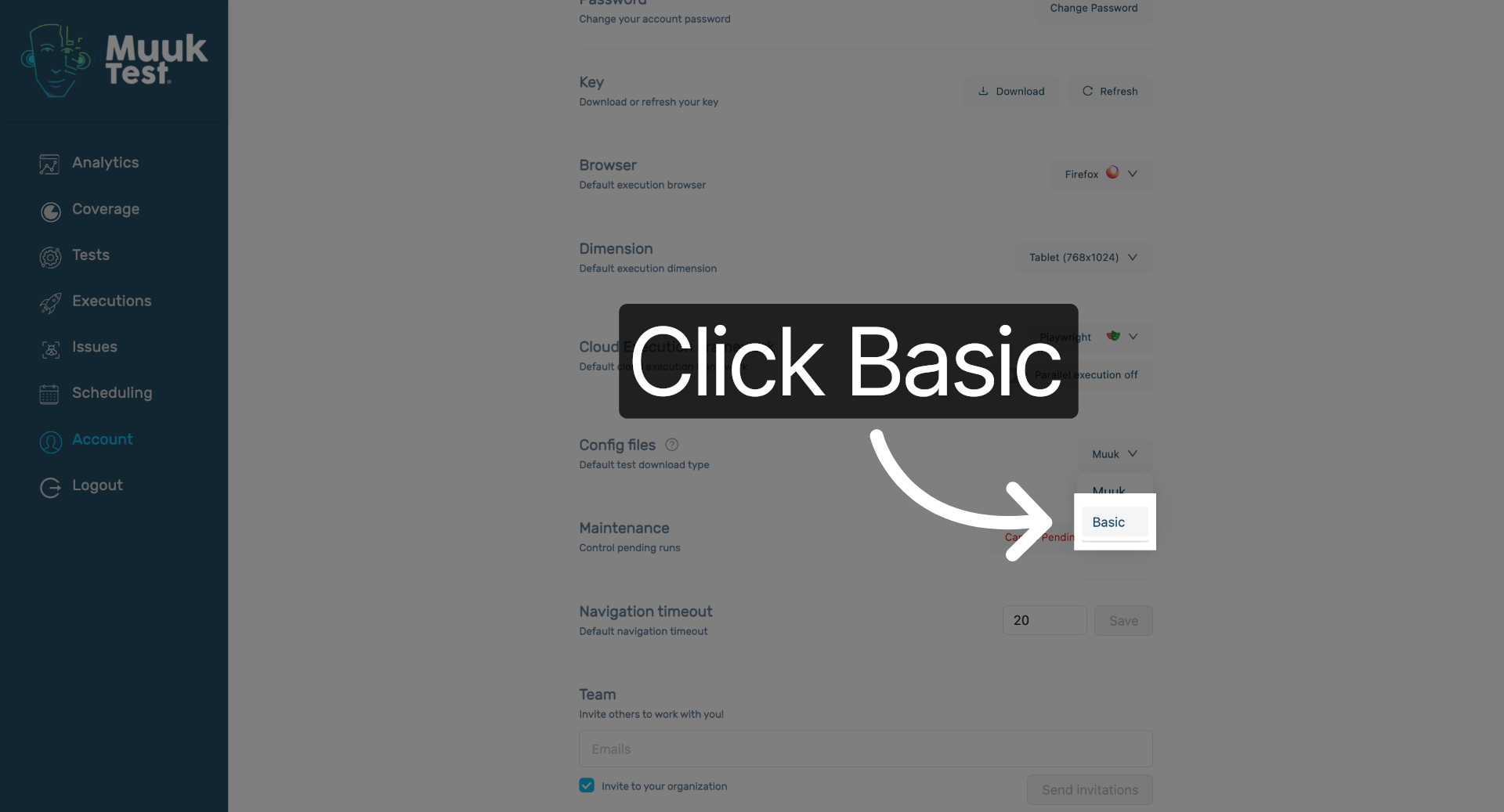
You have successfully navigated to the account settings and changed the configuration file type in Muuktest. This completes the process of updating your config files as needed.
Comments
0 comments
Please sign in to leave a comment.