
This tutorial explains how to cancel pending executions within the MuukTest application
Go to portal.muuktest.com:5000
1. Introduction
You will learn the necessary steps to navigate through the interface and confirm the cancellation process.
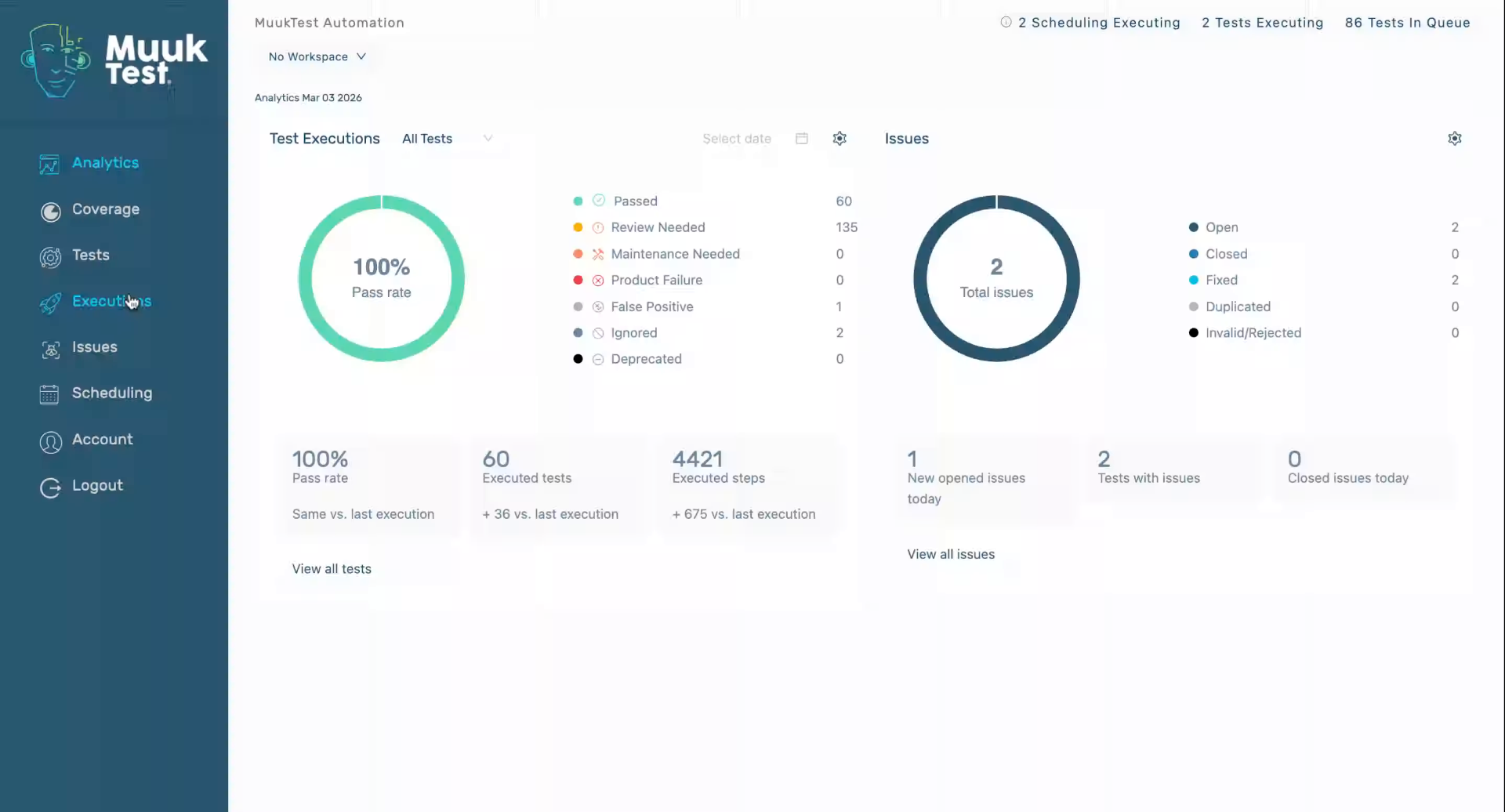
2. Access Tests Section
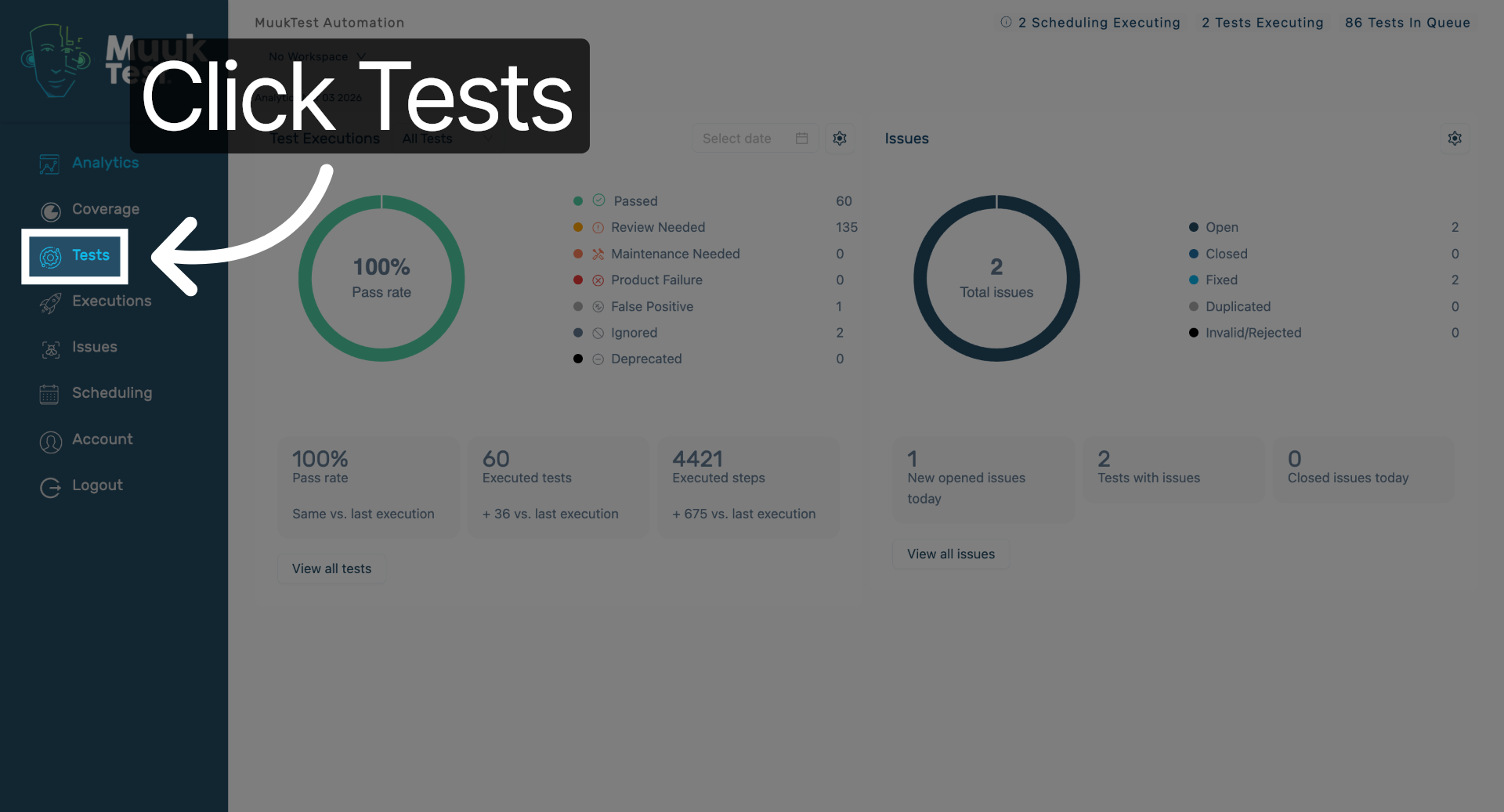
Click "Tests" to open the tests section in the MuukTest application.
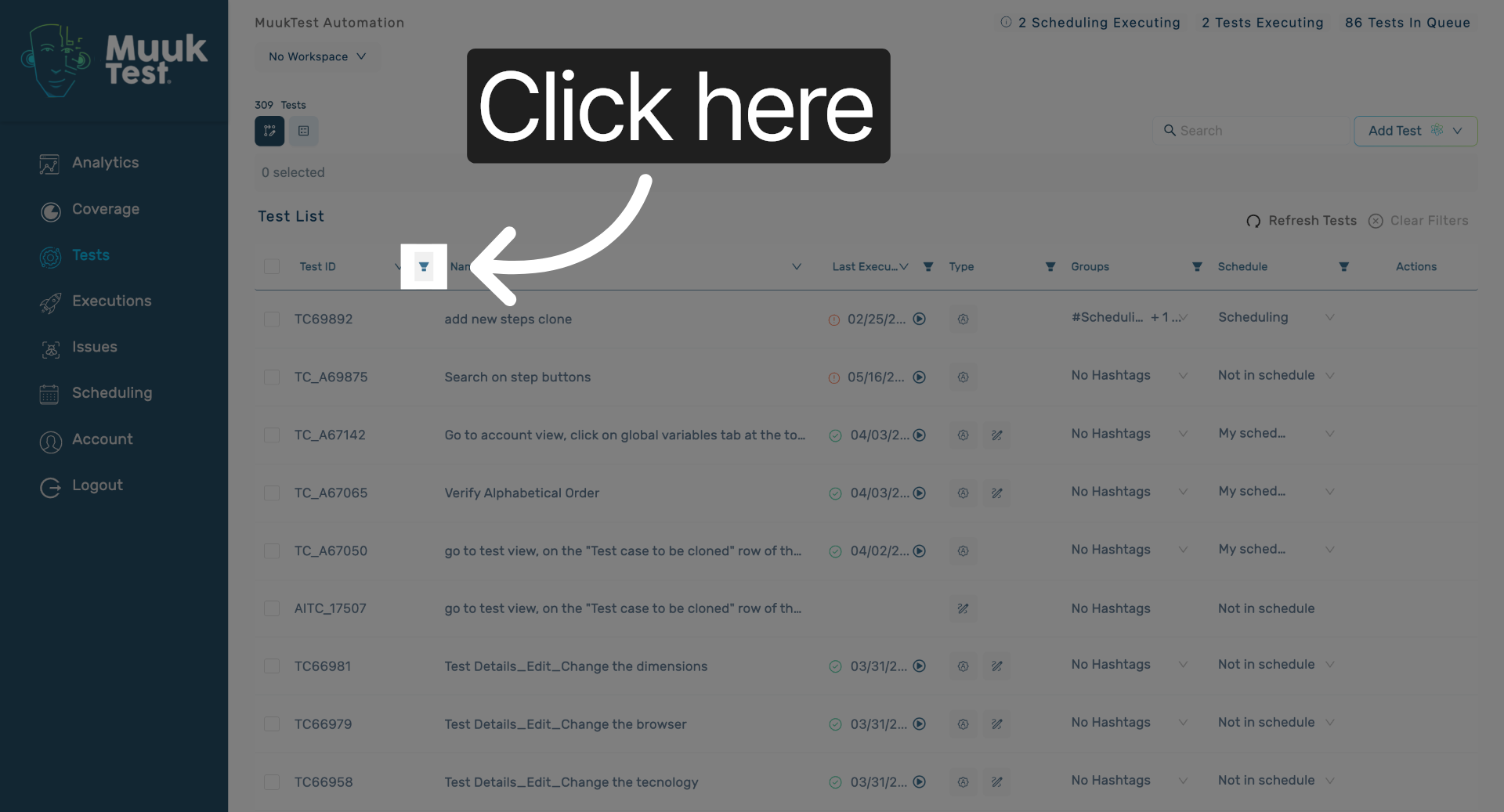
3. Open Execution Options
Click here to access the execution options available for your tests.
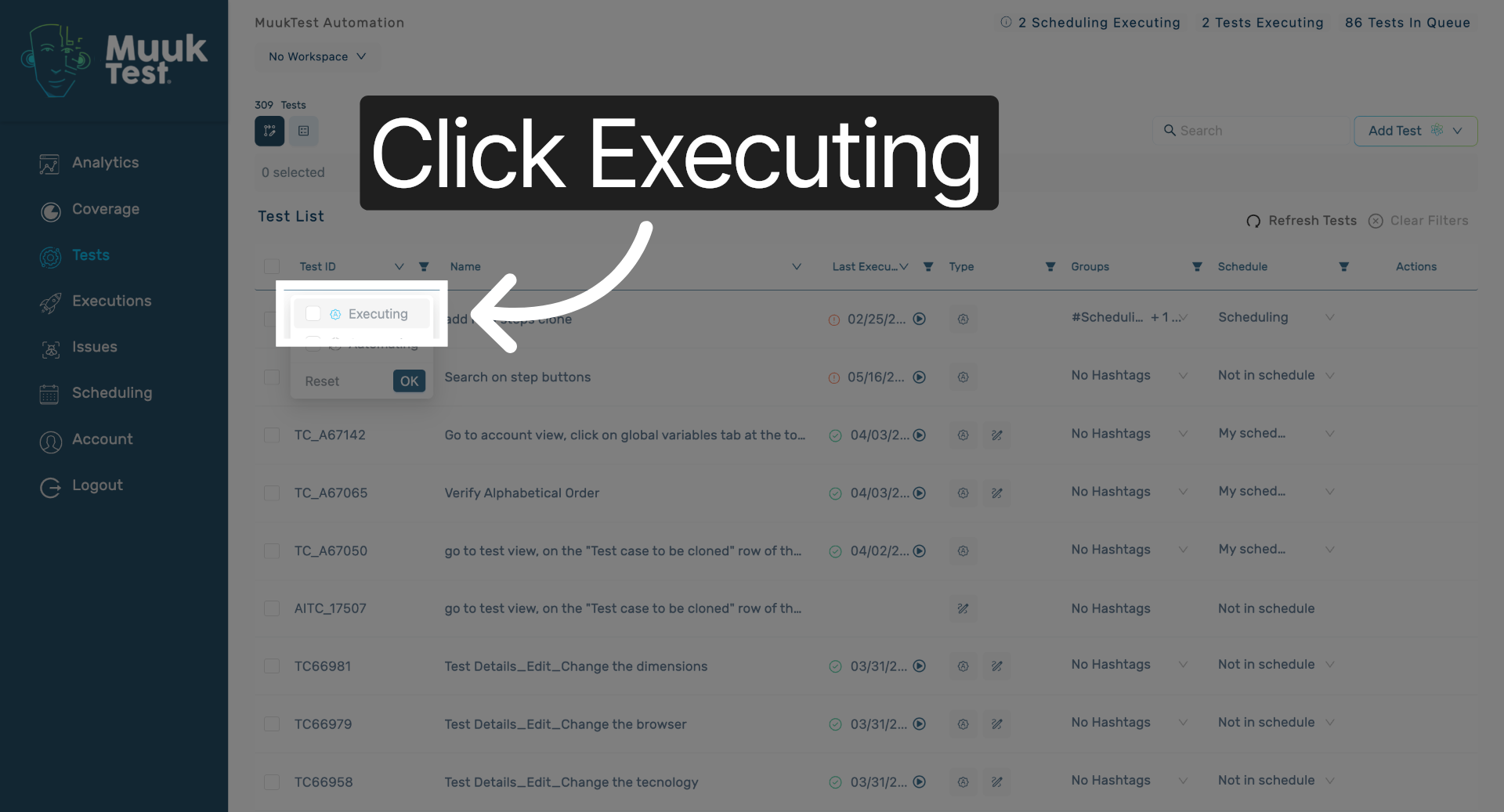
4. View Executing Tests
Click "Executing" to view all currently running test executions.
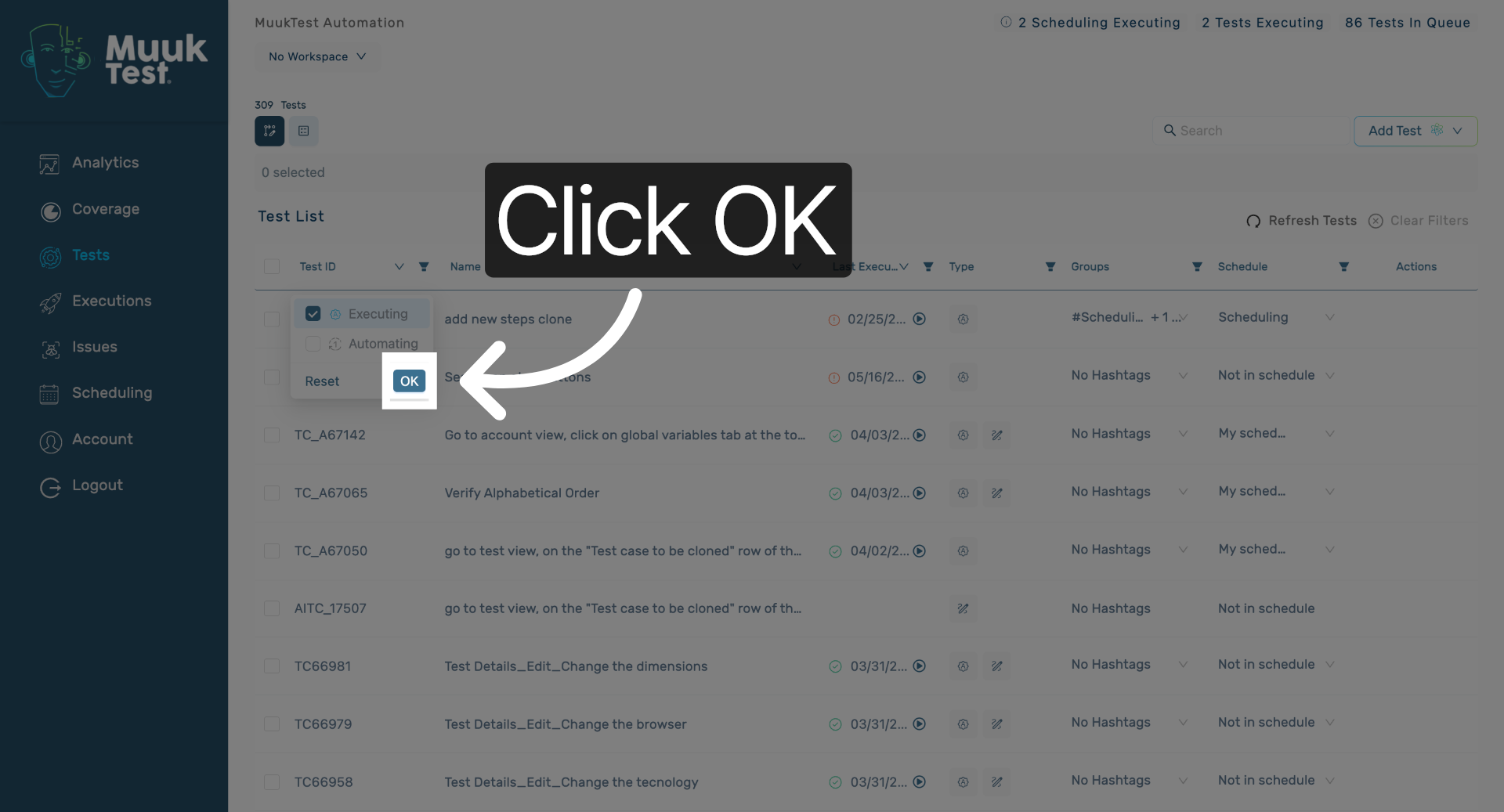
5. Confirm Execution Selection
Click "OK" to confirm your selection and proceed with managing executions.
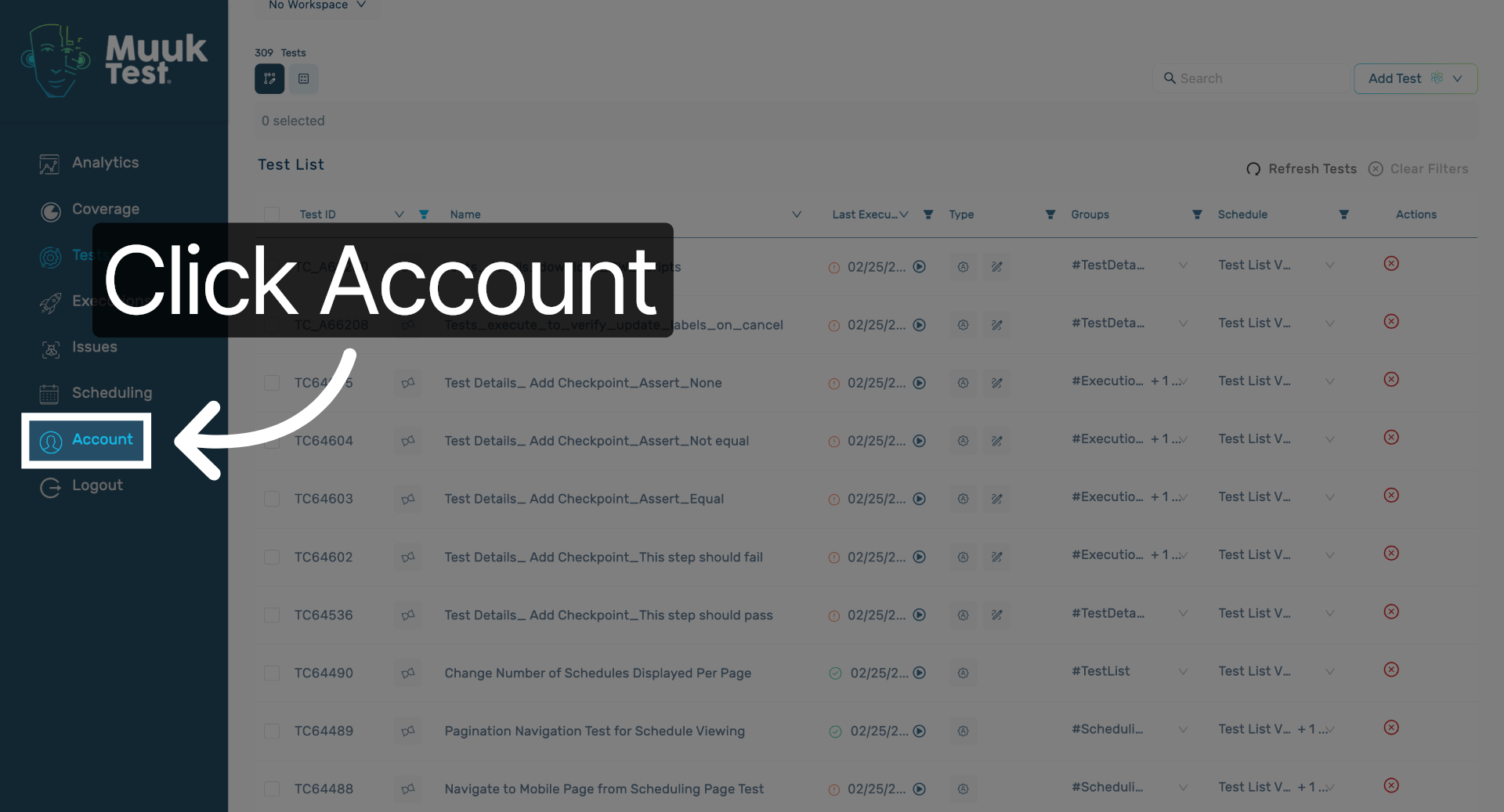
6. Open Account Settings
Click "Account" to access your account settings and related options.
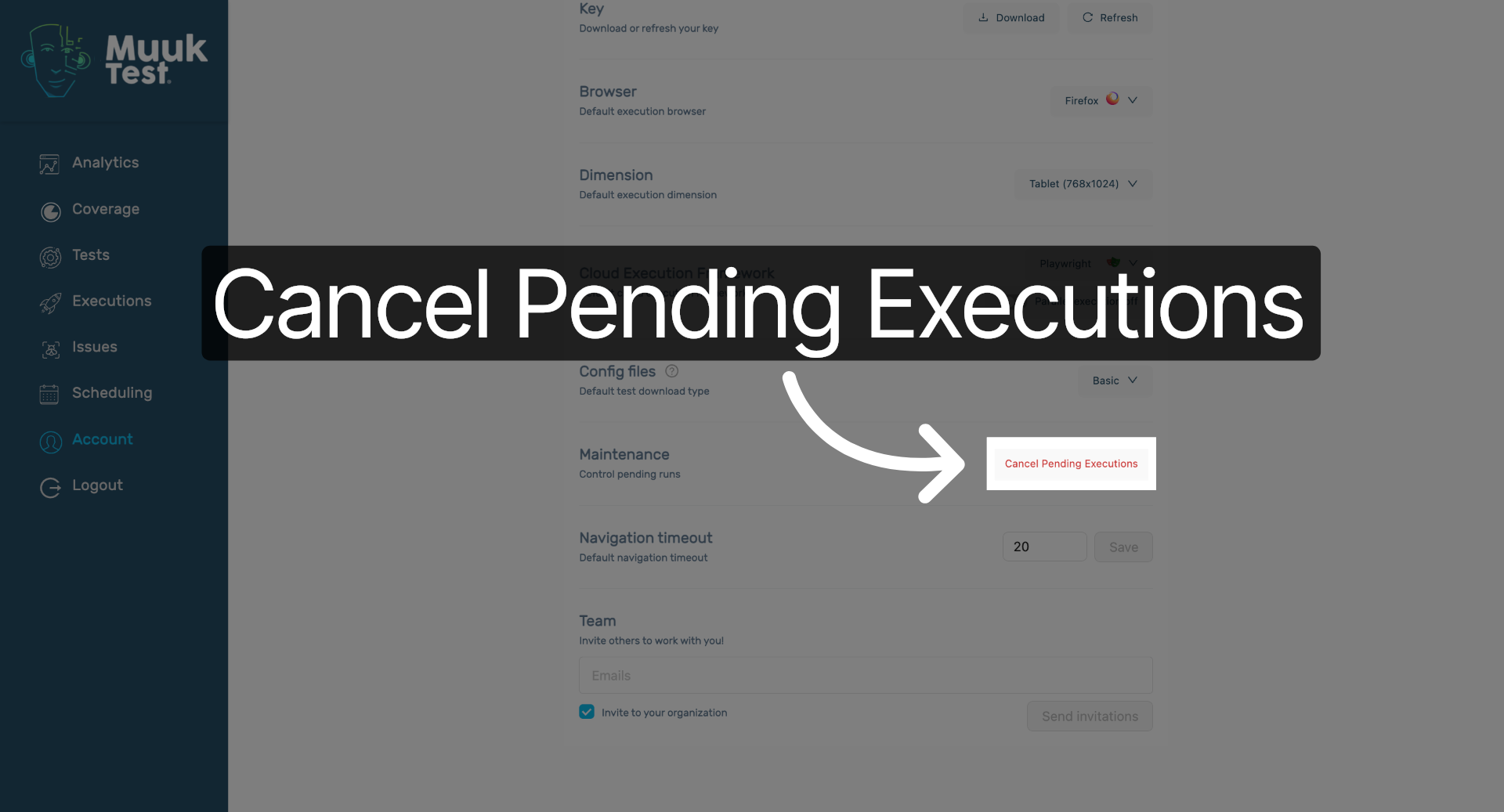
7. Initiate Cancellation Process
Click "Cancel Pending Executions" to start canceling all pending test executions.
8. Confirm Cancellation
Click "Yes" to confirm and finalize the cancellation of pending executions.

You have successfully canceled all pending executions in the MuukTest application by navigating through the tests section and confirming the cancellation. This process helps manage and control your test executions efficiently.
Comments
0 comments
Please sign in to leave a comment.