
This tutorial explains how to change the default navigation timeout in MuukTest
Go to portal.muuktest.com:5000
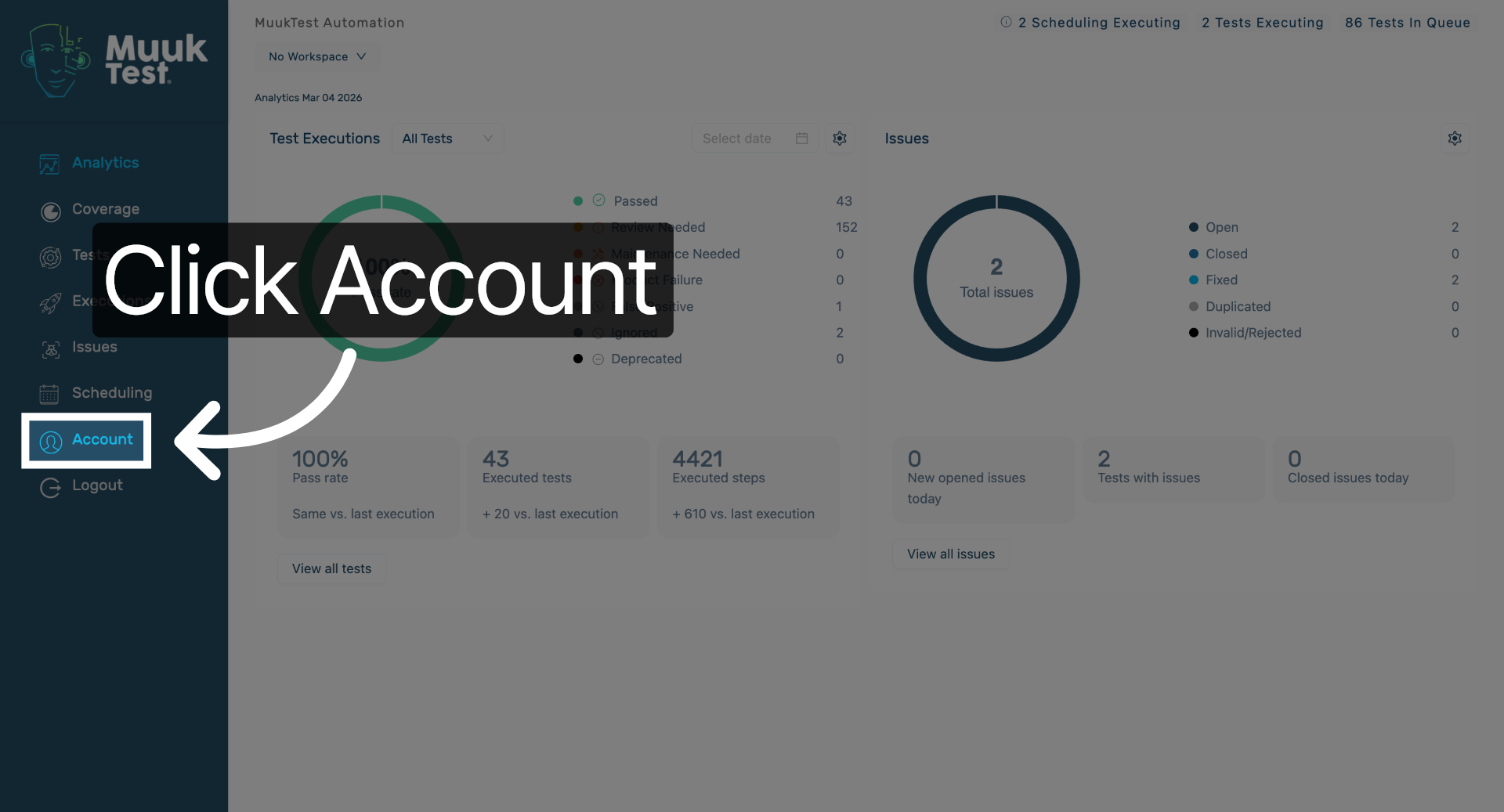
1. Access Account Settings
Click "Account" to open your account settings where navigation timeout options are available.
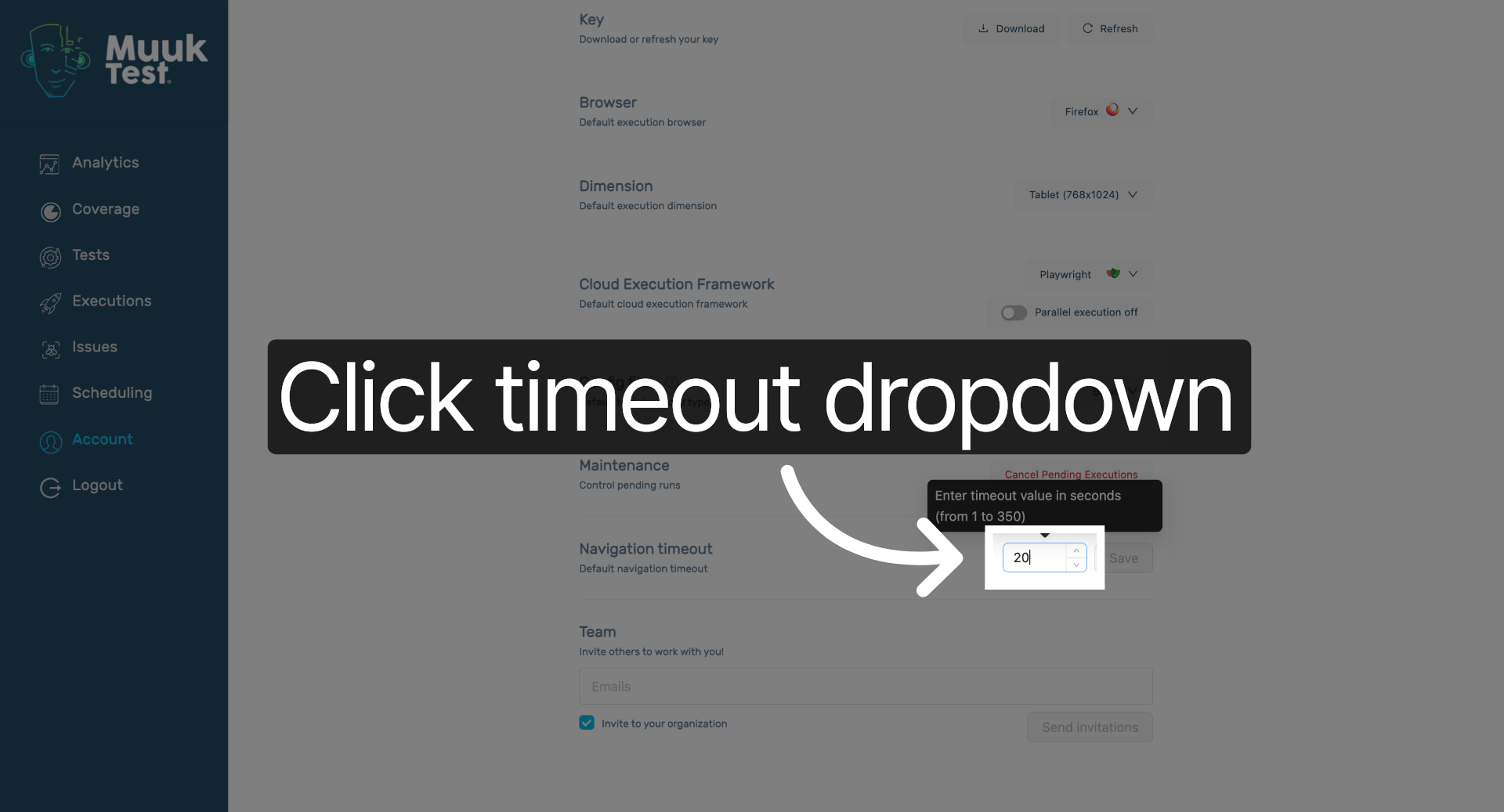
2. Open Timeout Dropdown
Scroll down to Navigation Timeout and click the input to select the navigation timeout duration.
3. Save Configuration Changes
Click "Save" to apply and save the new navigation timeout settings to your account configuration.

You have successfully changed the default navigation timeout in MuukTest by updating the timeout value and saving the configuration. This ensures your session duration is adjusted according to your preferences for better usability.
Comments
0 comments
Please sign in to leave a comment.