

This tutorial explains how to invite new team members to your organization using the Muuktest platform
Go to portal.muuktest.com:5000
1. Introduction
You will learn the sequential steps to send invitations effectively.
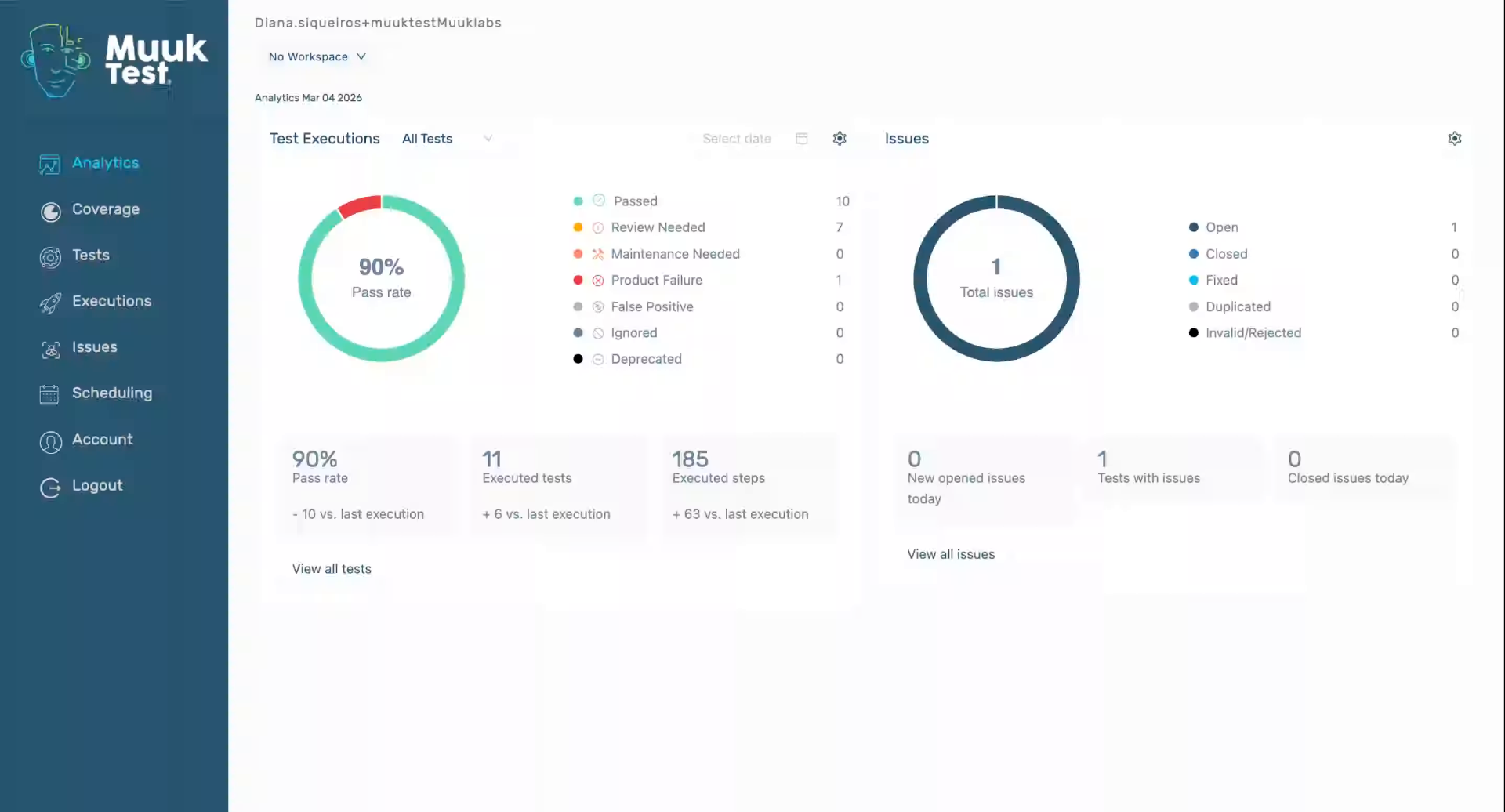
2. Access Account Settings
Click "Account" to open your account settings where you can manage organization members.
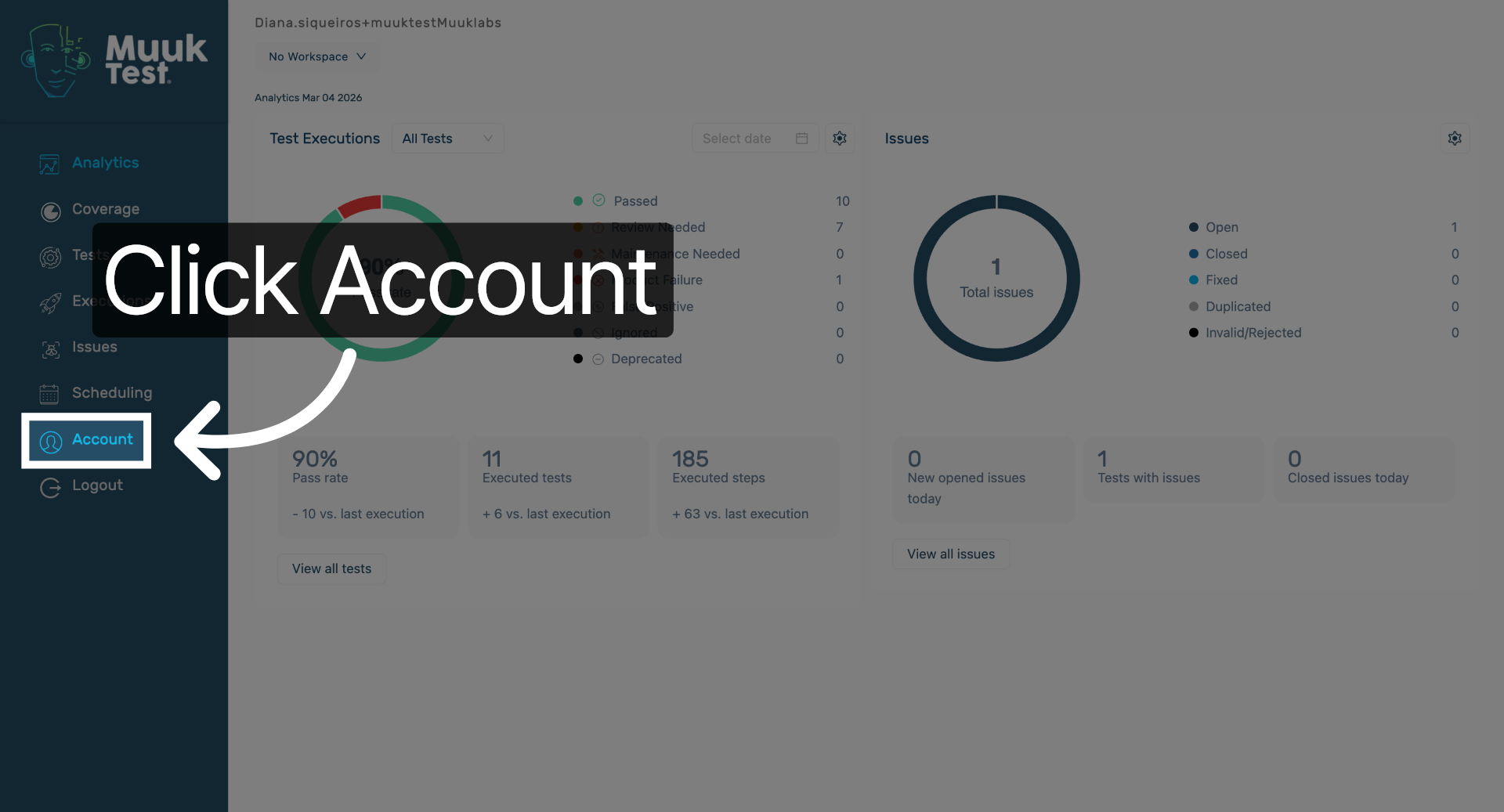
3. Open Invitation Section
Click here to navigate to the section for inviting new team members to your organization.
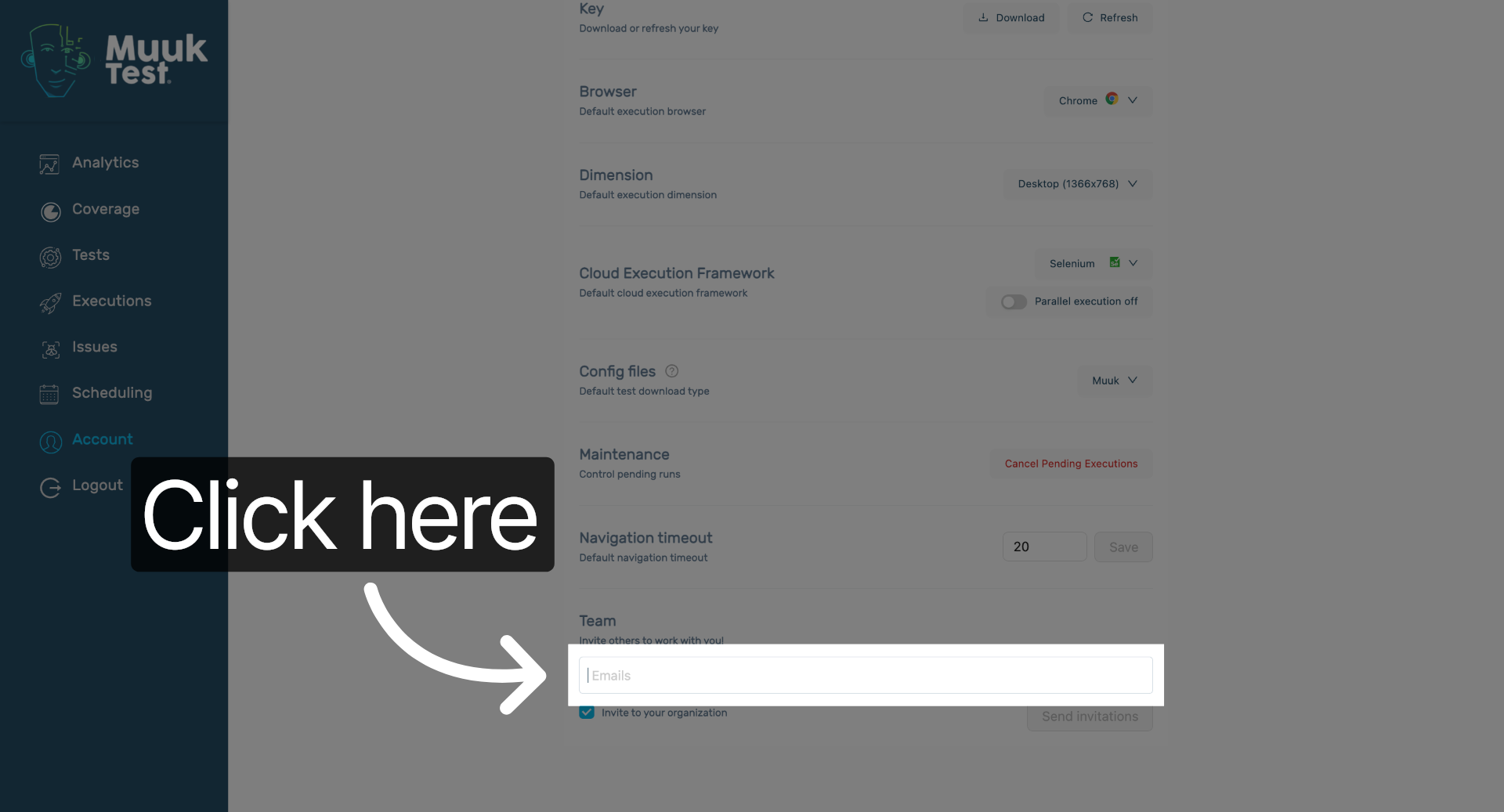
4. Enter Team Member Email
Fill the input to specify the email address of the team member you want to invite.
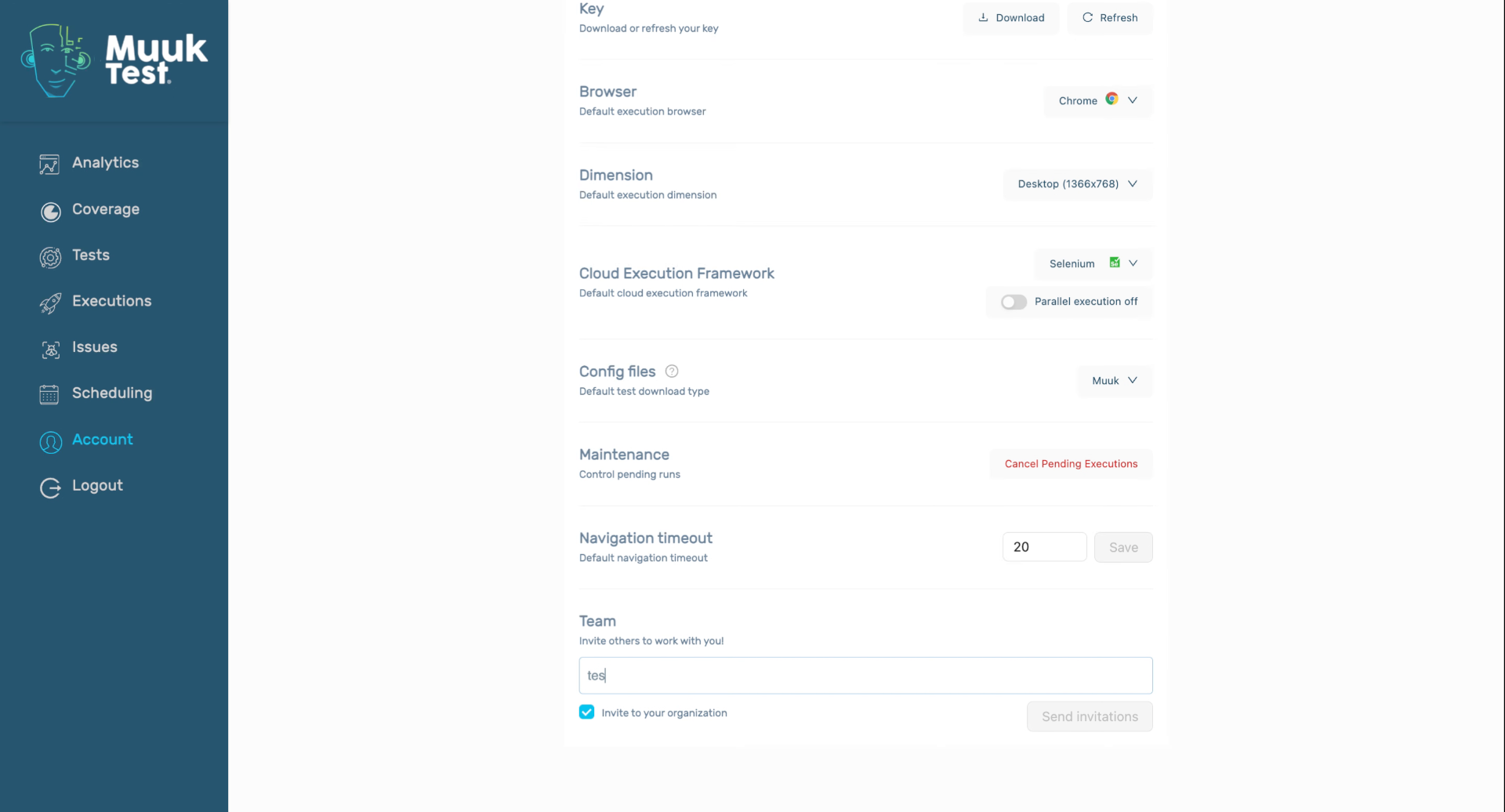
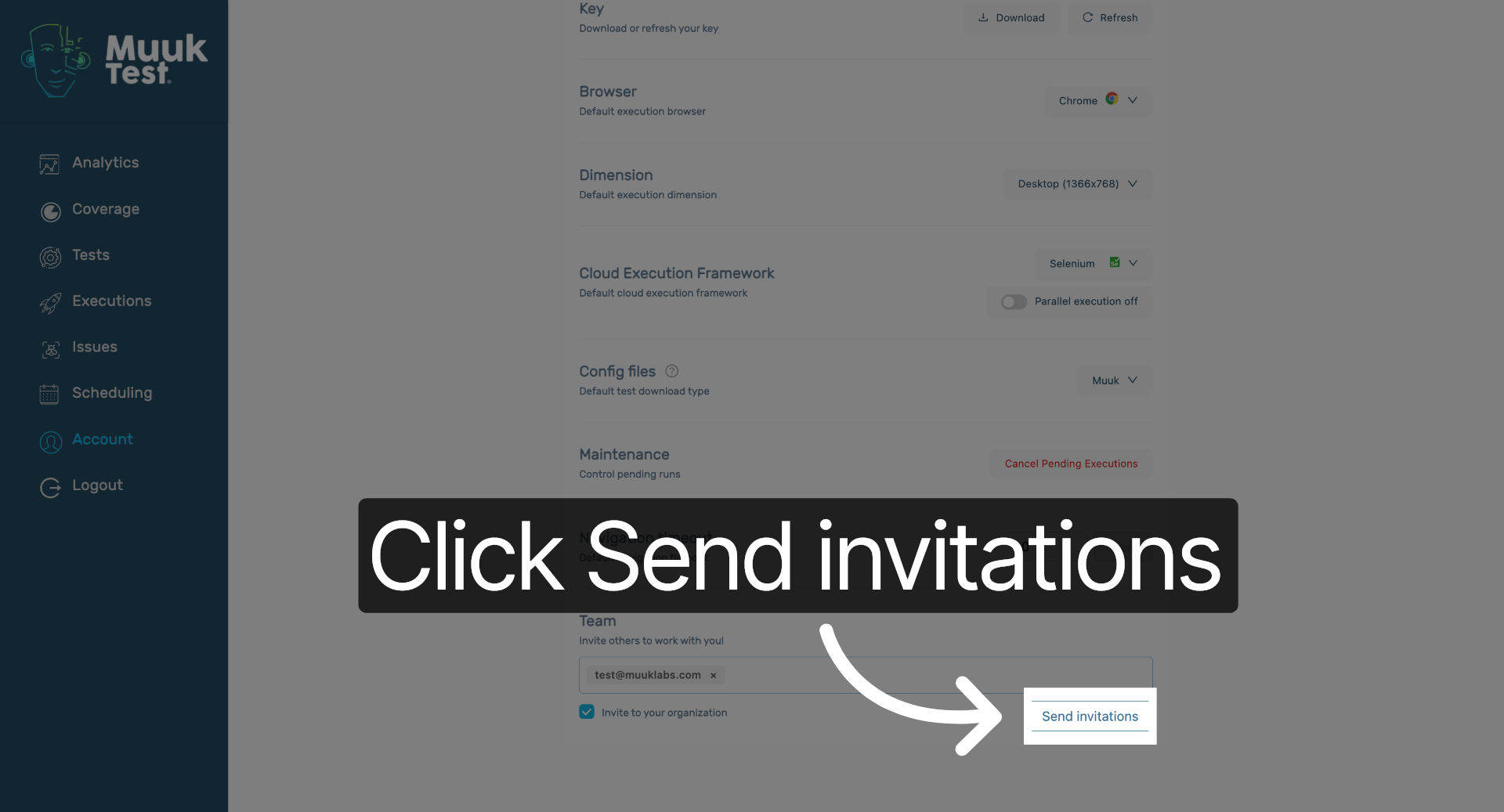
5. Send Team Invitations
Click "Send invitations" to send the invitation emails to the specified team members.
You have successfully invited new team members to your organization by accessing account settings, entering their email addresses, and sending invitations. Next, monitor invitation status or manage team roles as needed.
Comments
0 comments
Please sign in to leave a comment.