

This tutorial explains how to delete tests within the MuukTest application. You will learn about different deletion types and how to remove automation and design tests effectively.
Go to portal.muuktest.com:5000
1. Understand Test Deletion Types
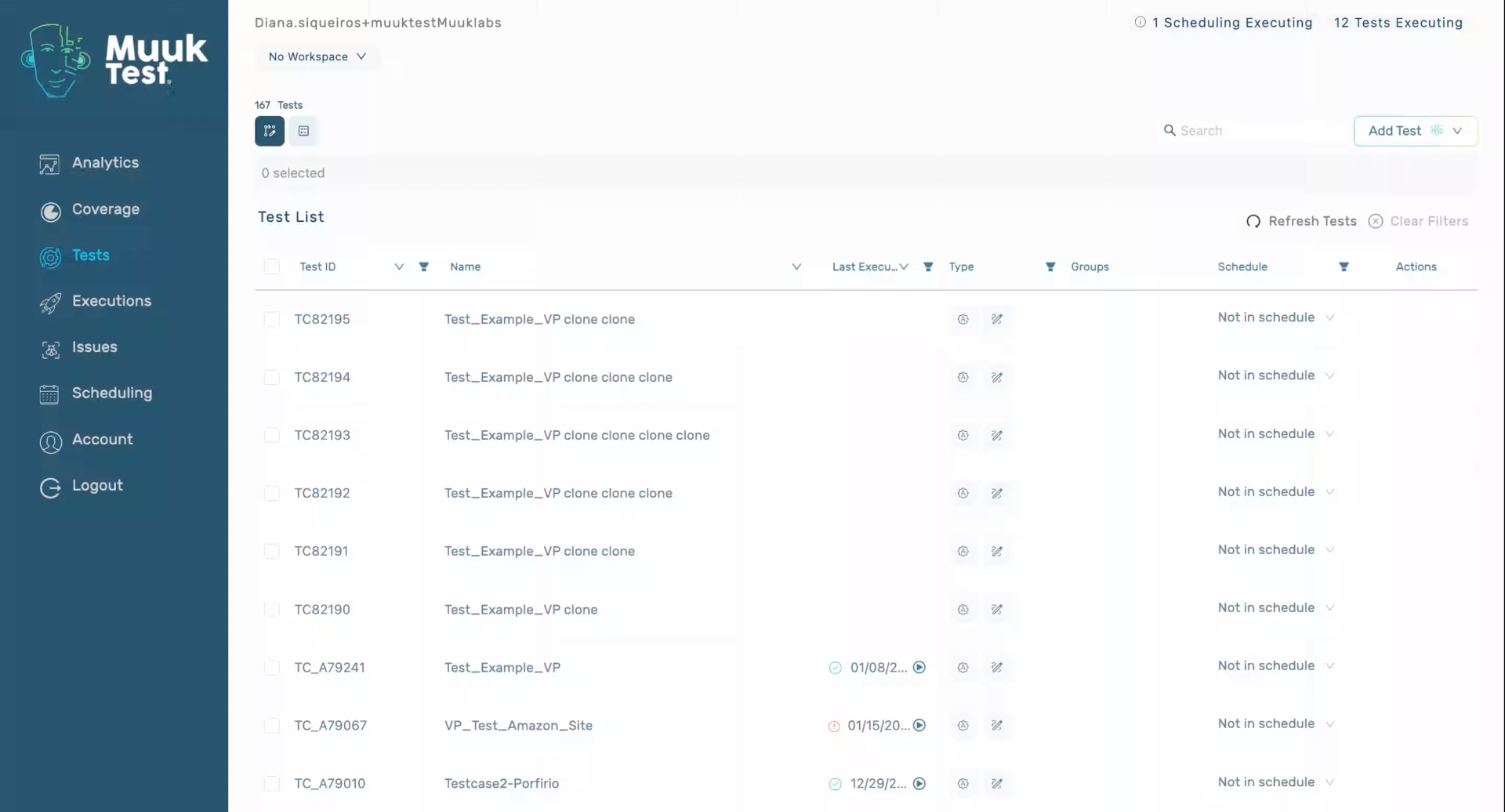
2. Choose Automation Or Design Deletion
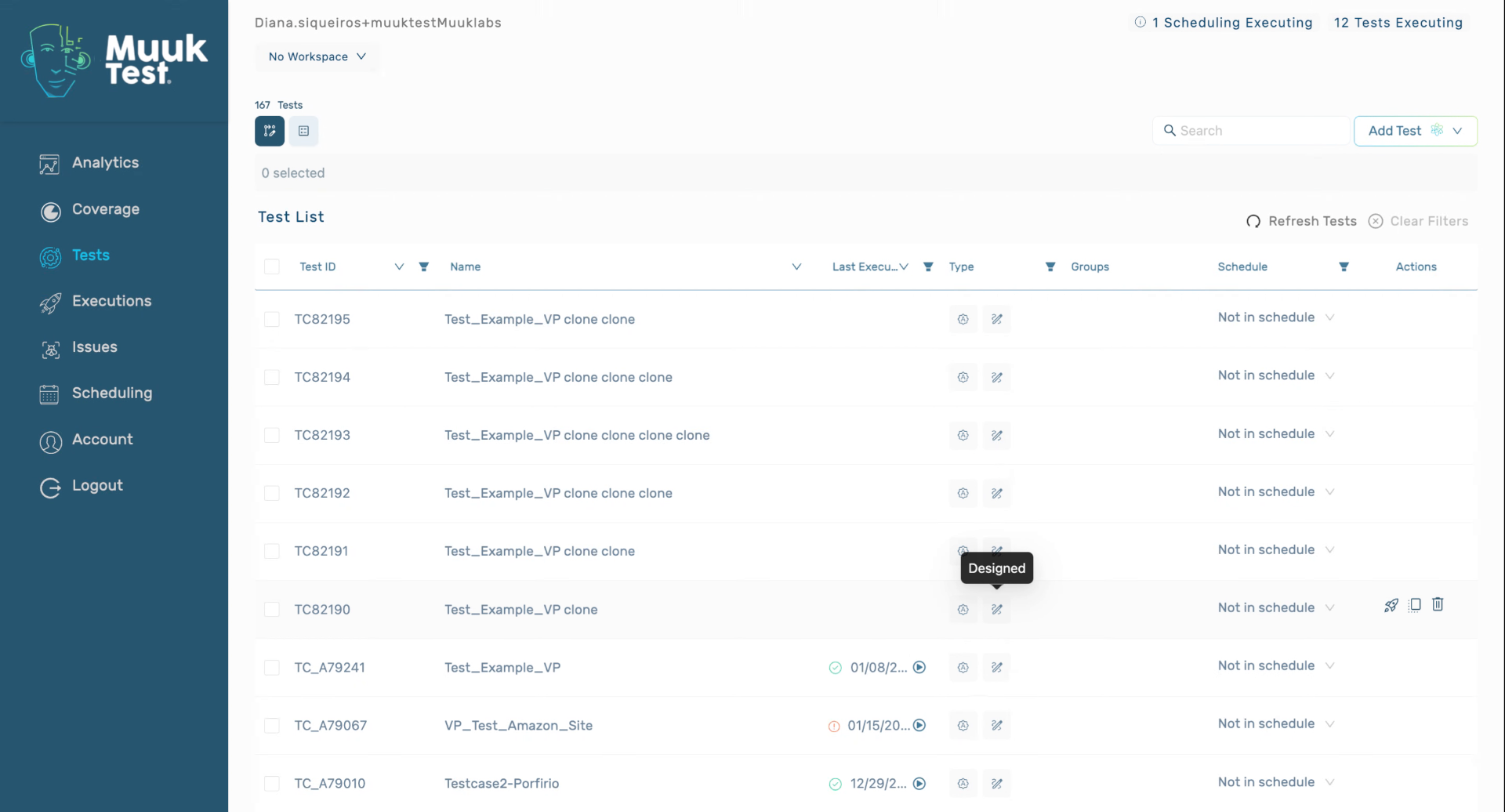
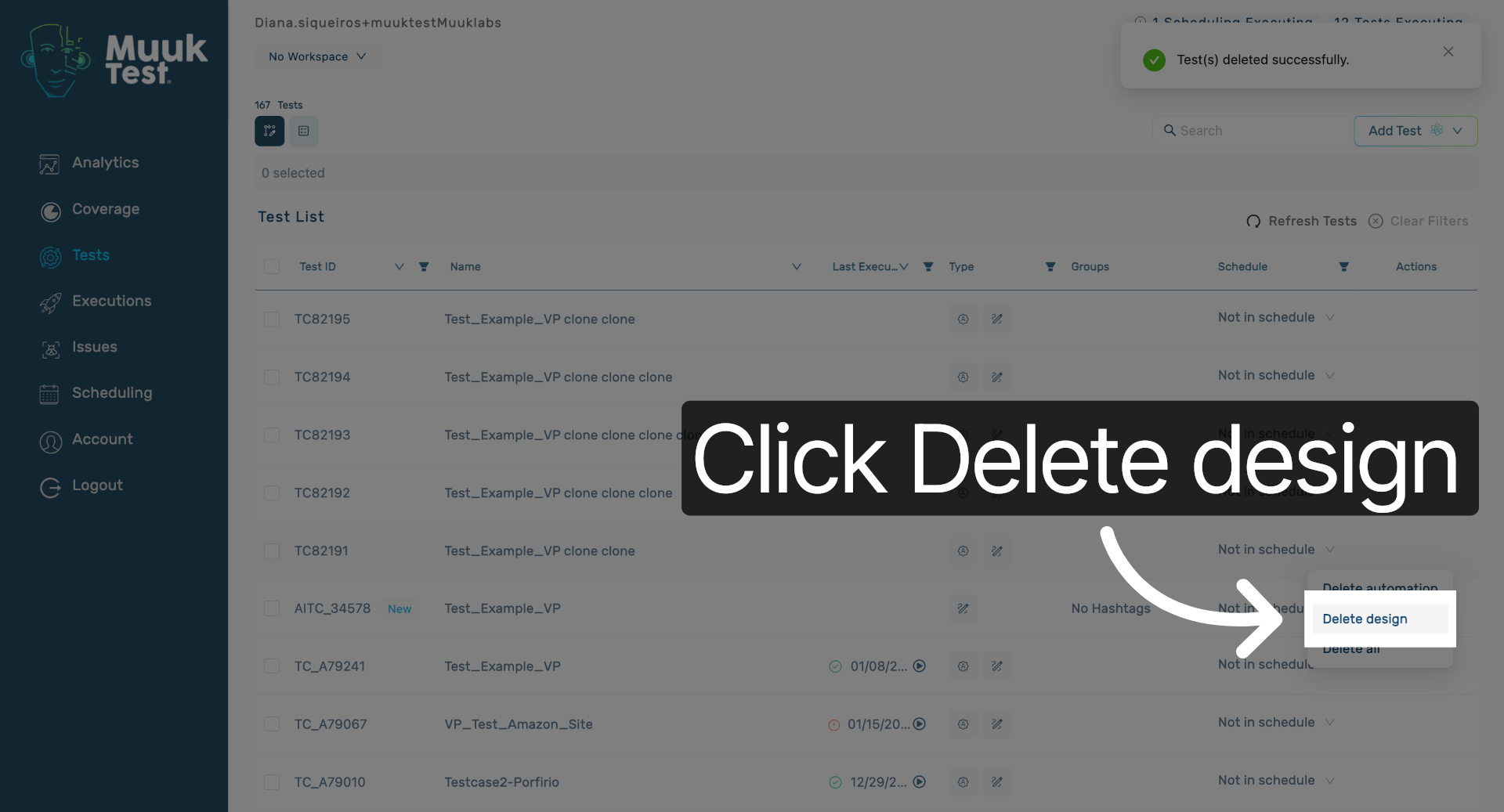
3. Select Delete Design Option
Click the Delete design button to remove the design component of the test within the MuukTest application.
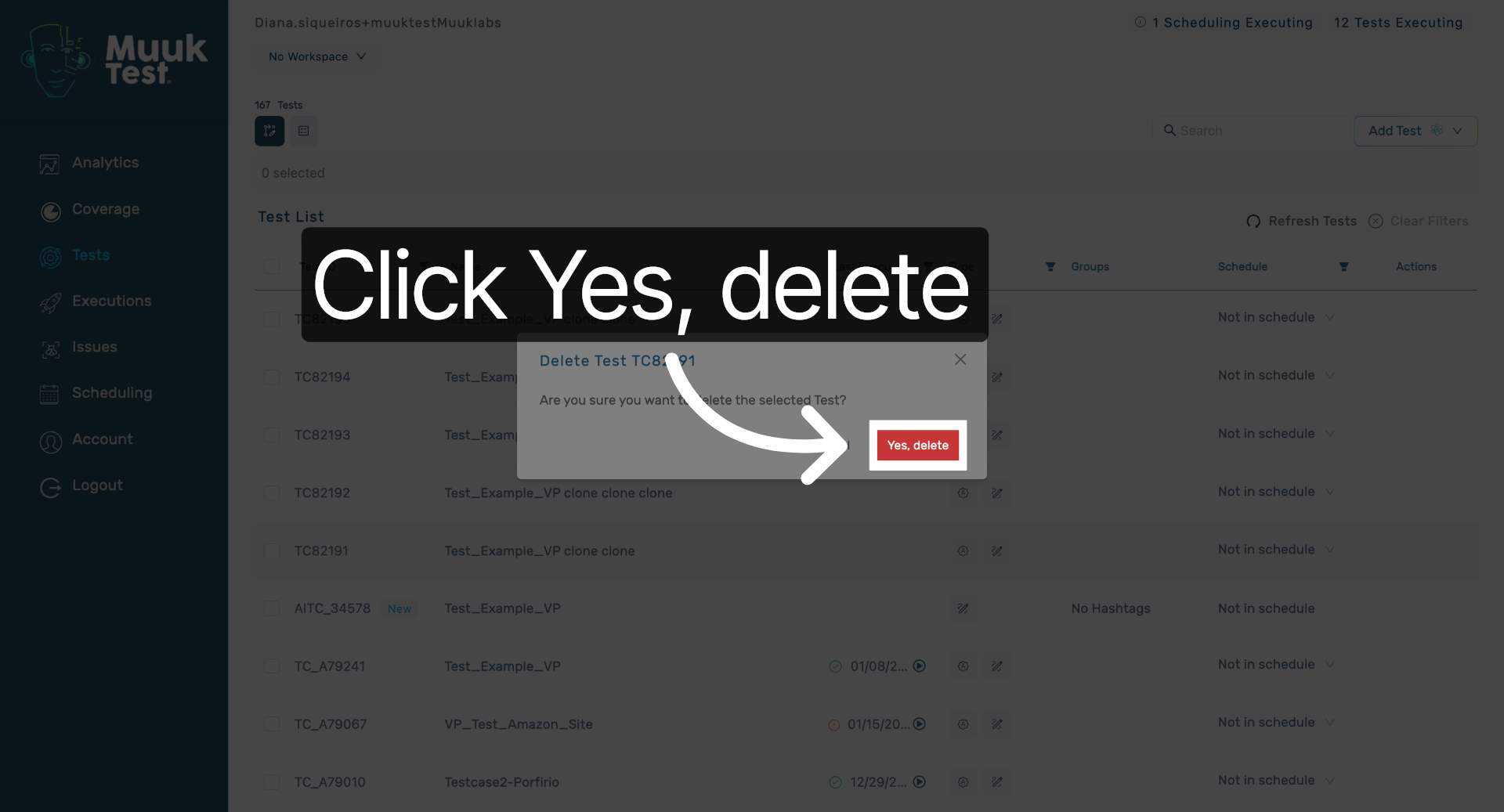
4. Confirm Design Deletion
Click Yes, delete to confirm the removal of the design test from the system.
5. Delete Both Automation And Design
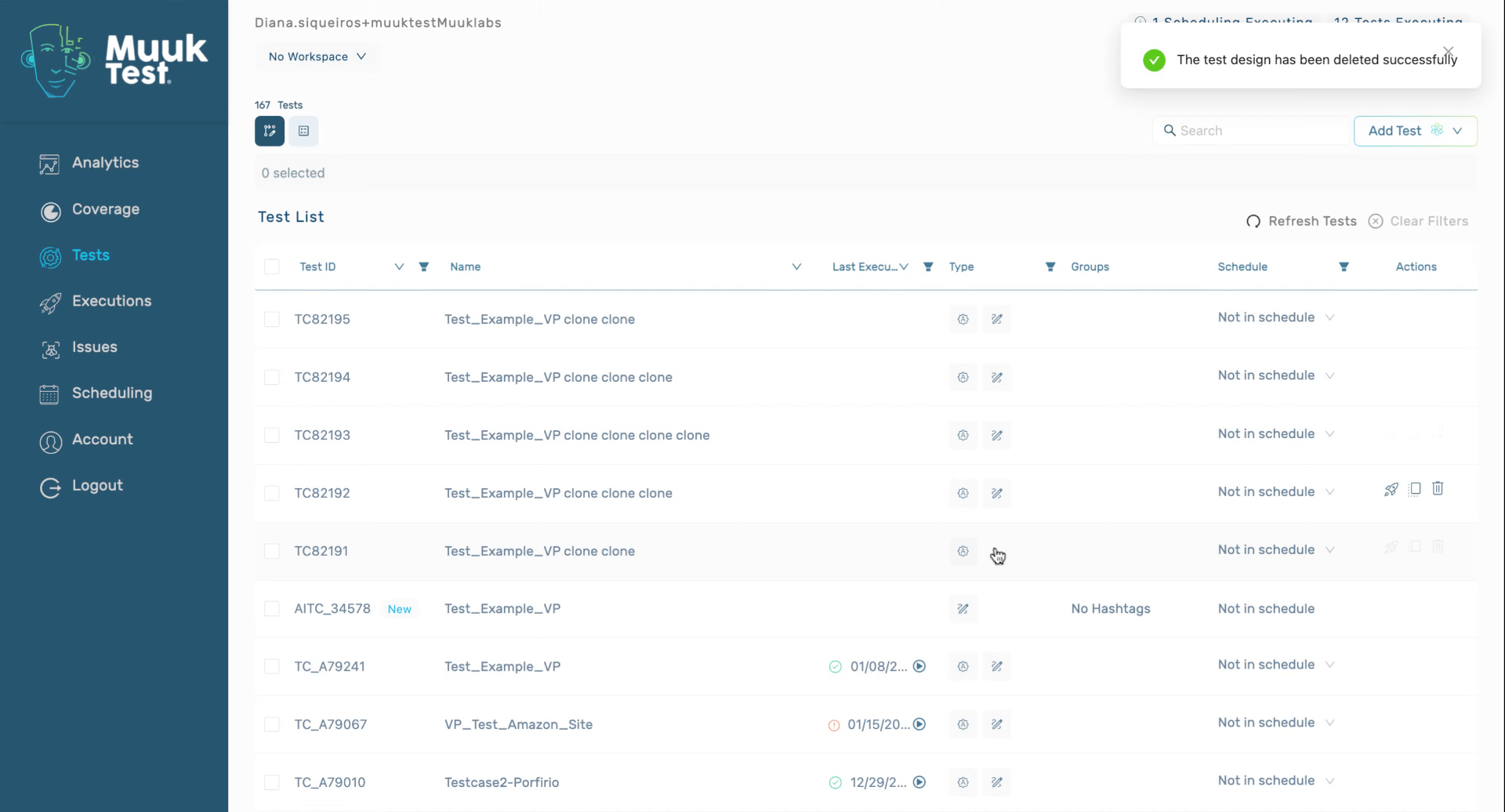
6. Understand Single Or Both Deletion Actions
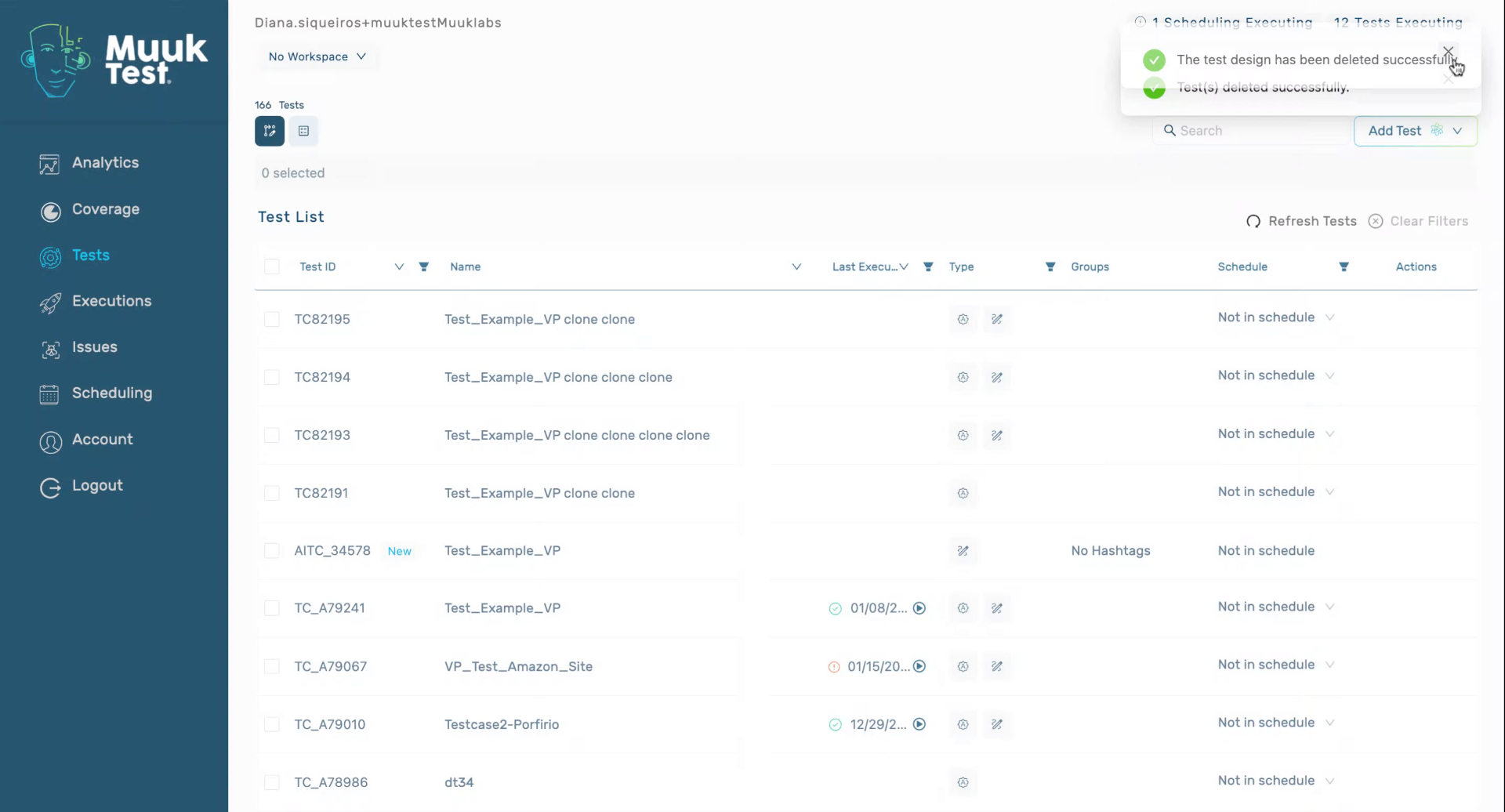
7. Delete Automation And Design Tests
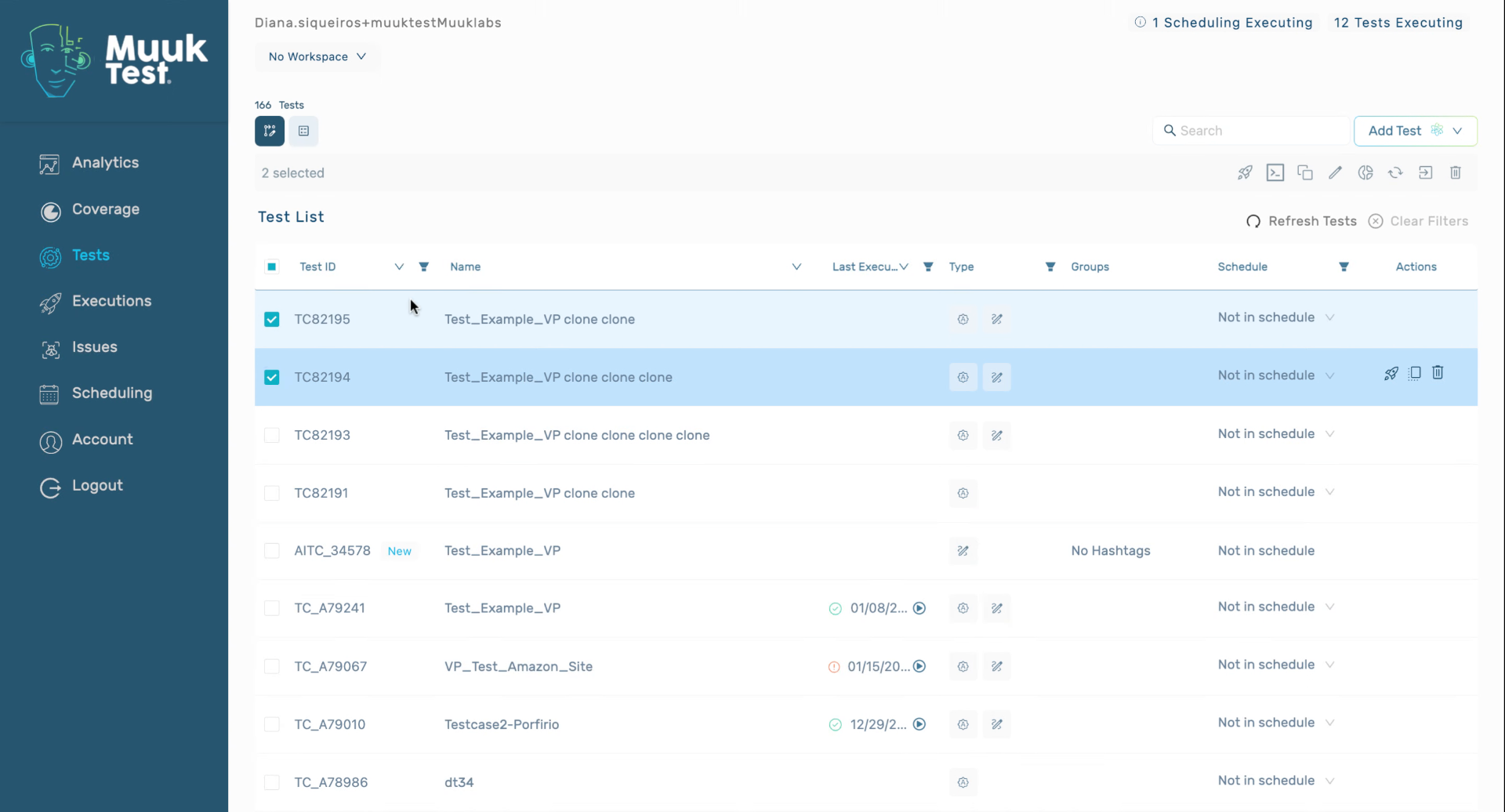
8. Delete Design Of Specific Test
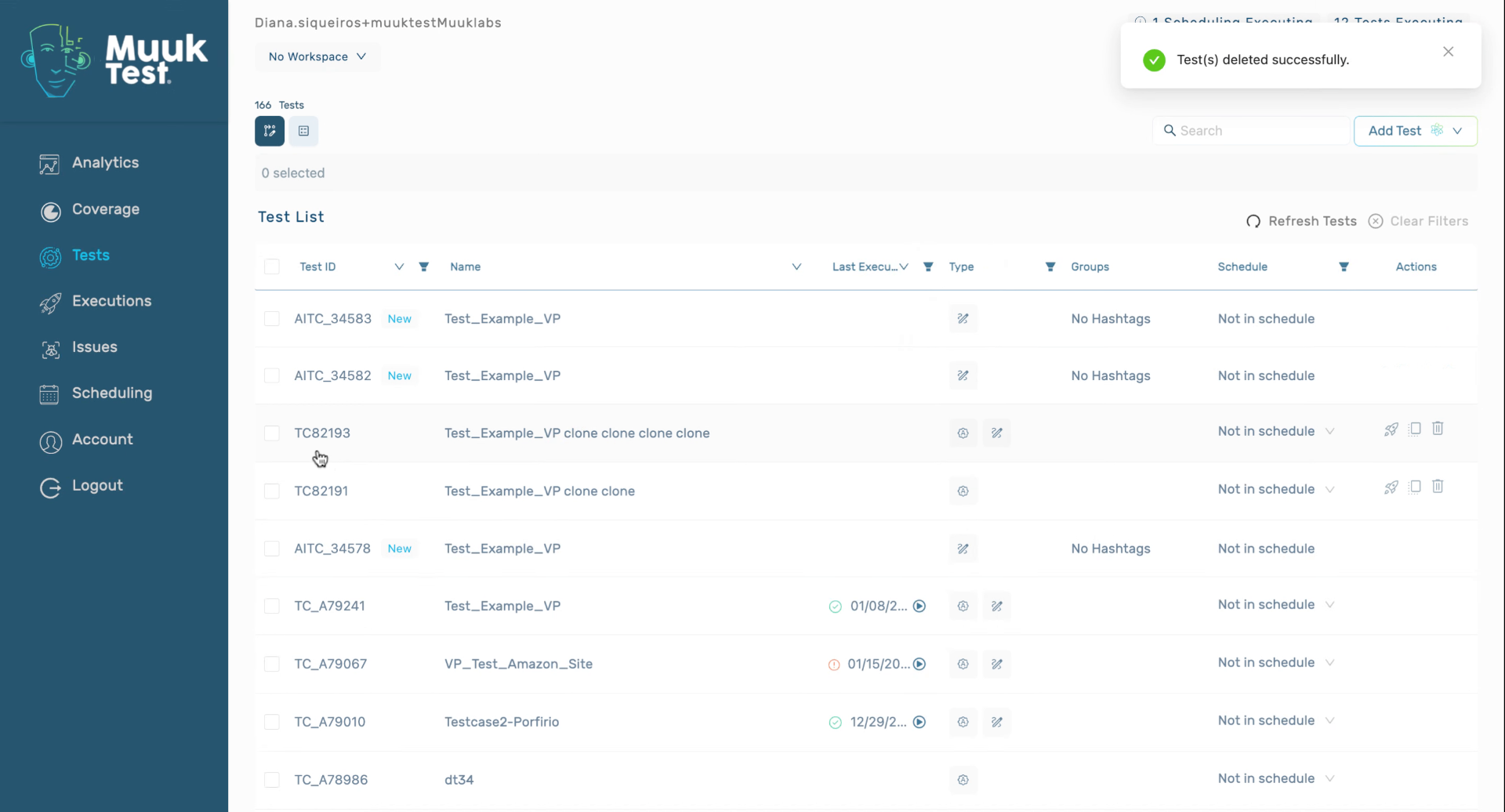
9. Select Delete Design Again
Click the Delete design button to remove the design for the selected test in MuukTest.
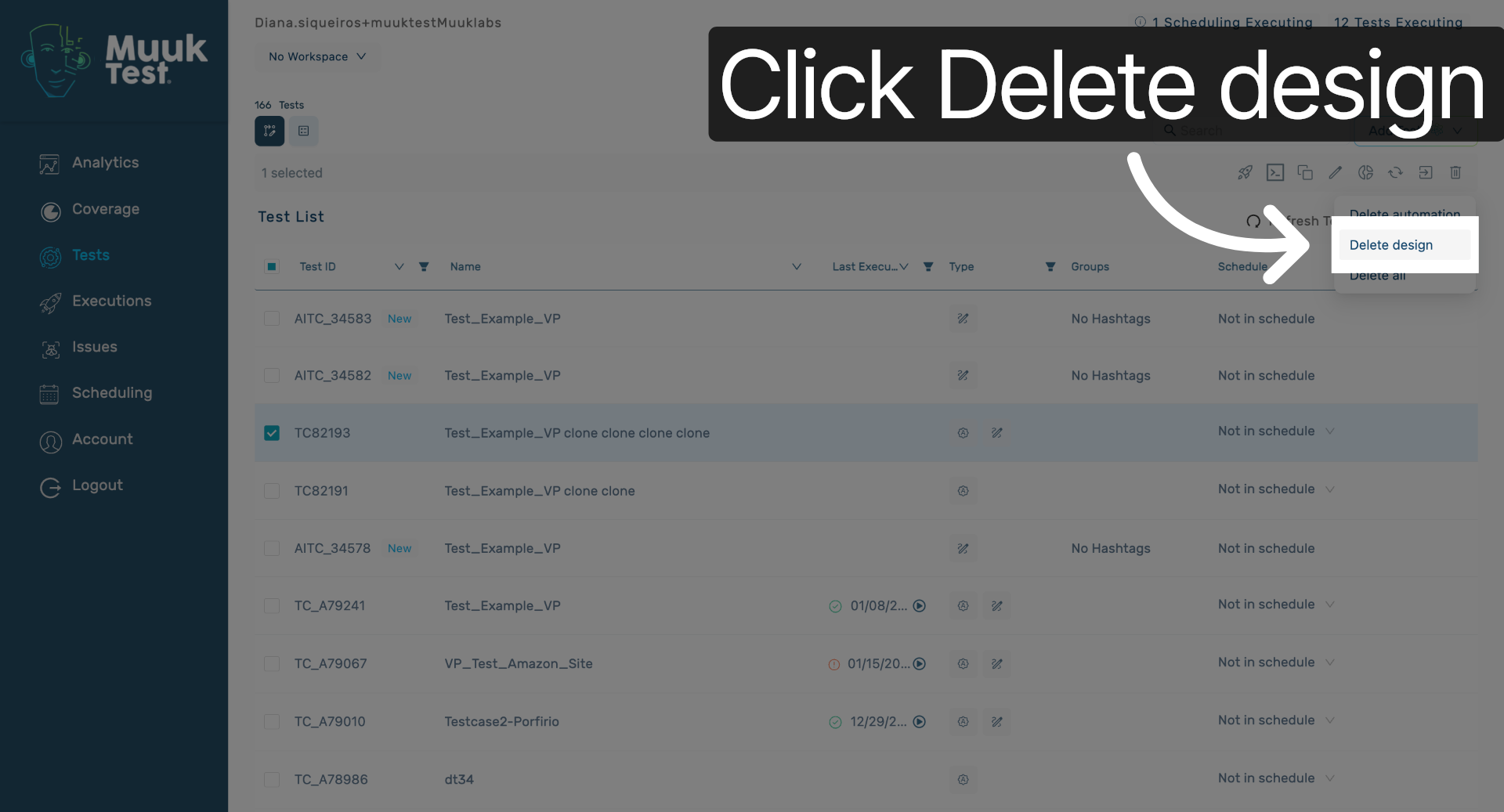
10. Click Delete Design Button
Click the Delete design button to proceed with removing the design test component.
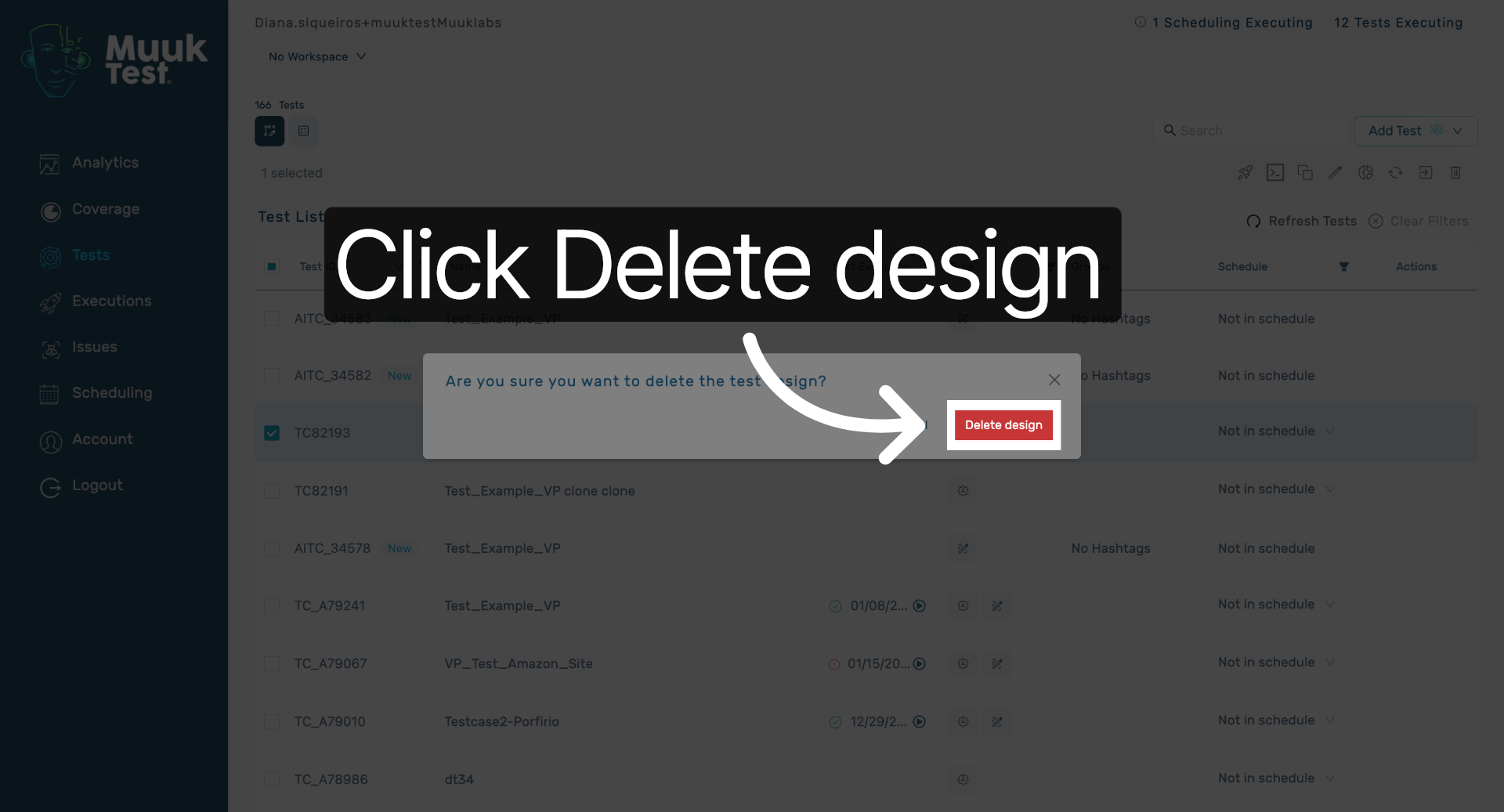
11. Delete All Automation Work
We can delete different types of tests in bulk together as well
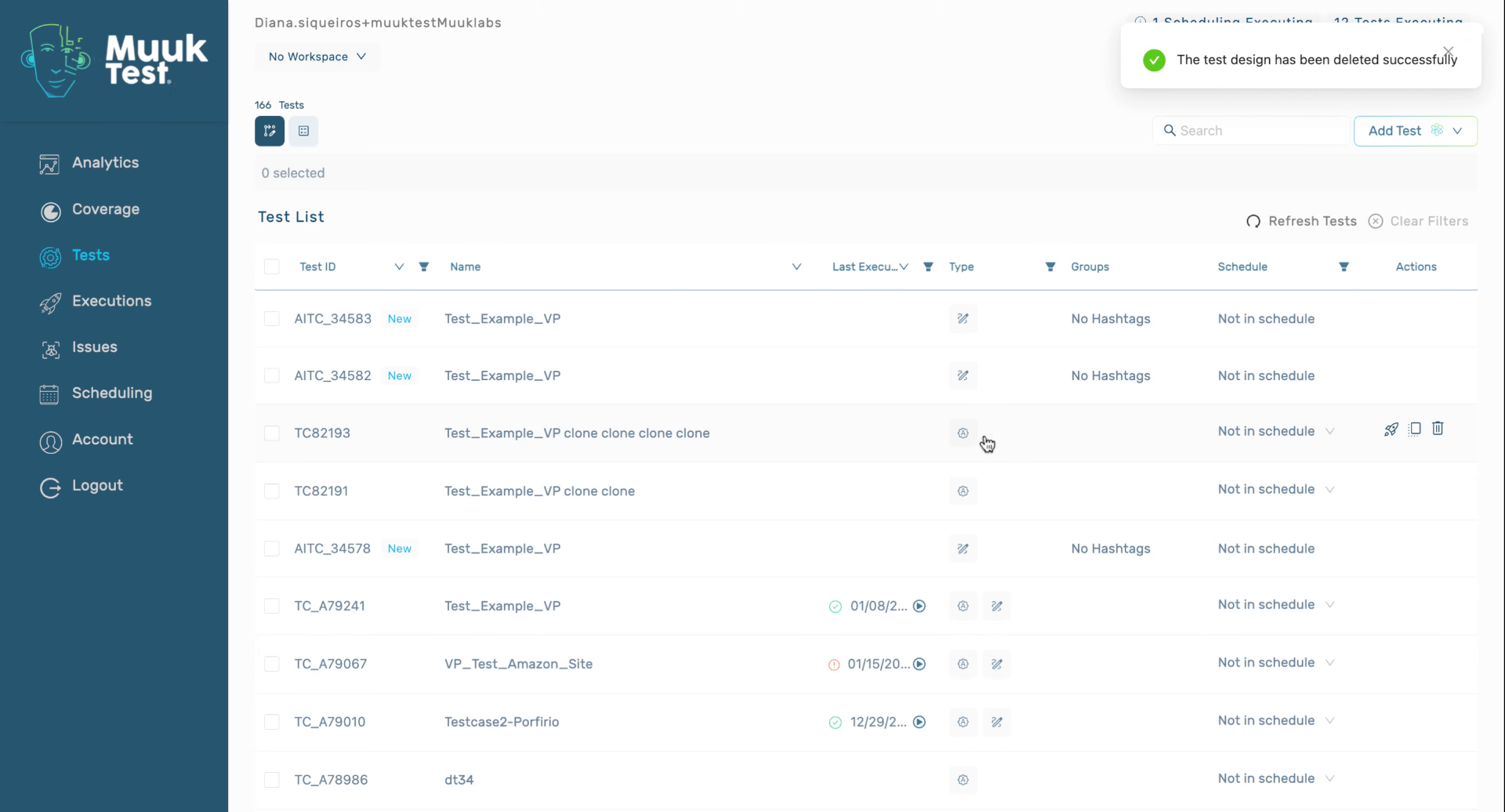
12. Confirm Successful Test Deletion
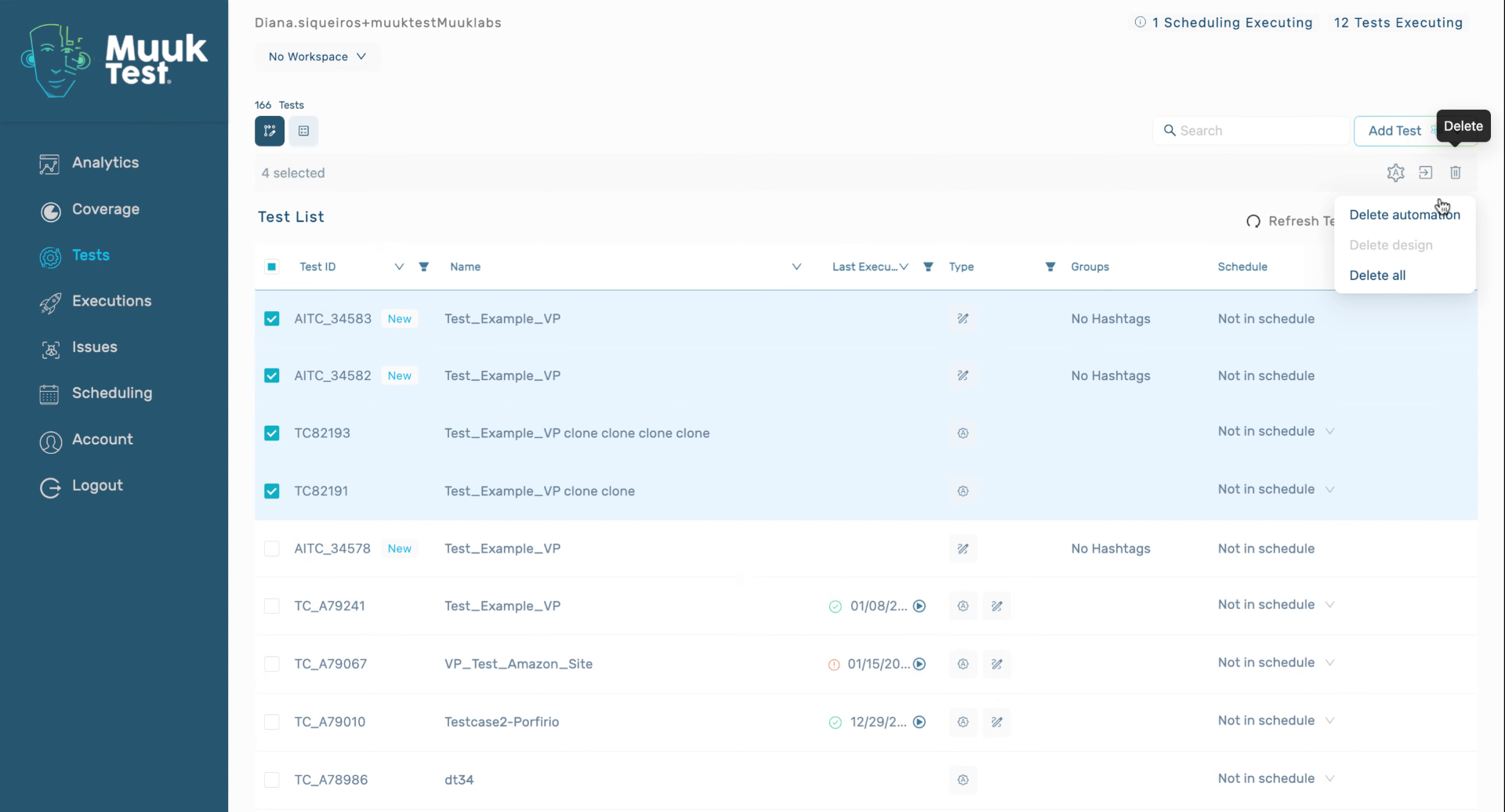
This tutorial demonstrated how to delete automated and design tests individually or together within MuukTest. You can now manage test deletions confidently and explore additional test management features.
Comments
0 comments
Please sign in to leave a comment.