
This tutorial will teach you how to record and manage individual steps using the extension. You will learn how to add, export, and execute steps effectively to enhance your testing process.
1. Introduction To Recording
Hello, today we're going to learn how to record a single step.
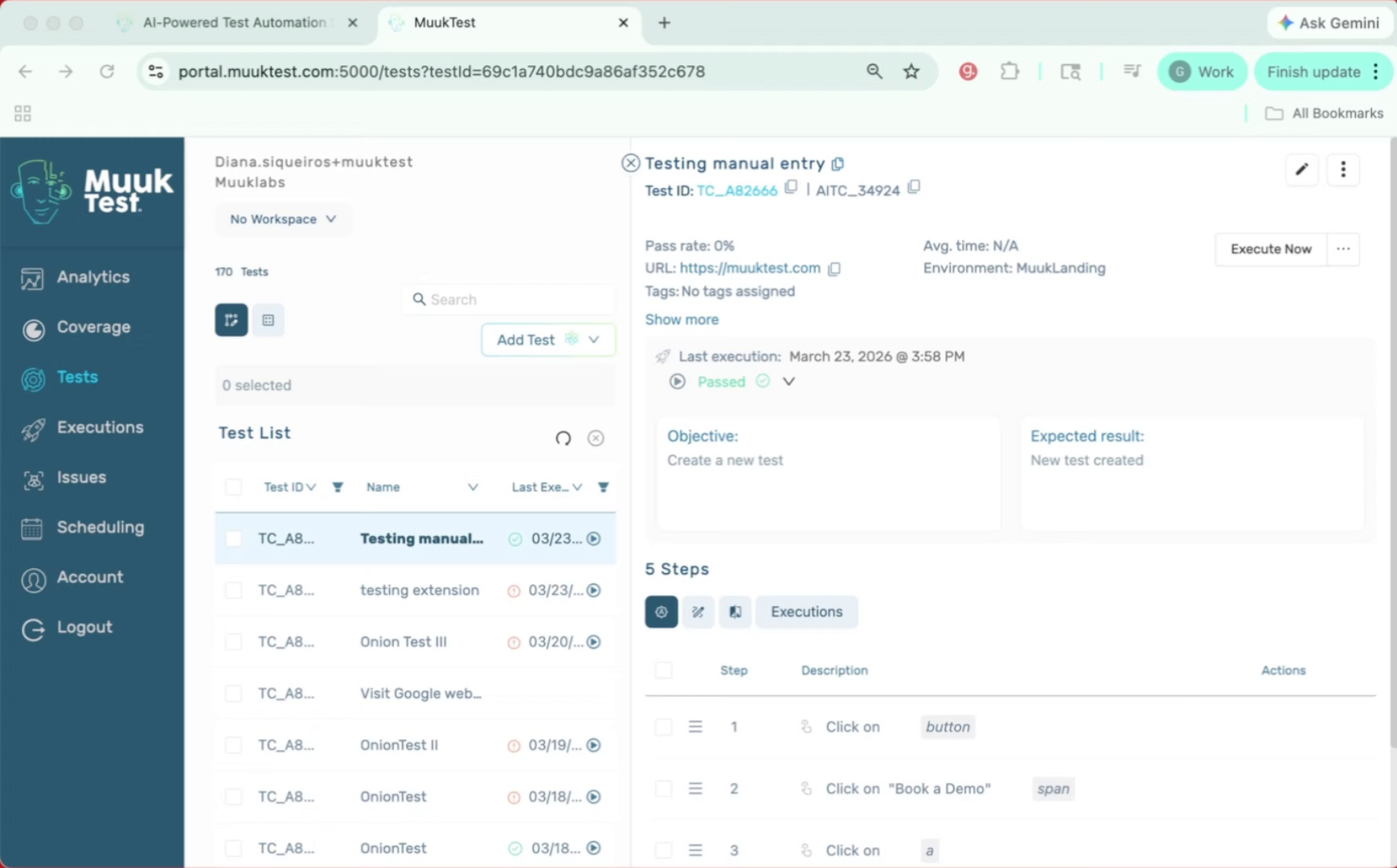
2. Recognize Missing Steps Issue
Maybe when we created our design or recorded our test using the extension, we forgot a step and that can be annoying.
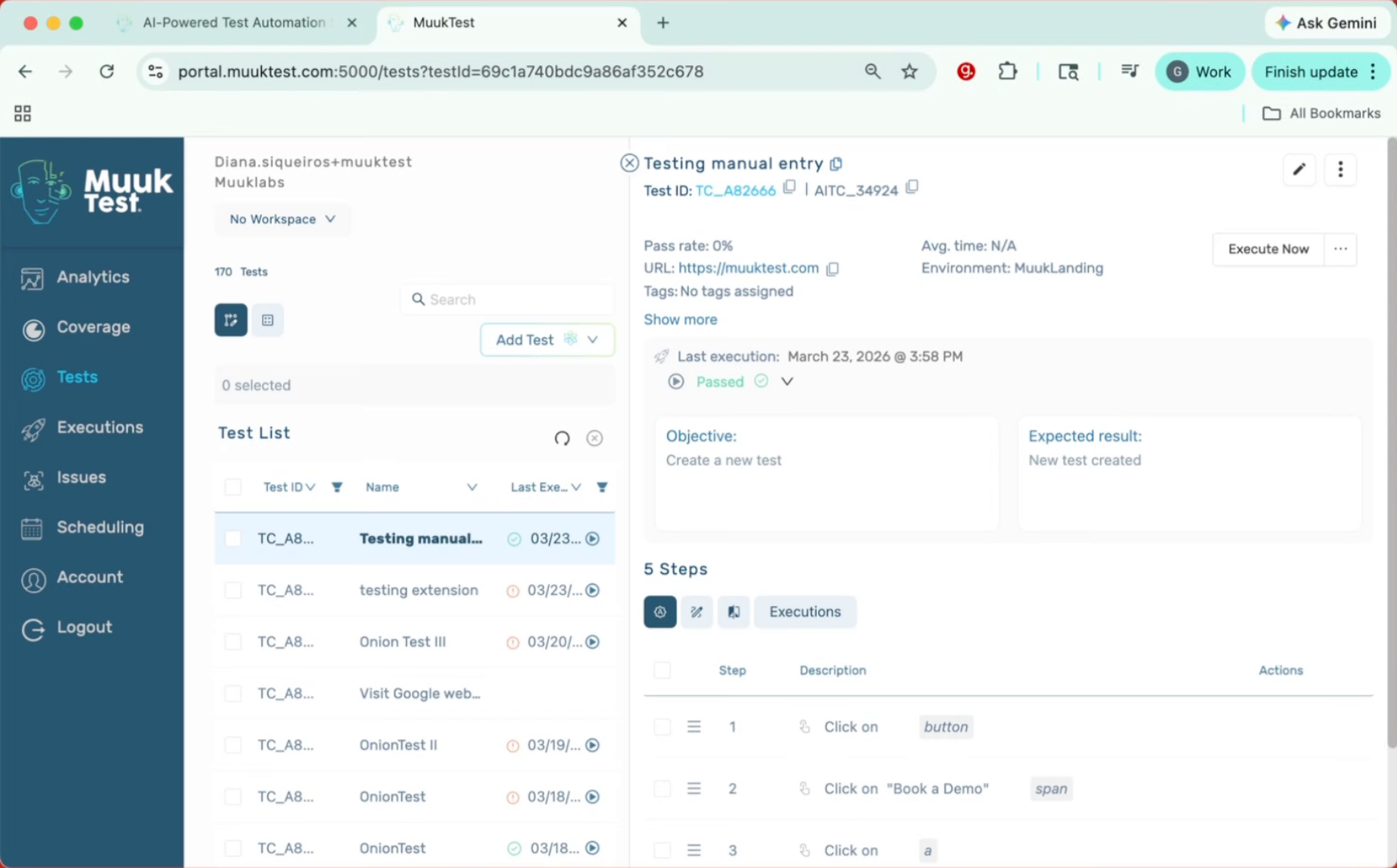
3. Add Step Using Plus Button
We can add it manually by using the plus, add step and choosing our selector or type of step.
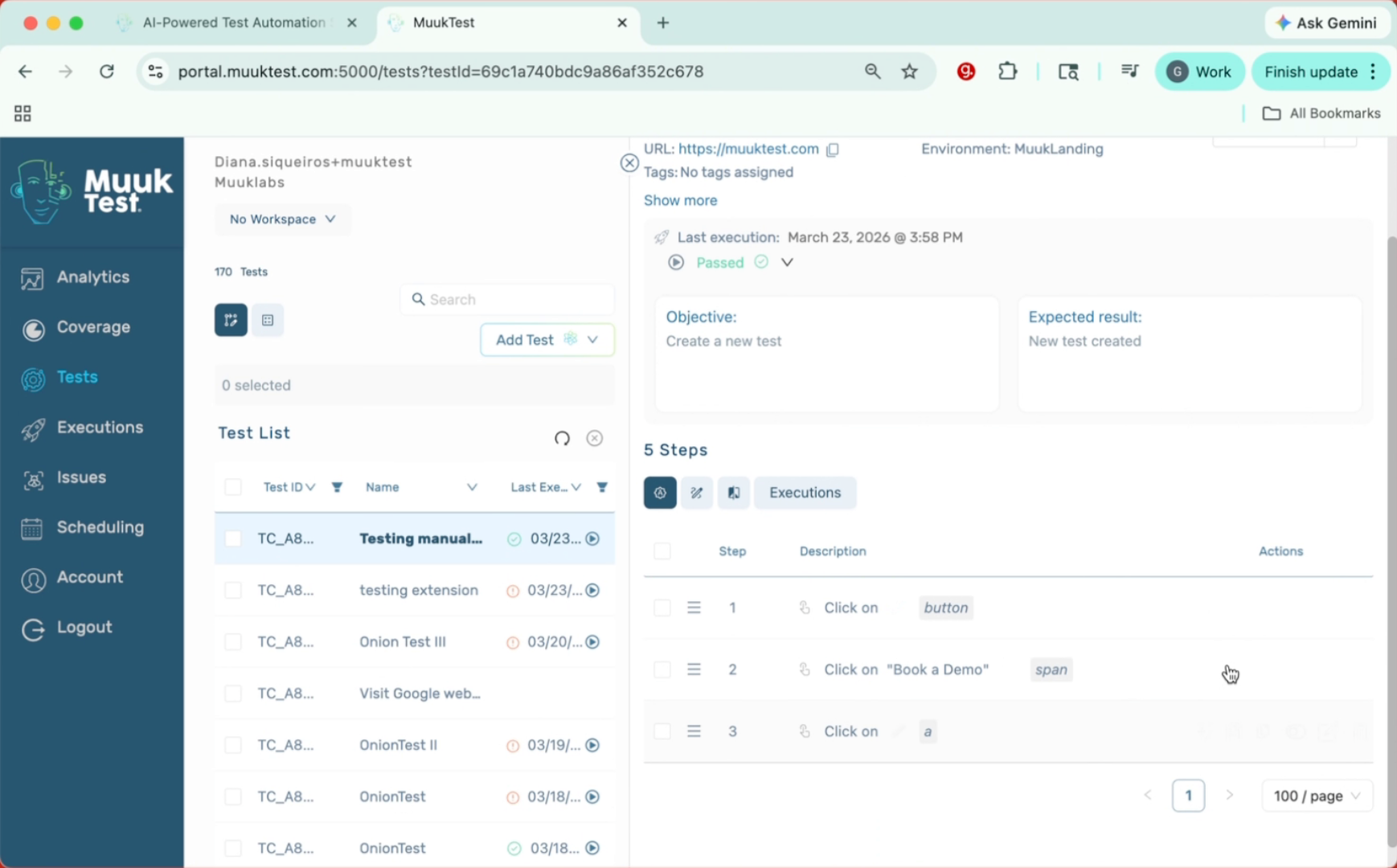
4. Re-record Step With Extension
Or we can go back to our page and use our extension to re-record that step, for example.
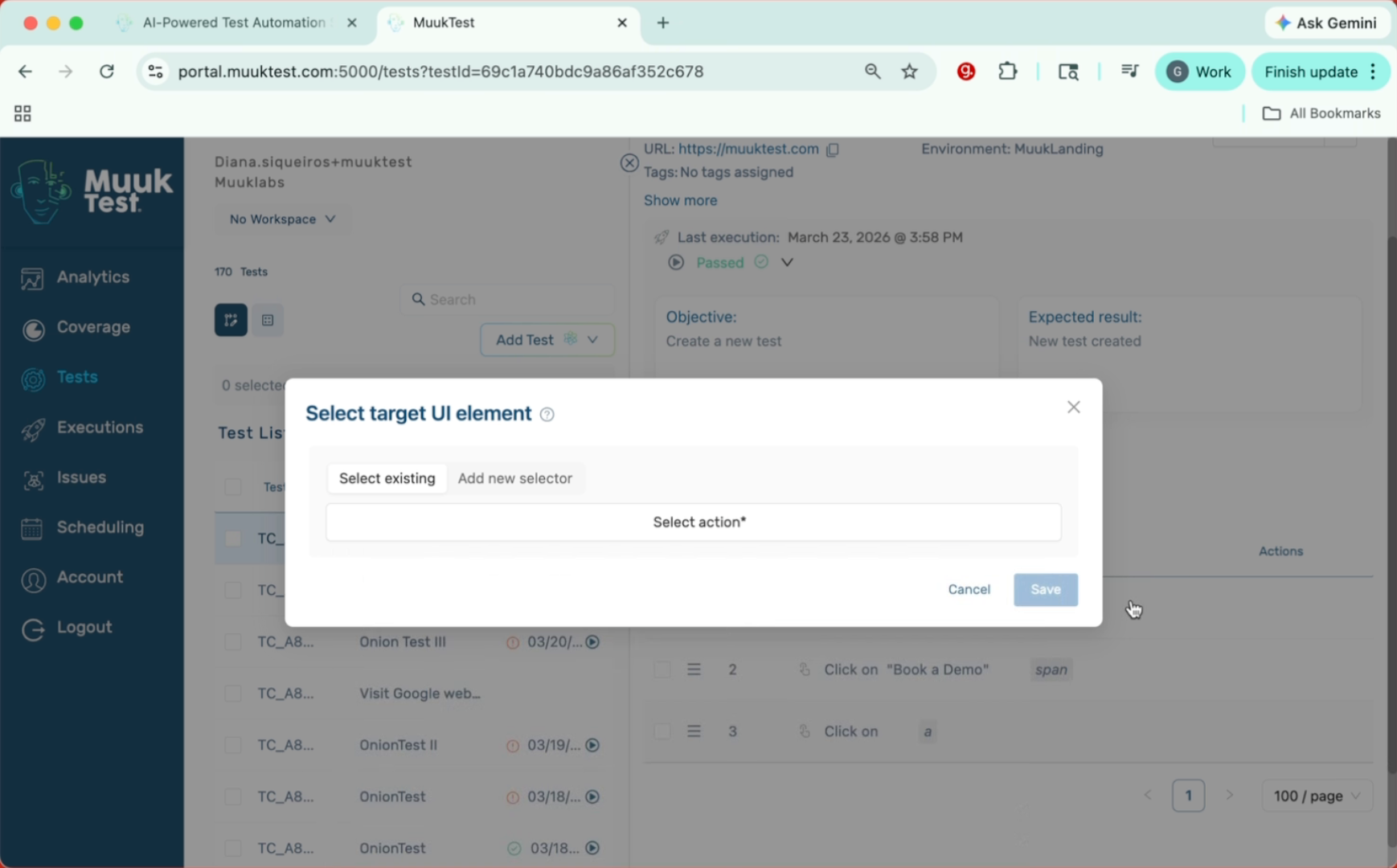
5. Open Extension Menu
Click the extension menu to access recording options.
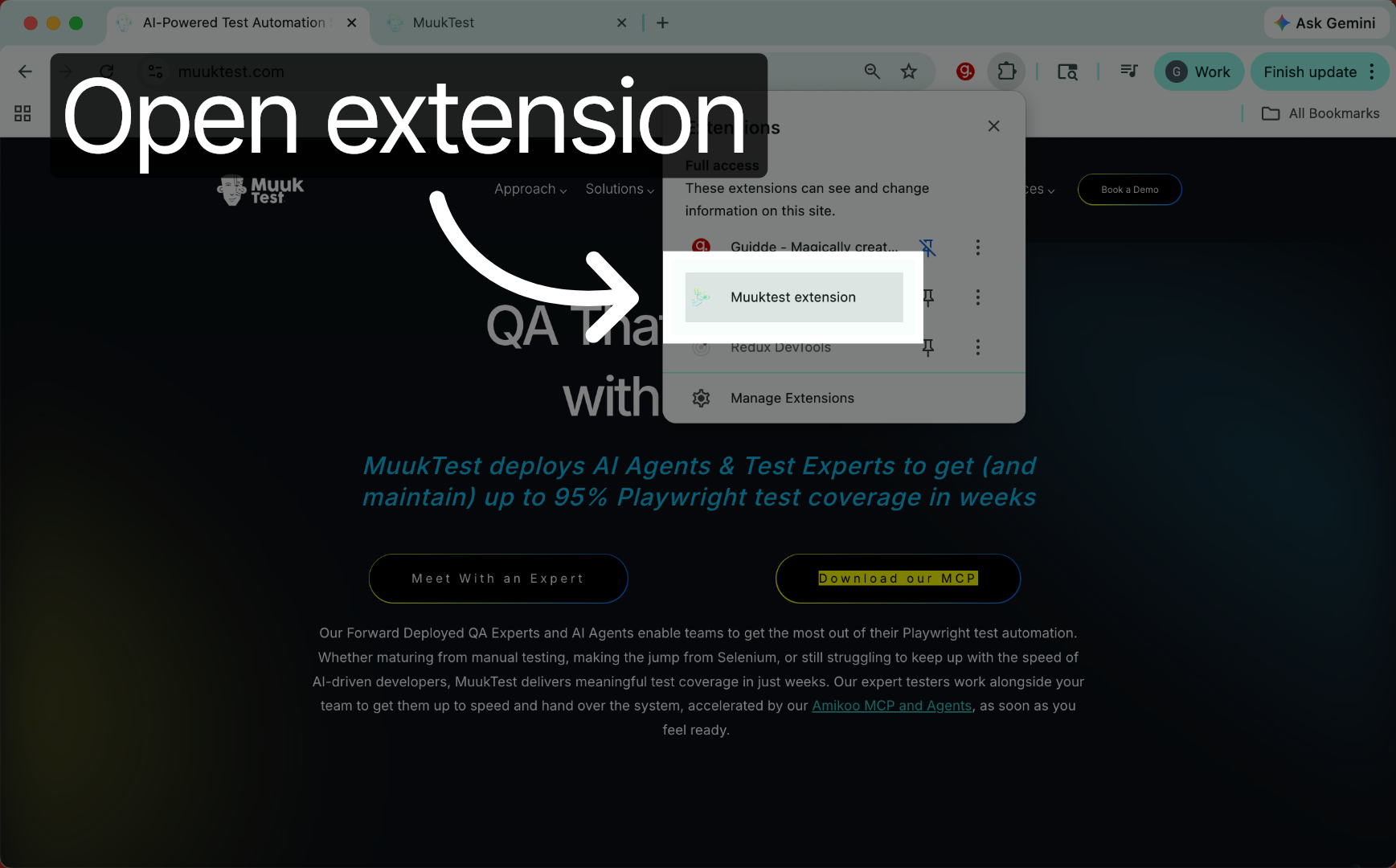
6. Sign In To Extension
Click the Sign In button to access your account within the extension.
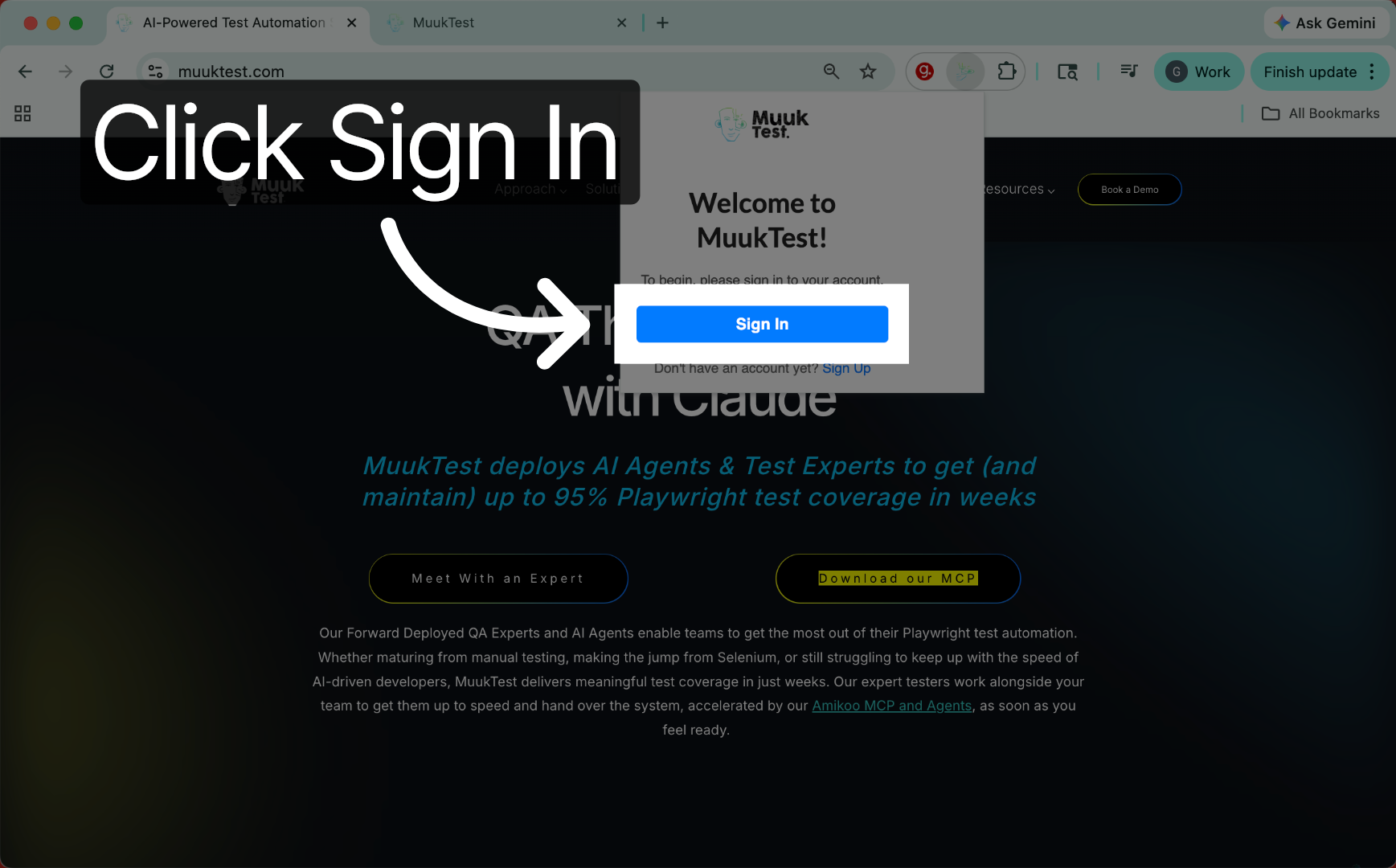
7. Access Export Steps Settings
We don't want to create a new test. What are we going to do? We're going to go here to settings. We're going to export steps.
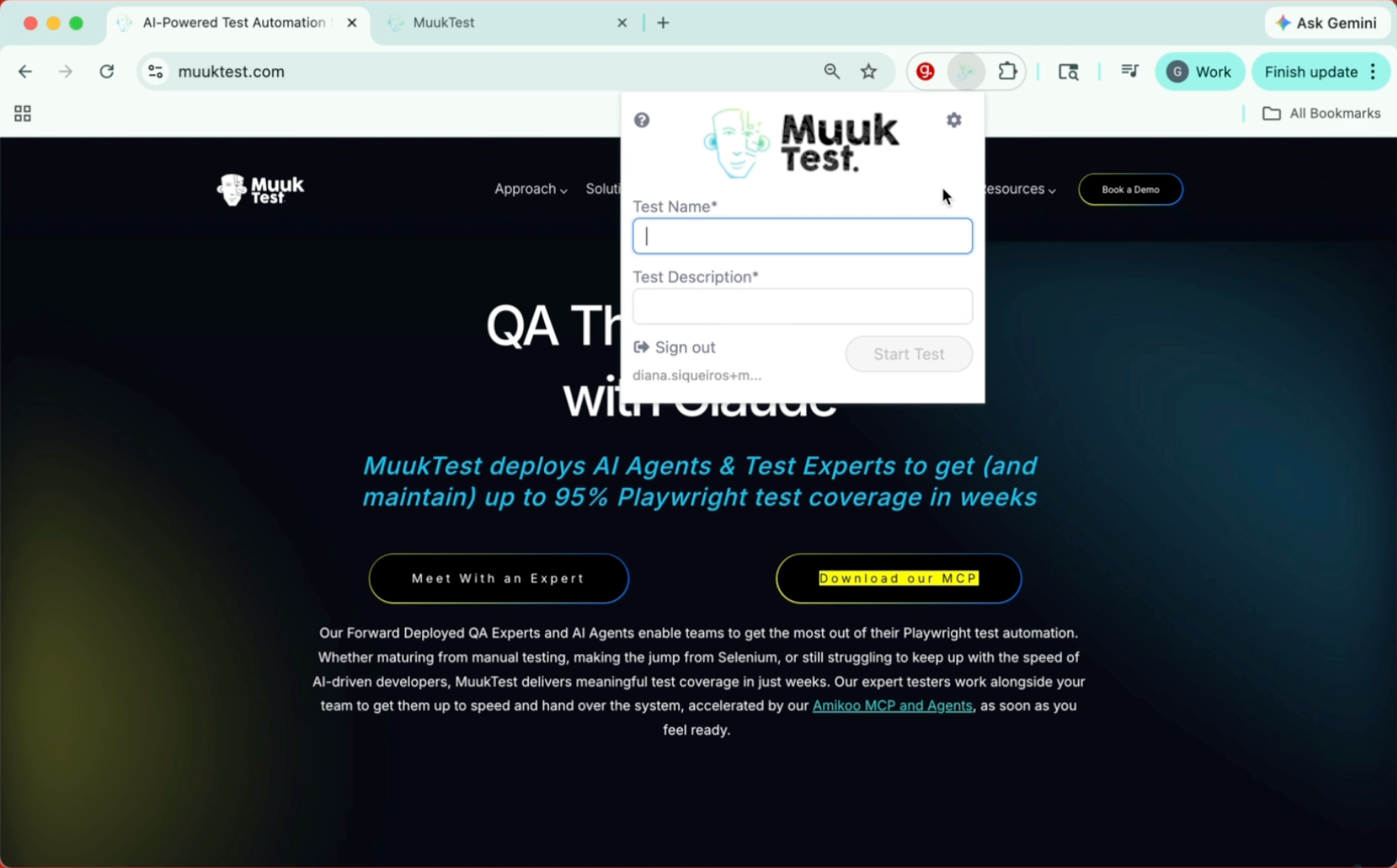
8. Click To Open Export
Click to open the export steps option in settings.
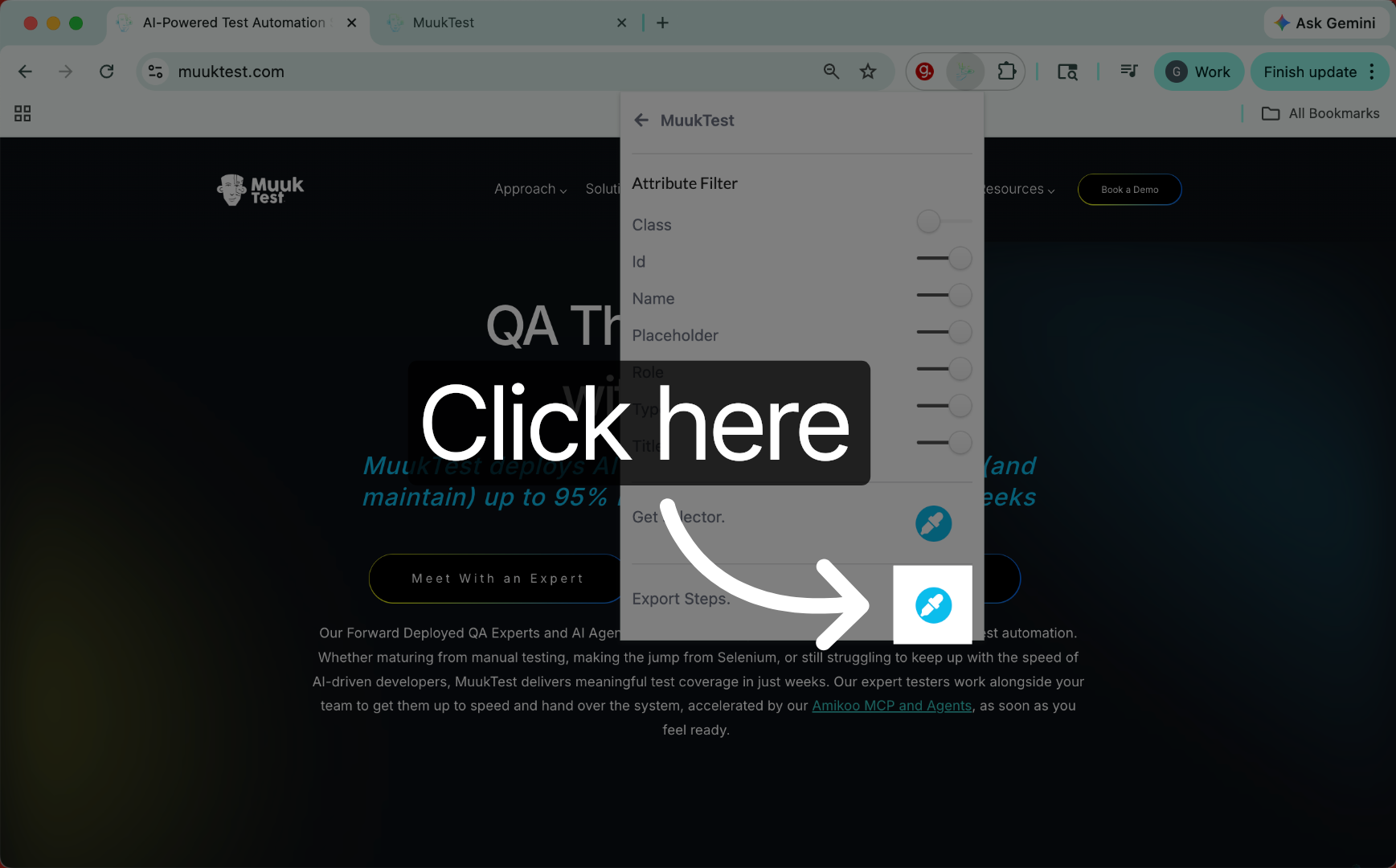
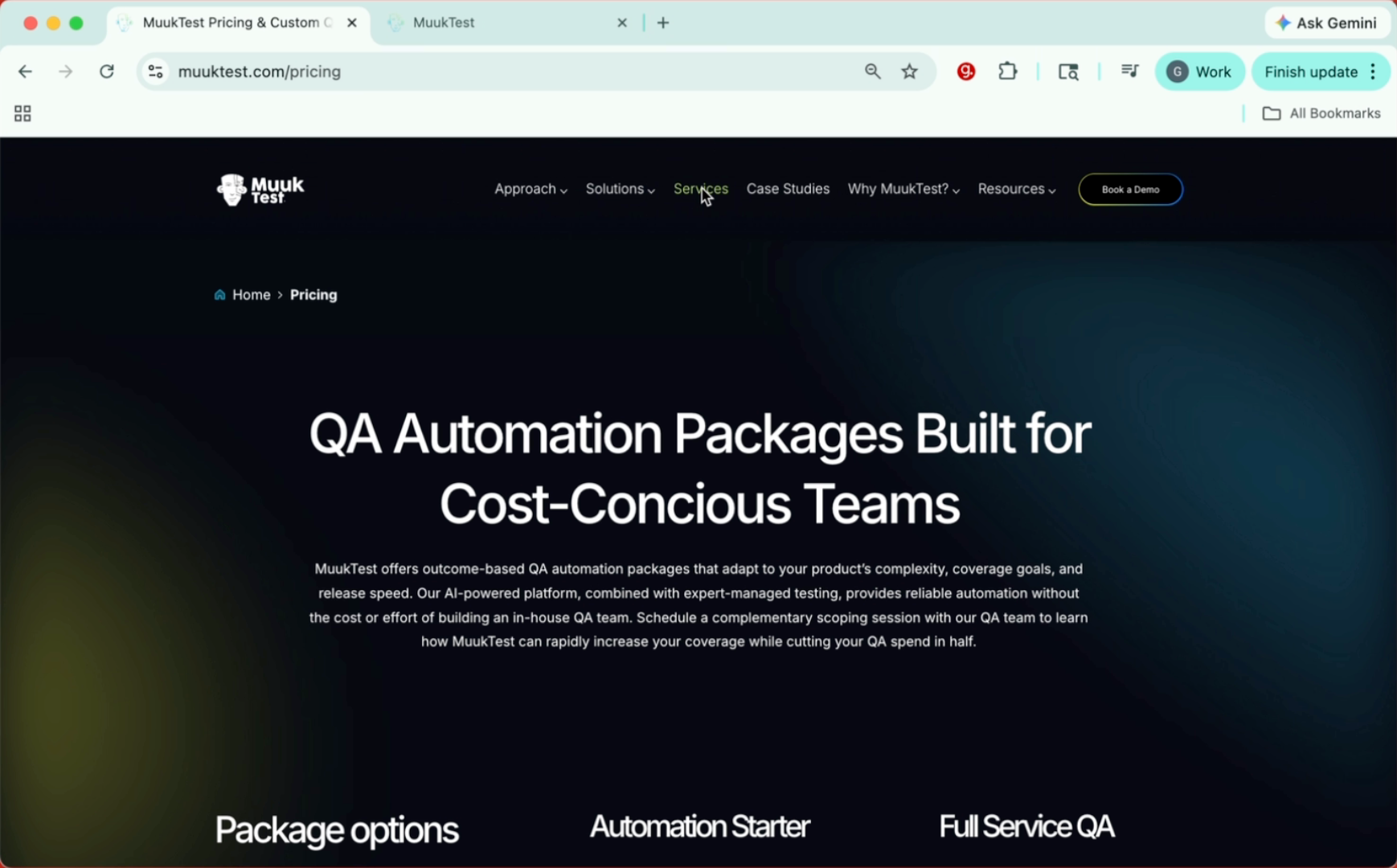
9. Navigate To Services Page
Now we can start to record our additional steps.
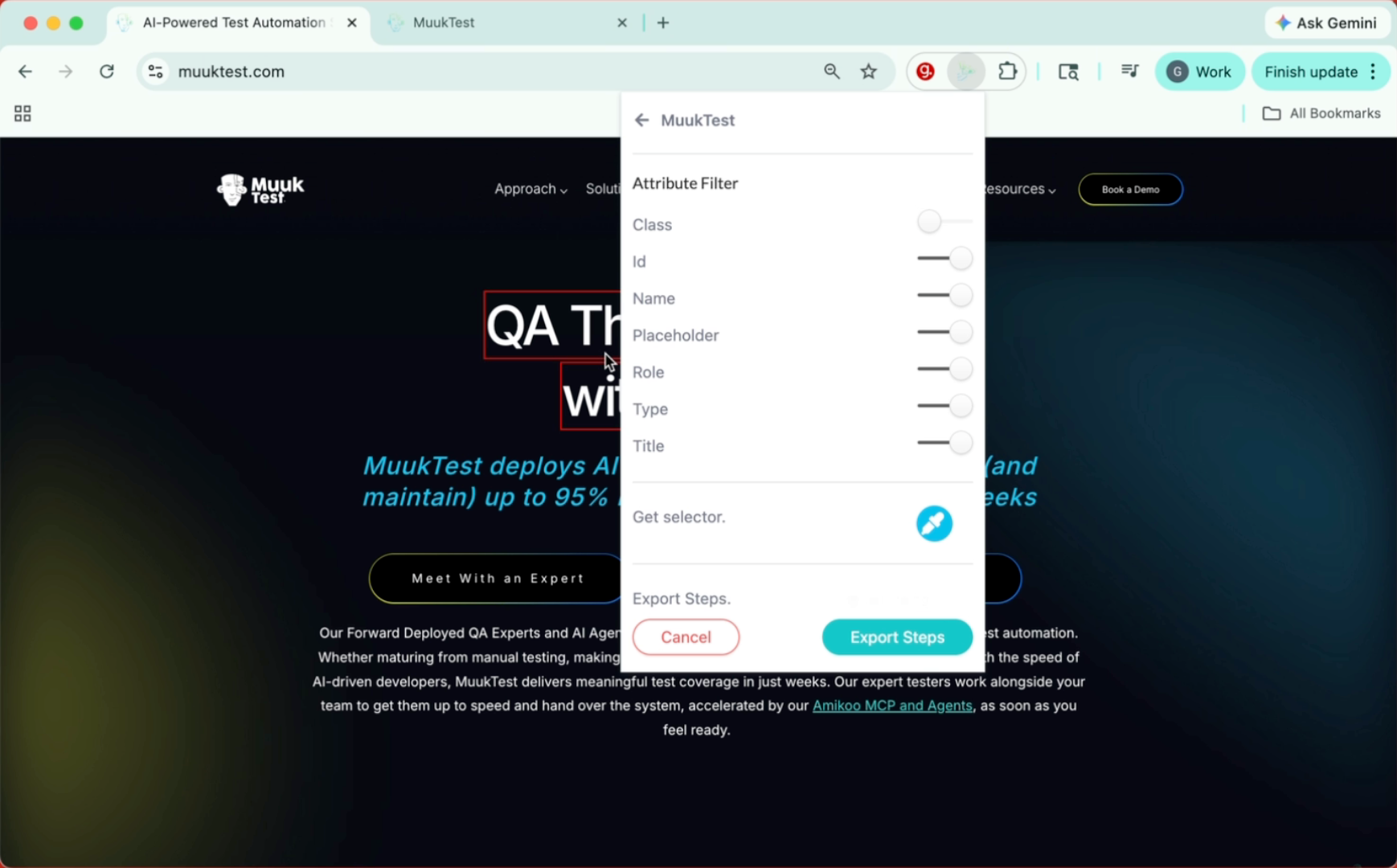
10. Record Additional Steps
This is different from recording a whole test as this will only keep the information of the recorded steps.
11. Export Recorded Steps
To finish recording the steps you can go back to the extension and click on Export steps.
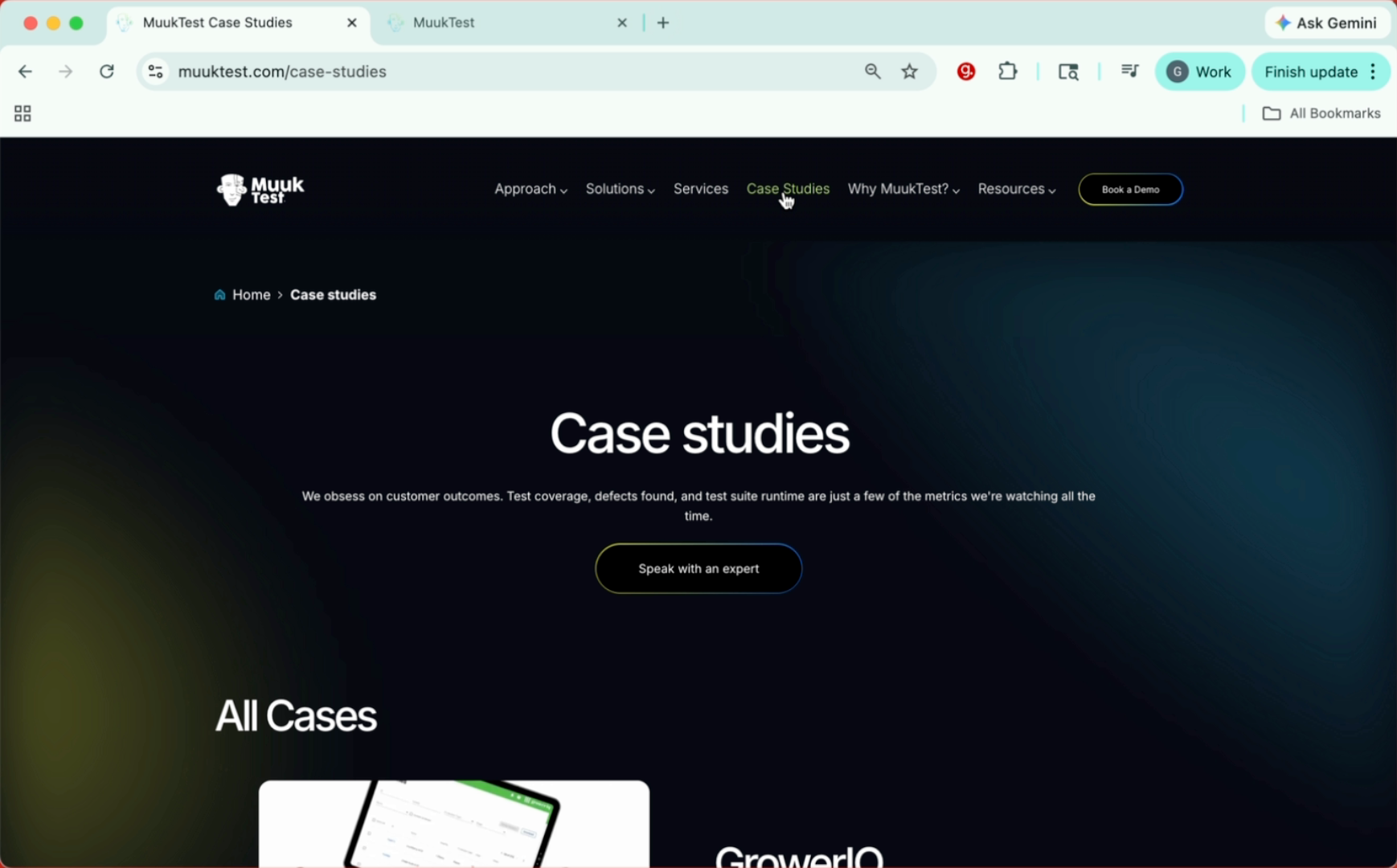
12. Review Exported Steps
And this will give me only the two steps I performed. This is not like recording a new test, just the two steps. So I can go to Muuktest
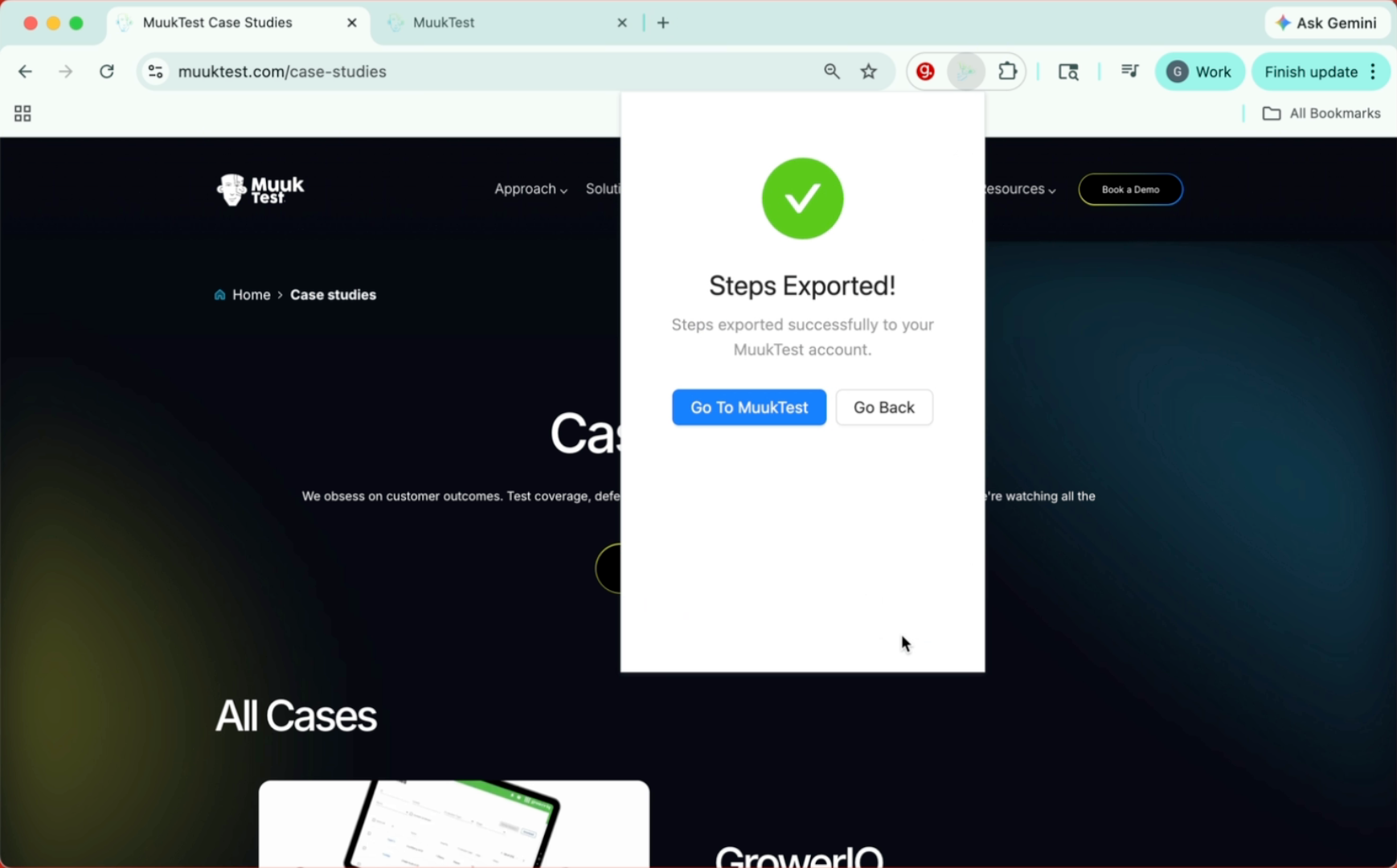
13. Click To Continue
Click to continue with the process.
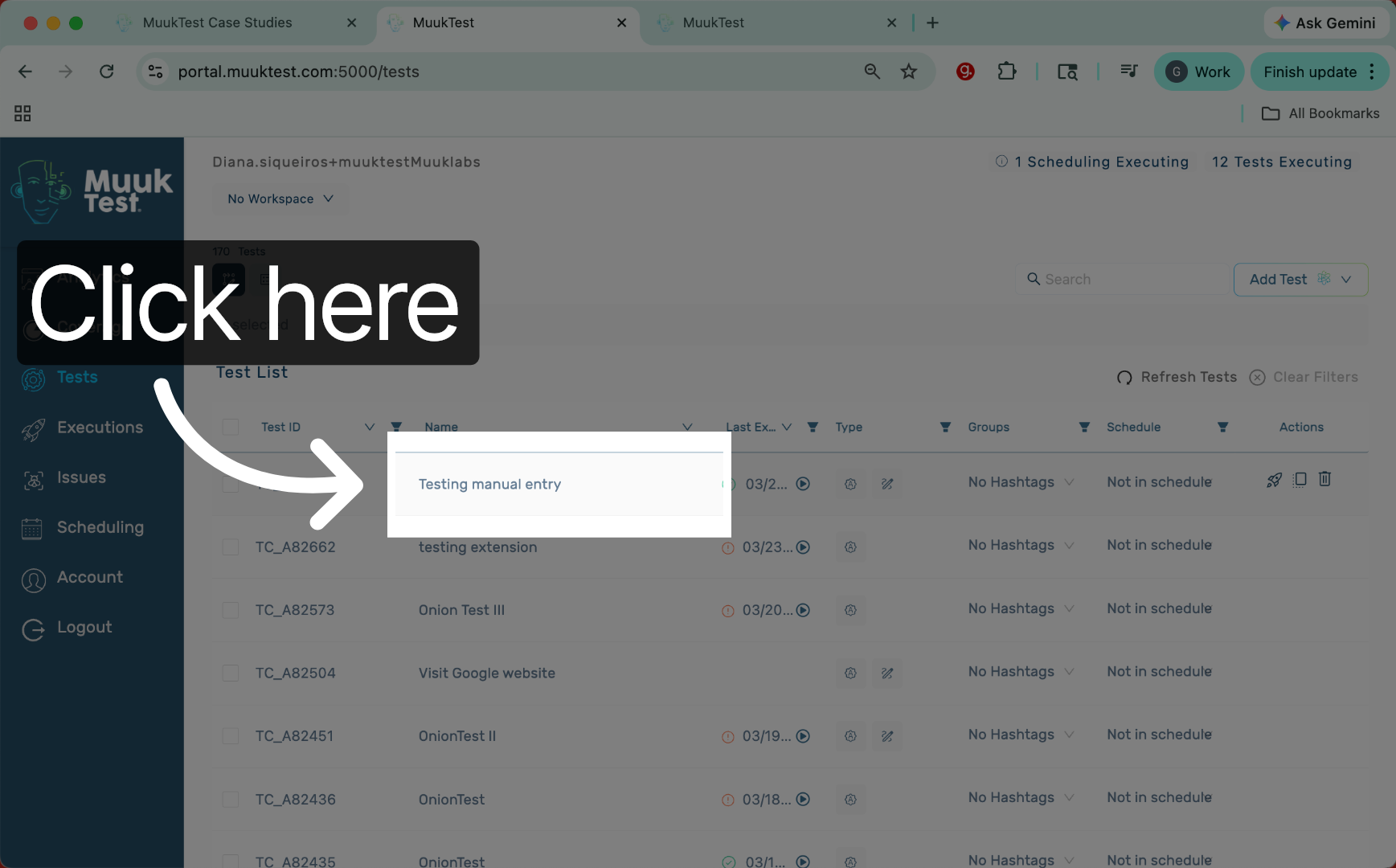
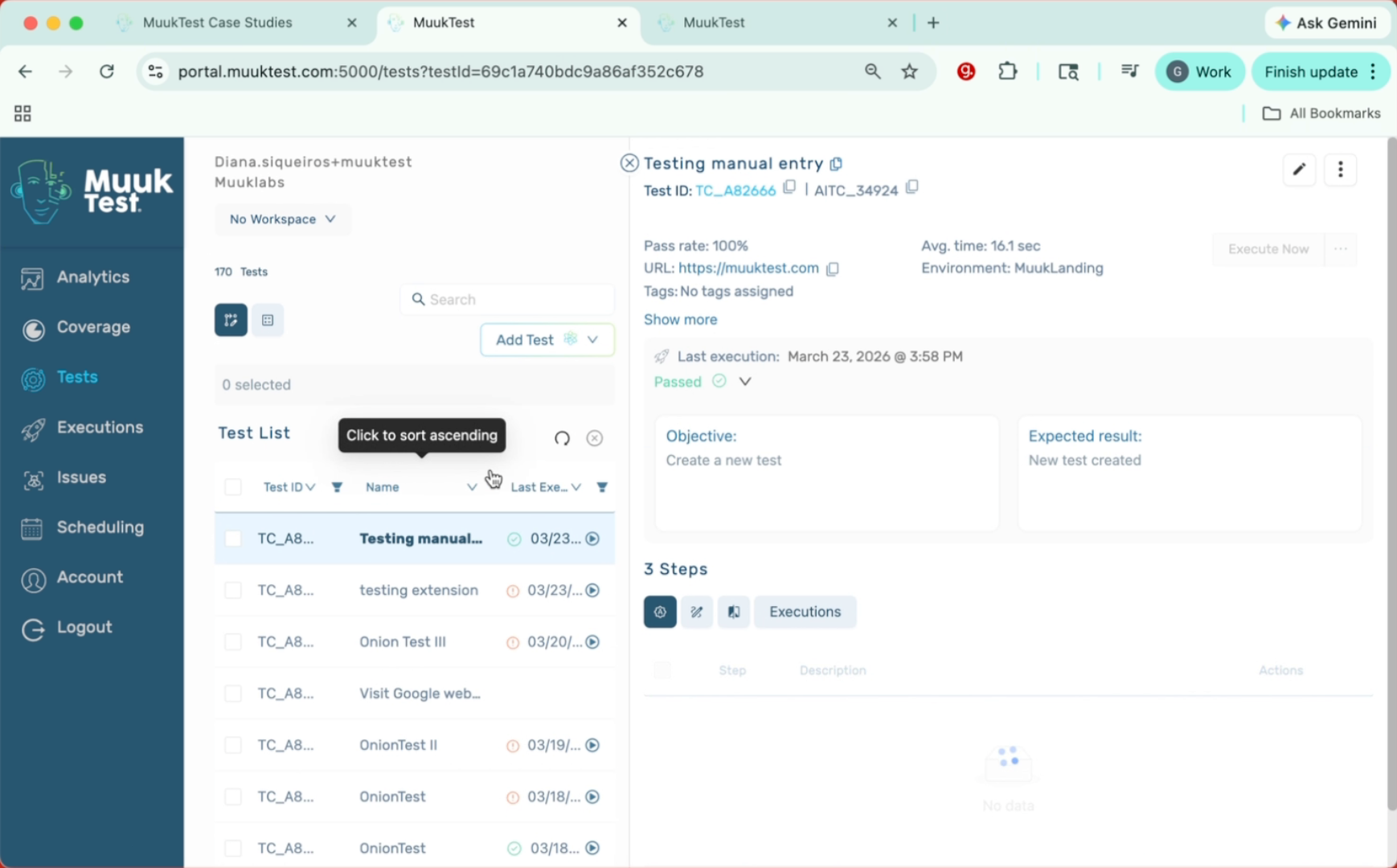
14. Import Steps To Muuktest
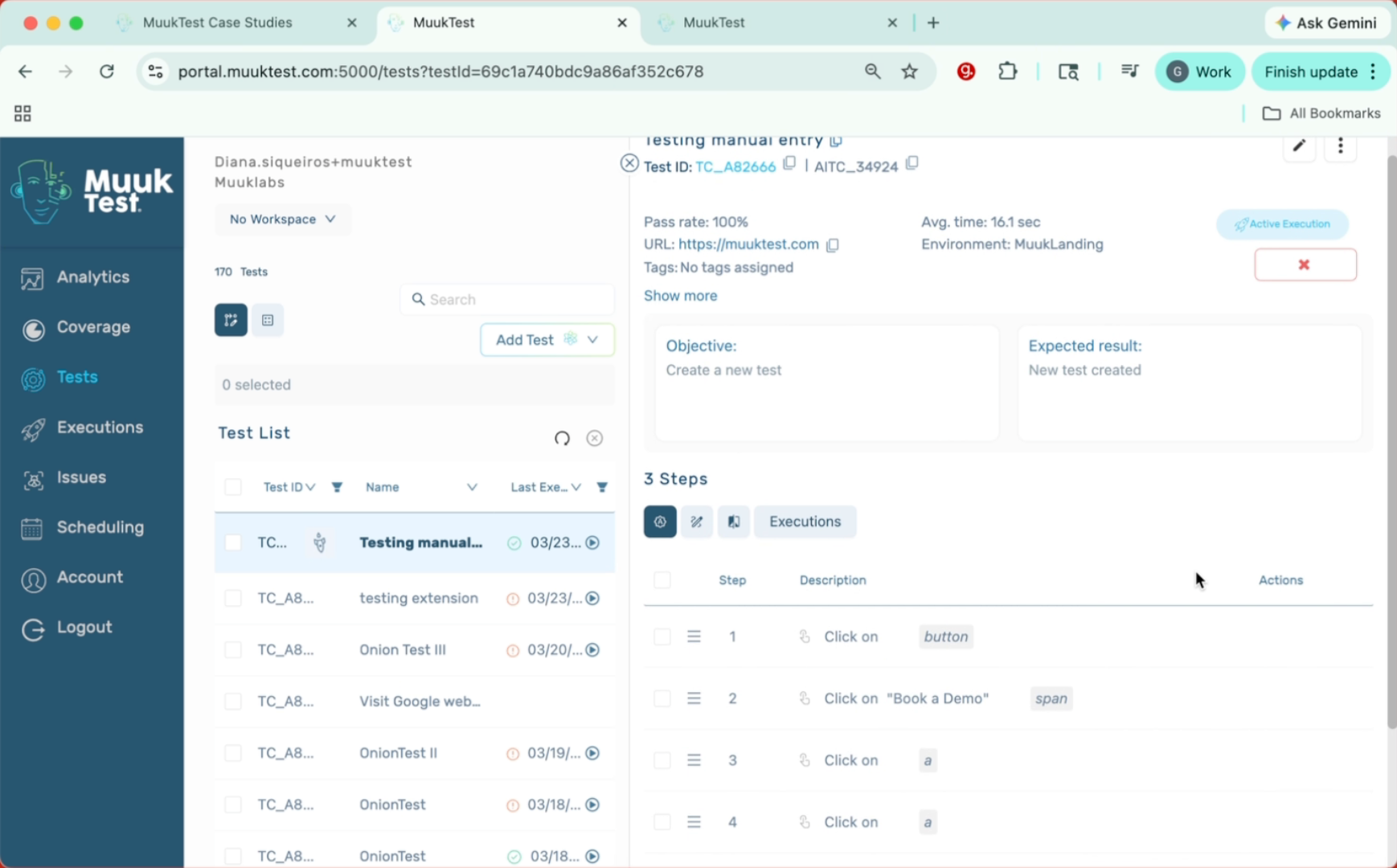
And I can add my steps here. Import steps.
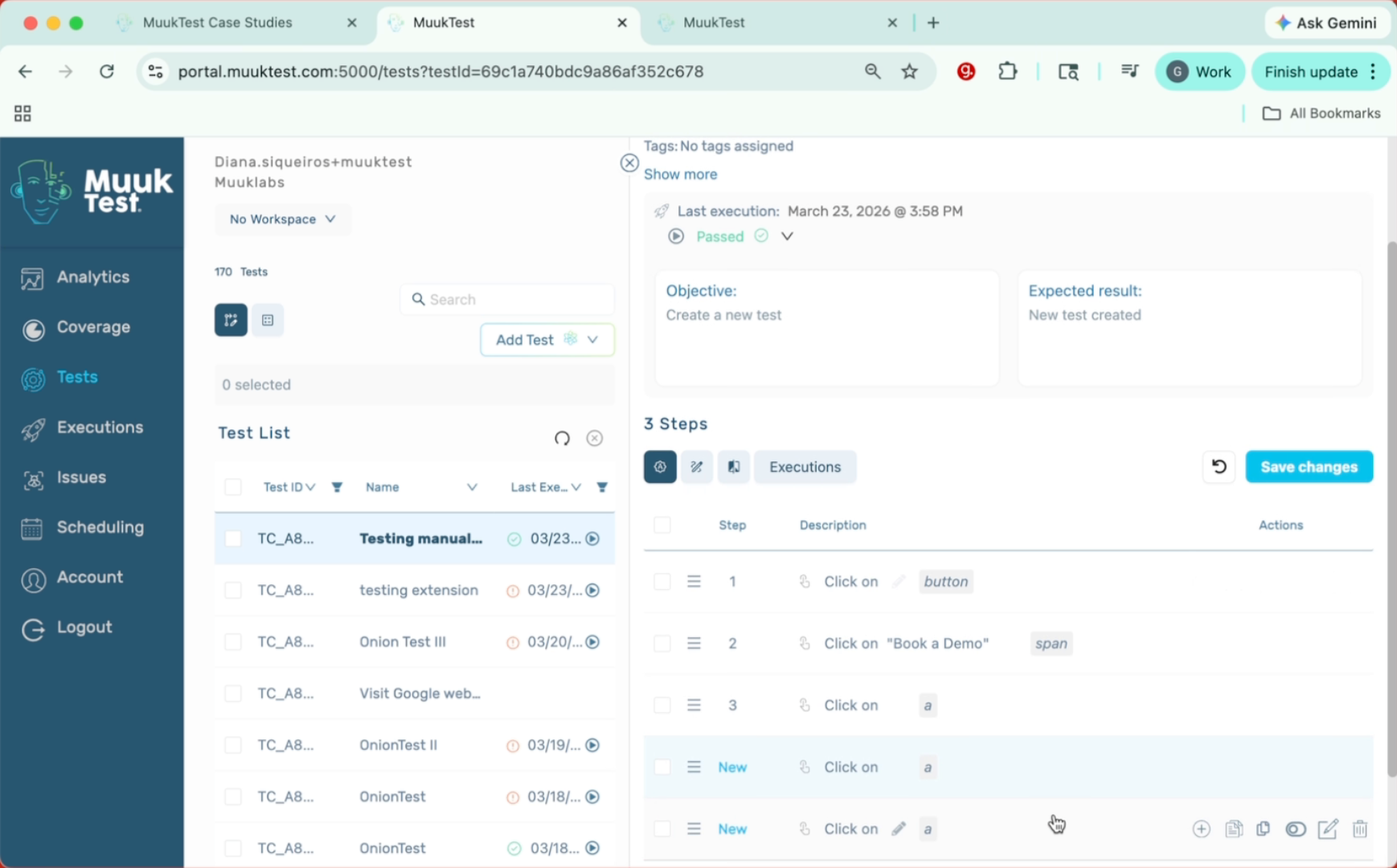
15. Execute New Steps
And there we have them. These are the steps that we just recorded with the extension. Now we can click on execute now and see how our new steps perform.
16. Closing Thanks
Thank you.
This tutorial guided you through recording, adding, exporting, and executing steps using the extension and Muuktest. You can now confidently manage and verify your recorded steps for testing purposes.
Comments
0 comments
Please sign in to leave a comment.