
This tutorial teaches you how to check detailed information about your tests. You will learn to access, review, and edit test details effectively within the MuukTest application.
Go to portal.muuktest.com:5000
1. Introduction To Test Details
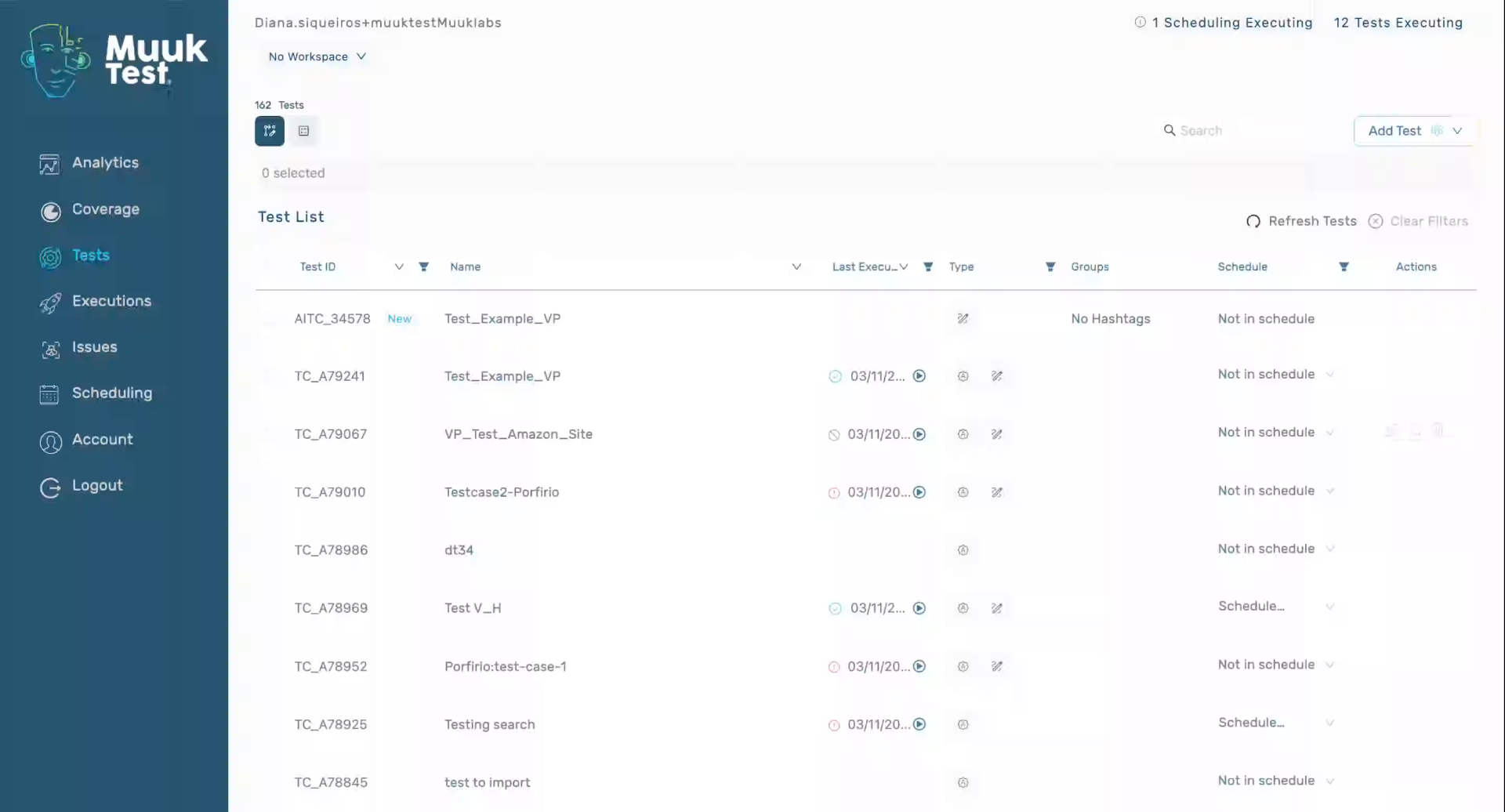
2. View Test Details Overview
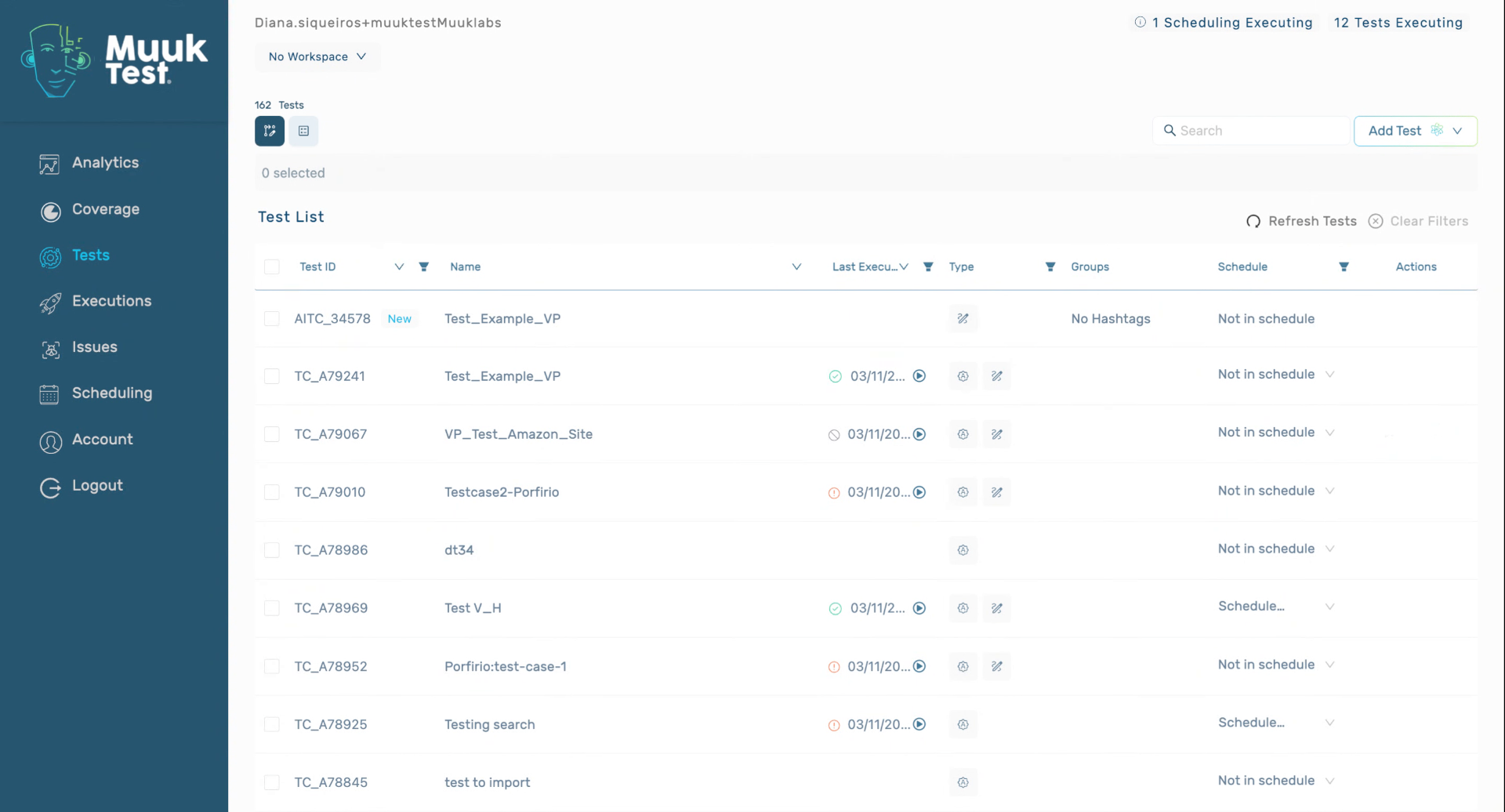
3. Access Additional Test Details
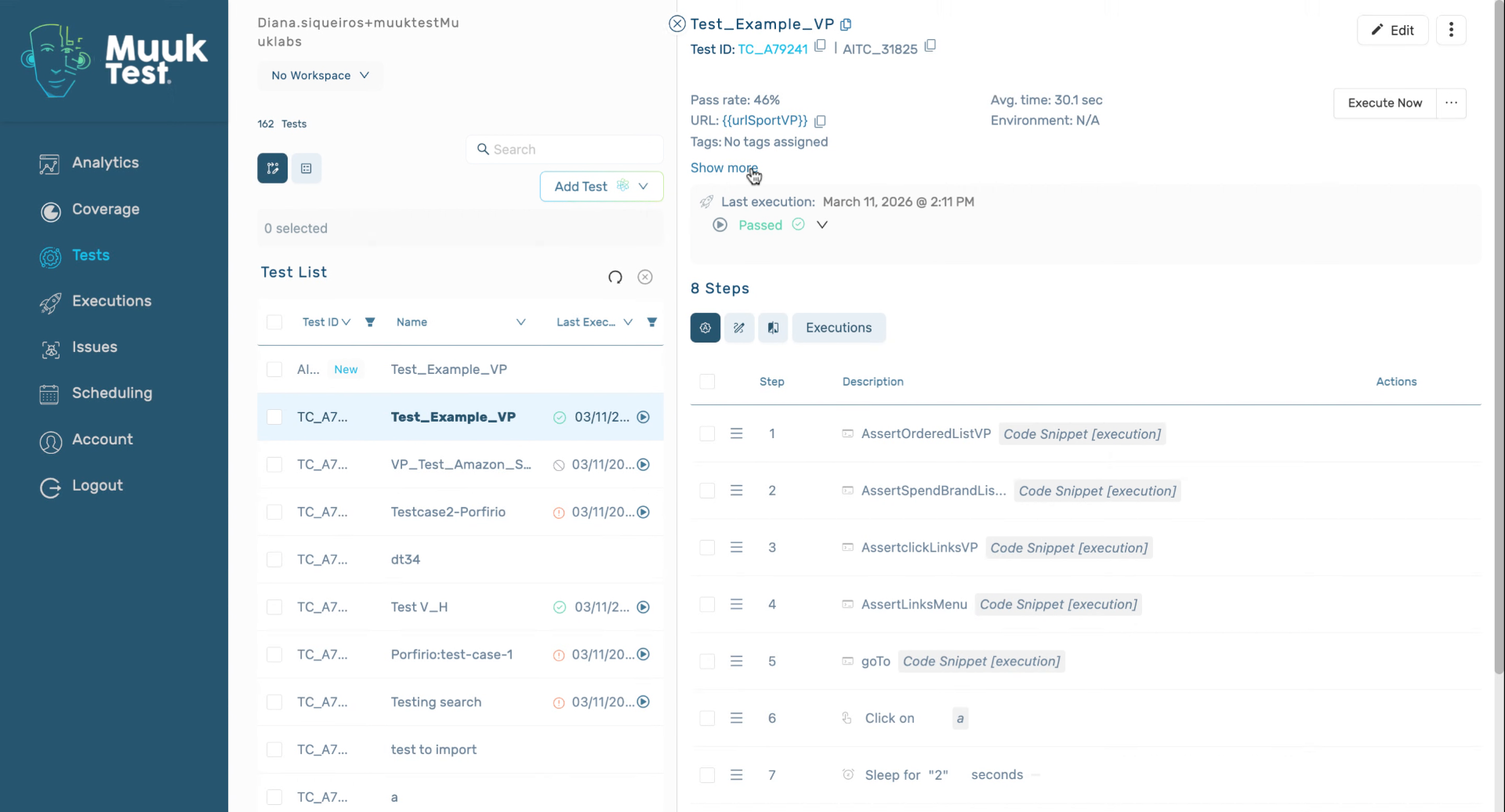
4. Click Show More Details
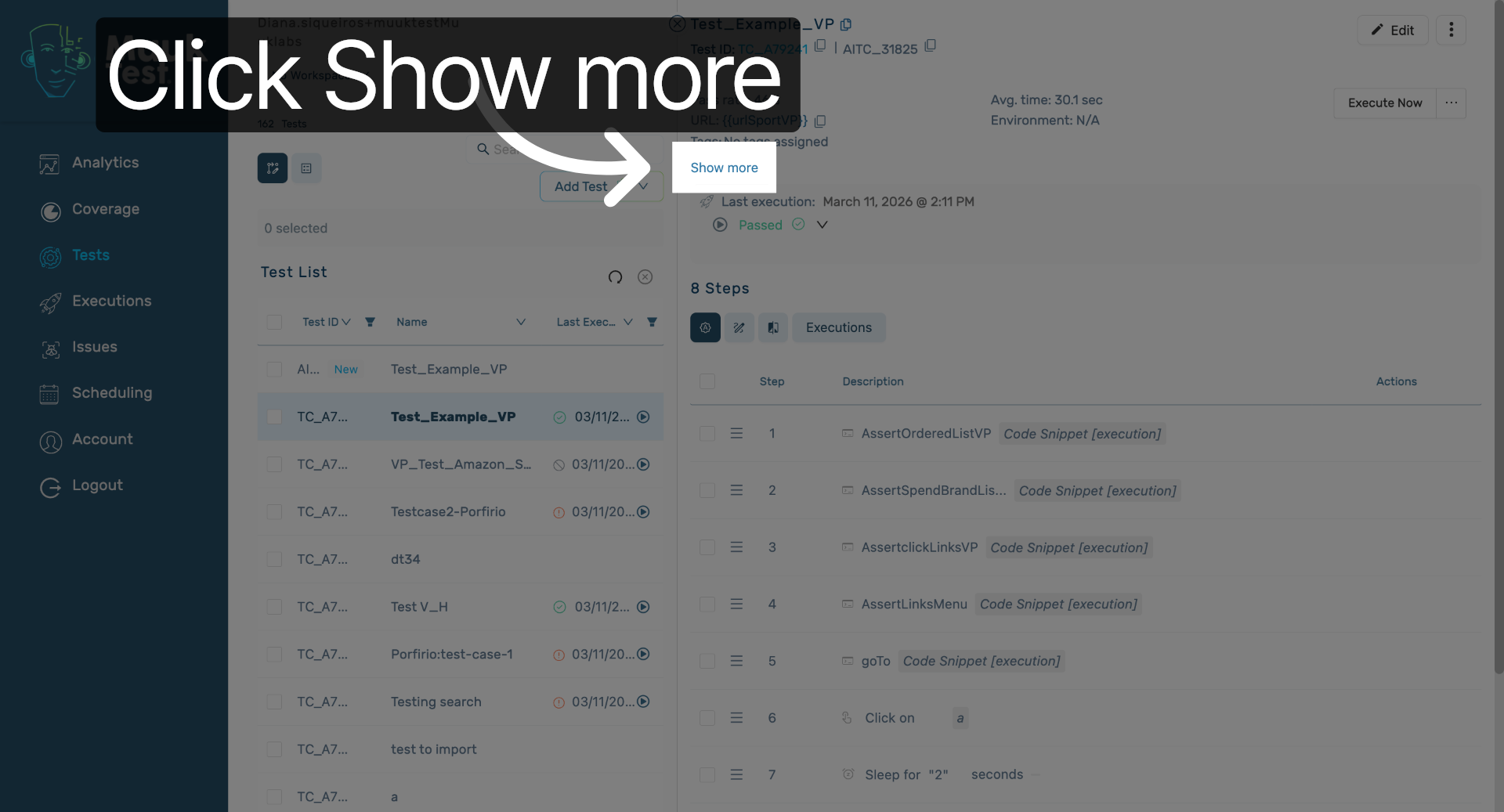
Click the Show more button to reveal further test information.
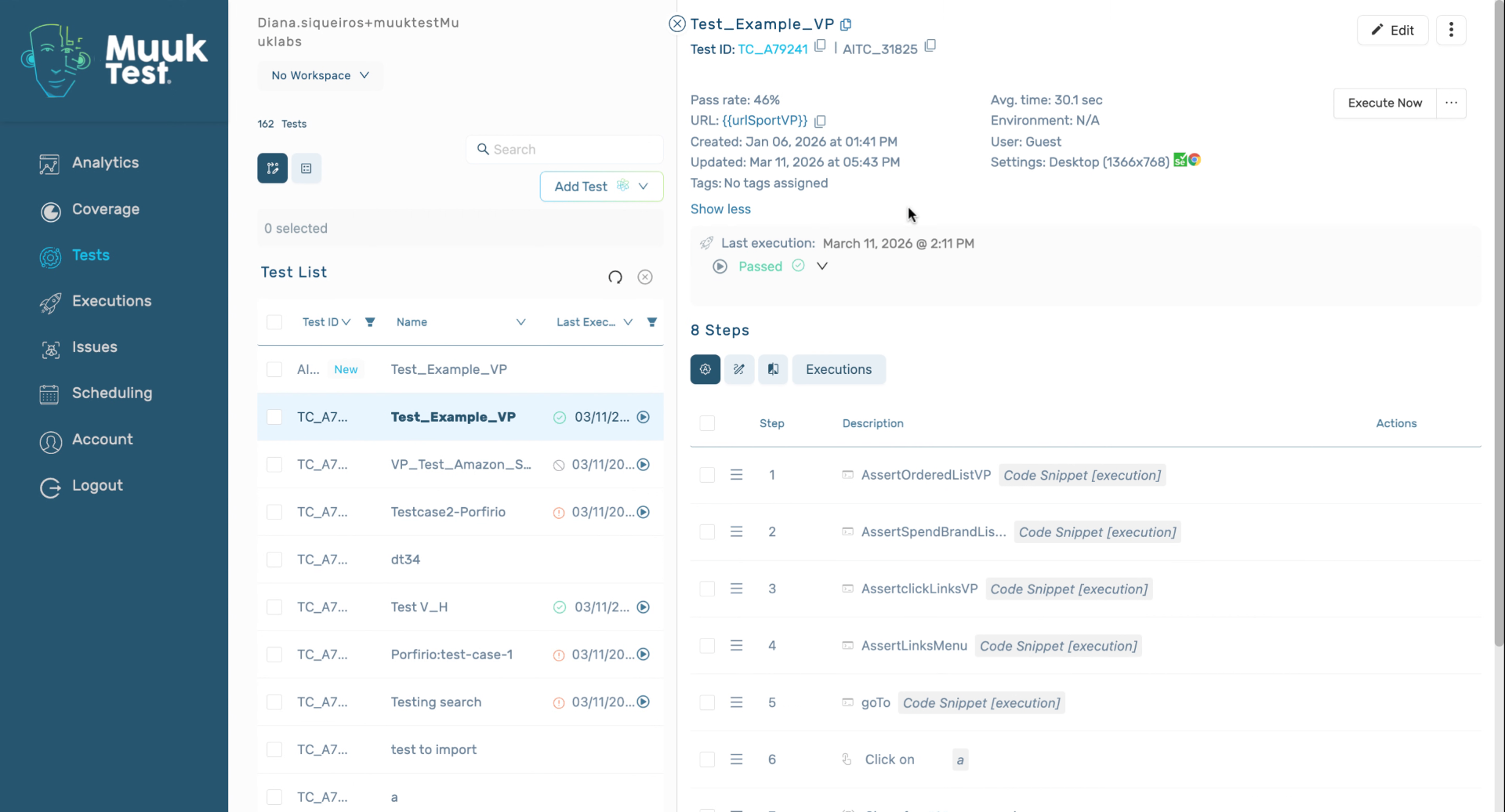
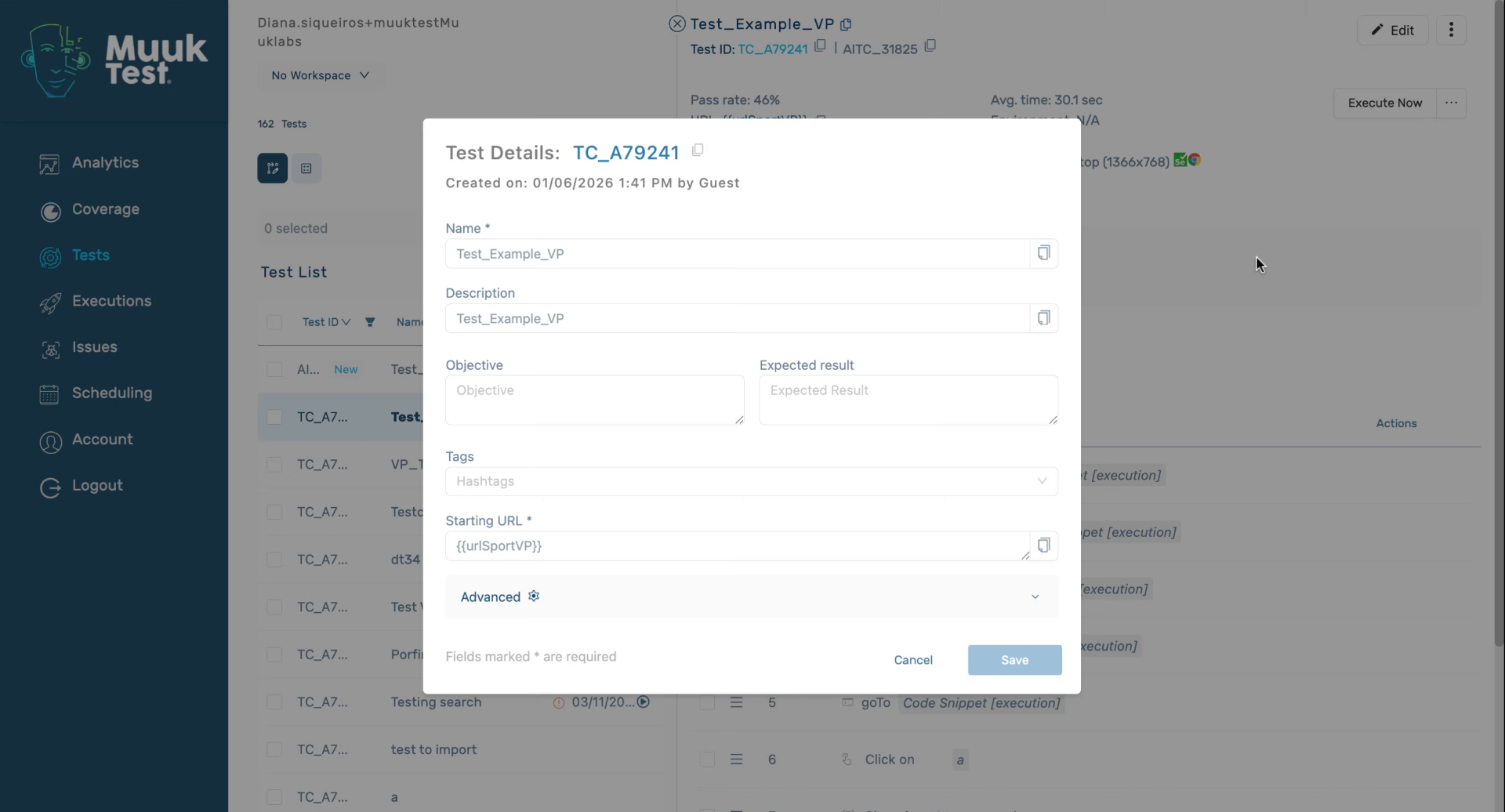
5. Review Test Creation And Execution Settings
When it was created, who created it, and our default execution settings, for example, in a desktop screen with Selenium and in Chrome.
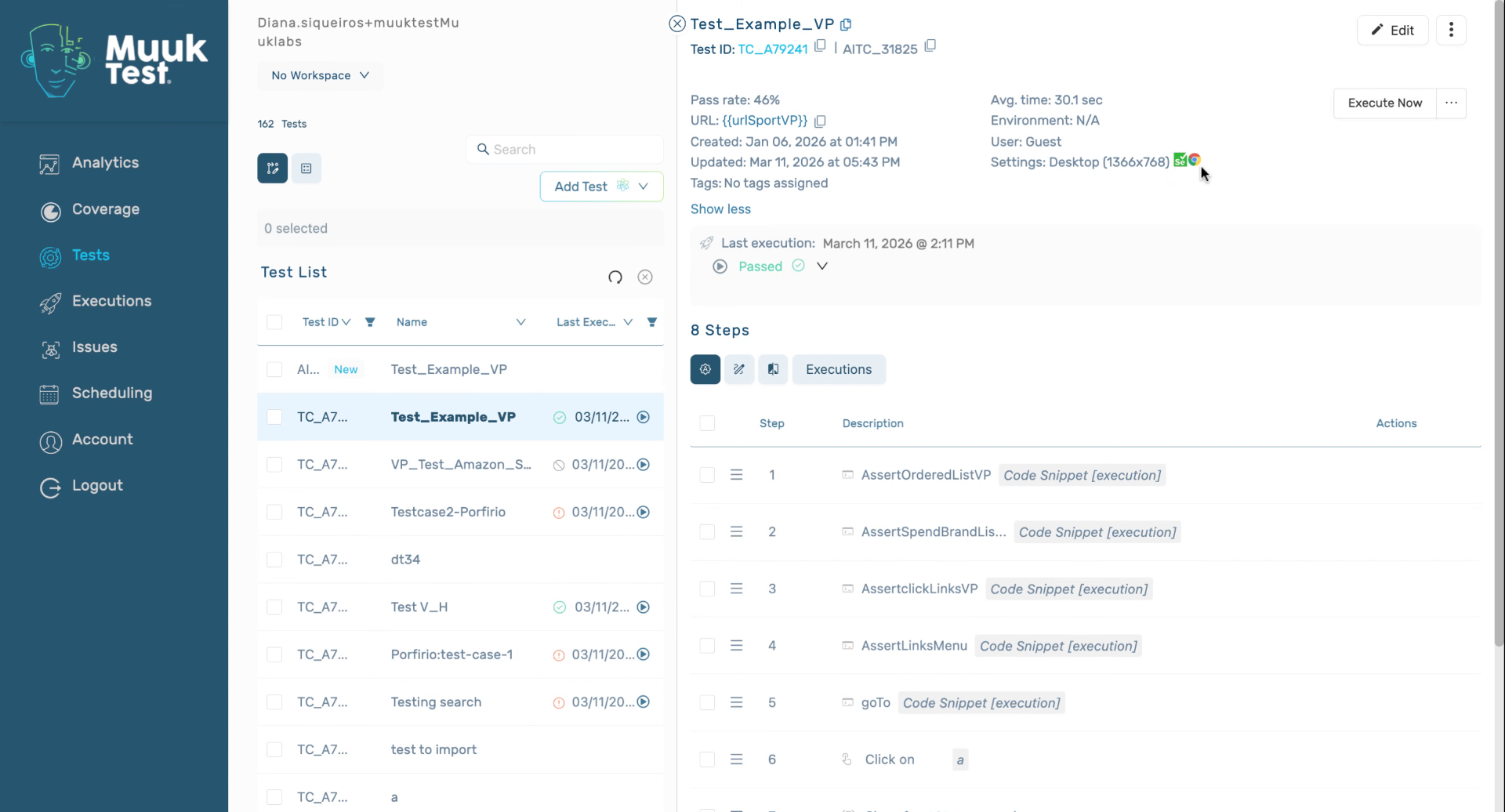
6. Check Hashtags And Execution Status
7. Edit Test Details
8. Closing Remarks
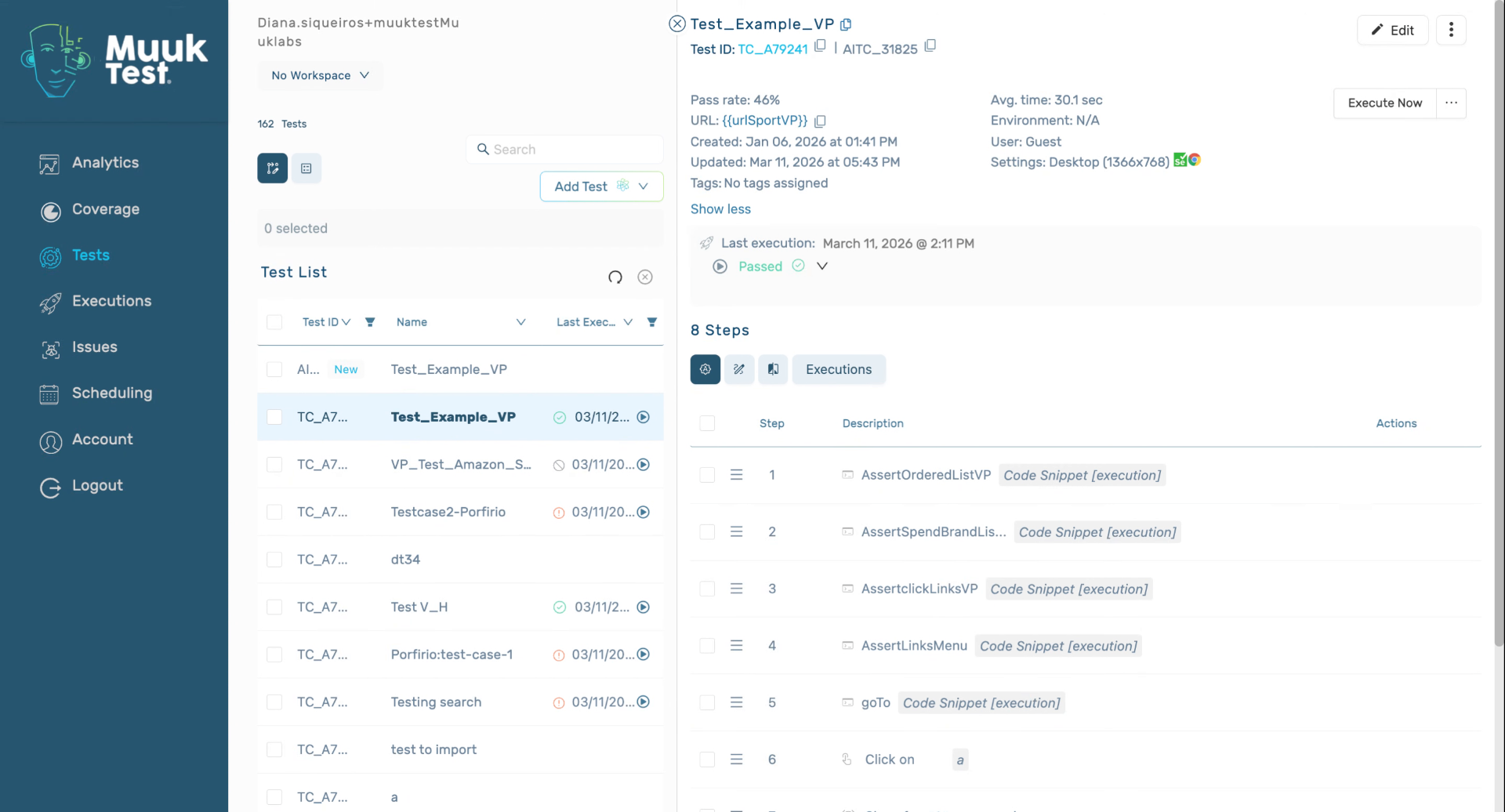
You have successfully learned how to view and edit detailed test information, including execution settings, hashtags, and status. Next, explore advanced test configuration options or test execution reports for deeper insights.
Comments
0 comments
Please sign in to leave a comment.