

This tutorial teaches you how to schedule automated tests using MuukTest. You will learn to configure schedules, use test groups, and enable reporting for efficient test execution.
Go to portal.muuktest.com:5000
1. Introduction To Test Scheduling
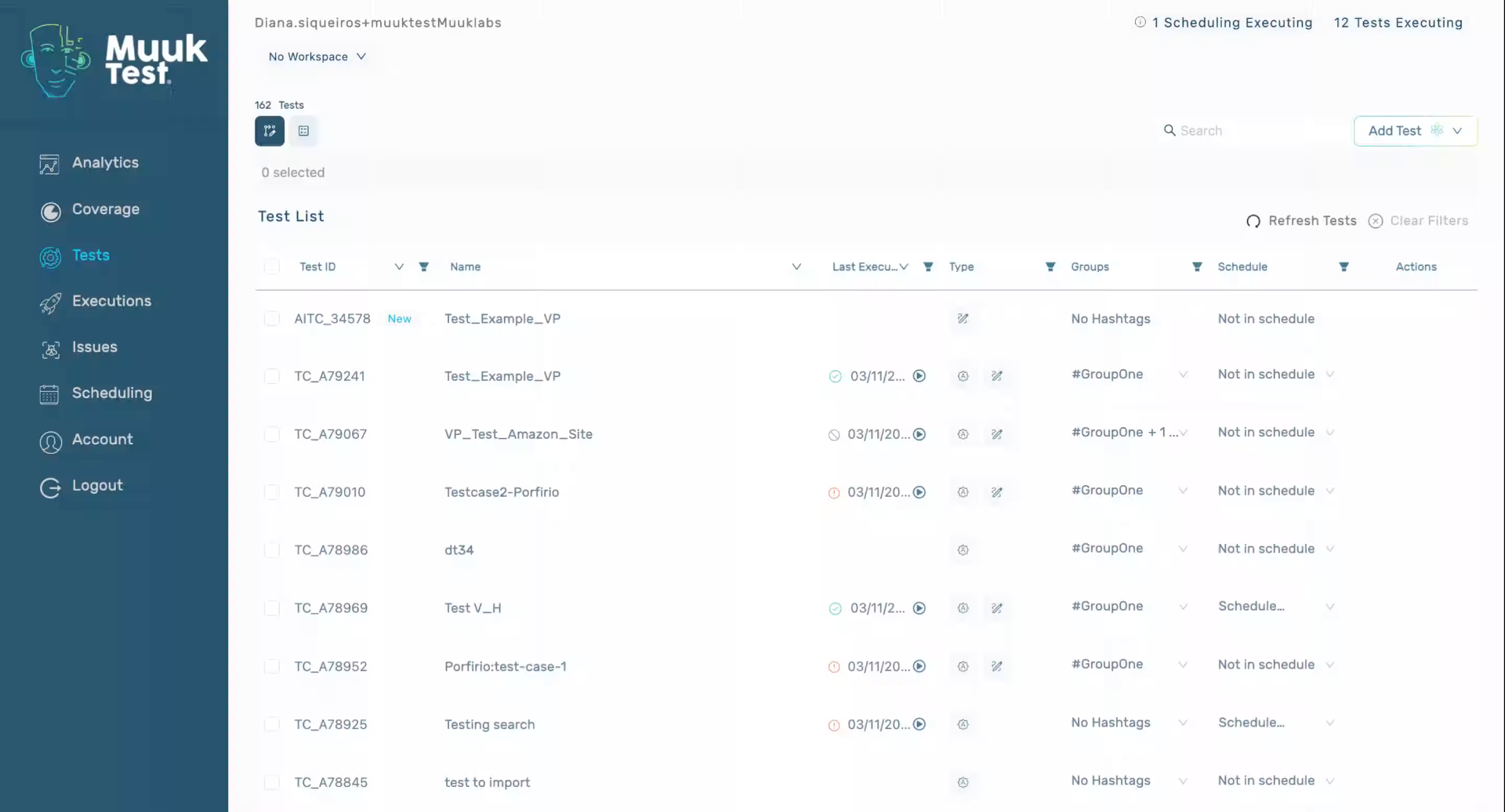
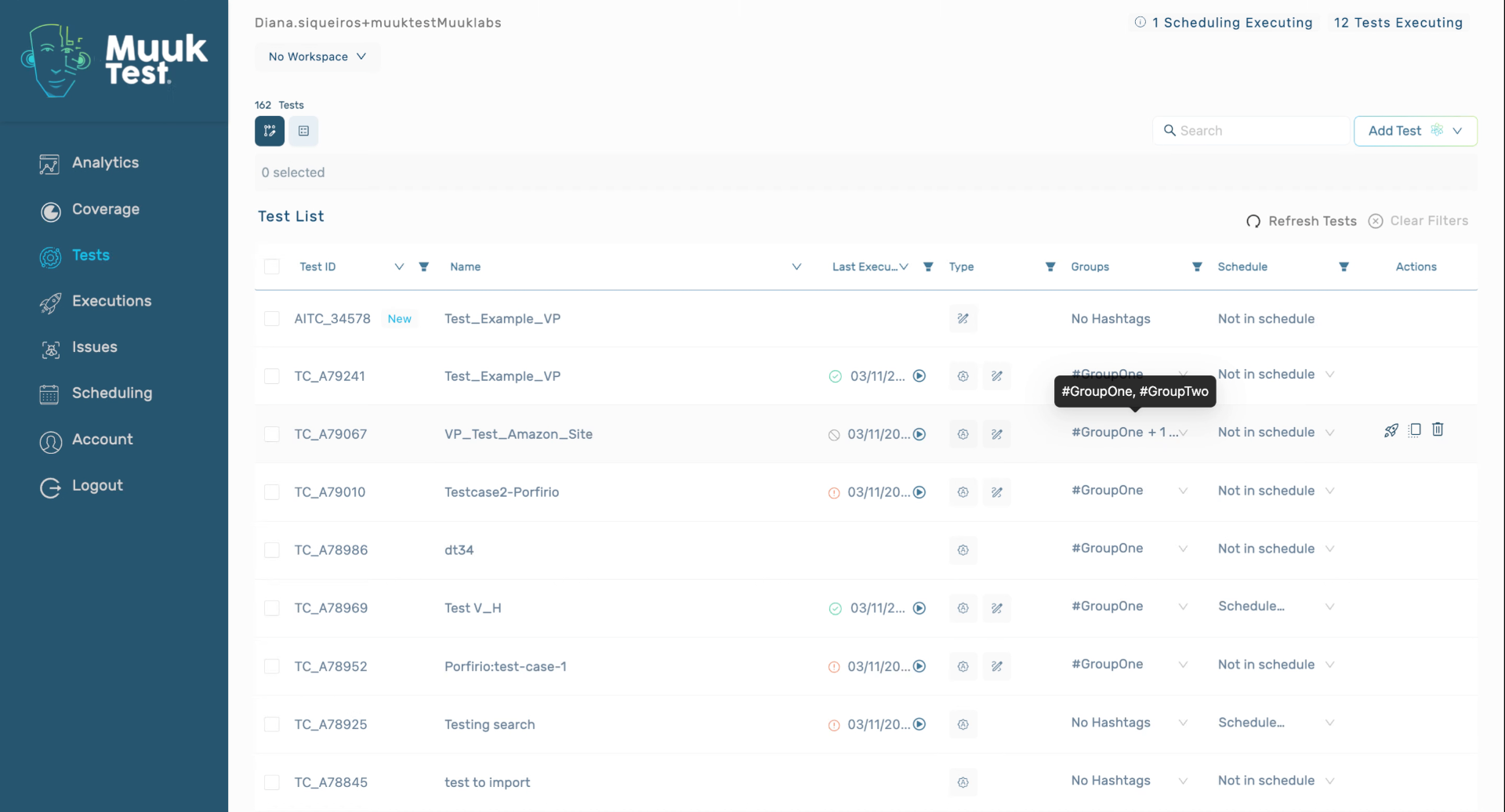
2. Explain Using Groups For Parallel Tests
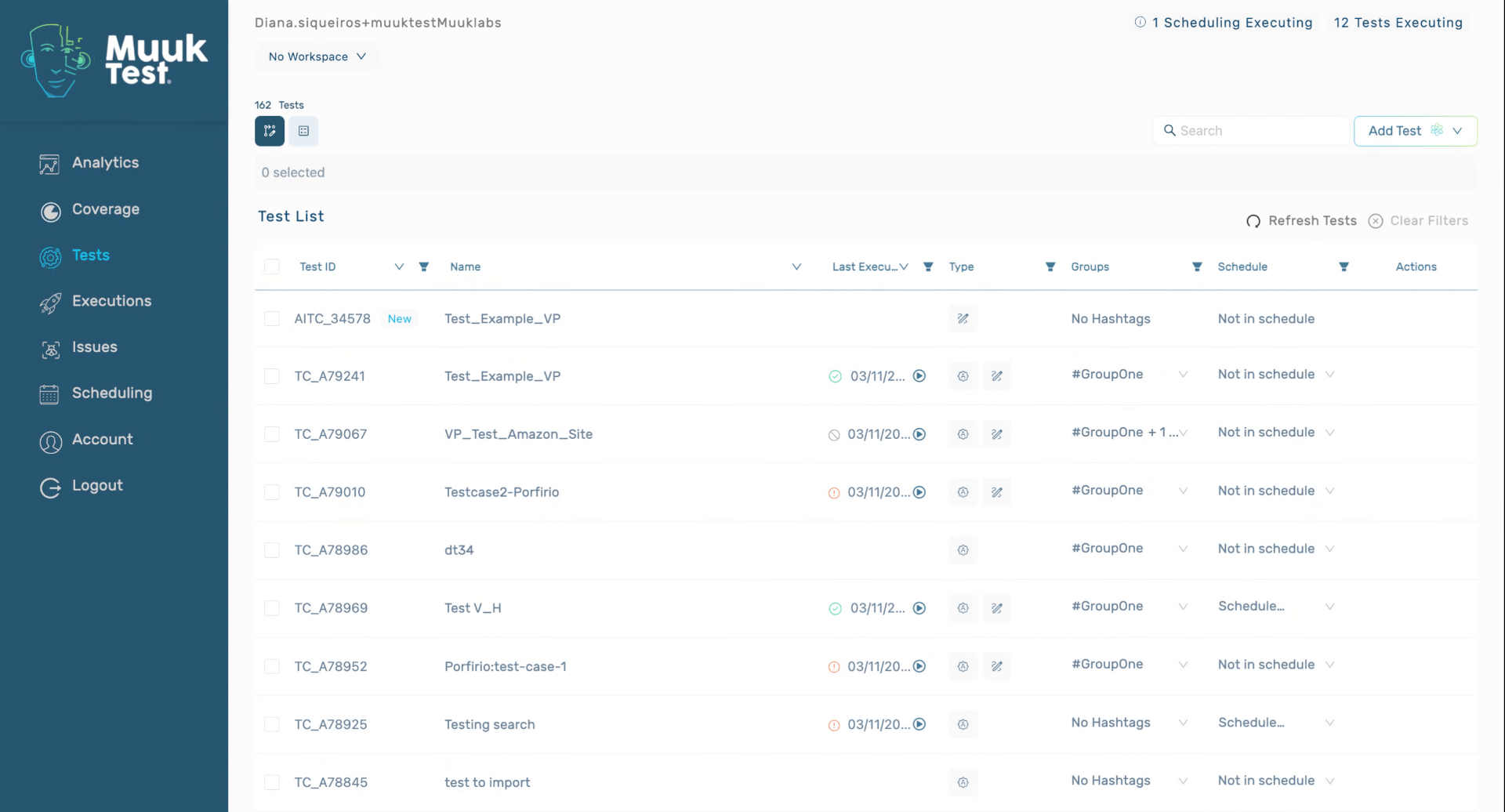
3. Schedule Tests Using Groups
4. Access Scheduling View
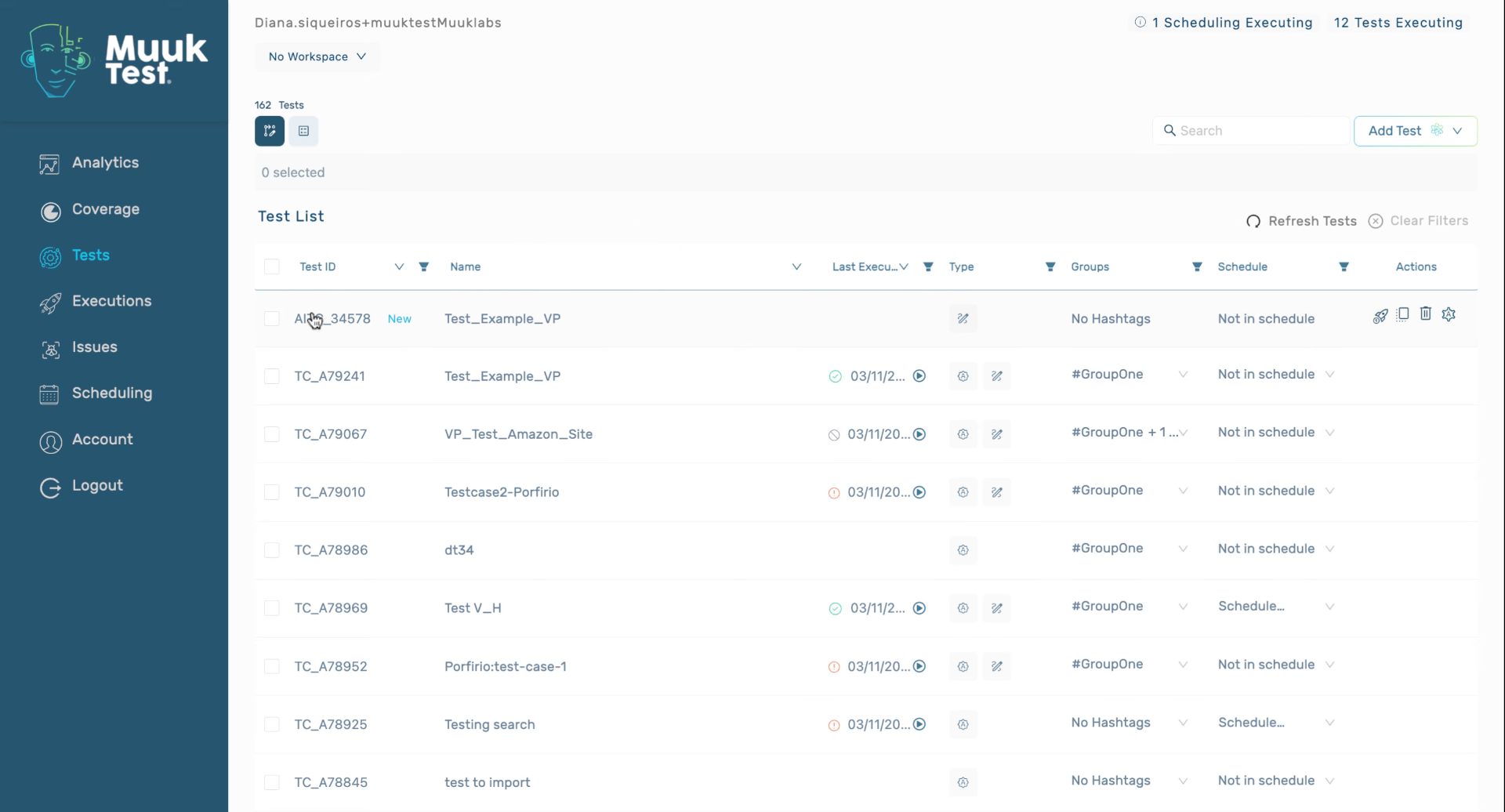
5. Create New Schedule
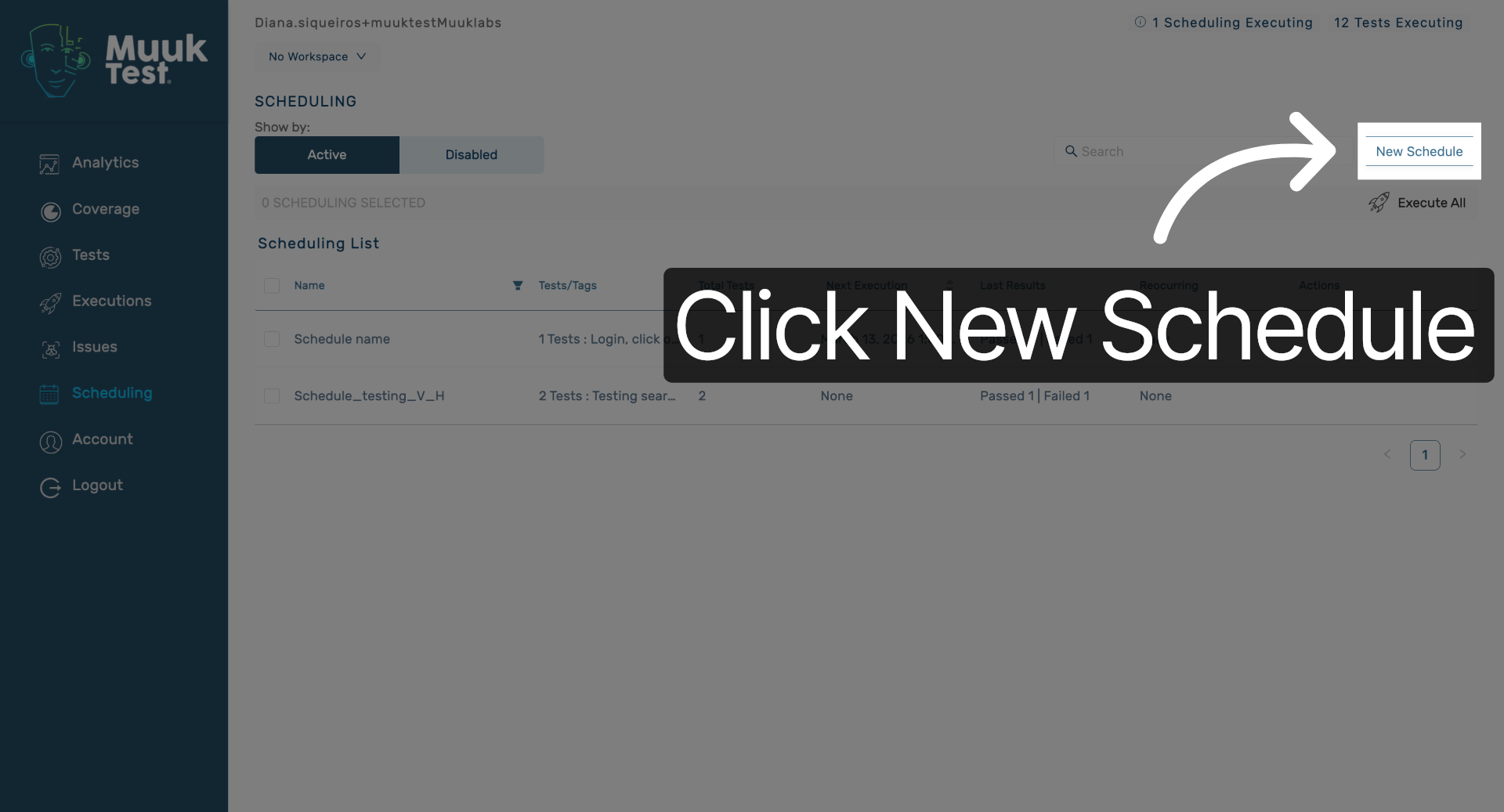
Click the New Schedule button to start creating a new test schedule in MuukTest.
6. Enter Schedule Name
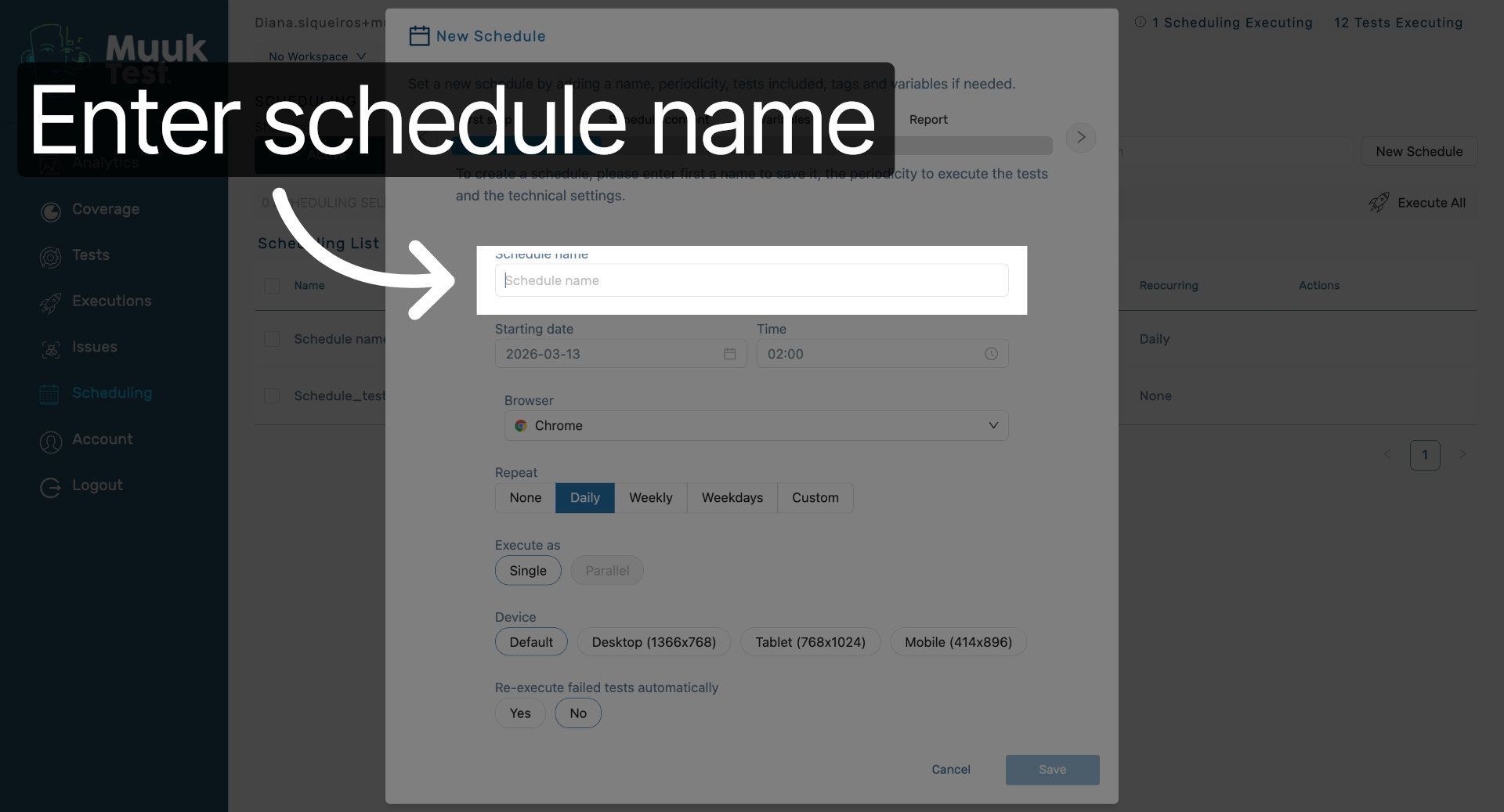
Click the Schedule name field to enter a name for your new test schedule.
7. Set Start Date And Browser
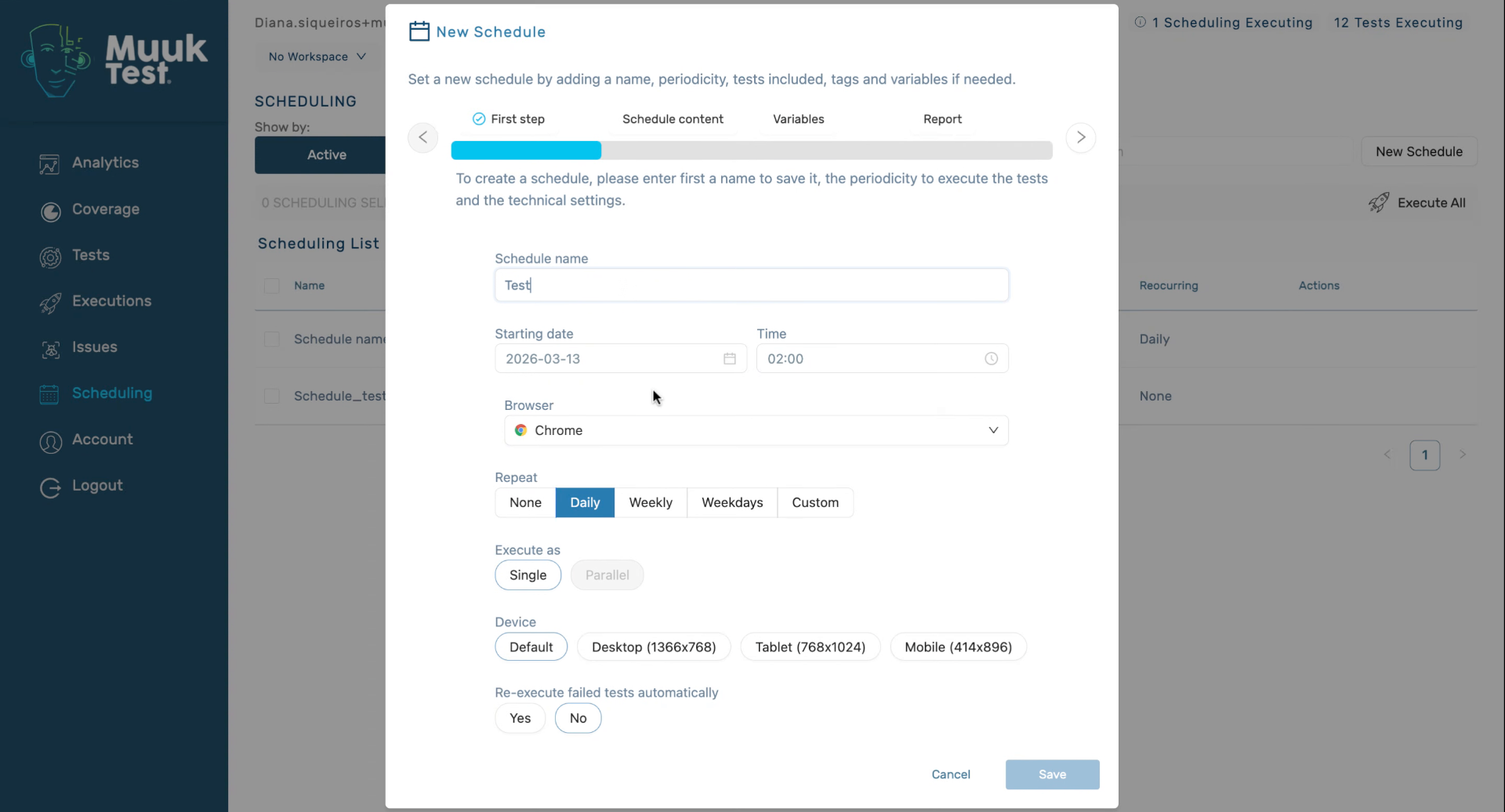
8. Configure Repeat And Execution Options
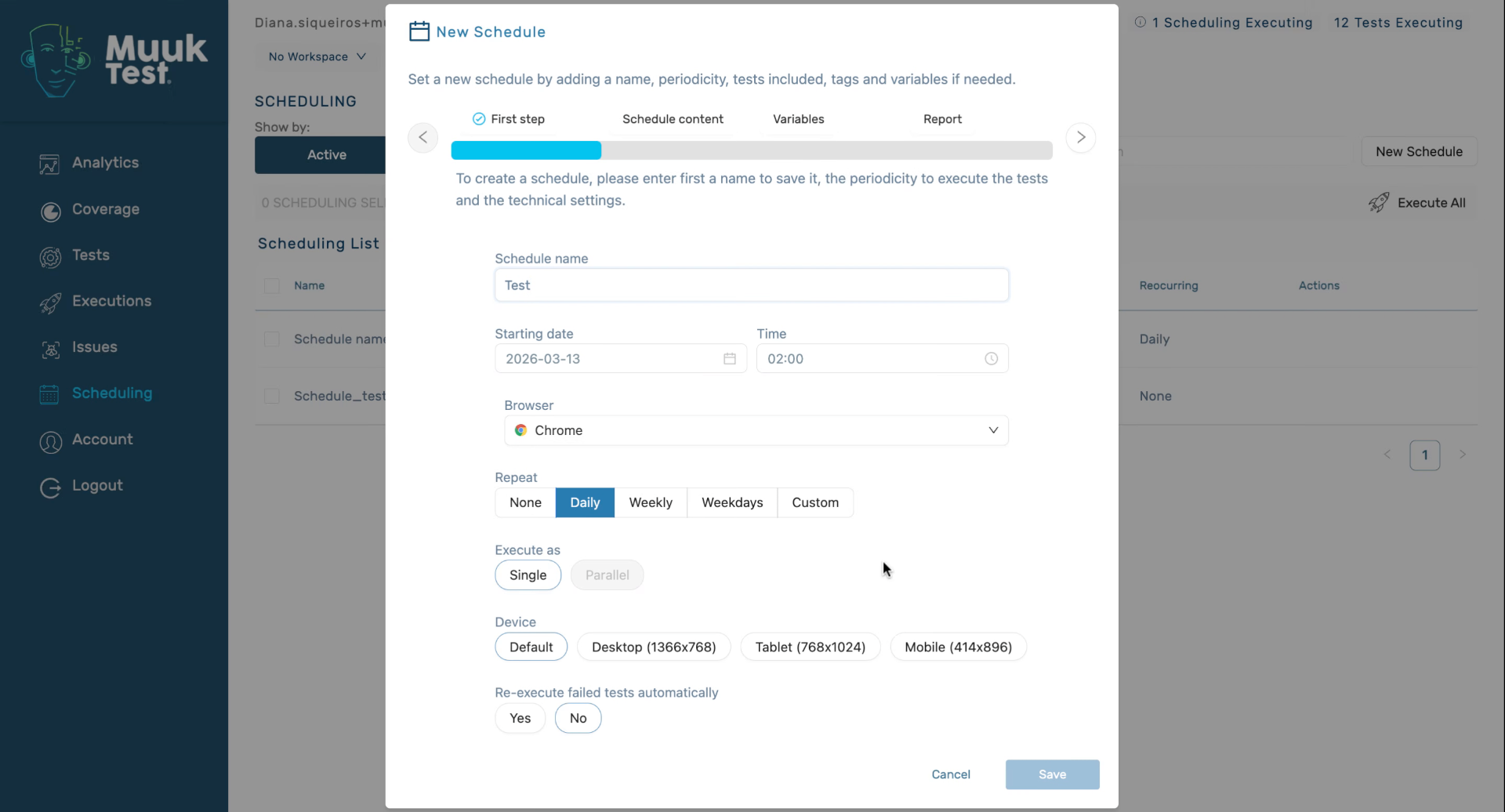
9. Select Device And Retry Settings
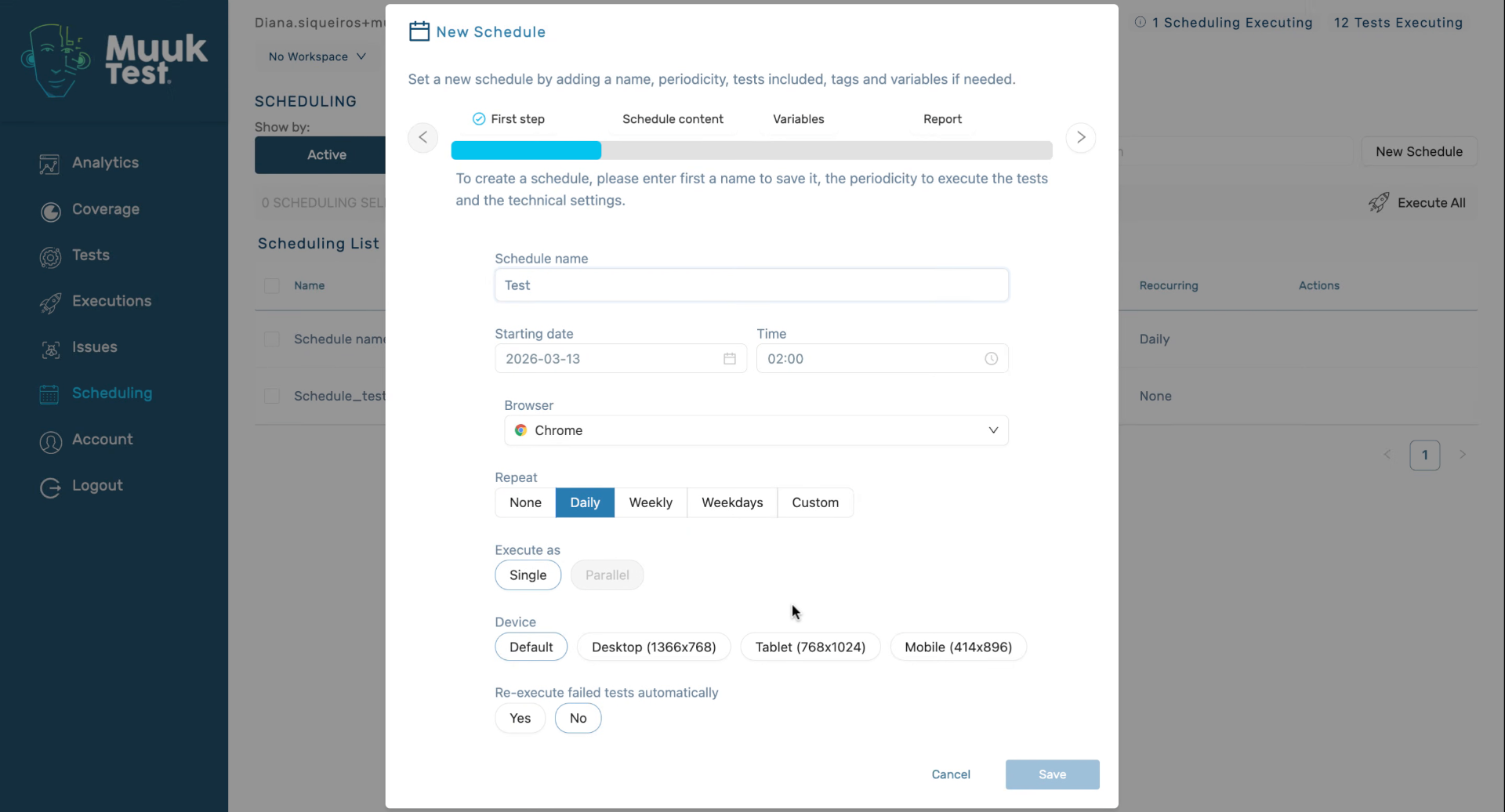
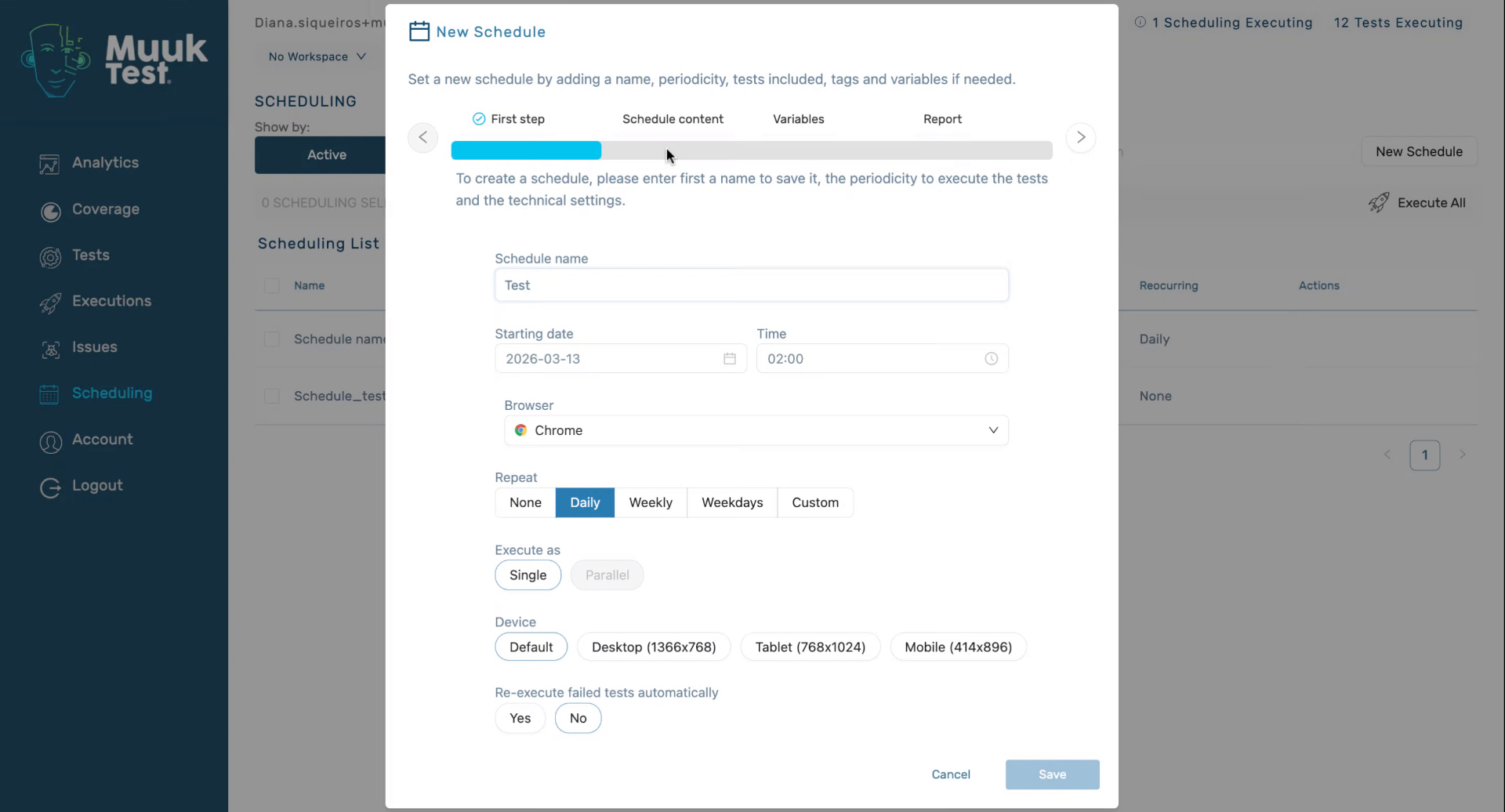
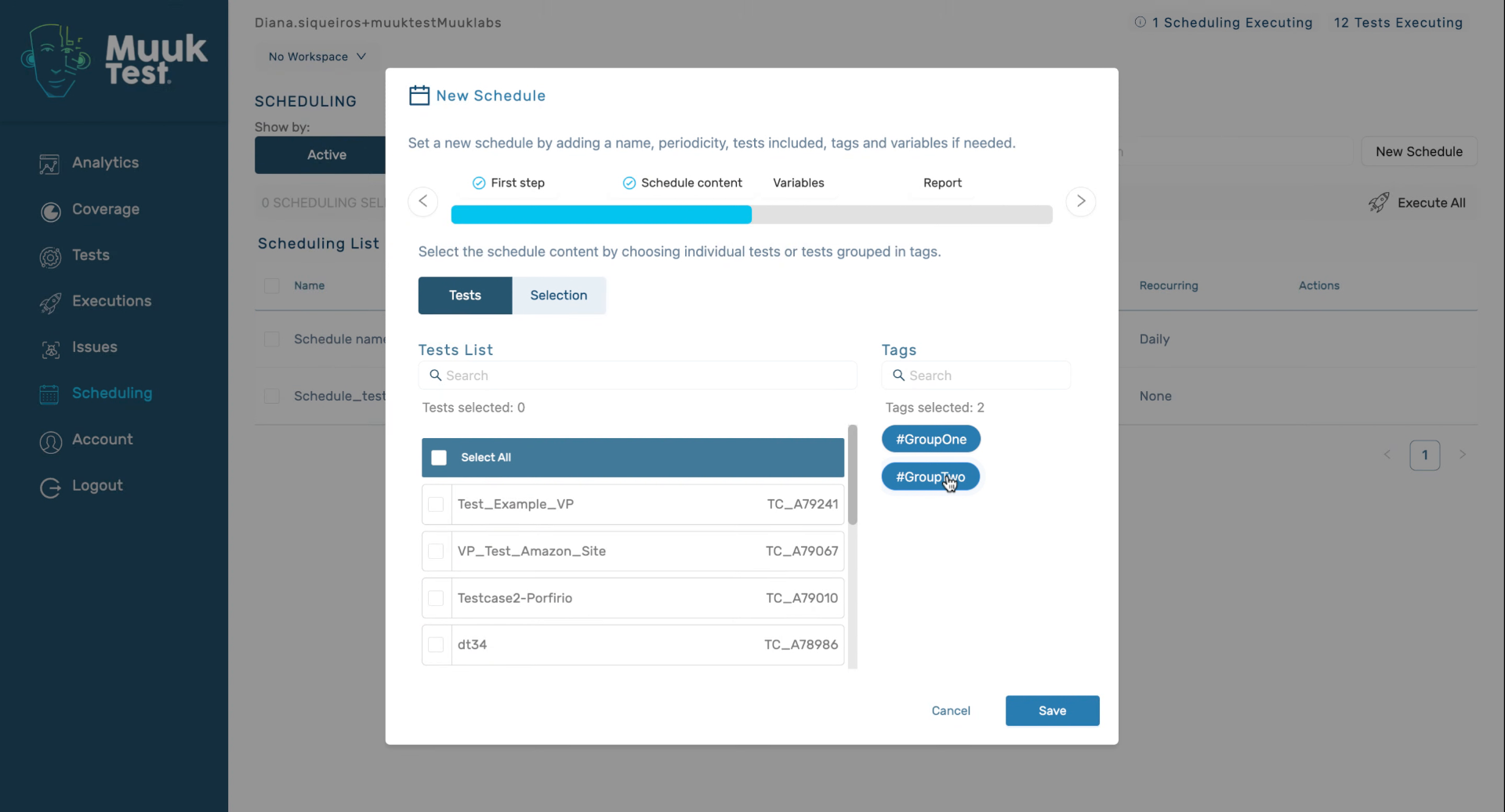
10. Schedule Content Using Groups
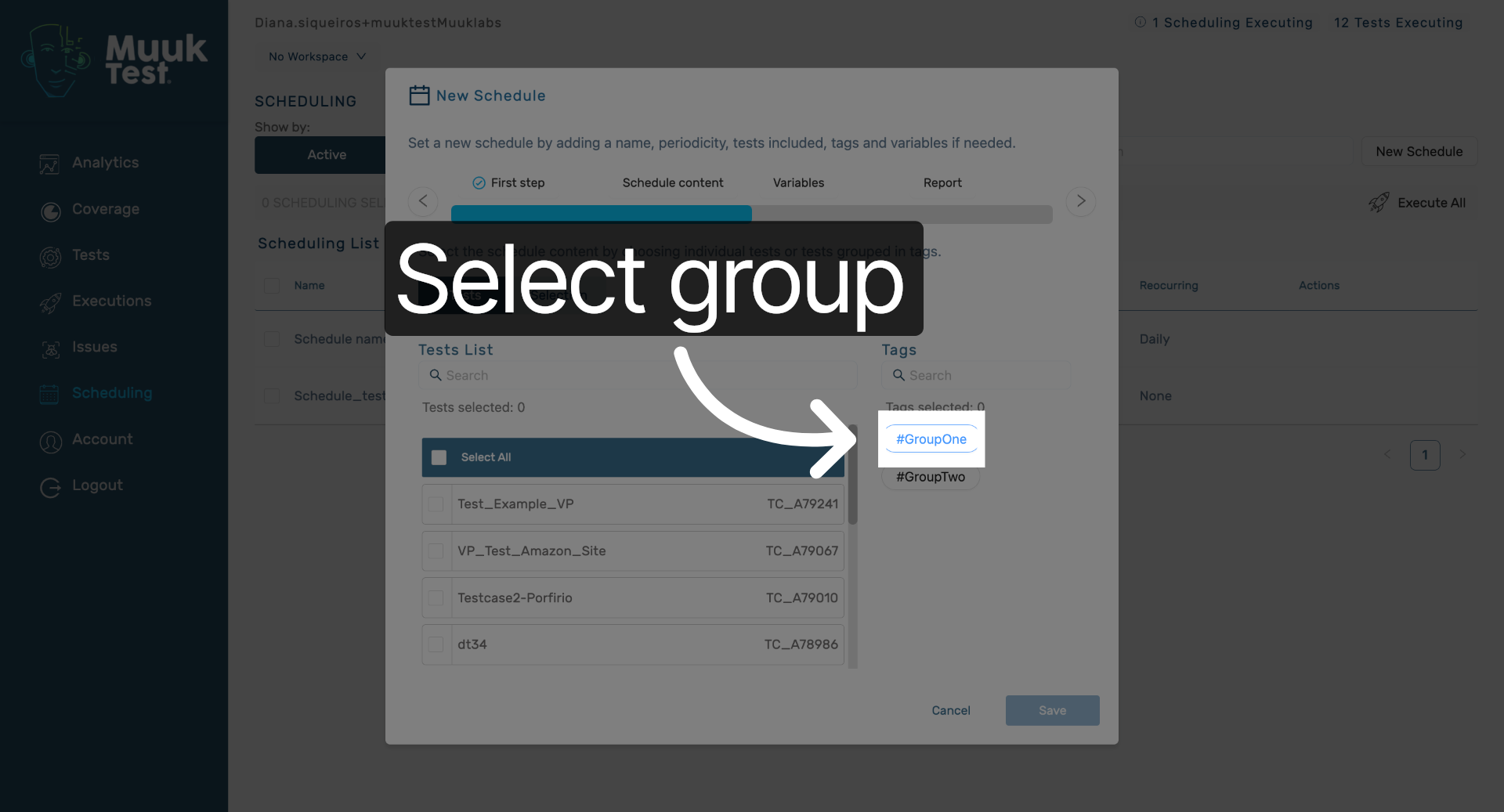
11. Select Group One
Click the Group One to include its tests in the schedule.
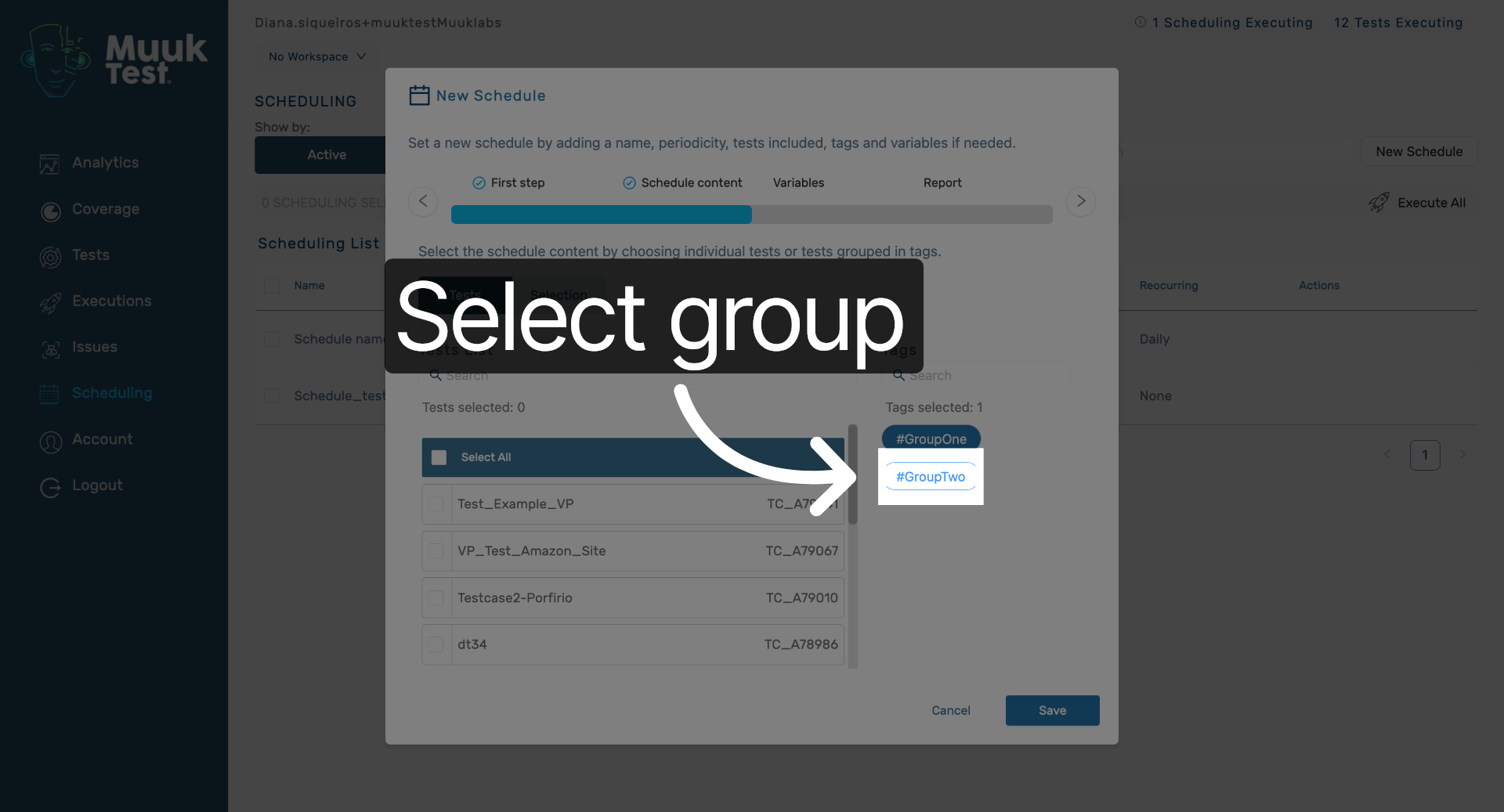
12. Select Group Two
Click the Group Two to include its tests in the schedule.
13. Include Tests From Groups
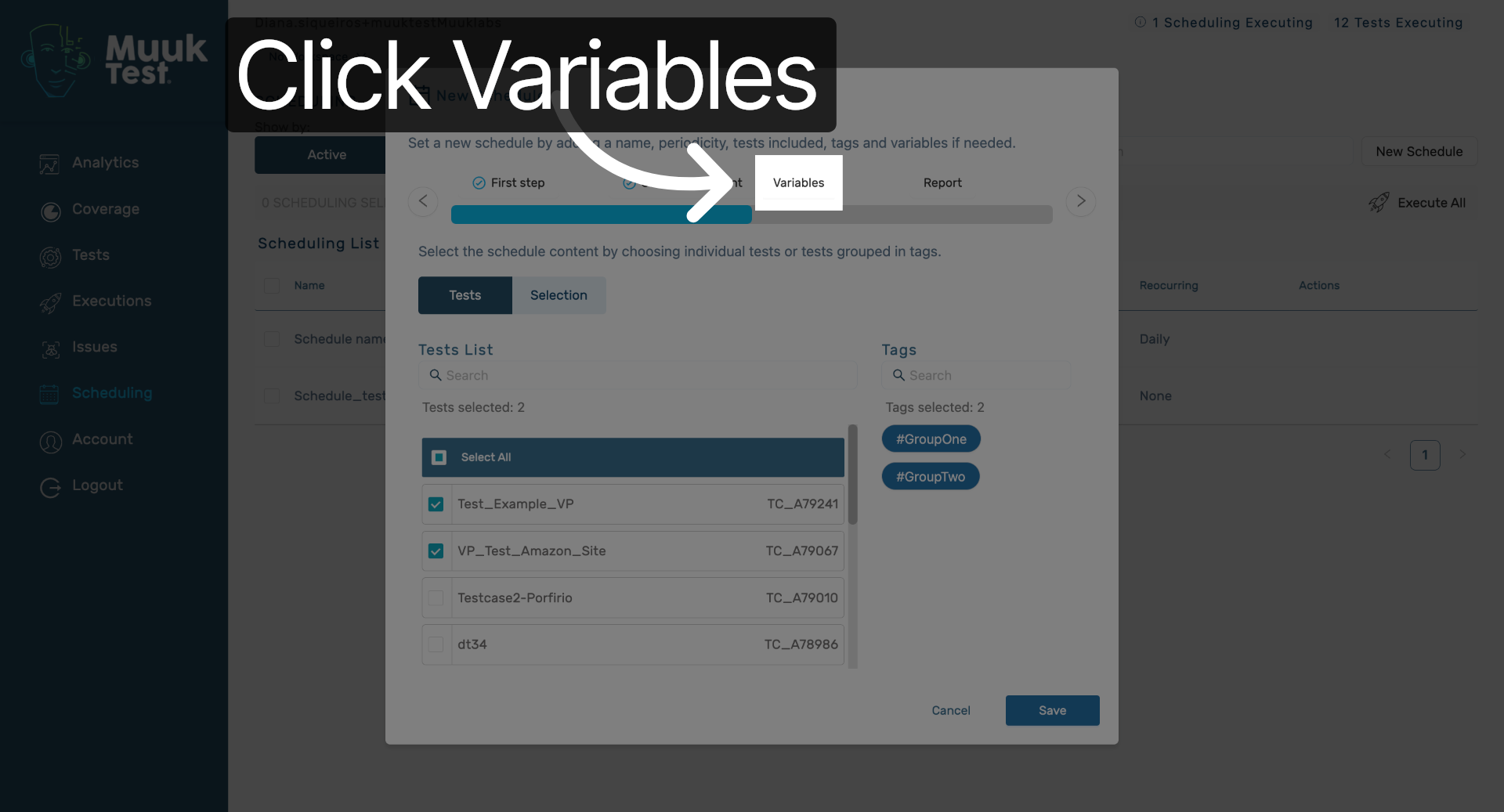
14. Open Variables Tab
Click the Variables tab to manage global variables for your test schedule.
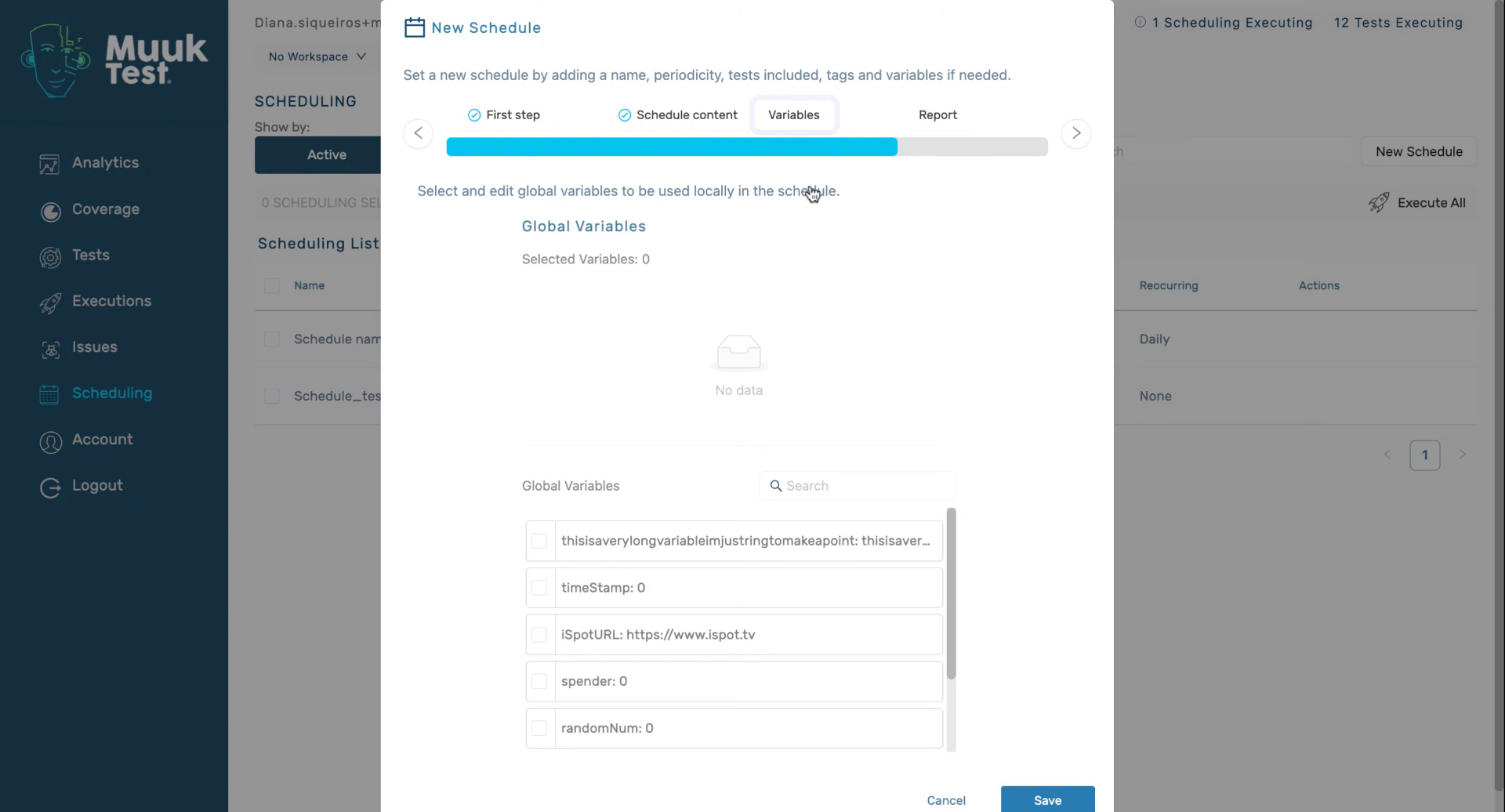
15. Add Global Variables
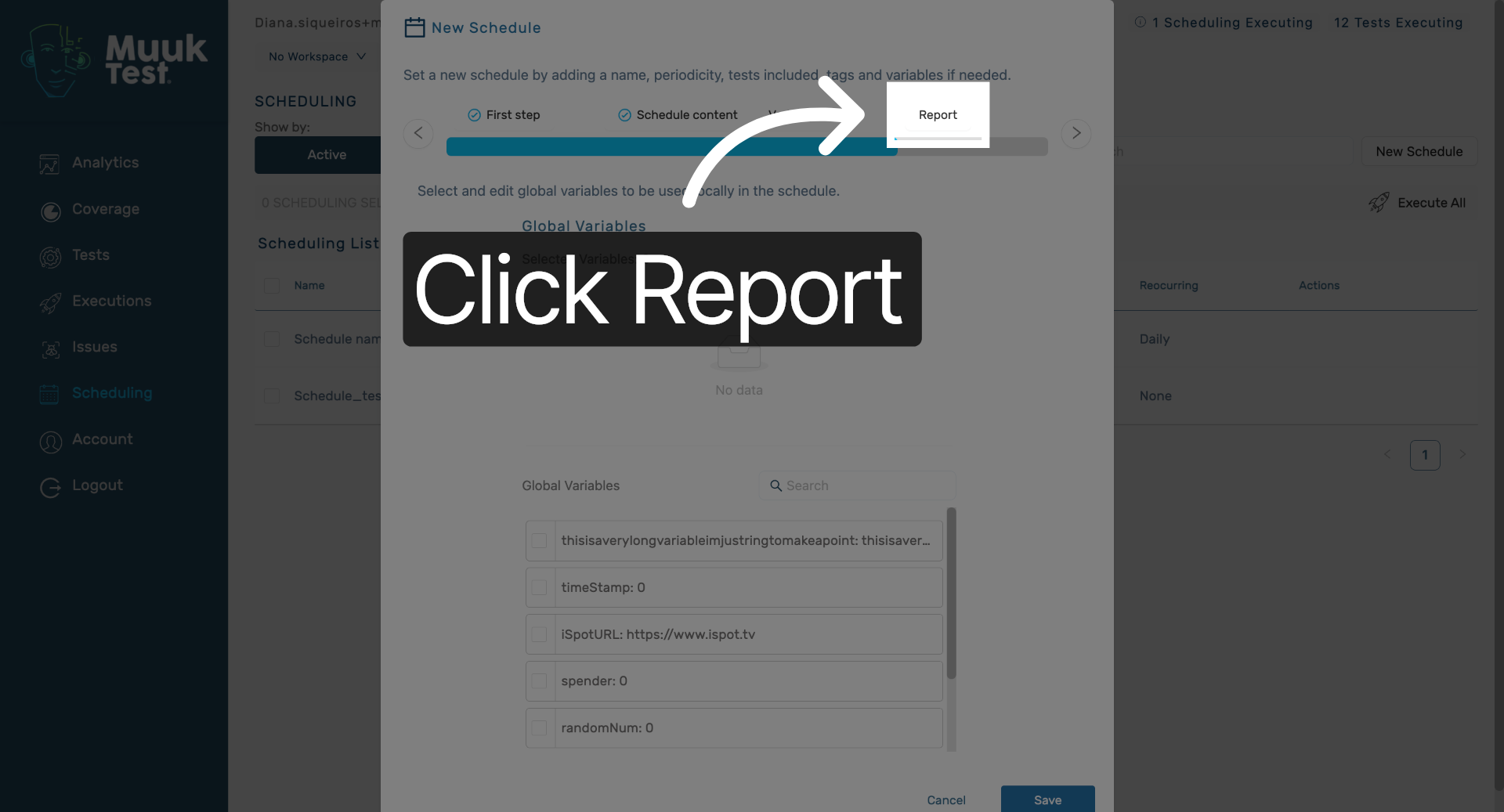
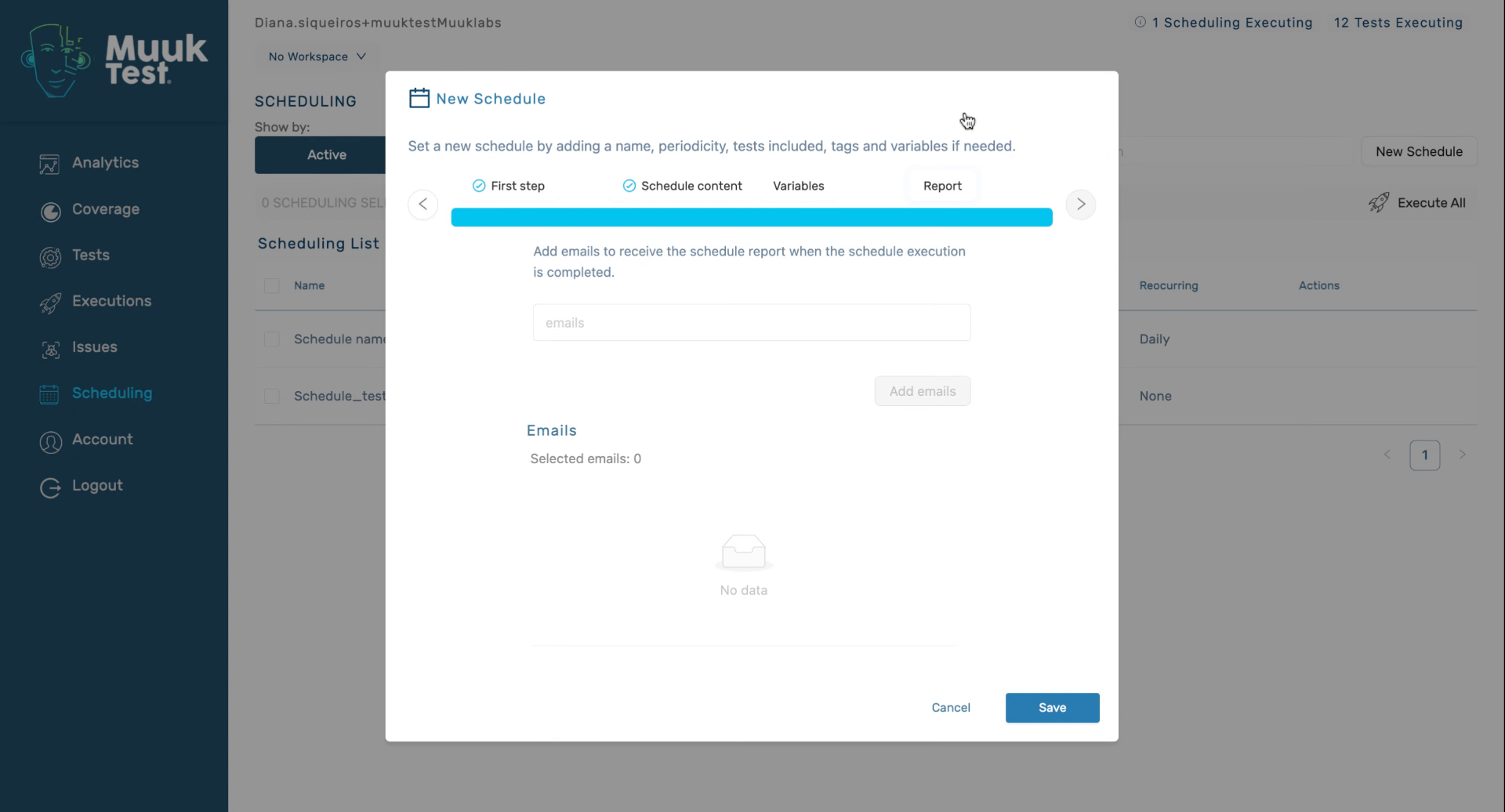
16. Open Report Settings
Click the Report tab to configure report options for your schedule.
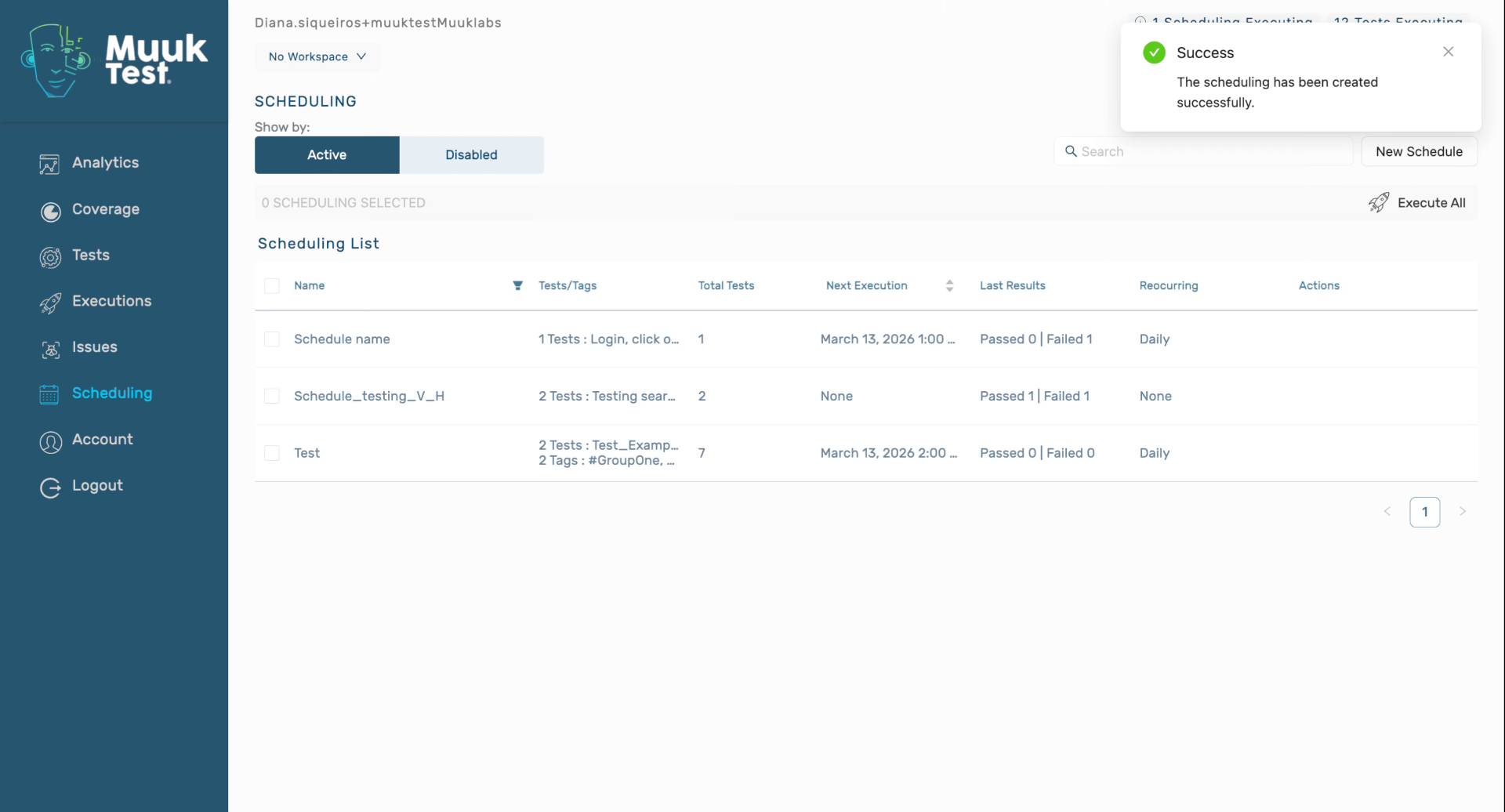
17. Enable Reports And Save Schedule
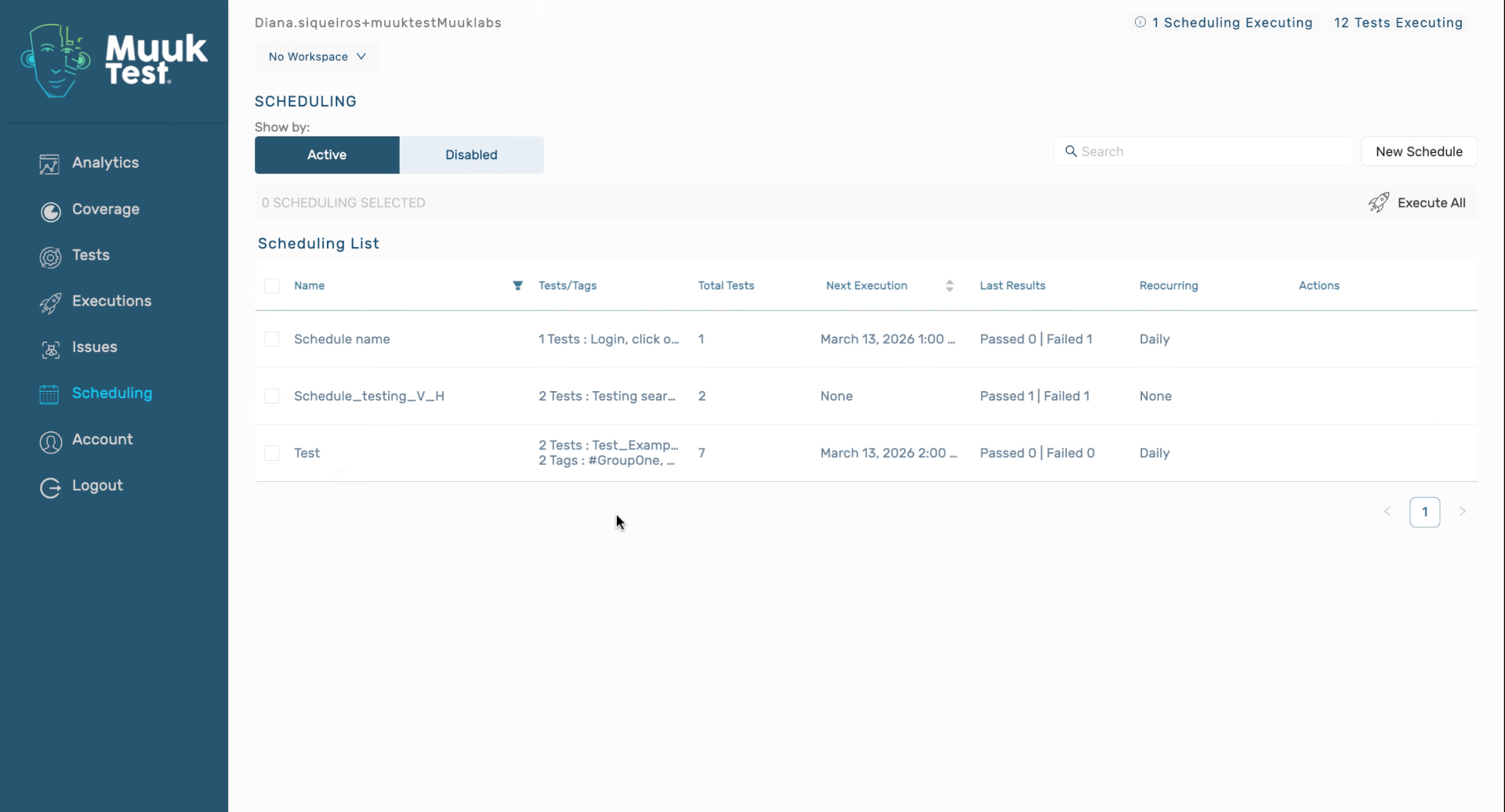
18. Review Schedule Execution Time
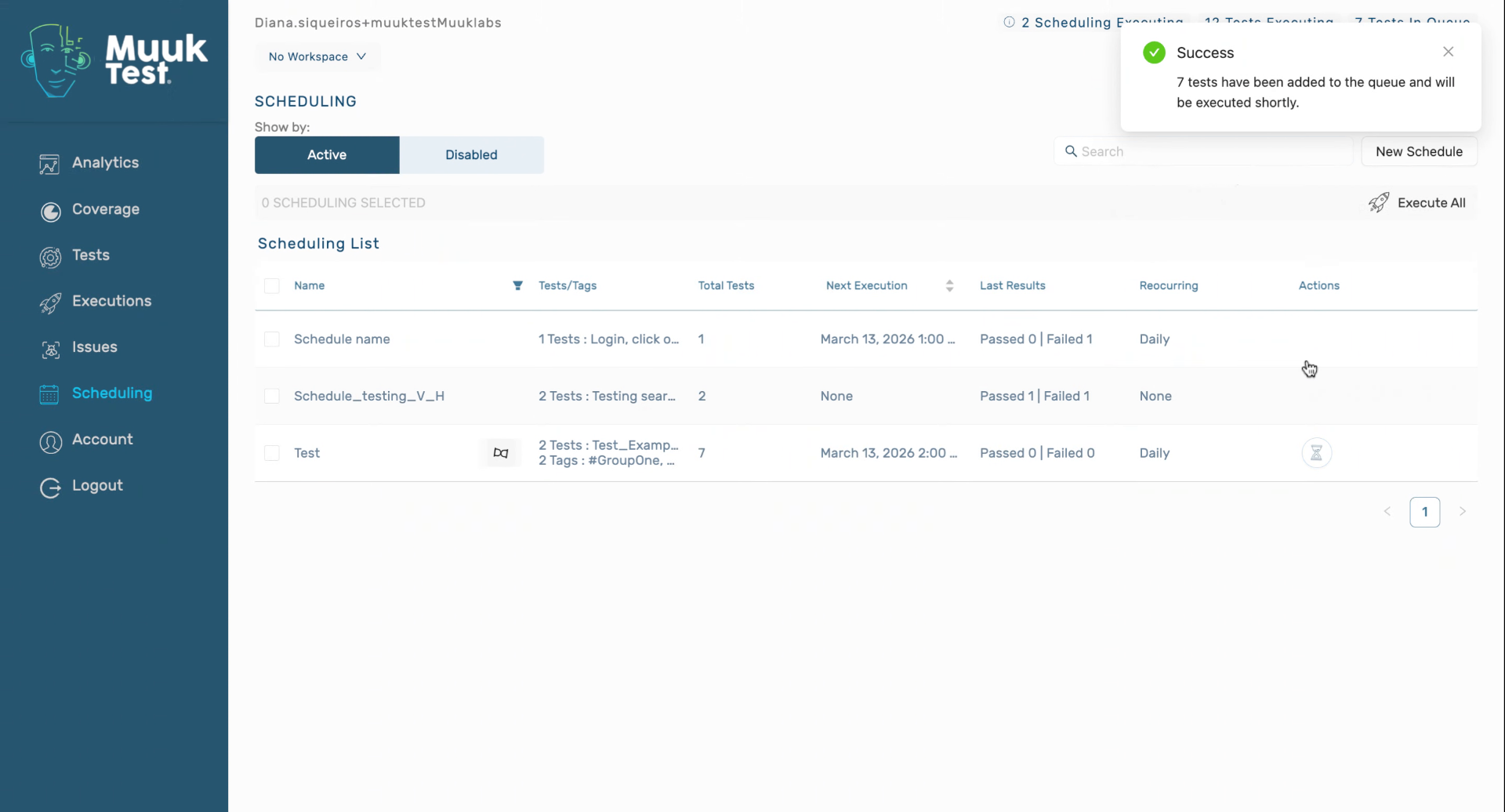
19. Manual Execution And Report Options
20. Closing Remarks
You have successfully scheduled tests using groups, configured execution options, and enabled reporting in MuukTest. You can now monitor scheduled test runs and adjust settings as needed.
Comments
0 comments
Please sign in to leave a comment.