

This tutorial guides you through performing search operations within the MuukTest application
Go to portal.muuktest.com:5000
1. Introduction
You will learn how to initiate a search and enter your query effectively.
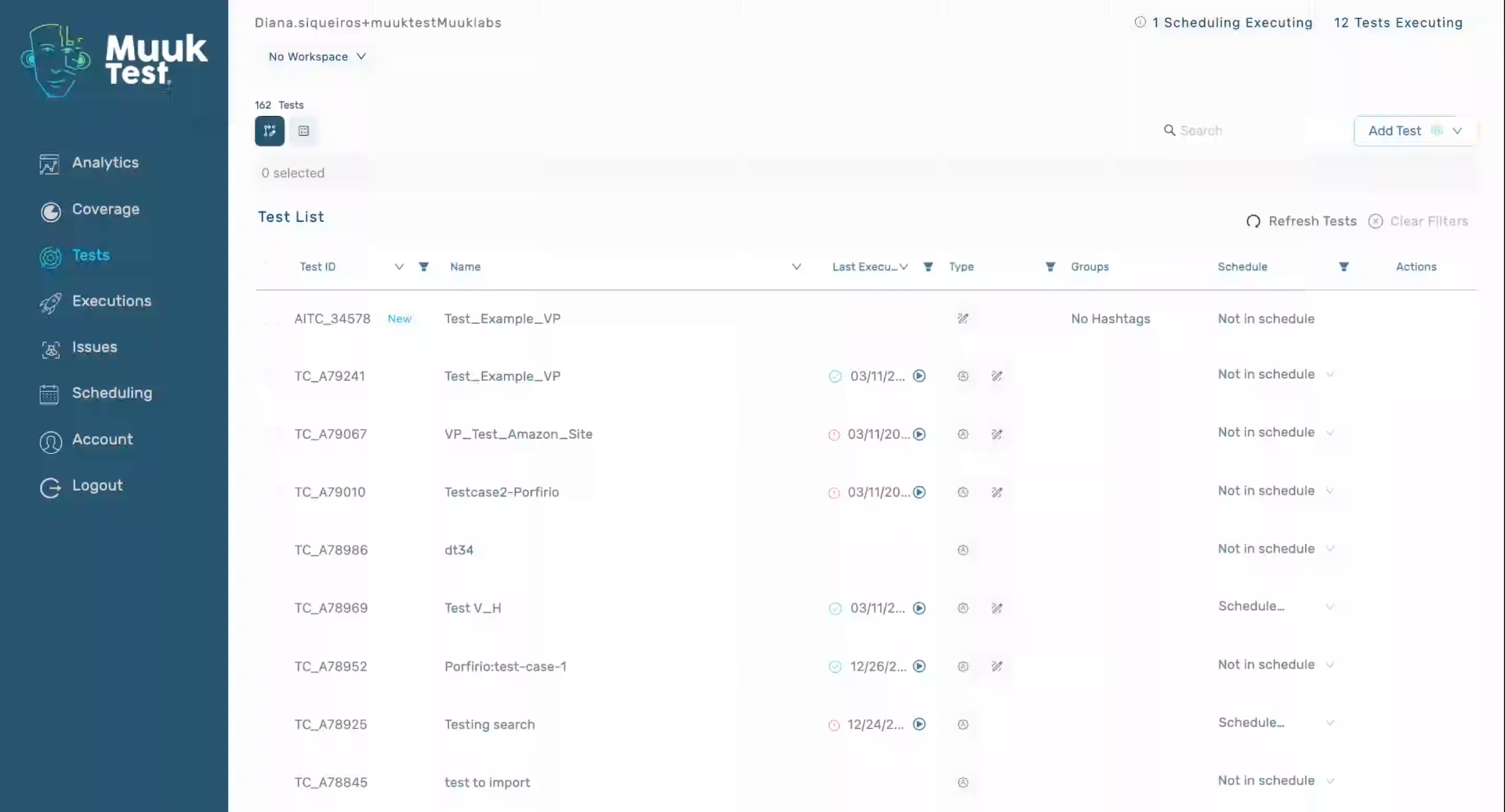
2. Open Search Interface
Click "Search" to open the search interface within the MuukTest application.
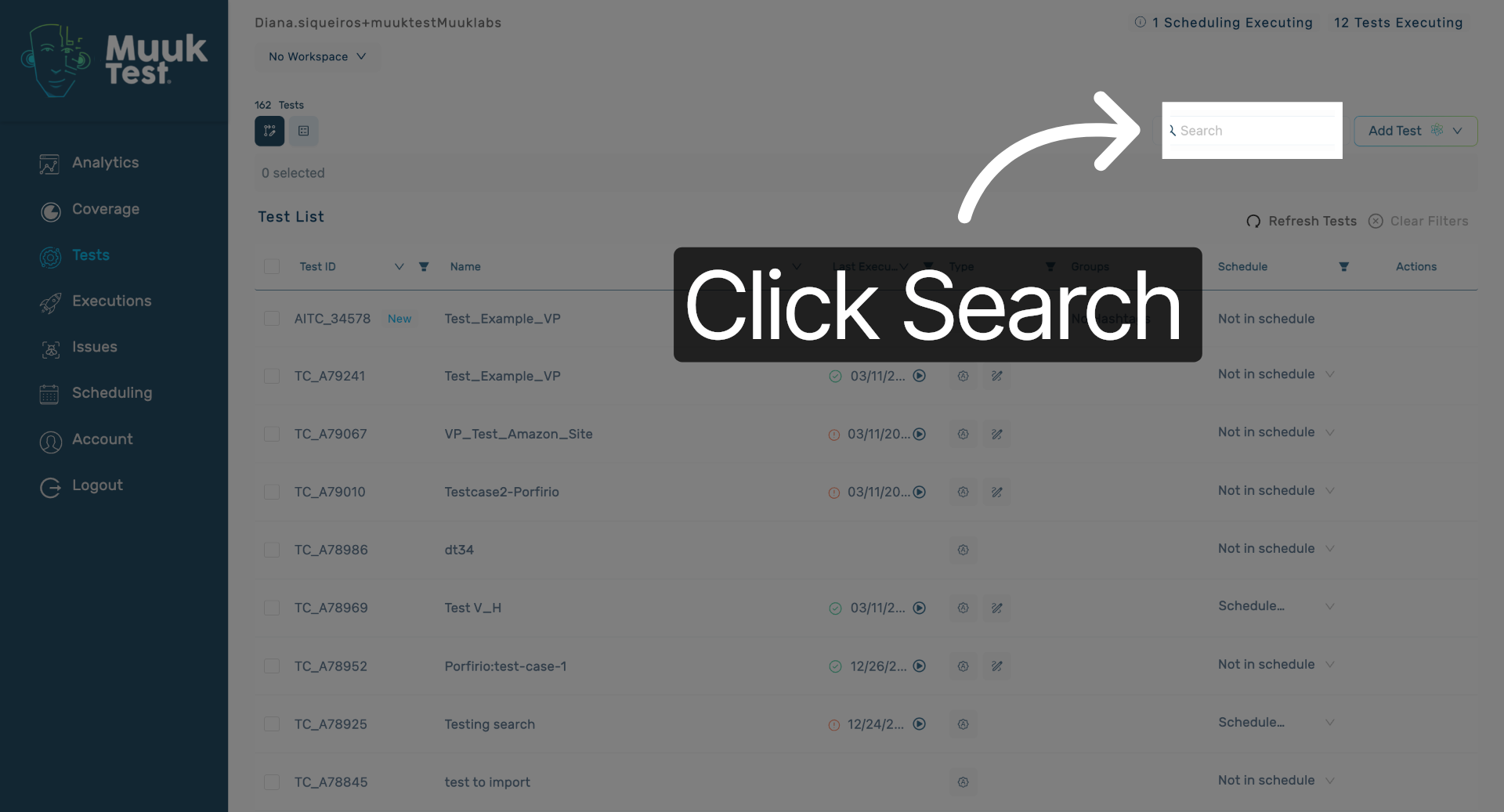
3. Enter Search Query
Fill the search field with either your test ID or test name to find relevant results in MuukTest.
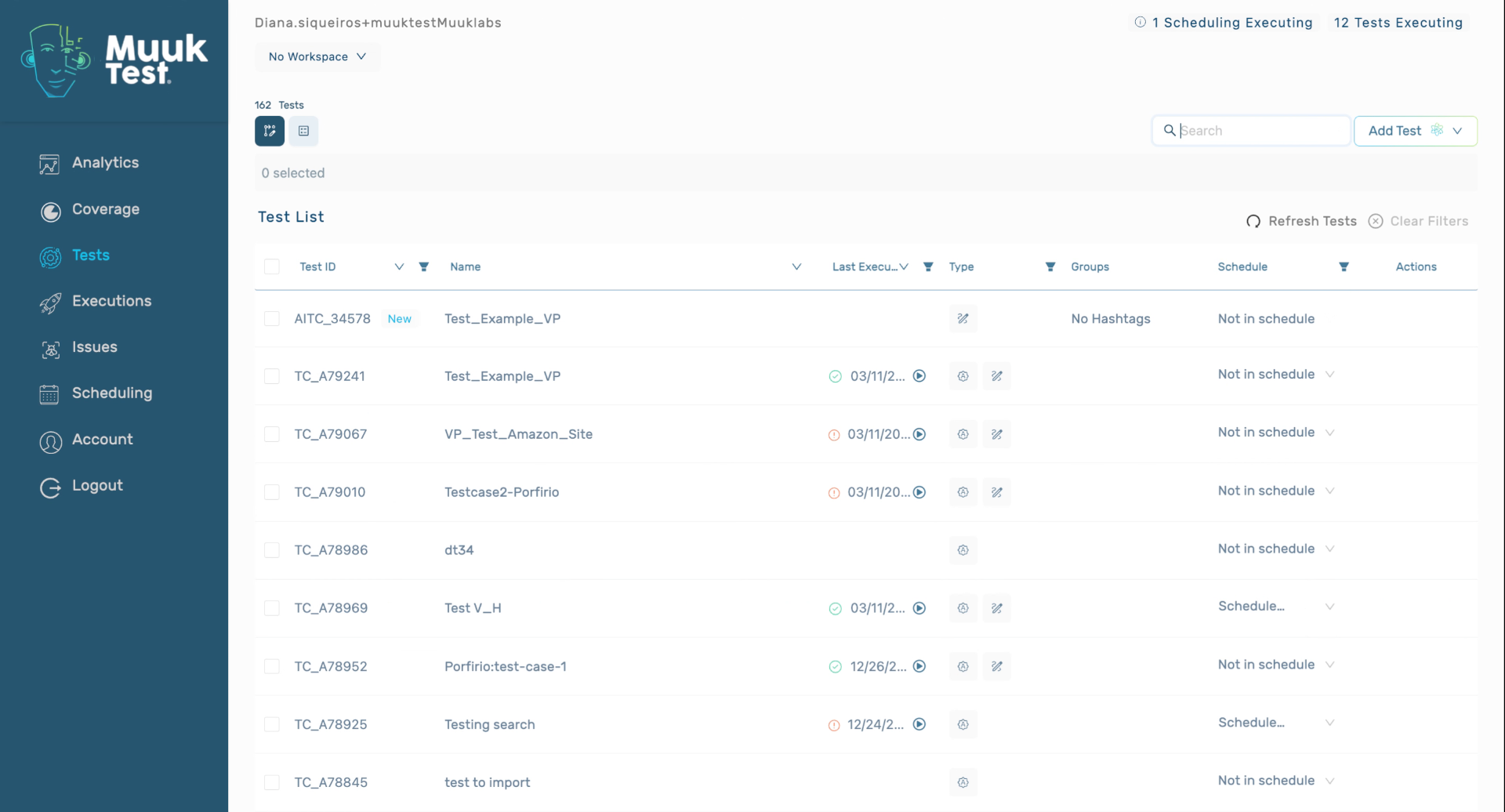
You have successfully performed a search operation in MuukTest by opening the search interface and entering your query. This enables efficient retrieval of information within the application.
Comments
0 comments
Please sign in to leave a comment.