
This tutorial guides you through the use of the undo button in the MuukTest application.
Go to portal.muuktest.com:5000
1. Introduction
You will learn how to use the undo button in the test steps effectively.
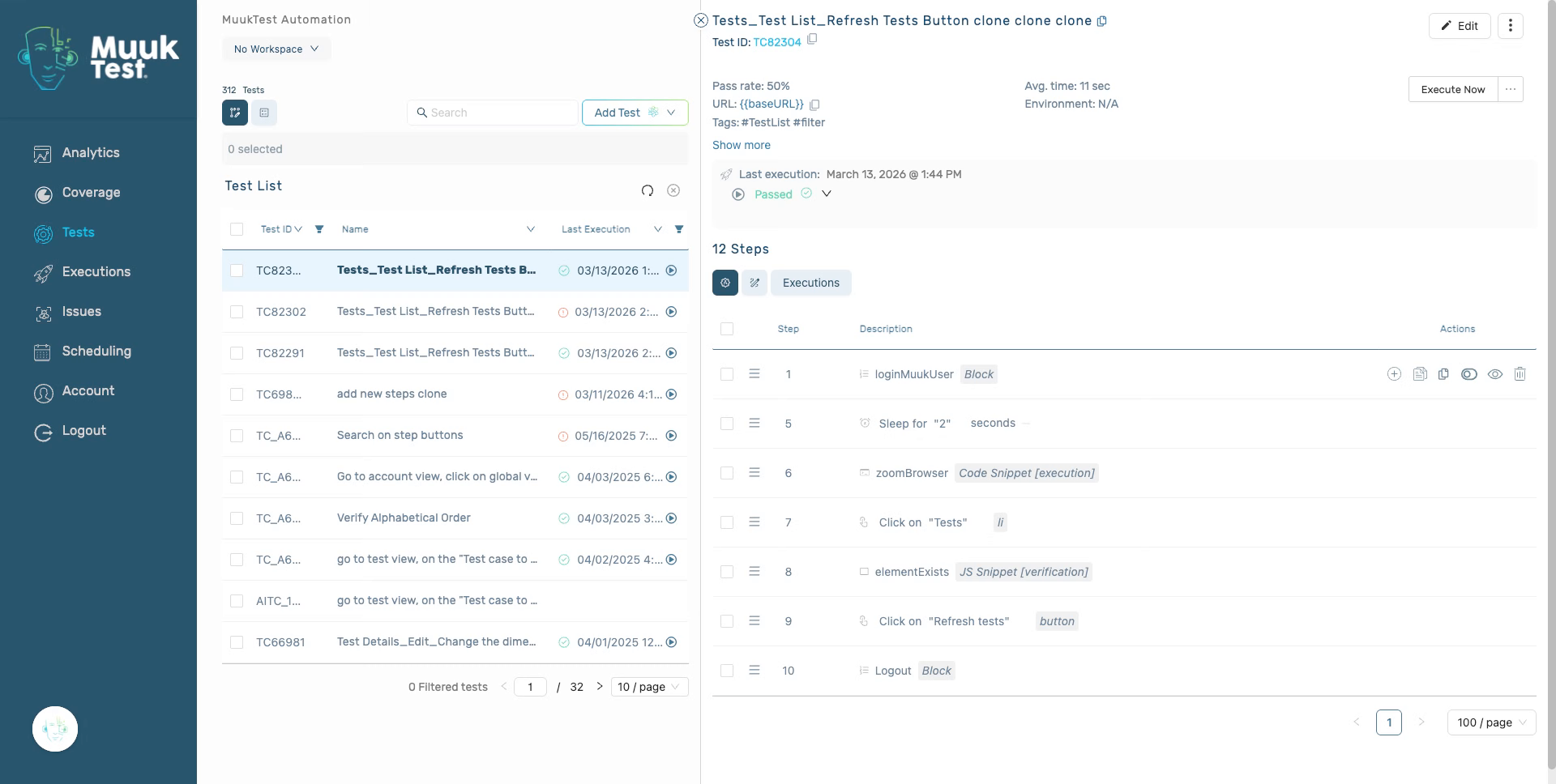
2. Edit step
Click the edit icon in the value of the step.
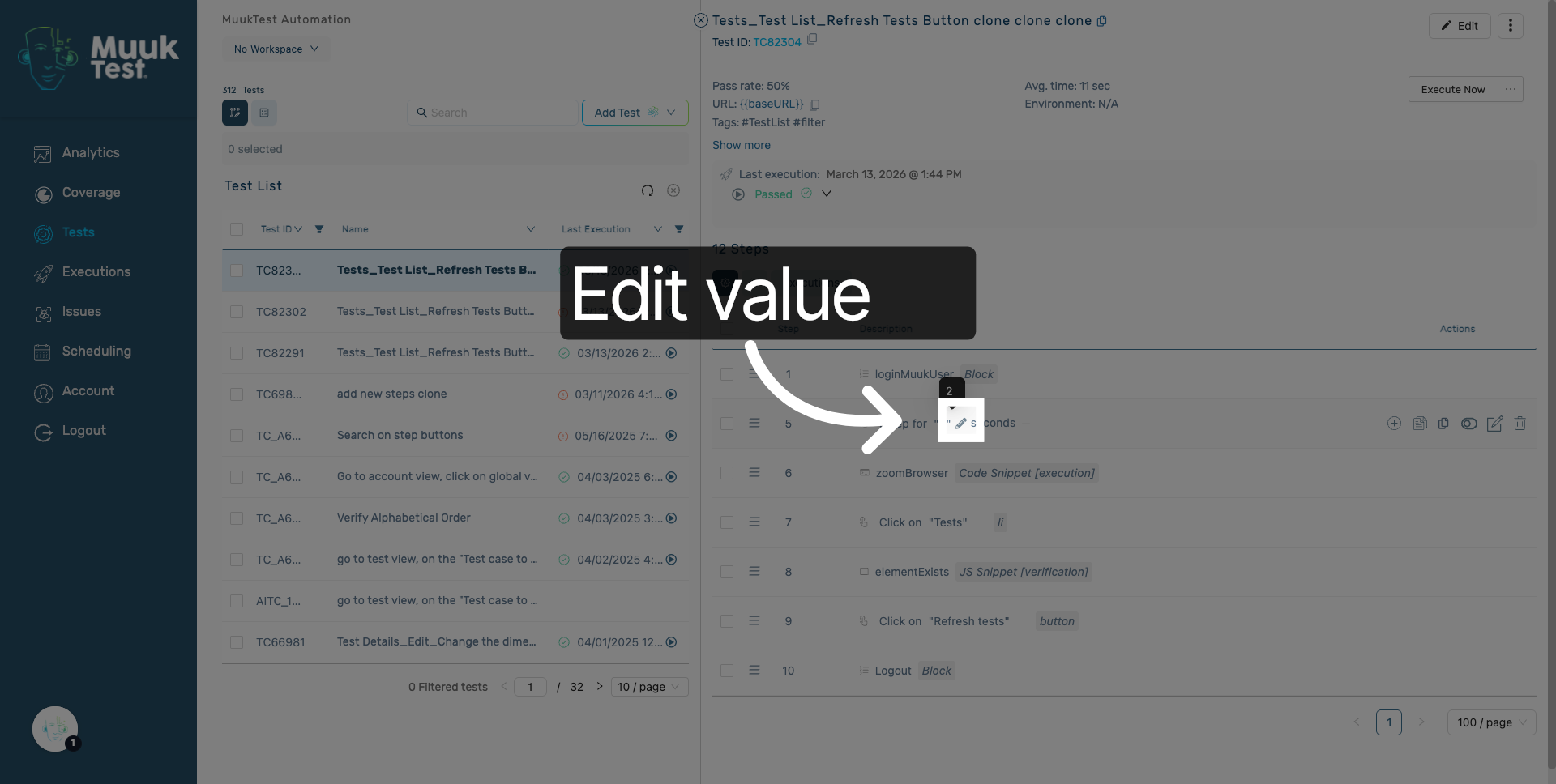
3. Edit one step value
Edit the value of your step.
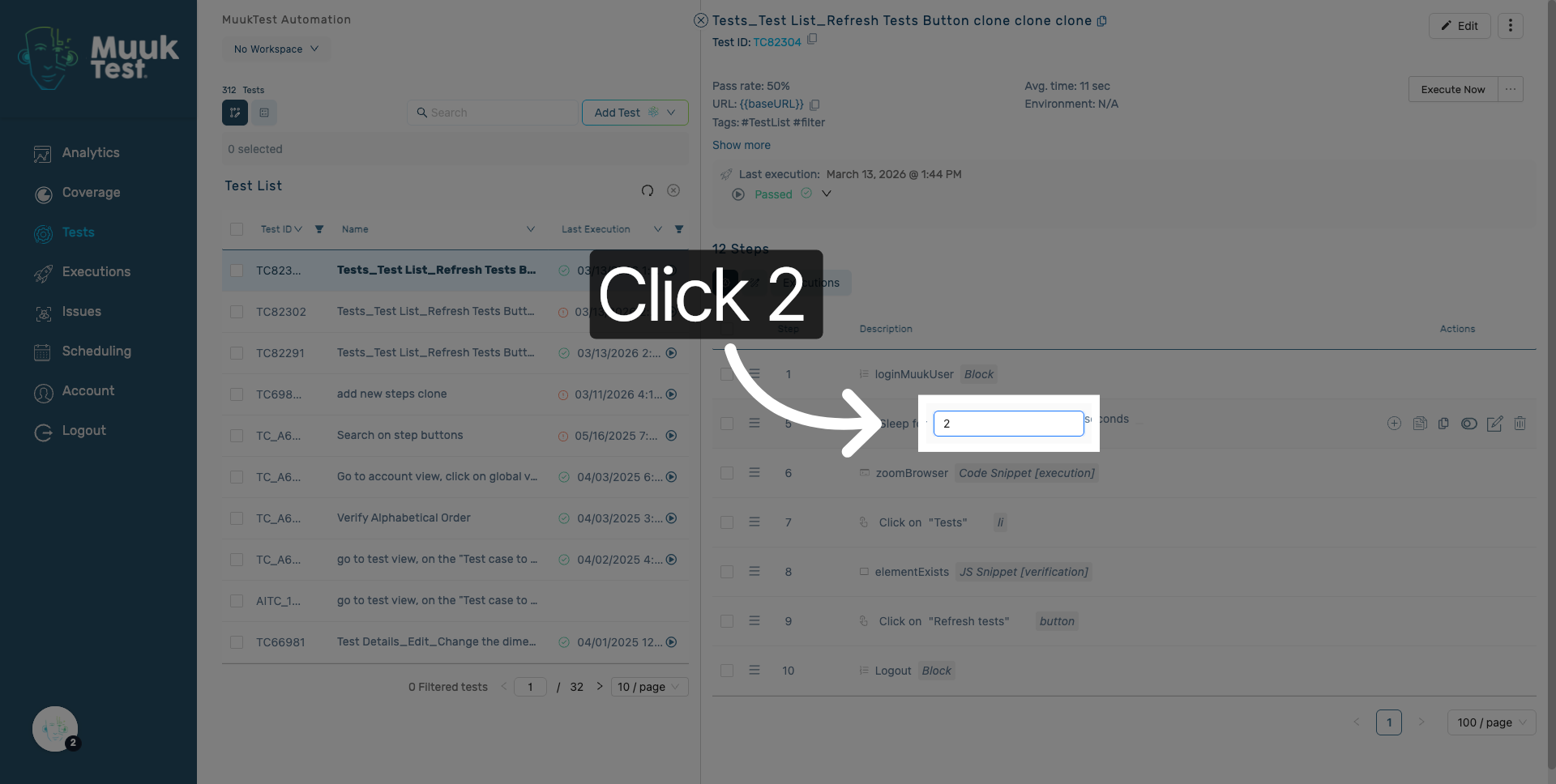
4. Edit a second step
Edit the value of a second step.
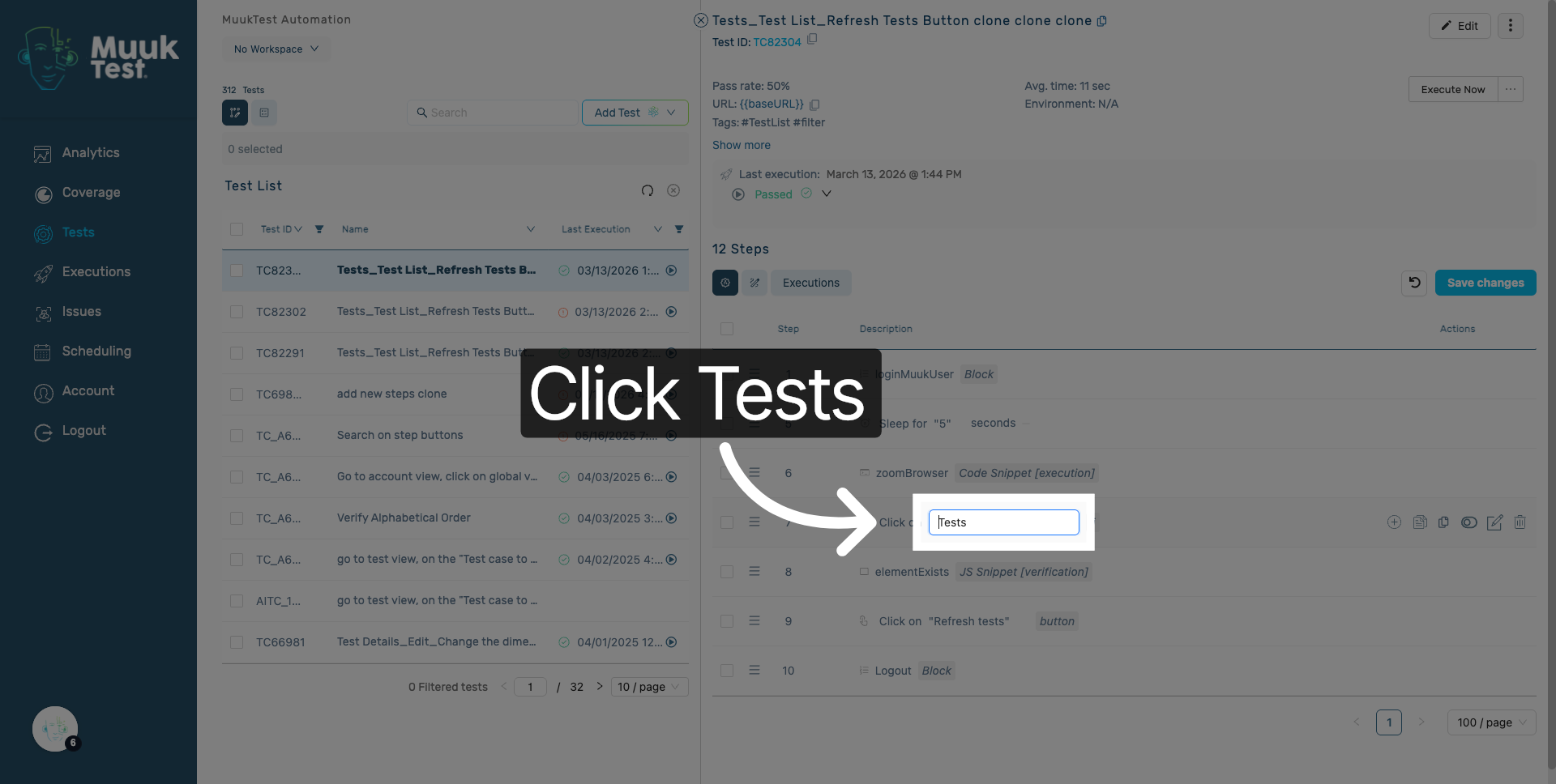
5. Edith a third step
Edit the value of a thir step.
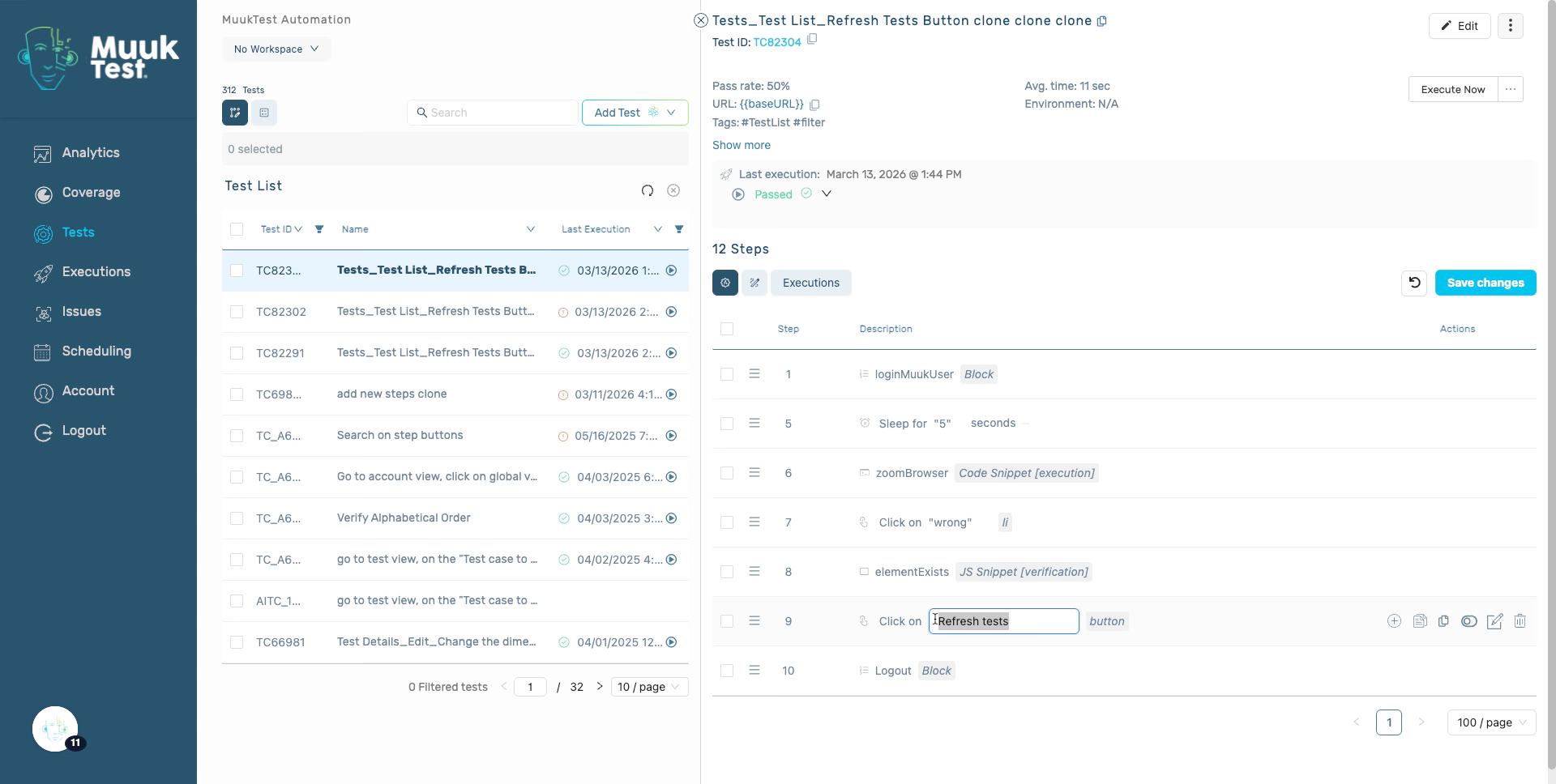
6. Locate the undo button
Next to the "Save changes button you will see the undo button"
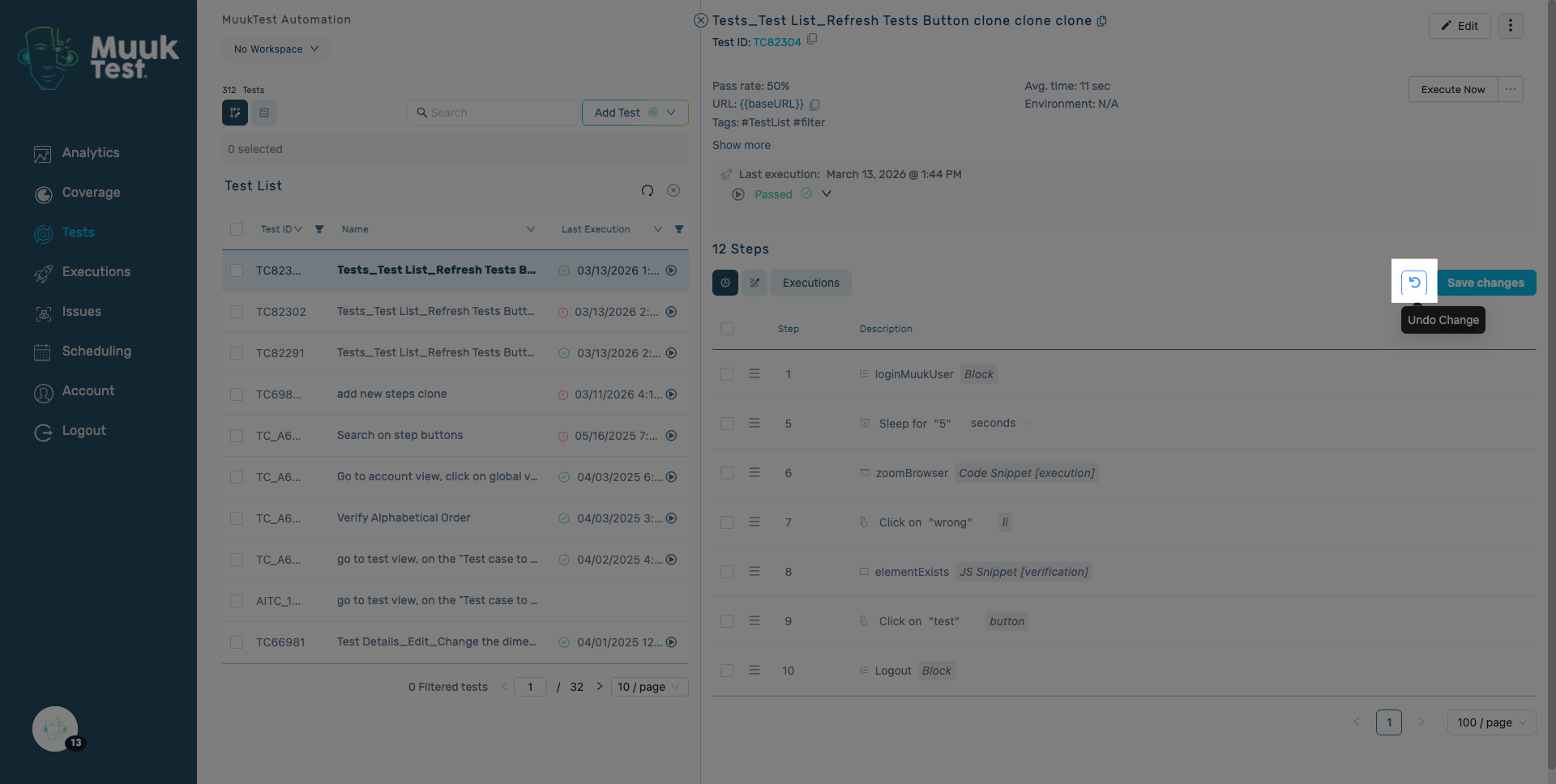
7. Click undo
Click it to reverse the last action.
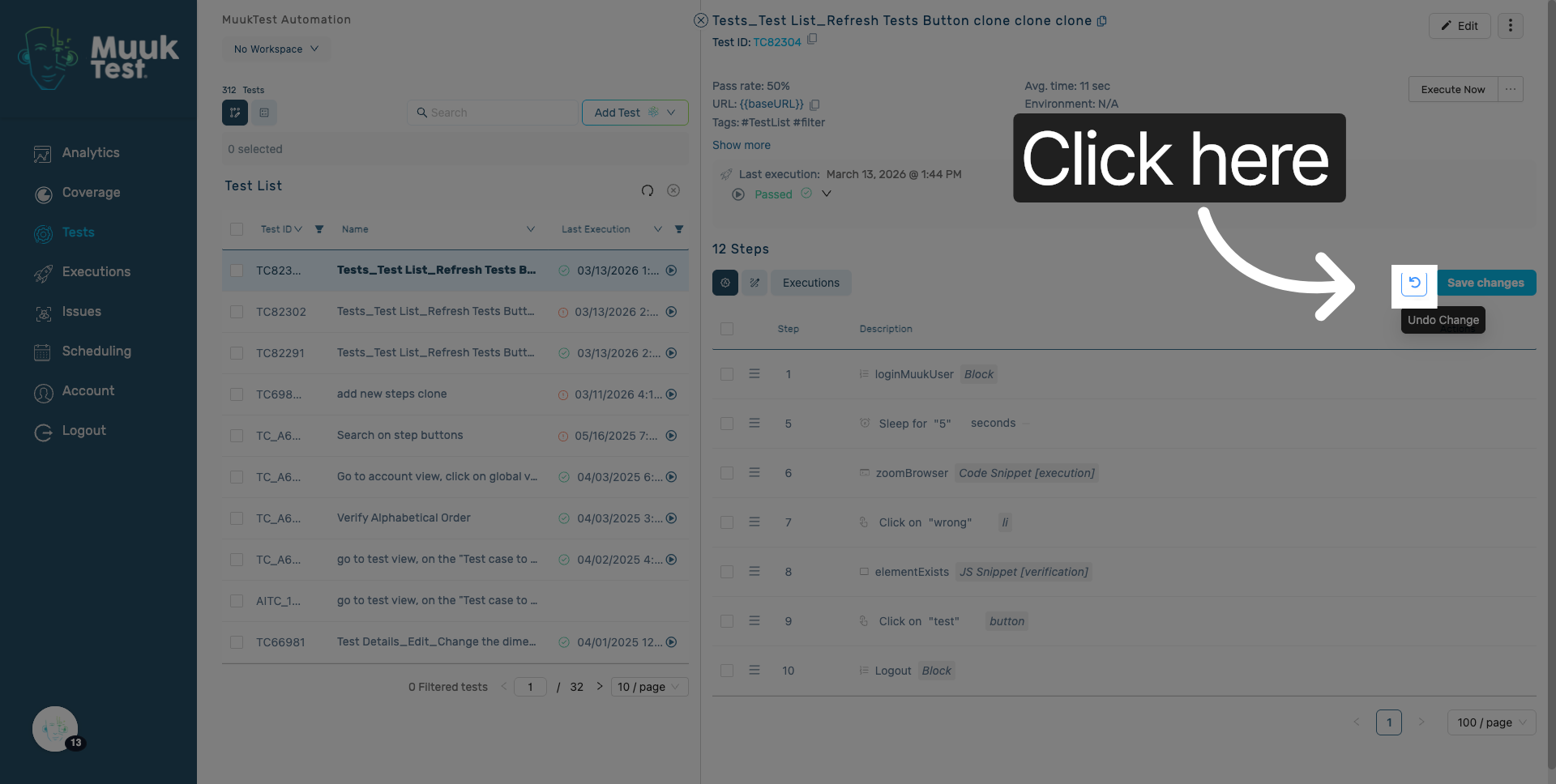
8. Click undo again.
Every time you click on the undo button it will revert the last stored action.
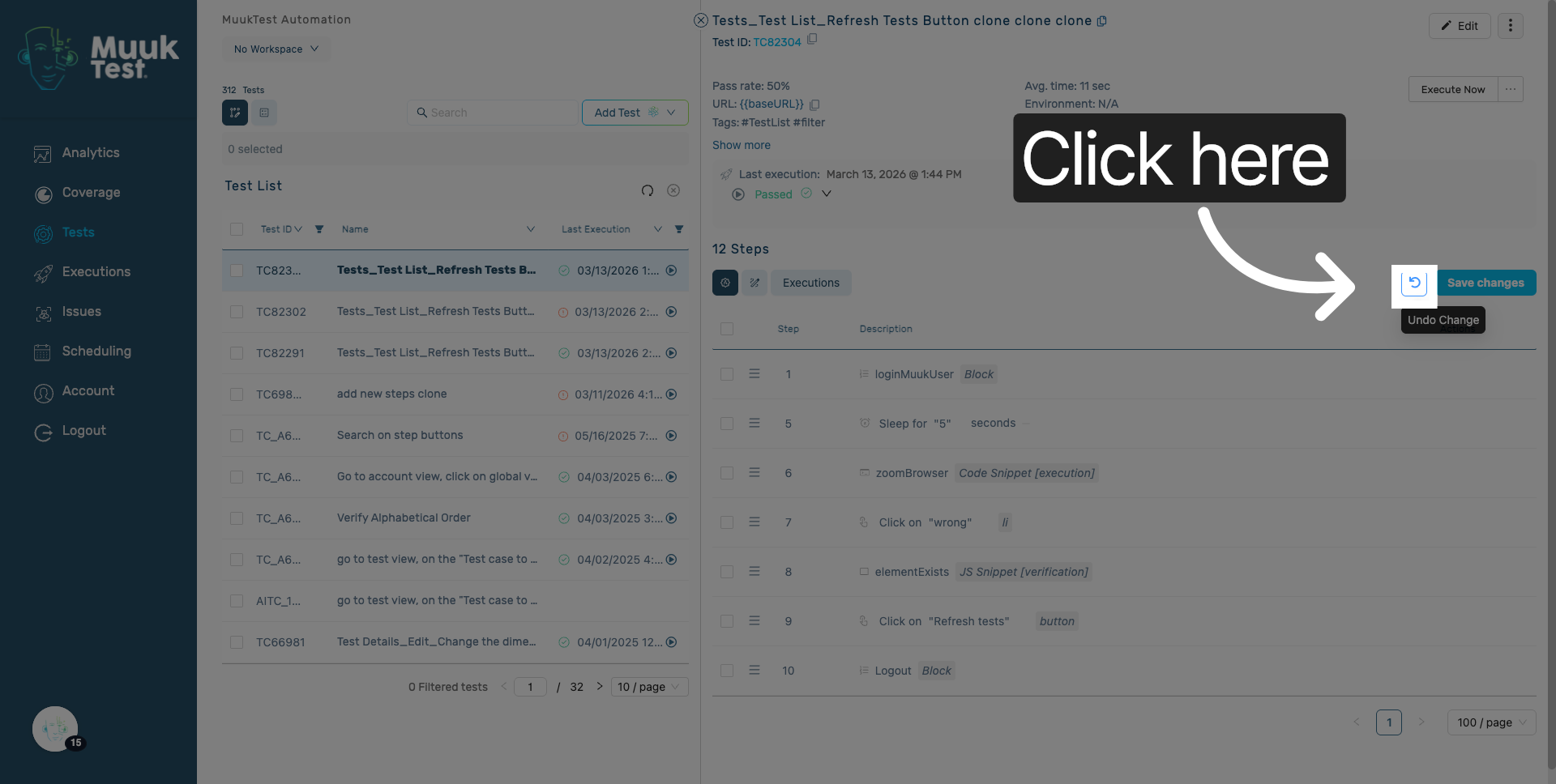
9. Last action
Until there is no more actions to revert.
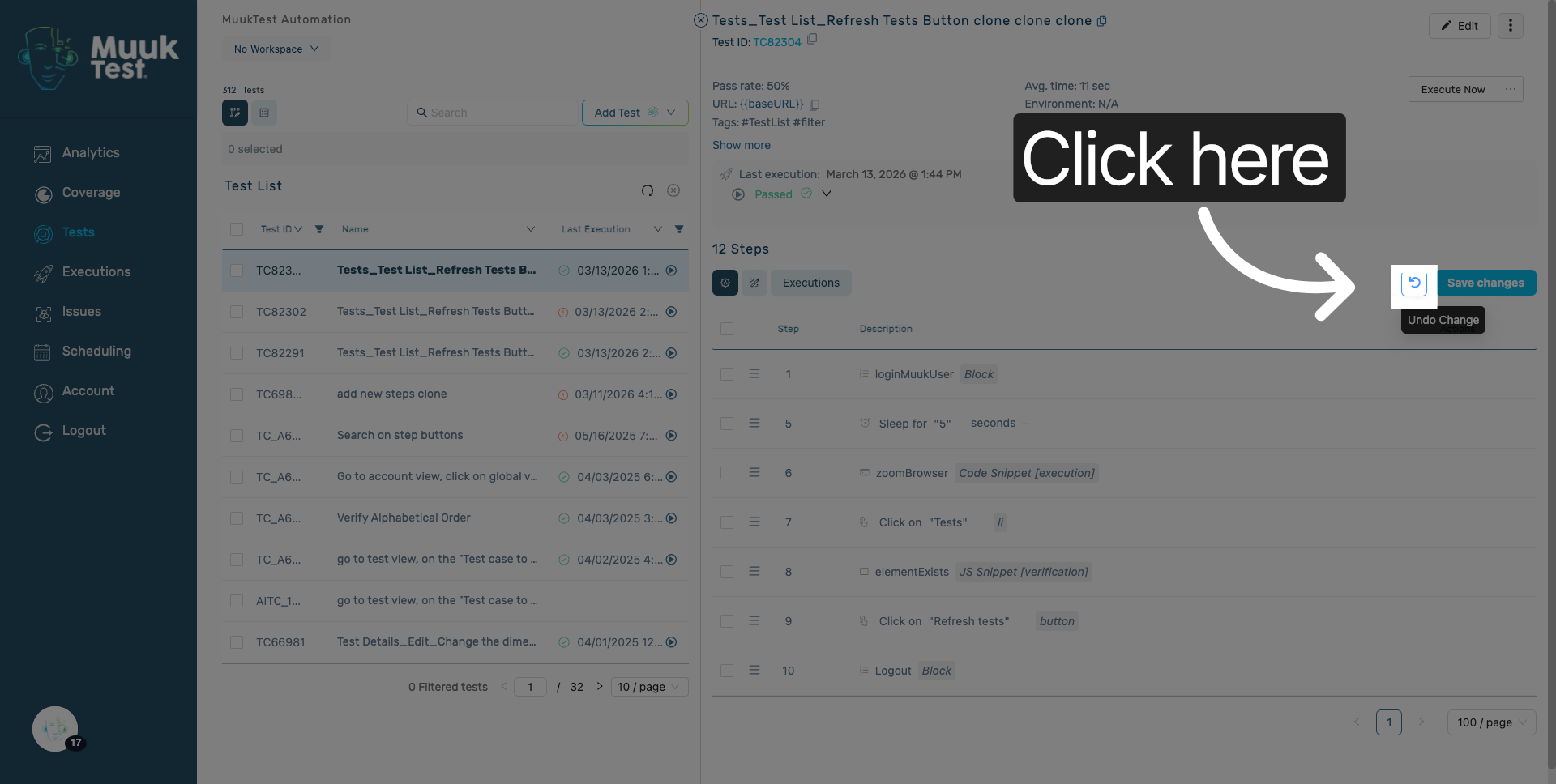
You have successfully managed the undo button within the steps section in MuukTest. This process ensures your test data is up to date and accurately reflects the current testing status.
Comments
0 comments
Please sign in to leave a comment.