

This tutorial teaches you how to assign a global variable to a value within your test setup. By following these steps, you will be able to update and save global variables effectively.
Go to portal.muuktest.com:5000
1. Open Test Setup Section
Hello, today we're going to learn how to assign a global variable to a value. We're going to go to the test we want to edit, then to our setup section. Here, we want to edit the console value. We'll click on edit and delete the value.
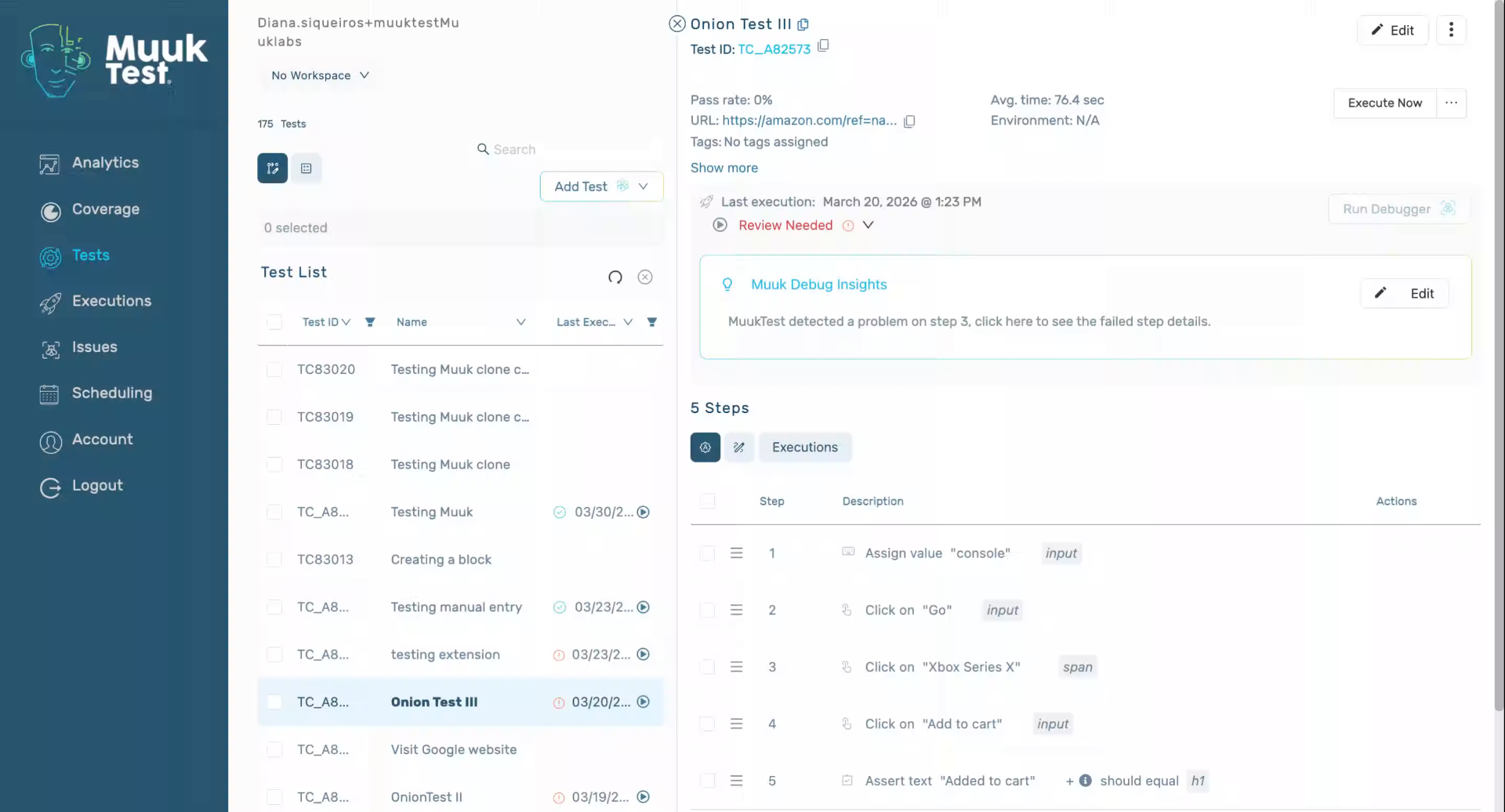
2. View Global Variables List
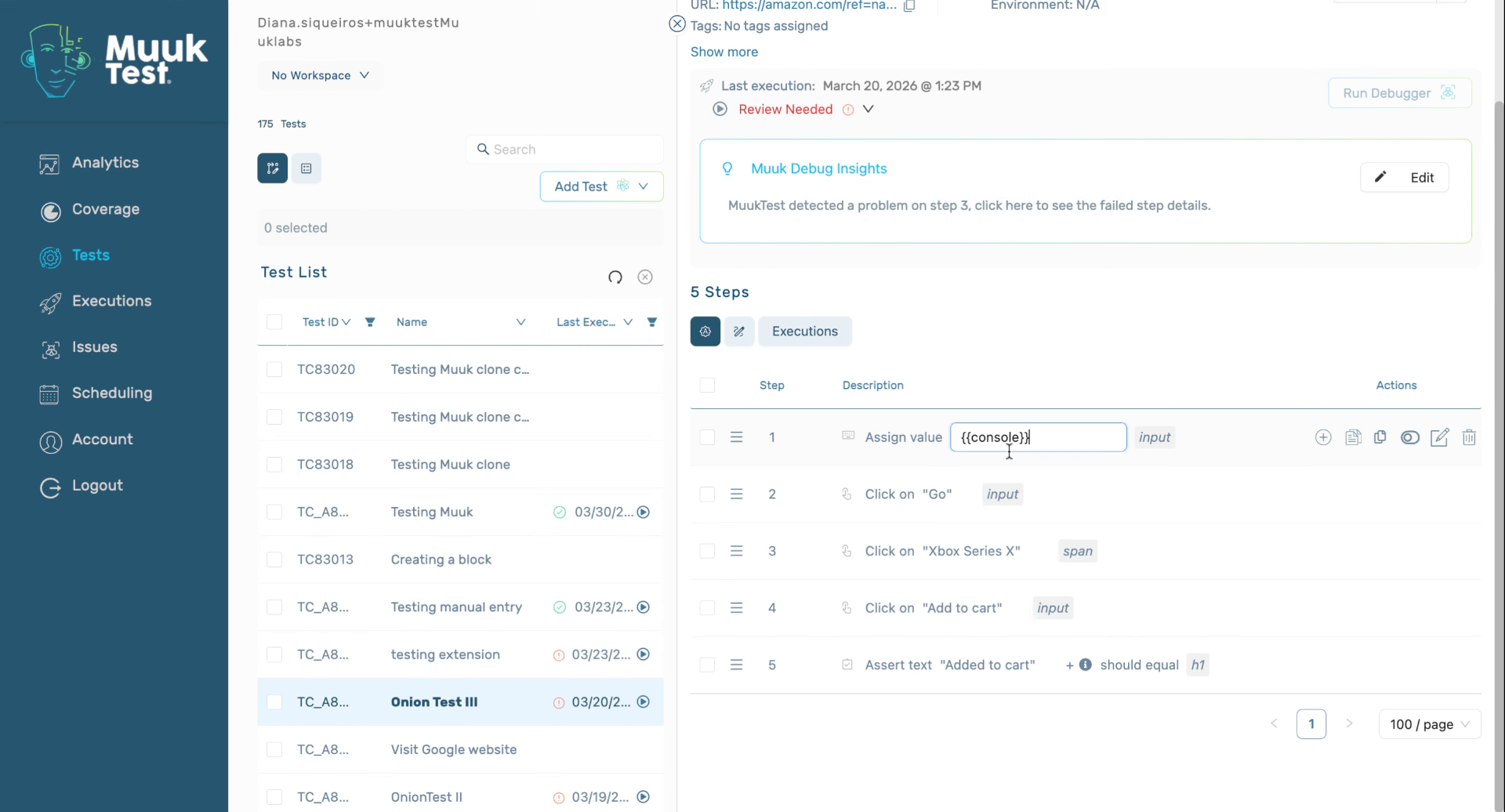
Brackets, we're going to see all of our global variables that we have previously created. We're going to put the console in, and that is going to have the value of the global variable that we have assigned to the variables.
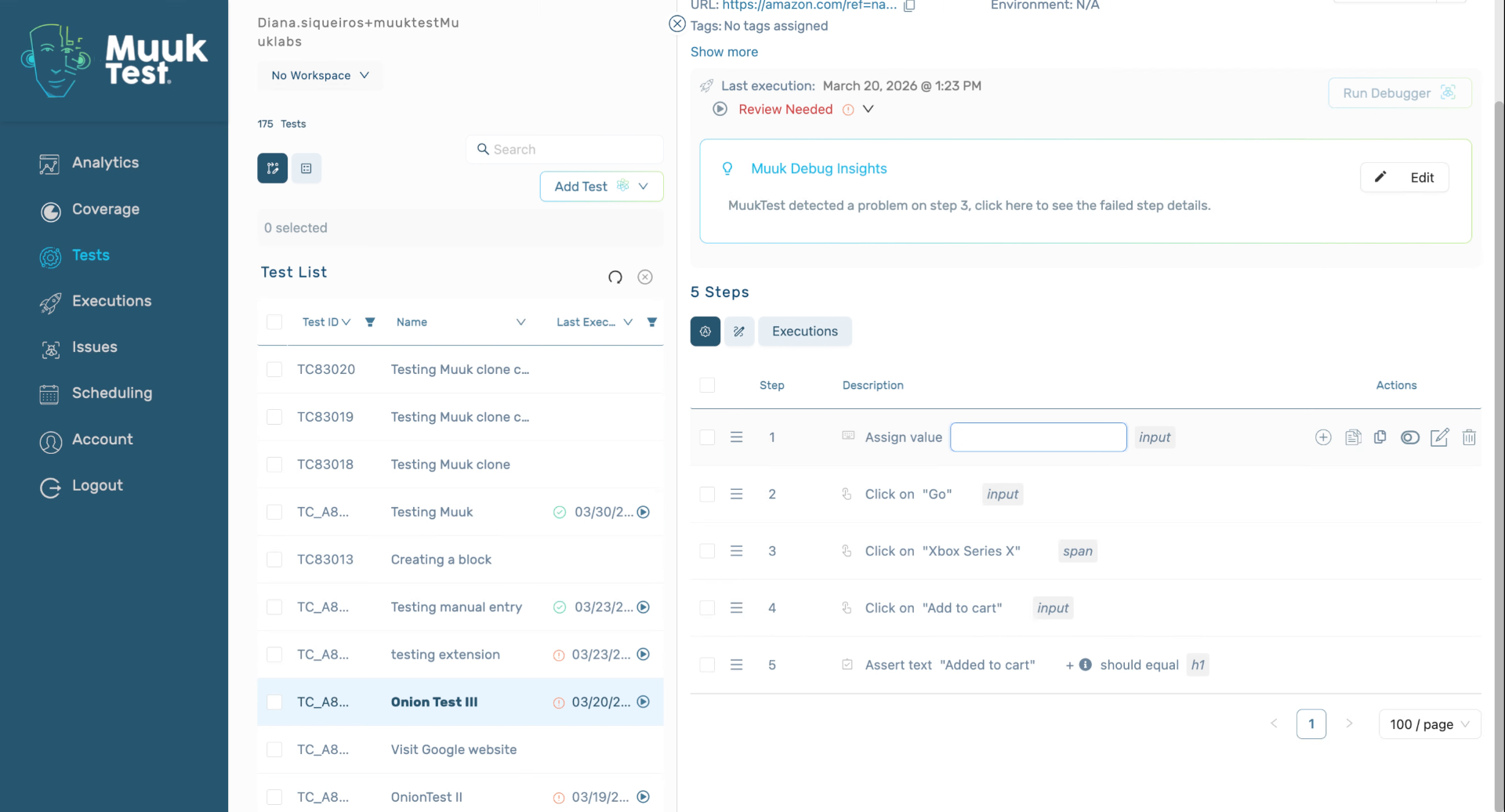
3. Confirm Variable Entry
Click enter.
4. Assign Xbox Value
Now it has the value of xbox.
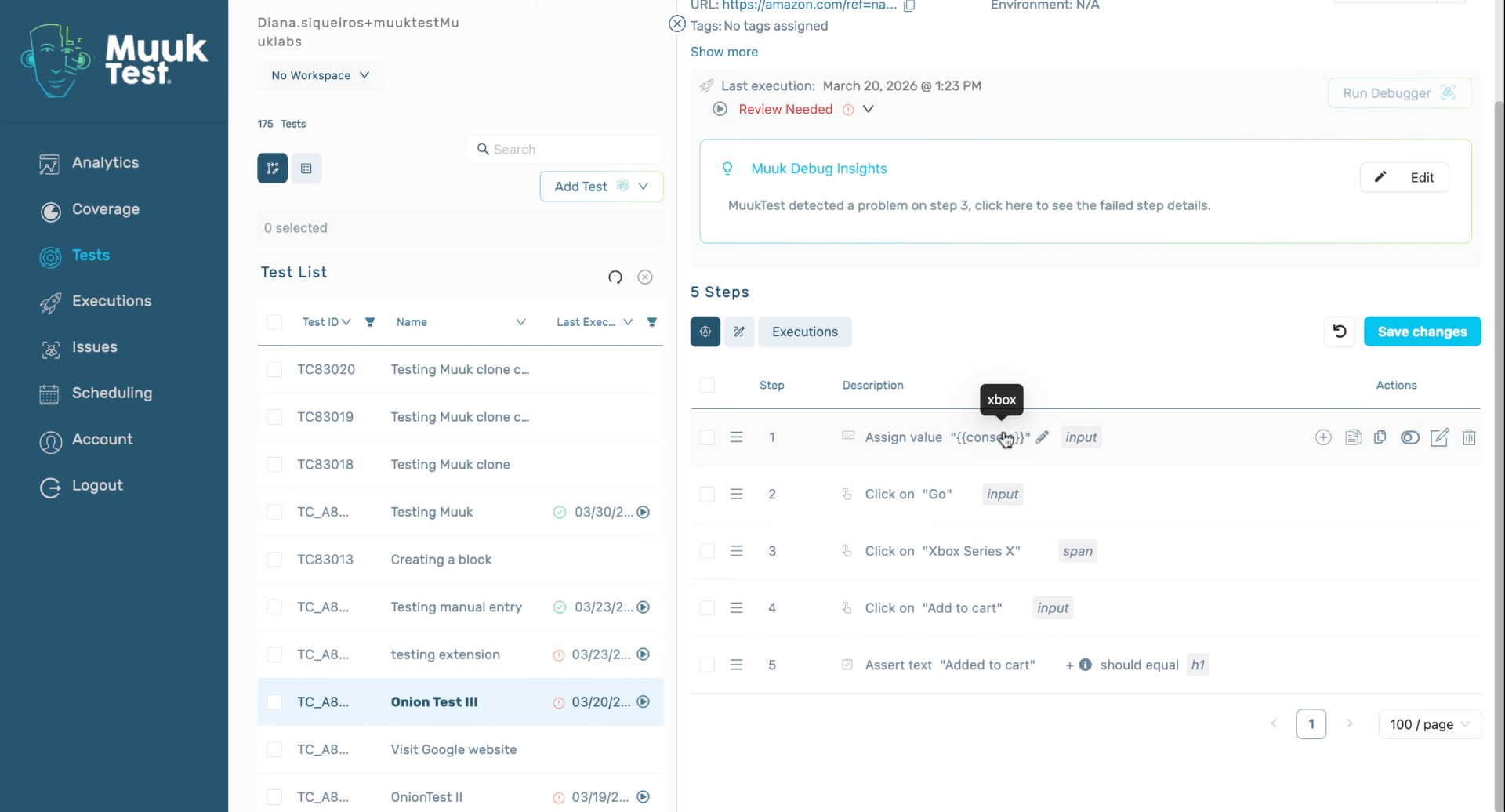
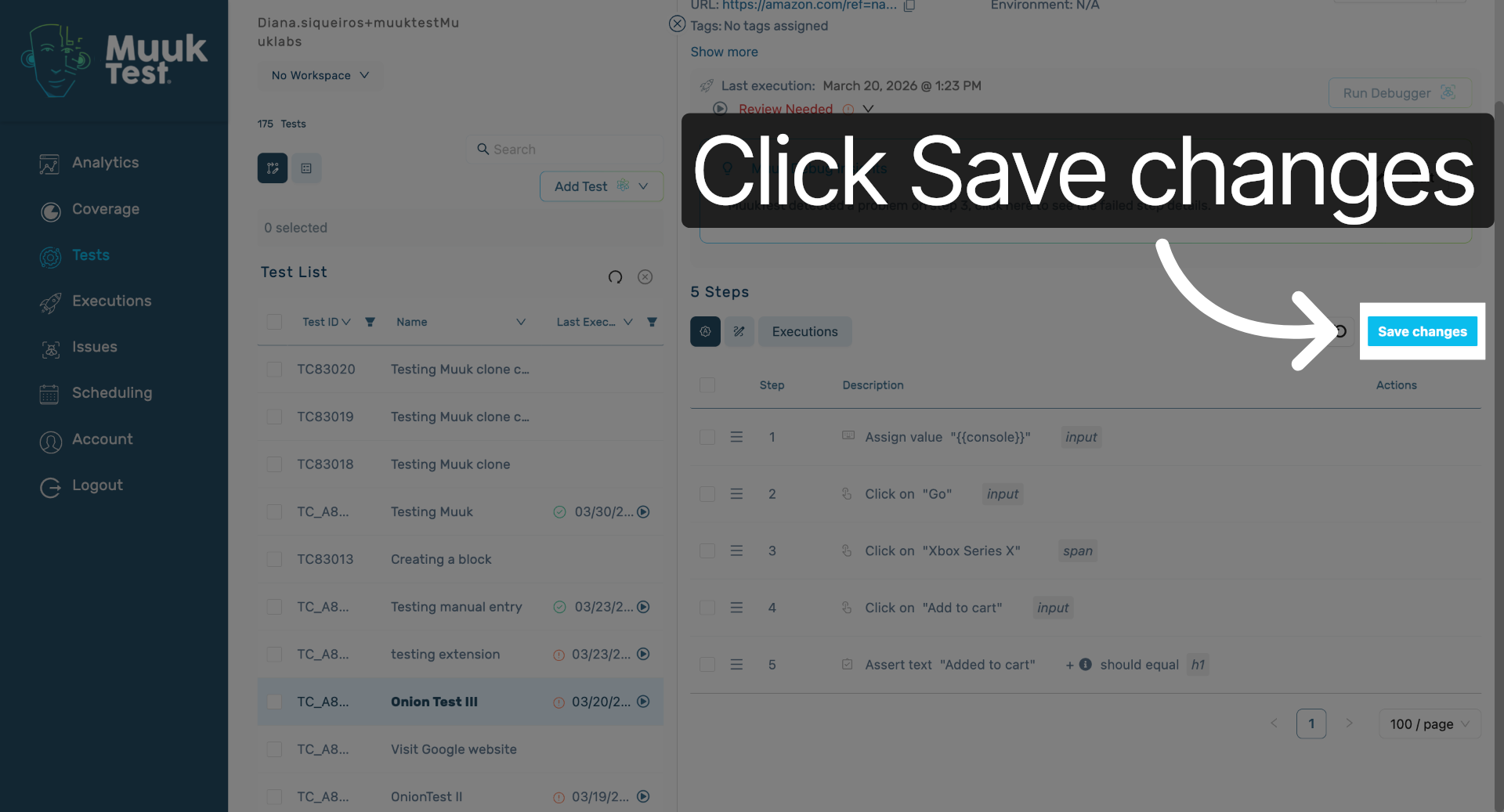
5. Save Changes
Click Save changes to apply your updates and finalize the variable assignment.
You have successfully assigned a global variable to a value by editing the console value and saving your changes. You can now use this variable in your tests or configurations as needed.
Comments
0 comments
Please sign in to leave a comment.