

This tutorial teaches you how to rearrange steps within the MuukTest application. By following these steps, you will learn to organize your test sequence efficiently.
Go to portal.muuktest.com:5000
1. Prepare for Tutorial Start
This tutorial will guide you through rearranging steps effectively. Ensure you have access to the MuukTest application before beginning.
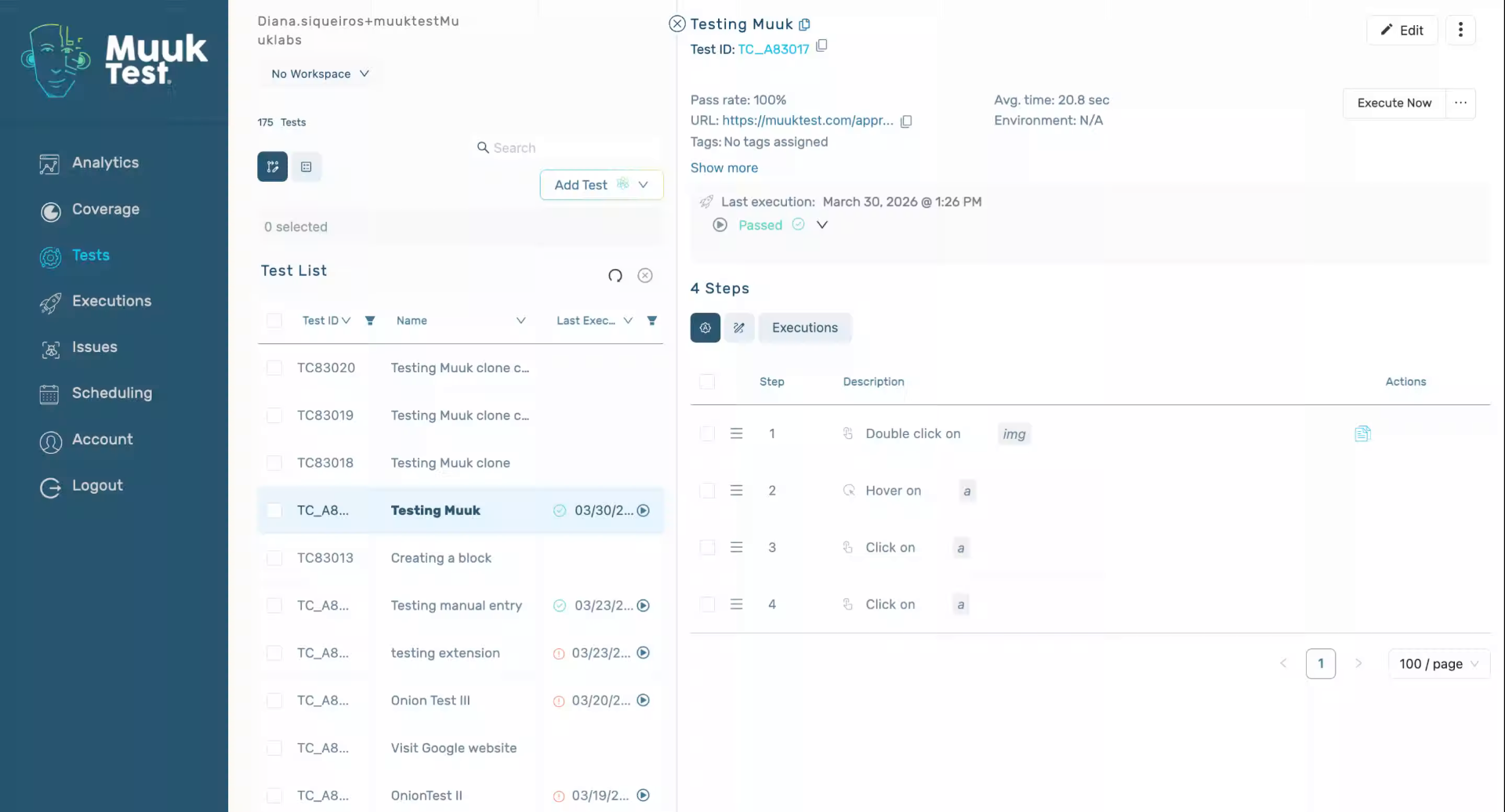
2. Introduce Step Rearrangement
Hello, today we're going to learn how to rearrange our steps.
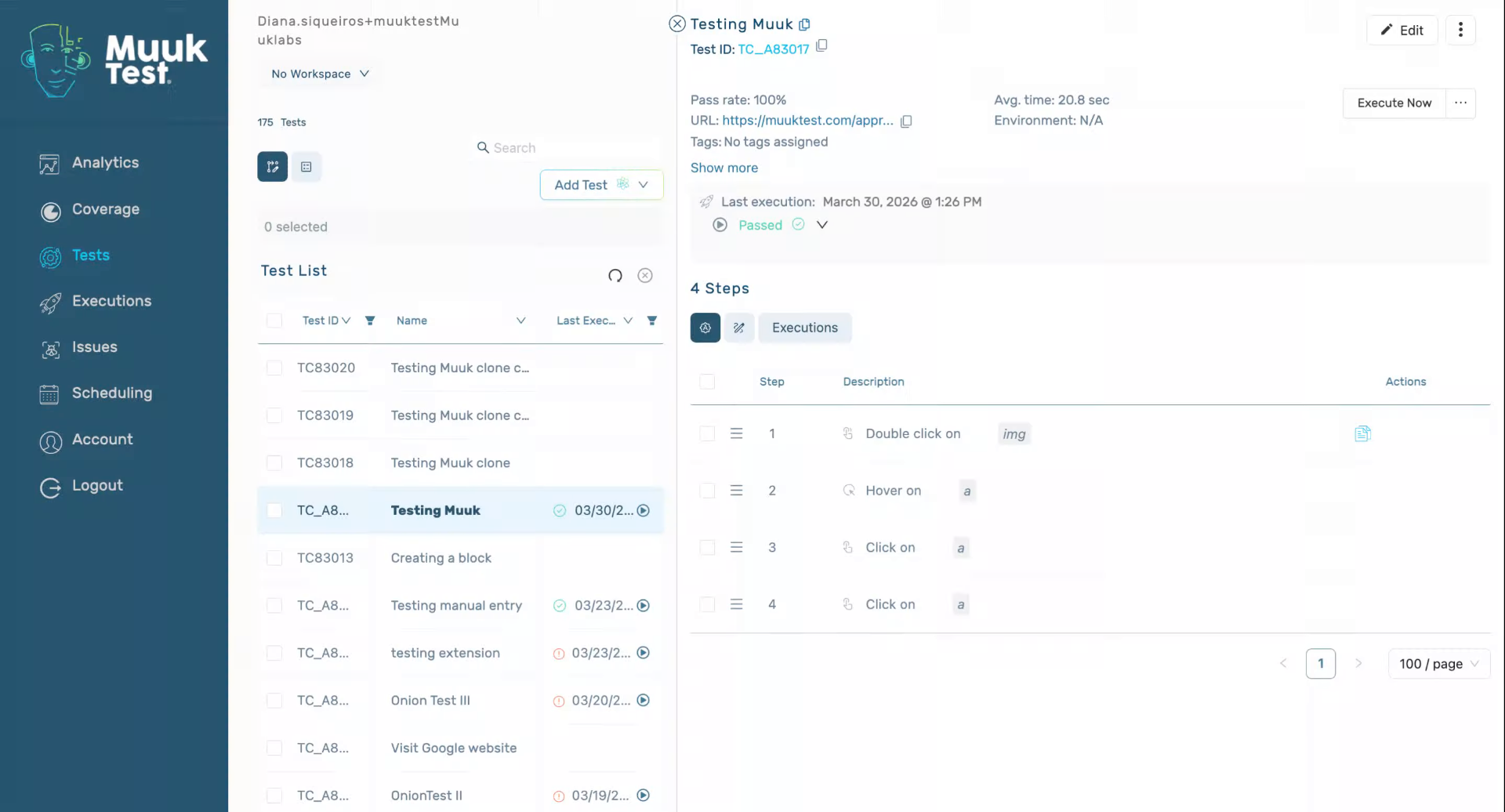
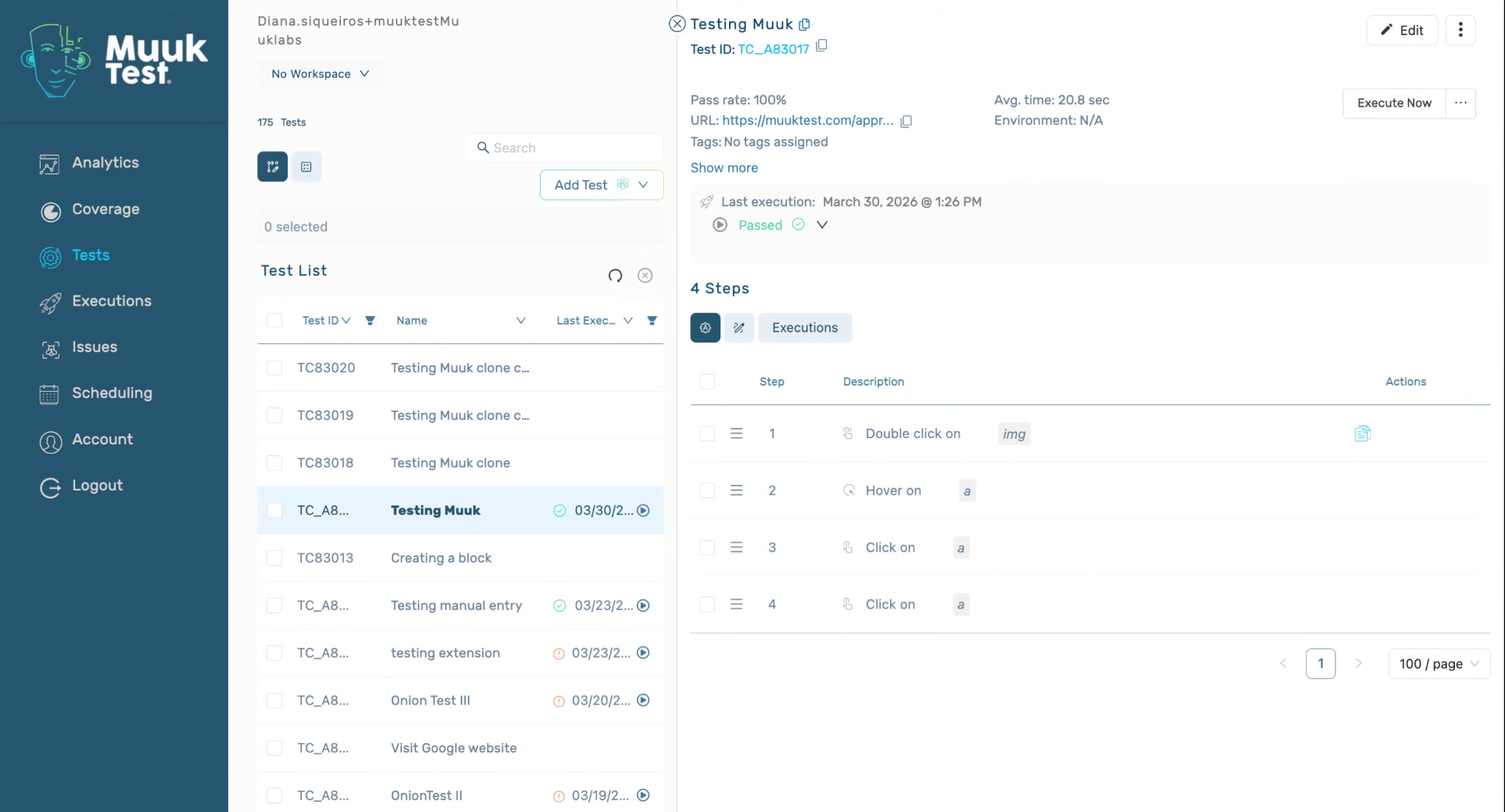
3. Navigate to Step Section
We have to go to the test window, edit, and we're going to go to our step section. Here we can see the drag and drop, which we can rearrange our steps.
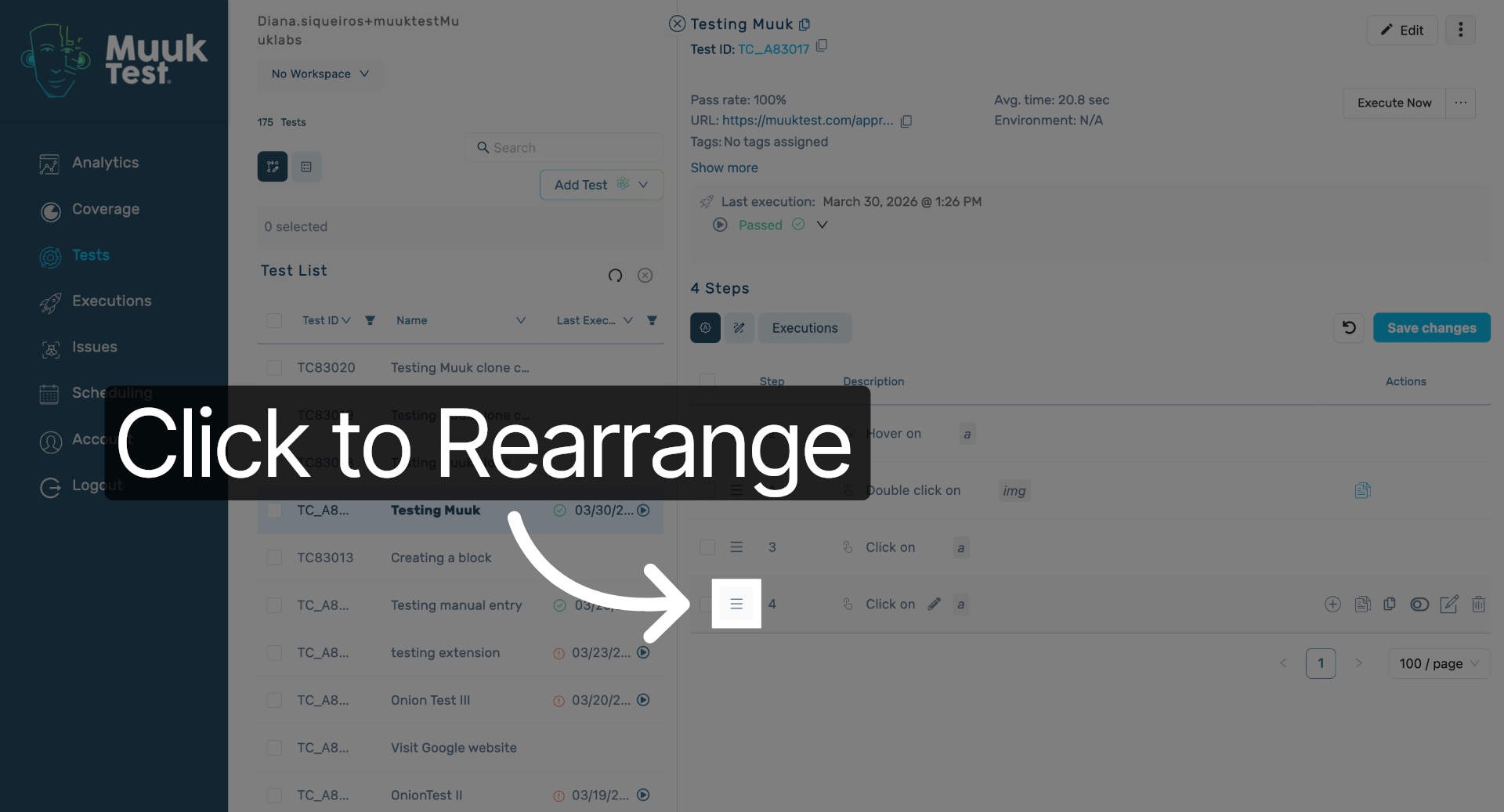
4. Click to Rearrange Steps
Click here to start rearranging the steps using the drag-and-drop feature in MuukTest.
5. Pause to Review Changes
Can check if we like
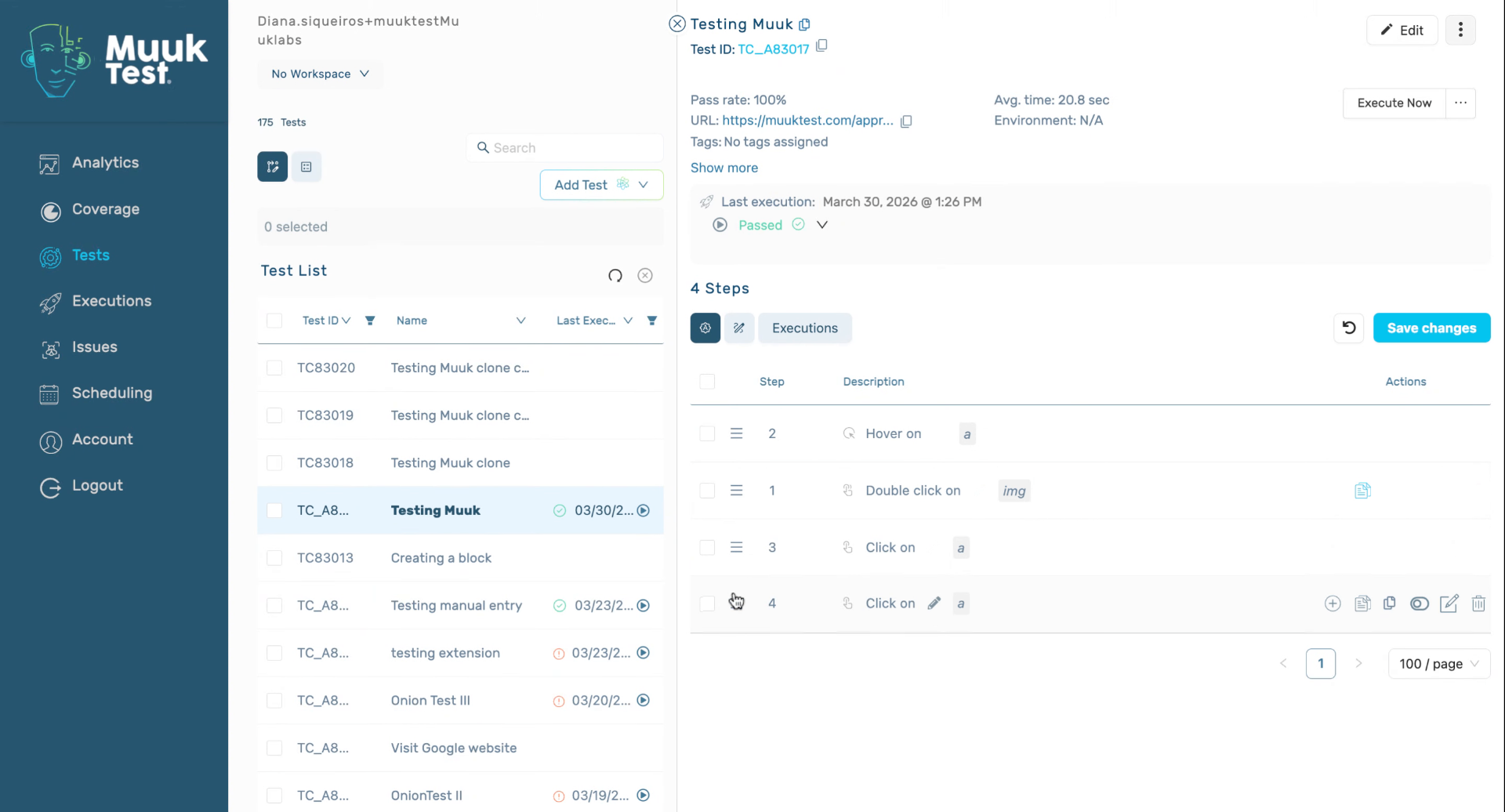
6. Confirm Step Rearrangement
We can see the changes, and all steps will have been rearranged.
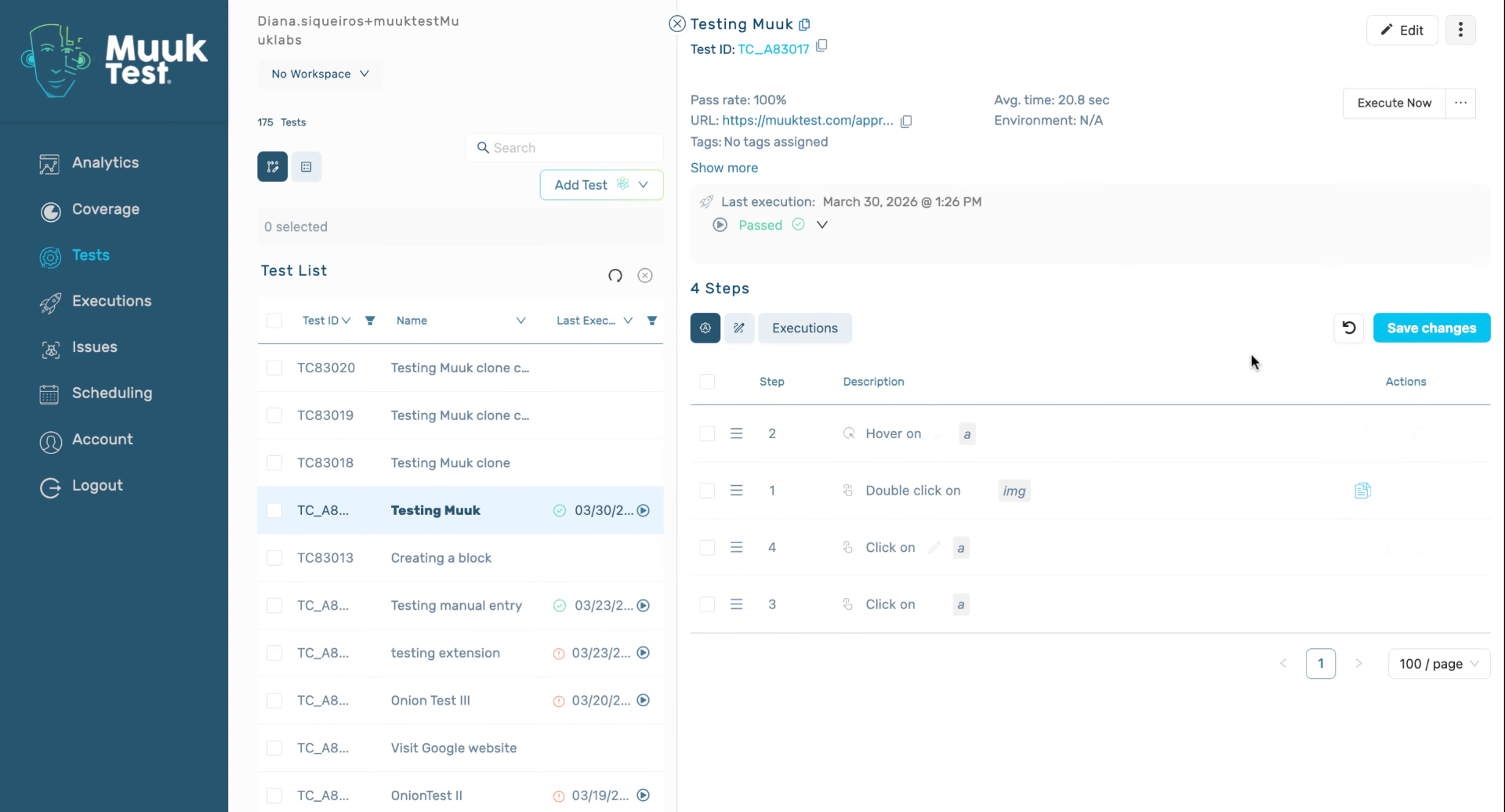
You have successfully rearranged the steps in MuukTest and confirmed the changes. You can now proceed to further customize or review your test steps as needed.
Comments
0 comments
Please sign in to leave a comment.